Prompt library15 promptsStyle2 min read

Genres

Prompt library · from the ReelMe composer

15 looks with previews: copy a style prompt, add your subject, run it in ReelMe.

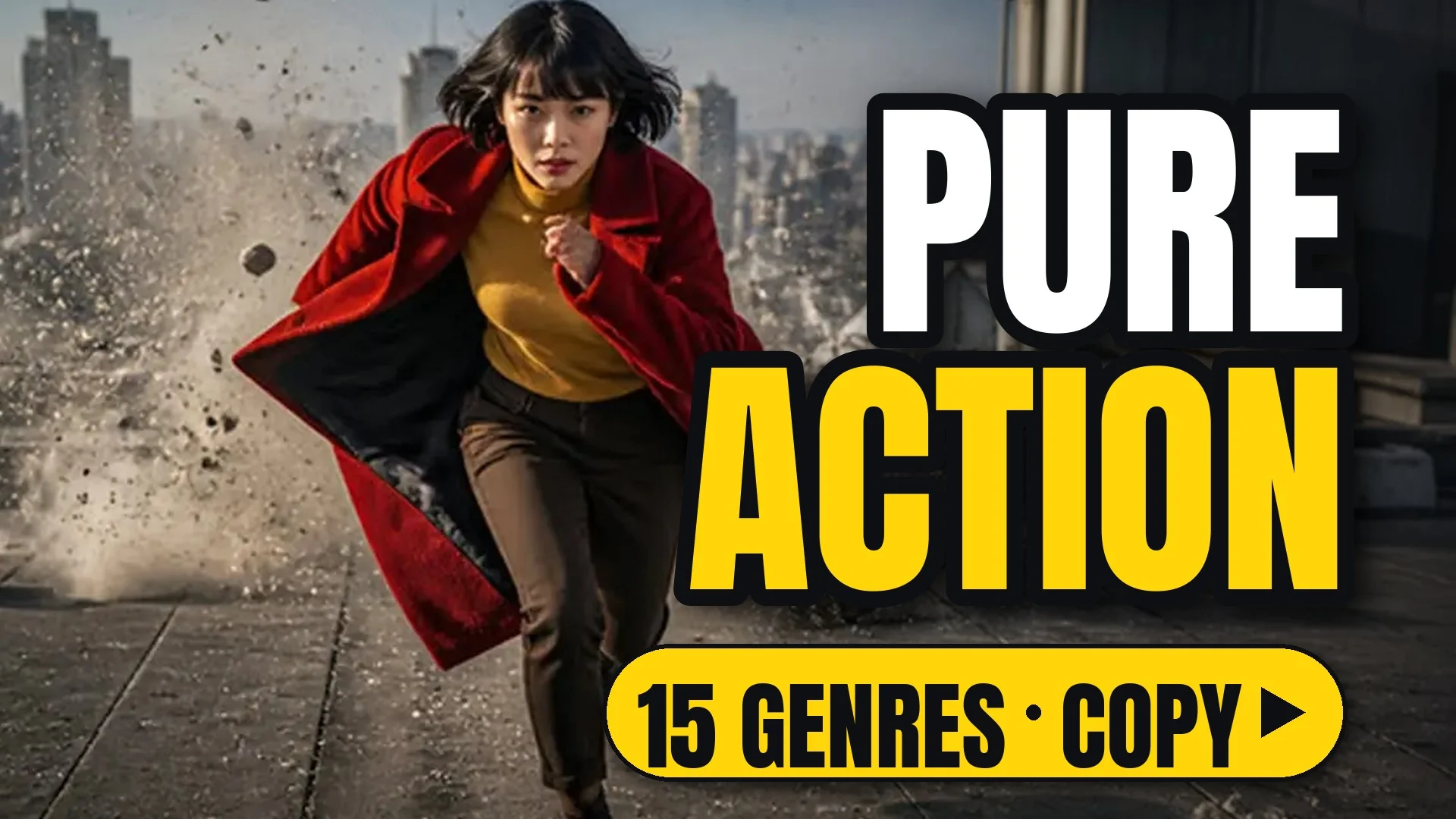
A woman in a red coat sprints across a rooftop as concrete explodes behind her

15 looks. Horror, noir, sci-fi, rom-com and more: the shape of a genre in one line.

How to use

Each look comes as a style prompt that starts with [your subject]. Replace it with what you are making (a perfume bottle on marble, a chef plating pasta, your character), keep the rest, and run it.

Make image or Make video opens ReelMe with the style prompt filled in. Pick one style per shot; stacking looks muddies the result. A genre is a rhythm as much as a look: set your story in one in ReelMe Video (reelme.ai/video?mode=t2v).

15 prompts

  • DramaDramaImageVideo

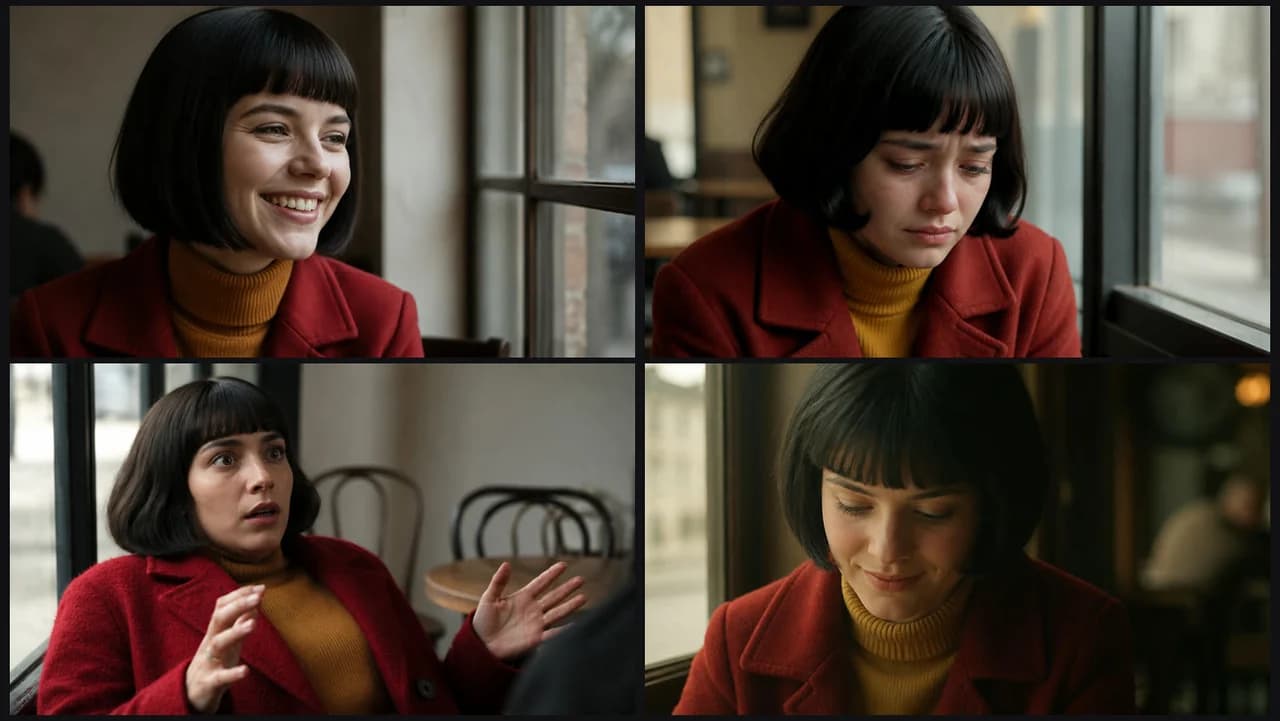
    [your subject], grounded character drama, naturalistic performances, restrained motivated light. A single warm practical source shapes the scene, shadows are soft and deep, staging is still and close so small reactions carry the moment. NOT stylized or exaggerated.

  • ThrillerThrillerImageVideo

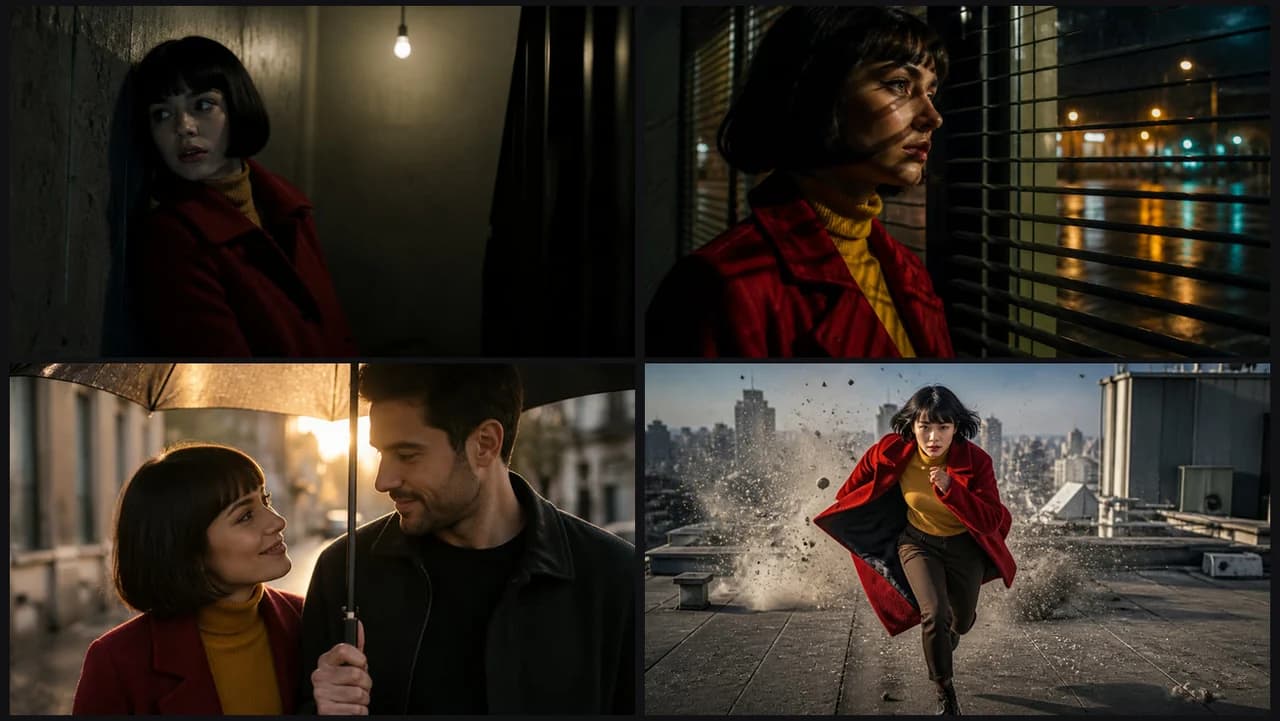
    [your subject], tense thriller tone, low-key light, deep shadows, slow deliberate camera. One hard source keeps most of the frame dark, light falling off sharply into black at the frame edges. NOT bright and relaxed.

  • HorrorHorrorImageVideo

    [your subject], slow-burn horror tone, darkness at the frame edges, cold desaturated palette, unsettling stillness. A single small light source probes the dark, the subject is small against black depth behind them. NOT warm or cheerful.

  • ActionActionImageVideo

    [your subject], high-energy action, dynamic blocking, impacts with real weight and follow-through. Motion drives through the frame with strong follow-through, contrast is punchy and the action stays readable in every beat. NOT stiff posing.

  • ComedyComedyImageVideo

    [your subject], light comedic tone, bright even light, clear readable staging, timing held on reactions. The frame stays wide enough to see the gag and the reaction together, colors bright and clean. NOT dark or brooding.

  • RomanceRomanceImageVideo

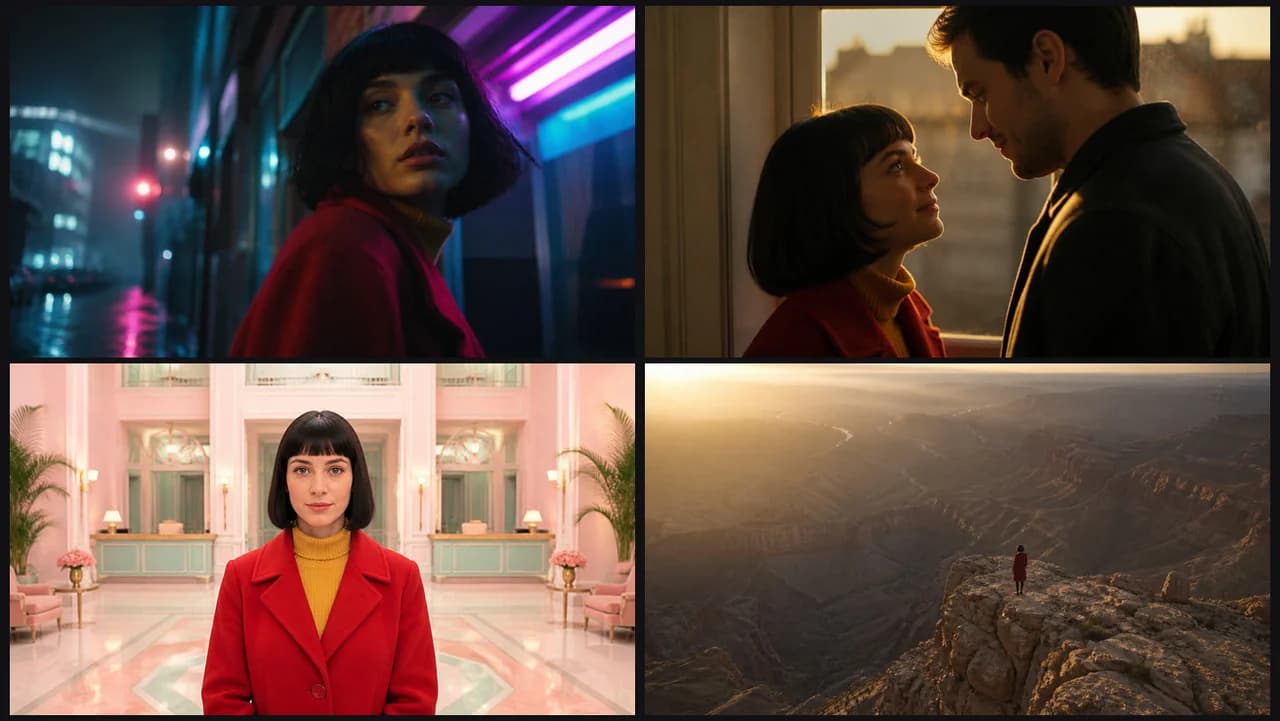
    [your subject], warm intimate tone, soft light, shallow depth of field, gentle camera. A warm practical glow sits behind the subject, skin tones stay soft and the background melts into gentle bokeh. NOT cold or distant framing.

  • Sci-fiSci-fiImageVideo

    [your subject], grounded science fiction, practical futuristic design, cool palette with accent glow. Clean white and grey surfaces, cool cyan accent strips and smooth engineered forms around the subject. NOT retro or rustic.

  • Epic fantasyEpic fantasyImageVideo

    [your subject], epic scale, vast landscape, volumetric atmosphere, majestic slow camera. The subject is small against sweeping space, with atmospheric layers adding depth and a slow, majestic pace. NOT a tight, cropped frame.

  • Neo-noirNeo-noirImageVideo

    [your subject], neo-noir mood, hard light through blinds, wet reflective streets, strong contrast. Stripes of shadow cut across the subject, city lights glint beyond, and the palette stays dark with warm highlights. NOT bright or airy.

  • DocumentaryDocumentaryImageVideo

    [your subject], observational documentary look, available light, unposed moments. The subject is caught mid-action rather than posed, framing is loose and slightly off-centre. Light is whatever the place offers. NOT staged or posed for camera.

  • CommercialCommercialImageVideo

    [your subject], premium commercial look, clean controlled light, the product always readable, polished surfaces. A plain warm backdrop, soft key light and crisp, controlled highlights on the subject. NOT messy or cluttered.

  • UGC / vlogUGC / vlogImageVideo

    [your subject], authentic smartphone creator footage, natural room light, casual framing, direct address to camera. Arm's-length phone framing, slightly wide lens, the subject facing the lens with a lived-in space behind. NOT a polished, lit setup.

  • Music videoMusic videoVideo

    [your subject], stylized music-video energy, bold color, performance to camera. Saturated colored spotlights and haze behind, the subject performing straight to the lens. Cuts land on the beat and color shifts between sections. NOT naturalistic light.

  • AnimeAnimeImageVideo

    [your subject], 2D anime style, clean line art, cel shading; the illustrated look kept in every frame. Flat color fills with crisp outlines, painted backgrounds and simplified shadows. NOT live footage.

  • 3D animation3D animationImageVideo

    [your subject], stylized 3D animated film look, soft global illumination, expressive character animation. Rounded appealing forms, oversized expressive features, smooth shading and warm, evenly bounced light with soft colored rim highlights. NOT filmed with real actors.

Make it in ReelMe

Cutting a trailer? Set one genre on every shot node in ReelMe Canvas so the tone holds from first frame to last. Switching genres mid-film confuses the viewer.

Nov 12, 2026

How it works

3 steps

  1. Pick a look

    Choose one of the 15 genre looks and copy its prompt.

  2. Add your subject

    Replace [your subject] with what you are making; keep the rest.

  3. Run it in ReelMe

    Paste it into ReelMe Video at reelme.ai/video?mode=t2v and generate.

  • Style packs

    Prompt library

    Style · Prompt library · from the ReelMe composer

    16 looks with previews: copy a style prompt, add your subject, run it in ReelMe.

    1. Pick a look: Choose one of the 16 style packs and copy its prompt.
    2. Add your subject: Replace [your subject] with what you are making; keep the rest.
    3. Run it in ReelMe: Paste it into ReelMe Video at reelme.ai/video?mode=t2v and generate.
  • Mood and emotion

    Prompt library

    Style · Prompt library · from the ReelMe composer

    29 looks with previews: copy a style prompt, add your subject, run it in ReelMe.

    1. Pick a look: Choose one of the 29 mood looks and copy its prompt.
    2. Add your subject: Replace [your subject] with what you are making; keep the rest.
    3. Run it in ReelMe: Paste it into ReelMe Video at reelme.ai/video?mode=t2v and generate.
  • Art styles

    Prompt library

    Style · Prompt library · from the ReelMe composer

    16 looks with previews: copy a style prompt, add your subject, run it in ReelMe.

    1. Pick a look: Choose one of the 16 art styles and copy its prompt.
    2. Add your subject: Replace [your subject] with what you are making; keep the rest.
    3. Run it in ReelMe: Paste it into ReelMe Image at reelme.ai/image?aspect=16:9 and generate.

Want it step by step? From Zero to AI Creator