
Course · Advanced
Build Your AI Content Machine.
Build one node flow that turns a single input into many posts, then make an ad in under 10 minutes.
10 lessons12 minFree
Lessons.
- 01Lesson 1Flows IntroWelcome to Phase 6. This is where single generations turn into full production lines.1:33Start
- 02
 Lesson 2Flows Overview: Nodes and WiresNodes are the building blocks of every flow. Each one does a single job, and wires carry its result to the next step.1:00
- 03
 Lesson 3Image NodesThe image node is where almost every flow starts. Lock the still first, then animate it. A strong image is the cheapest way to a strong video.1:00
- 04
 Lesson 4Video & Audio NodesVideo nodes bring your stills to life. Wire nothing in for text to video, wire an image in for image to video, or pick a Start & End model when the first and…1:00
- 05
 Lesson 5Flows ToolkitImage, video and audio nodes do the heavy lifting. These smaller tools save you hours once your boards get bigger.1:00
- 06
 Lesson 6Build It With the AgentGot an idea but not every scene? Hand it to the Agent. It lives inside your canvas: describe what you want, and it writes the plan, lays out the nodes and sh…1:00
- 07
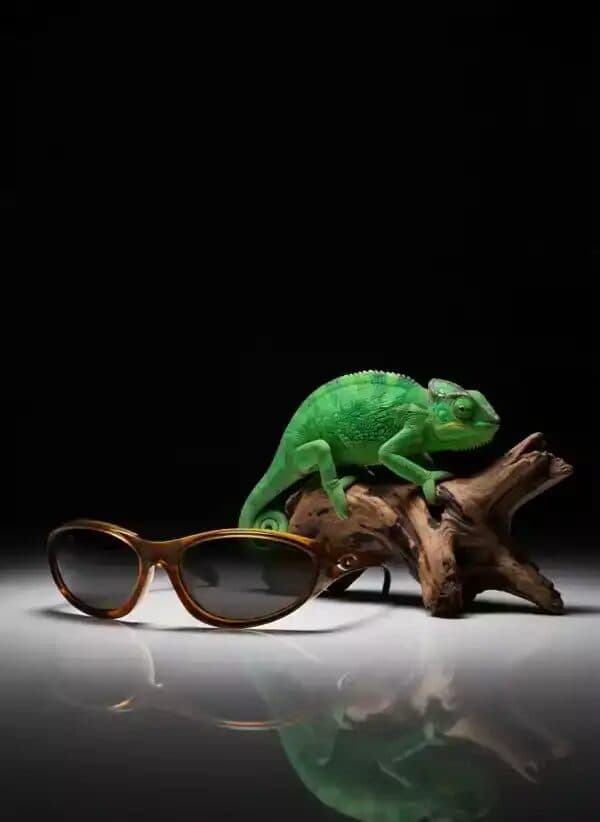 Lesson 7Make an Ad in Under 10 MinutesHere’s the whole thing, start to finish, on one board. Two references in, a finished vertical ad out.2:06
- 08
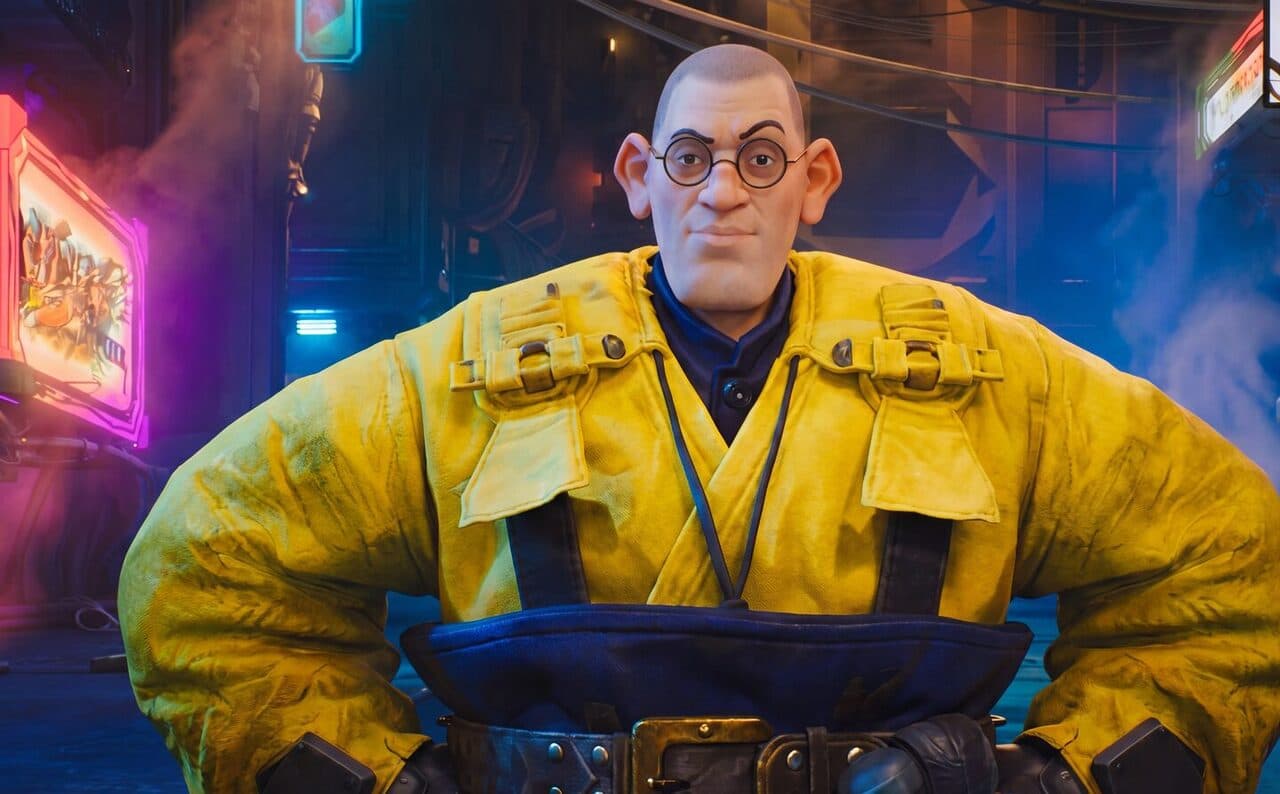 Lesson 8ReelMe in Claude & ChatGPT (MCP)With the ReelMe MCP, your AI assistant can use ReelMe for you. Chat in Claude or ChatGPT, and it builds on your ReelMe canvas: same models, same canvas, and…1:00
- 09
 Lesson 9Phase 6 Homework & SummaryPhase 6 done. You can now build on the canvas instead of making one thing at a time. That’s the jump that turns ideas into finished videos fast.1:00
- 10
 Lesson 10ResourcesEverything from Phase 6 in one place. Open a board, hit Duplicate to my canvas, and run it with your own pictures.1:00