



Hot
UGC Ads Without Hiring Creators
Make UGC, avatar, podcast, claymation and cinematic ads for your product. No actors, no camera, no studio.
ReelMe Academy
16 lessons21 minIntermediateFreeLearn free nowMake a cinematic sneaker ad and a car ad shot by shot, then study both finished ads frame by frame.
 By ReelMe Academy team

reelme.ai/academy/c/cinematic-ad-end-to-end
Make a sneaker ad and a car ad, then watch both finished, shot by shot.
Last updated Nov 17, 2026
Finish every lesson to unlock
ReelMe Academy · free tutorial · 4 short lessons · intermediate
✅ Taught inside ReelMe, the AI studio in your browser: canvas, image and video models, music and AI Editor in one place.
✅ Two finished ads you can study frame by frame: a neon sneaker ad for the fictional brand STRYDE and a 35-second night spot for the fictional VANTA electric SUV.
✅ Every step from a vague brand brief to a finished ad, in the order you do it.
🚨 Why start today: four short lessons. Watch them once, then make your first product ad tonight with one hero image and one 5-second shot.
✅ Turn a vague brief ("make us a sneaker ad that feels like us") into a plan
✅ Brainstorm the idea and the image prompts with the agent on your canvas
✅ Make the stills and keep the light the same across every shot
✅ Animate the stills with simple camera moves
✅ Make an original track on the canvas, so the music is yours to use in an ad
✅ Cut it to the beat in AI Editor: split clips, transitions, the end line as a text layer
✅ Sell a feeling, not specs: write a quick customer profile before the first shot
✅ Keep the product identical in every shot with an object passport wired into every node
✅ Upscale your stills before you animate them
✅ Study both finished ads shot by shot: why every flash lands on a beat
🎁 Two finished ads to watch once for the feel and once for the cuts
🎁 Ready prompts: the prompt is prepared right below the video in each lesson, just press Try it
🎁 A homework brief in each making lesson: one hero image and one 5-second shot
For creators, freelancers and small brands who know the ReelMe basics and want ads that look like a big-brand spot. New to ReelMe? Take AI Creator Foundations first.
❌ Product ads that look cheap next to big brands
❌ Ripping a song from the internet and hoping nobody notices
❌ A product that changes shape between shots
❌ Ads full of specs that sell nothing
If your product deserves a big-brand spot, this is how you make one.
⚡ Start lesson 1 now. New here? ReelMe is an AI studio in your browser that makes pictures and videos from a prompt and your reference images. Open reelme.ai, sign in with a free account, then start lesson 1 on this page. The prompt is prepared right below the video: just press Try it, and ReelMe opens the Video page with it filled.

Make a sneaker ad
Plan the idea, make the stills, animate them and cut a neon sneaker ad to the beat.
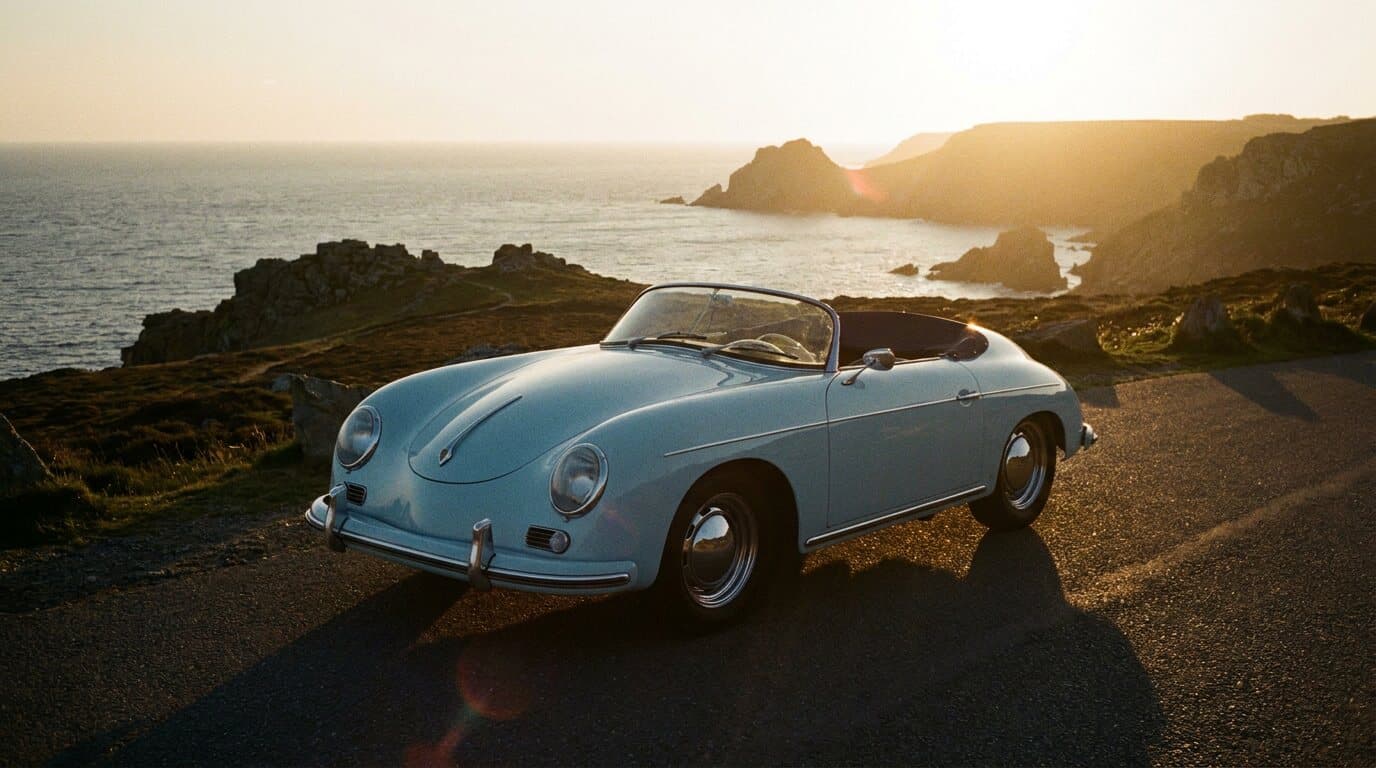
Make a car ad
Sell a feeling with the same product in every shot, from shot list to your own logo card.
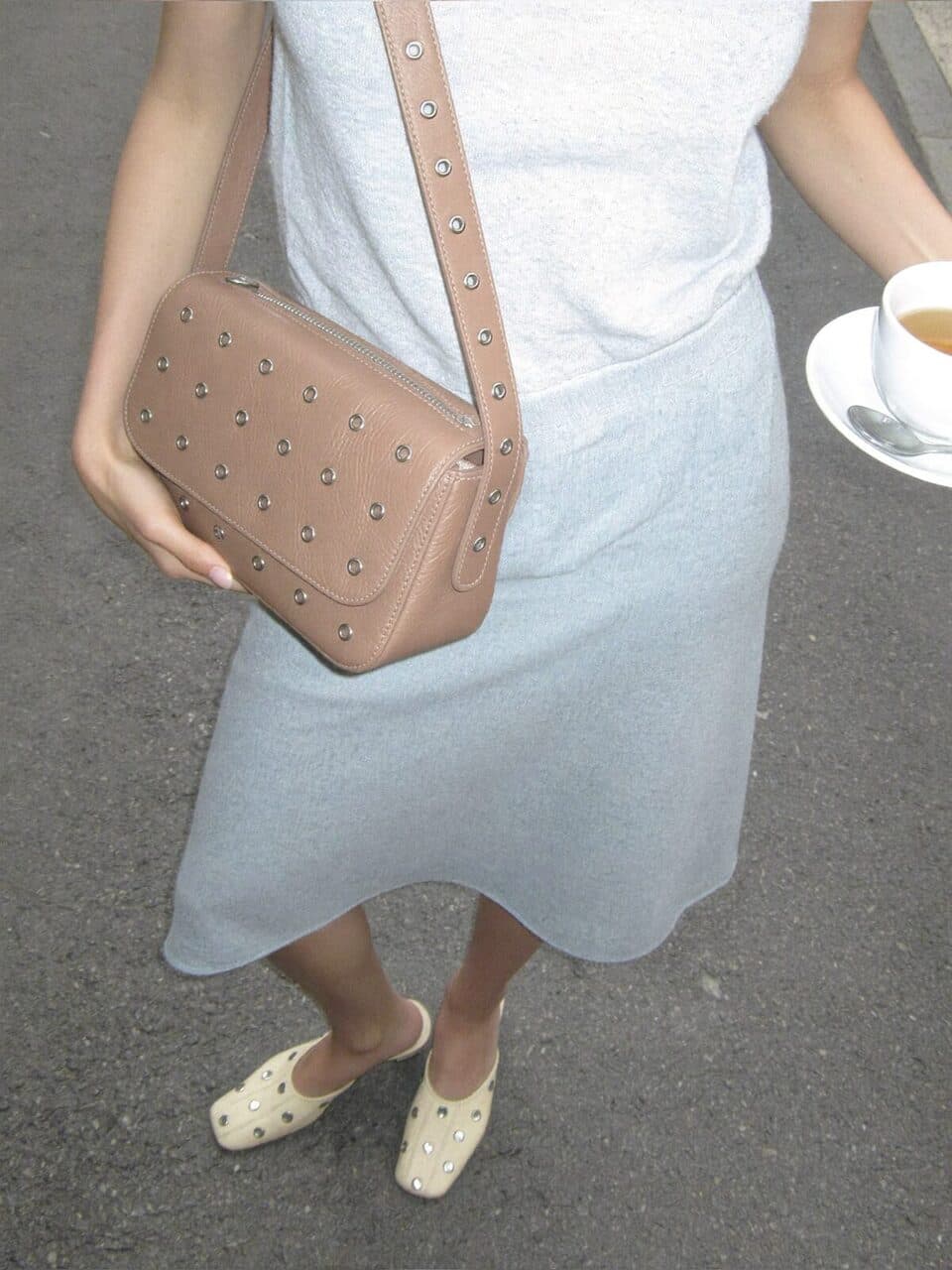
Study finished ads shot by shot
Watch both finished ads and see how each shot and each cut works.

Your own music, your own cut
An original track made on the canvas and an AI Editor cut with transitions and an end line.
Yes. Watching every lesson is free. Generating uses your ReelMe credits, and ReelMe shows the price before anything runs.
ReelMe is an AI studio in your browser that makes pictures and videos from a prompt and your reference images. Sign in at https://reelme.ai with a free account; nothing to install.
Four short lessons. Making your own ad takes longer: plan for one evening.
Intermediate. It helps to know the ReelMe basics first; AI Creator Foundations covers them.
No. Never rip a song for an ad. Make your own track on the canvas: it is yours to use.
Give it an object passport and wire it into every image and video node, as lesson 3 shows.
No. Both are fictional brands made for the lessons.
Yes. Ask your AI assistant through the ReelMe MCP to make a clip faster, slower or reversed on the AI Editor timeline.
Make UGC, avatar, podcast, claymation and cinematic ads for your product. No actors, no camera, no studio.
ReelMe Academy
16 lessons21 minIntermediateFreeLearn free now
A made me buy it video pulled 18.4M views on YouTube. Make UGC ads like it in ReelMe, no camera.
ReelMe Academy
3 lessons27 minBeginnerFreeLearn free now
Spot the hook, proof and offer in any ad, then build your own avatar ad with them.
ReelMe Academy
Tutorial3 lessons4 minBeginnerFreeLearn free nowNothing posted from this course yet. Post your result →