



Ride the $3B Drama Boom

Make episode 1 of your own AI short-drama series tonight with ReelMe Canvas and AI Editor, then let Claude make episode 2: the format drama apps made $2.98B with in 2025.

  • Public
  • Free
  • By ReelMe Academy team
  • Canvas
  • Video

Ride the $3B Drama Boom

reelme.ai/academy/c/short-drama

3 short lessons, about 5 minutes of video each. Cast three characters, cut a 70-second episode with a cliffhanger, and let Claude build episode 2 with the same faces.

3
Lessons
14
Minutes
Beginner
Level
Start free

Last updated Nov 17, 2026

Certificate Yes · free

Finish every lesson to unlock

About this course

ReelMe Academy · free course · 3 lessons · about 14 minutes of video · with your host Chris

✅ Taught inside ReelMe, the AI studio in your browser, on Canvas, AI Editor and the ReelMe MCP, with every click shown on the real screen.
✅ Built on a format with real money behind it: short-drama apps made $2.98B in 2025 (Sensor Tower, State of Mobile 2026).
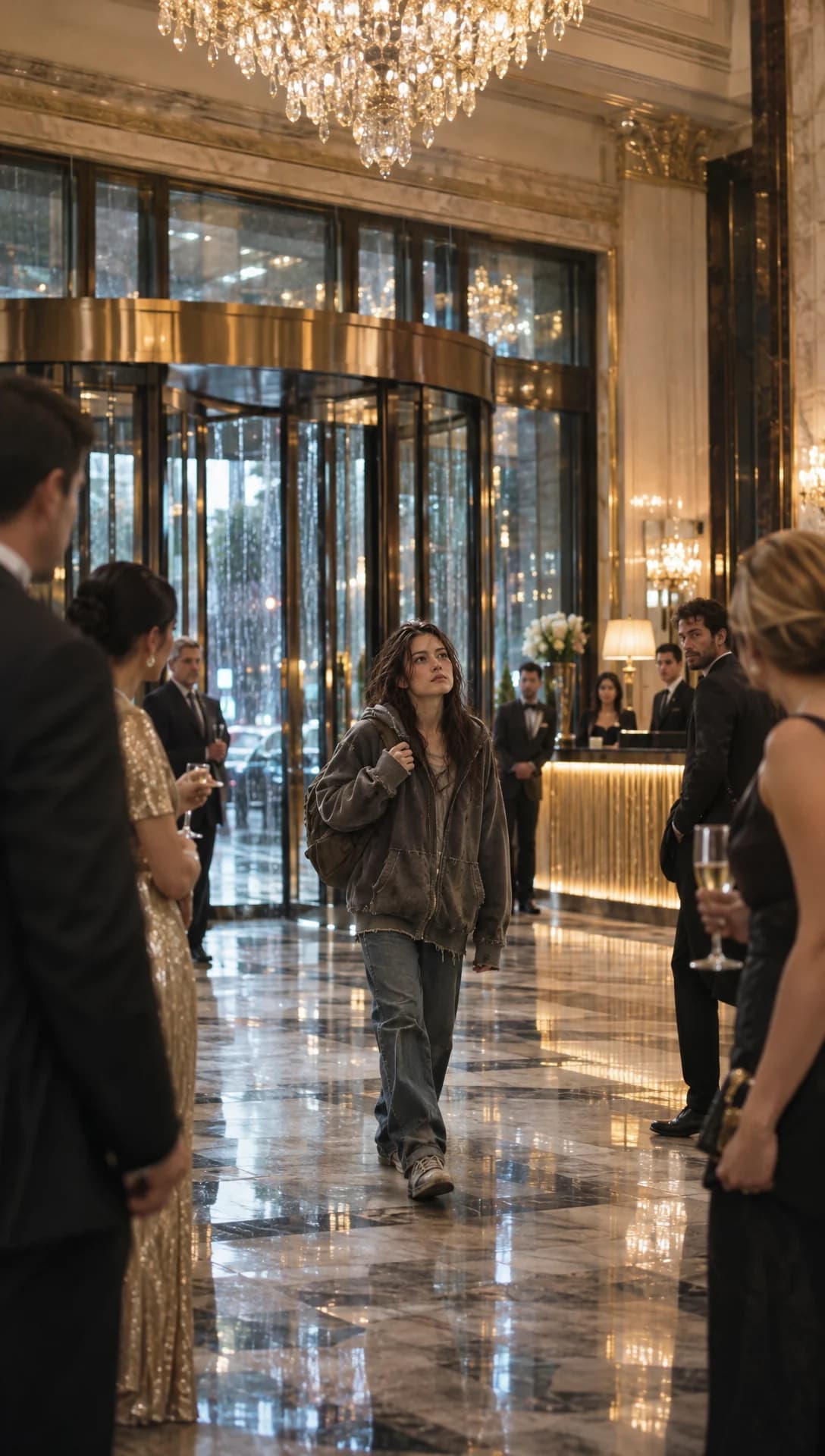
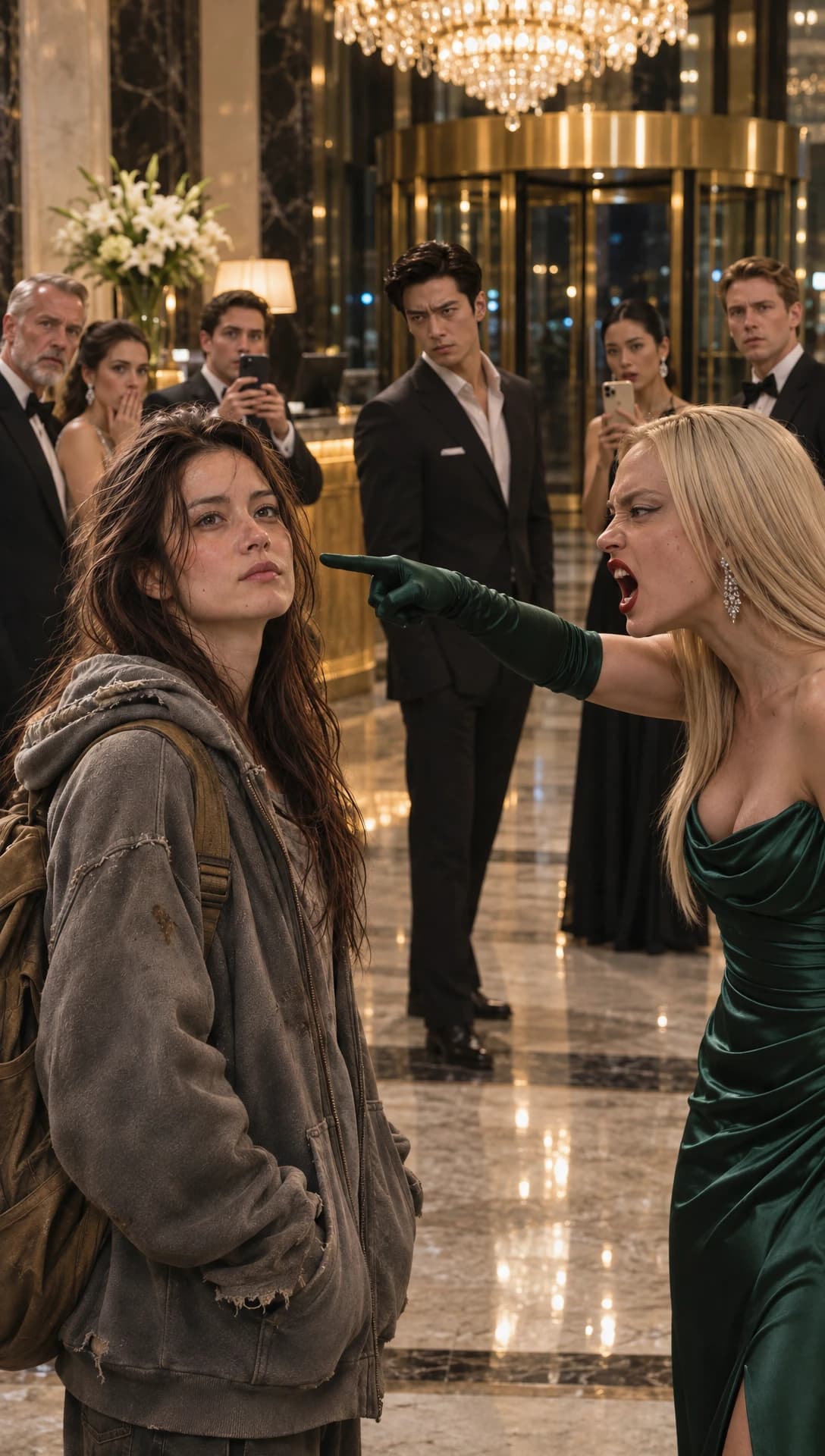
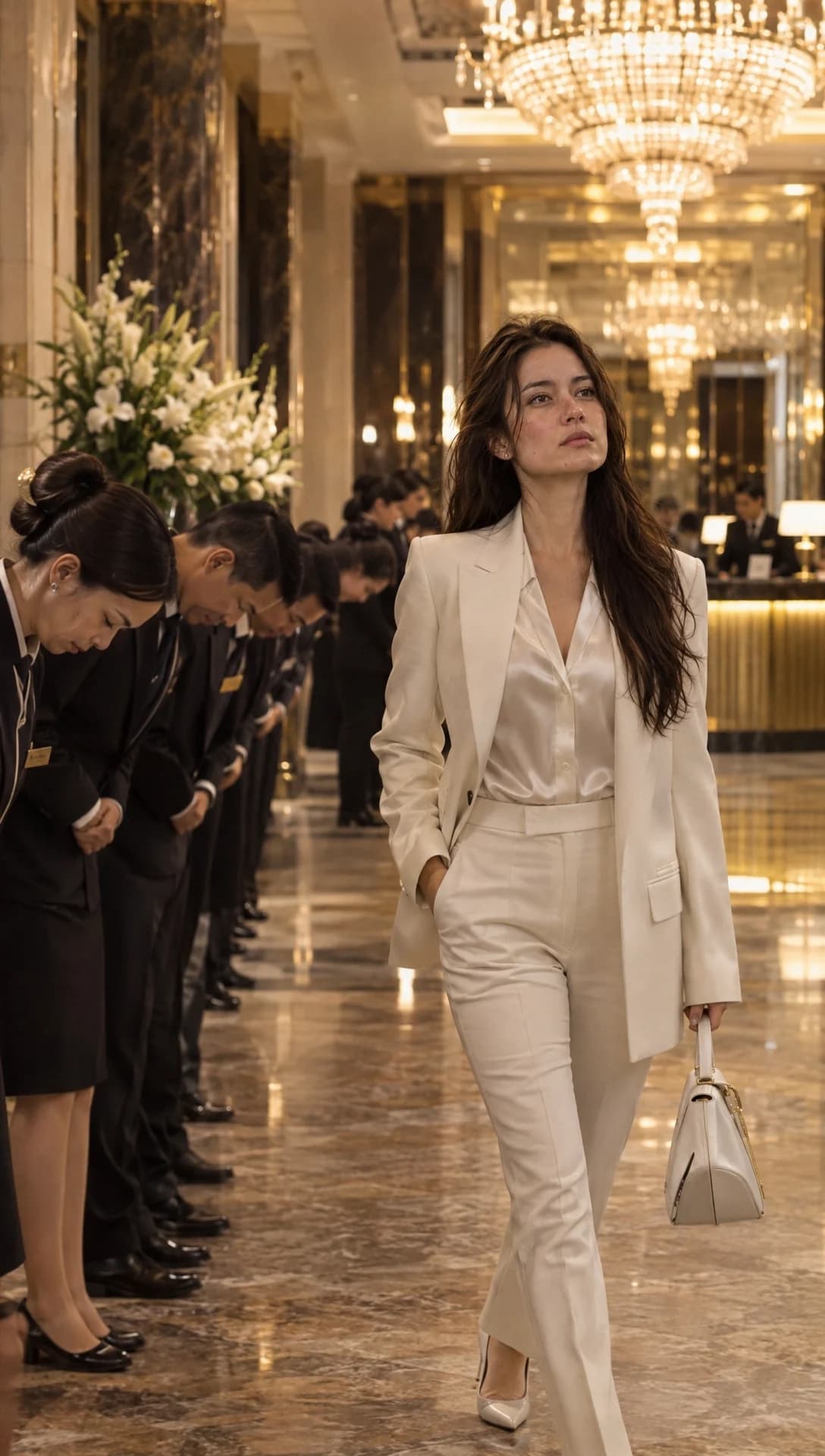
✅ Built on episodes that pull views: a real hidden-identity episode, a billionaire heiress disguised as homeless, has 4.03M views, and a revenge episode has 3.49M views (YouTube, measured 15 Nov 2026).

🚨 Why start today: AI-made dramas are already in the race: one AI fantasy episode has 1.79M views on YouTube (Sep 2026). Now one person with a browser can make an episode too.

What's inside? 🚀

✅ Cast three characters on Canvas: Mia, Chloe and Adrian, with the same faces in every shot
✅ Make a 9:16 hidden-identity scene and turn it into a 5-second Seedance 2.5 clip with dialogue and sound
✅ Write lines that hook: the insult, the quiet threat, the look that says "you'll regret that"
✅ Cut episode 1 in AI Editor: about 70 seconds, 9:16, with subtitles and music
✅ End on a cliffhanger and a "To be continued" card, so viewers come back
✅ Use a 12-piece clip pack so you can practise the cut even before your own clips are ready
✅ Connect Claude to ReelMe through the MCP and let it write and build episode 2 with the same cast
✅ Approve the price before anything runs: Claude shows it and waits for your yes
✅ No AI Editor on your account yet? Cut the same episode with the Canvas Sequence node
✅ Know the price before you press Generate: about 1,800 credits for the lesson 1 scene and clip

Bonuses 🎁

🎁 Our series "The Heiress in Rags", built scene by scene in the videos so you can copy every click
🎁 Ready prompts with reference images: press Try it and ReelMe opens with the scene filled
🎁 Homework that builds your series: the lobby scene in lesson 1, the cliffhanger in lesson 2, episode 2 with Claude in lesson 3
🎁 The episode 1 clip pack in the lesson materials

Who is it for?

Perfect for complete beginners and creators who want to sell short dramas but are scared off by film crews, actors and editing. If you can type a line of dialogue, you can make an episode.

If you're tired of:

❌ Paying actors and a crew for one scene
❌ A heroine whose face changes between scenes
❌ Episodes that end flat, so nobody watches the next one
❌ Hours in an editor for a 70-second episode

If you want a drama series of your own, episode 1 starts in lesson 1.

⚡ Start lesson 1 now. New here? ReelMe is an AI studio in your browser that makes pictures and videos from a prompt and your reference images. Open reelme.ai, sign in with a free account, then start lesson 1 on this page. The prompt and reference images are prepared right below the video: just press Try it, and ReelMe opens the Video page with everything filled.

Rewards

Unlock when you finish

Certificate

Finish every lesson

Course badge

Finish all lessons

Leaderboard
points

Post your result

By the end you will…

  • Your cast and key scene

    Mia, Chloe and Adrian with the same faces in every shot, and the lobby scene as a 5-second Seedance 2.5 clip with sound.

  • Episode 1, cut and captioned

    About 70 seconds, 9:16, subtitles, music and a "To be continued" cliffhanger, made in AI Editor.

  • Episode 2 from one prompt

    Claude writes five scenes and ReelMe builds them with the same cast; you approve the price first.

  • A series you can keep making

    The same cast, the same look and the same routine for episode 3 and every episode after it.

What's included

  • 3 lessonsJump into any lesson, in any order
  • 3 video lessonsWatch the step, then make it yourself
  • PDF guidesPrompts and settings you can keep
  • 3 prompts to copyThe exact prompt behind the result
  • 3 homework tasksHand in results you already made
  • Try in ReelMe on every lessonOpens the right tool in one click
  • Course communityPost your result, get feedback
  • Certificate when you finishFree, with a link you can share

Syllabus

3 lessons · 14 min

Your instructor

ReelMe Academy team

Your host walks you through every click in ReelMe, from the first character photo to the finished episode.

FAQ

Is this course free?

Yes. All 3 lessons and the prompts are free to watch and read. Generating uses your ReelMe credits, and the price is shown before anything runs.

What is ReelMe and do I need an account?

ReelMe is an AI studio in your browser that makes pictures and videos from a prompt and your reference images. Sign in at https://reelme.ai with a free account; nothing to install.

Do I need a camera, actors or editing skills?

No. Every character, scene and clip is made in ReelMe from prompts and reference photos, and AI Editor cuts the episode.

How many credits do I need?

About 1,800 for the lesson 1 scene and clip (one picture, about 60, plus one 5-second clip with sound, about 1,755), and about 10,500 for a full episode 2 built by Claude. ReelMe shows the price first.

I don't see AI Editor in my menu.

AI Editor is in preview. Until it reaches your account, lesson 2 shows the same cut with the Canvas Sequence node.

What do I need for lesson 3?

Episode 1 from lesson 2, a Claude account (the free plan can add one custom connector) and the ReelMe connector. Claude always shows the price and waits for your yes.

Which models do I use?

Seedance 2.5 for the moving scenes with dialogue and sound, and GPT Image 2.6 Sunburst for the cast pictures. The Try it button opens the right model.

Can I write my own story?

Yes. Keep the routine (cast, key scene, cut, cliffhanger) and swap in your own characters and lines. Use faces you designed or have permission to use.

Related courses

Ride the $3B Drama BoomFree · 14 min · 3 lessons
Start free