Prompt library14 promptsEra & Setting2 min read

Era, time of day and weather

Prompt library · from the ReelMe composer

14 looks with previews: copy a style prompt, add your subject, run it in ReelMe.

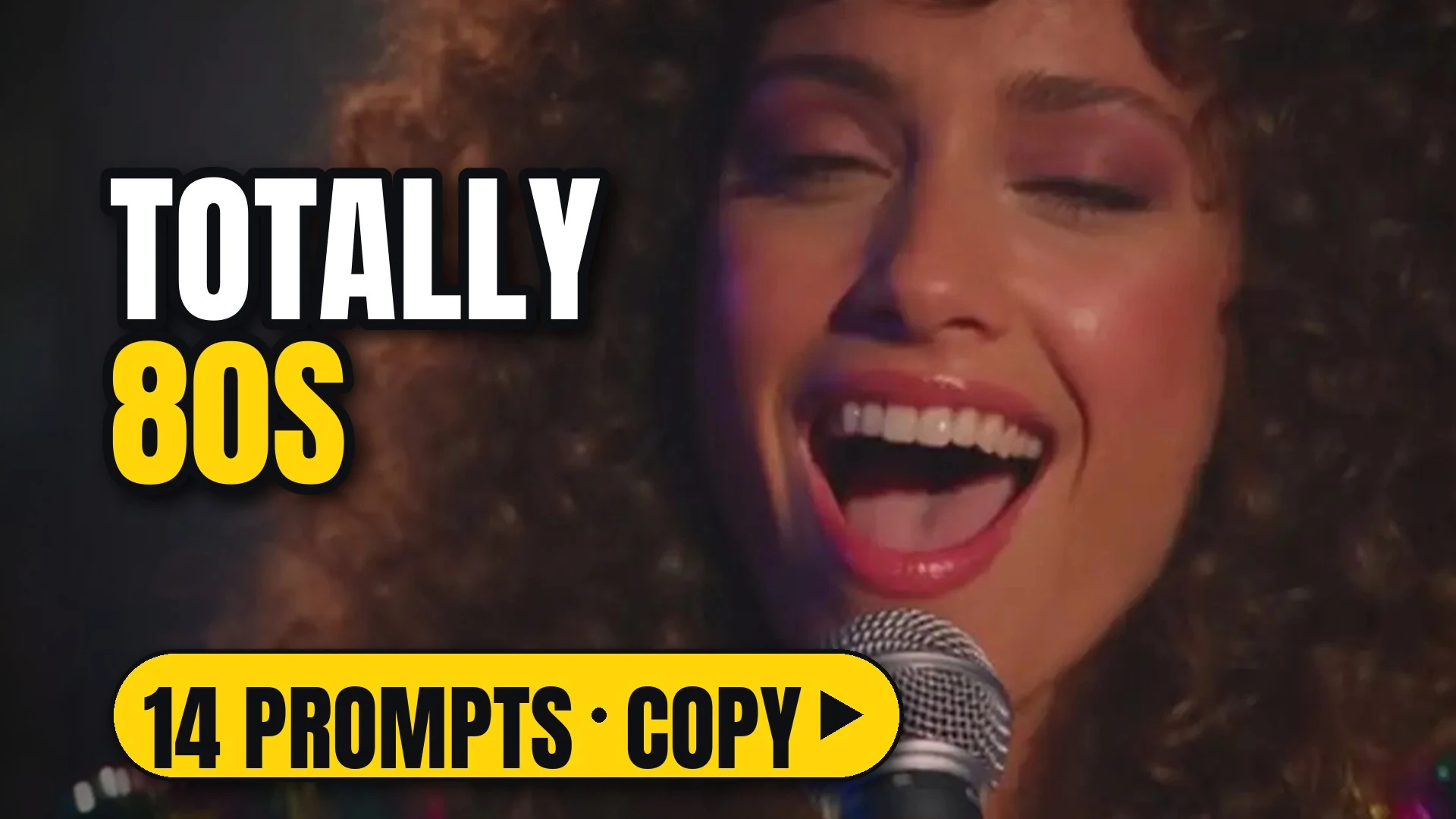
A curly-haired 1980s singer laughing into a microphone under warm stage light

14 looks. When it happens: decade, hour and weather.

How to use

Each look comes as a style prompt that starts with [your subject]. Replace it with what you are making (a perfume bottle on marble, a chef plating pasta, your character), keep the rest, and run it.

Make image or Make video opens ReelMe with the style prompt filled in. Name the place and the time together; the light follows from them. Check the decade and the hour on a single frame in ReelMe Image (reelme.ai/image?aspect=16:9).

14 prompts

Era5

  • 1960s1960sImageVideo

    [your subject], 1960s era: classic black-and-white 35mm film, rich monochrome tones with deep ink-like shadows and smooth glowing highlights. High-contrast low-key light, soft halation around bright sources, moderate organic grain, gentle focus roll-off and a subtle vignette. NOT color footage.

  • 1980s1980sImageVideo

    [your subject], 1980s era: high-contrast vintage film with vibrant saturated neon tones and warm glowing highlights. Multi-point starburst flares on bright sources, a gentle bloom, medium 35mm print grain, slightly raised shadows and a warm color temperature. NOT clean modern digital.

  • 1990s1990sImageVideo

    [your subject], 1990s era: a vintage telecine transfer with a warm amber-magenta palette and soft highlight roll-off. Moderate contrast that keeps shadow detail, organic muted saturation, rich warm midtones and a subtle grain over the whole frame that softens sharpness. NOT crisp or high-gloss.

  • 2000s2000sImageVideo

    [your subject], 2000s era: high-contrast, sun-drenched images with a strong warm golden-amber cast. Richly saturated midtones, crisp ink-black shadows, highlights with a slight natural bloom, a clean sharp texture with fine grain and lively natural lens flares. NOT cool or desaturated.

  • 2020s2020sImageVideo

    [your subject], 2020s era: a desaturated, cool-toned digital look with muted colors, deep shadows and modern high-contrast realism. Pristine ultra-sharp detail with virtually no grain, smooth highlight roll-off and a grade leaning into steel greys and cold blues. NOT warm or grainy.

Time and weather9

  • DawnDawnImageVideo

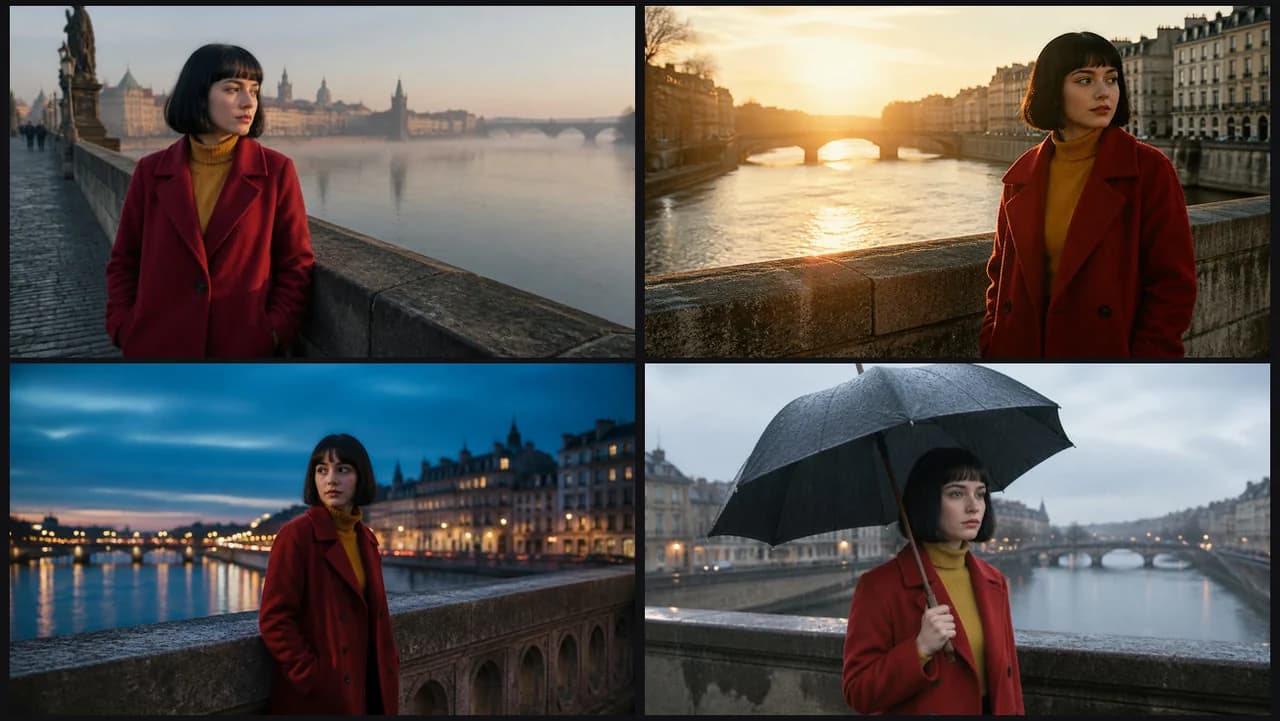
    [your subject], at dawn, cool pale light, soft long shadows. The sun sits just below or at the horizon, the sky pale peach fading into blue and a gentle cool cast on everything. NOT a high sun.

  • MiddayMiddayImageVideo

    [your subject], at midday, hard overhead sun, short dark shadows. A clear deep-blue sky, bright crisp light on every surface and small pooled shadows directly under forms. NOT a low sun.

  • Golden hourGolden hourImageVideo

    [your subject], at golden hour, low warm sun, long shadows, gentle flare. The sun sits near the horizon behind or beside the subject, warm amber light raking across the scene and glinting on reflective surfaces. NOT harsh overhead light.

  • Blue hourBlue hourImageVideo

    [your subject], at blue hour, deep blue sky, the first city lights turning on. The sun has set, ambient light is soft and cool, and warm points of artificial light glow and reflect in the distance. NOT full darkness.

  • NightNightImageVideo

    [your subject], at night, darkness lit only by practical sources. The sky is near black, colored artificial light pools on surfaces, and everything outside the light falls into deep shadow. NOT daylight.

  • OvercastOvercastImageVideo

    [your subject], under an overcast sky, soft shadowless light. A flat grey cloud layer diffuses the light evenly, colors are muted and forms have almost no cast shadow. NOT hard sun.

  • RainRainImageVideo

    [your subject], in steady rain, wet surfaces, droplets catching the light. Visible streaks of rain fall through the frame, the ground shines with reflections and the sky is a soft grey. NOT dry ground.

  • FogFogImageVideo

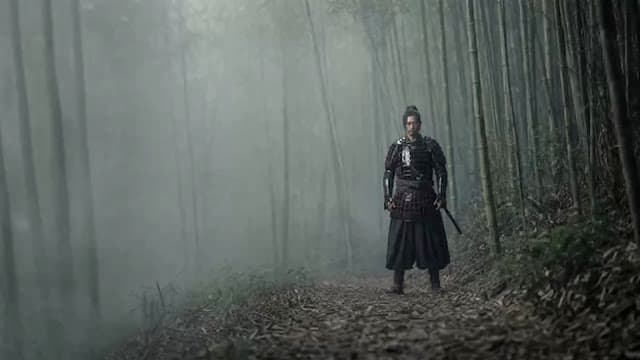
    [your subject], in thick fog, the background fading into grey. Visibility drops after a short distance, shapes behind the subject turn to soft silhouettes and contrast falls off with depth. NOT a clear view.

  • SnowfallSnowfallImageVideo

    [your subject], in falling snow, flakes drifting through the light. Snow settles on surfaces and the subject, the sky is pale grey and the air is filled with soft white specks. NOT a warm or dry day.

Make it in ReelMe

Watch the rain fall: run the same era or weather prompt in ReelMe Video. Fog drifts and snow falls only once the shot moves.

Nov 12, 2026

How it works

3 steps

  1. Pick a look

    Choose one of the 14 era, hour and weather looks and copy its prompt.

  2. Add your subject

    Replace [your subject] with what you are making; keep the rest.

  3. Run it in ReelMe

    Paste it into ReelMe Image at reelme.ai/image?aspect=16:9 and generate.

  • Lighting · Prompt library · from the ReelMe composer

    38 looks with previews: copy a style prompt, add your subject, run it in ReelMe.

    1. Pick a look: Choose one of the 38 lighting looks and copy its prompt.
    2. Add your subject: Replace [your subject] with what you are making; keep the rest.
    3. Run it in ReelMe: Paste it into ReelMe Image at reelme.ai/image?aspect=16:9 and generate.
  • Look and feel

    Prompt library

    Color · Prompt library · from the ReelMe composer

    38 looks with previews: copy a style prompt, add your subject, run it in ReelMe.

    1. Pick a look: Choose one of the 38 full looks and copy its prompt.
    2. Add your subject: Replace [your subject] with what you are making; keep the rest.
    3. Run it in ReelMe: Paste it into ReelMe Image at reelme.ai/image?aspect=16:9 and generate.
  • Color · Prompt library · from the ReelMe composer

    46 color looks with previews: copy a style prompt, add your subject, run it in ReelMe.

    1. Pick a look: Choose one of the 46 color looks and copy its prompt.
    2. Add your subject: Replace [your subject] with what you are making; keep the rest.
    3. Run it in ReelMe: Paste it into ReelMe Image at reelme.ai/image?aspect=16:9 and generate.

Want it step by step? From Zero to AI Creator