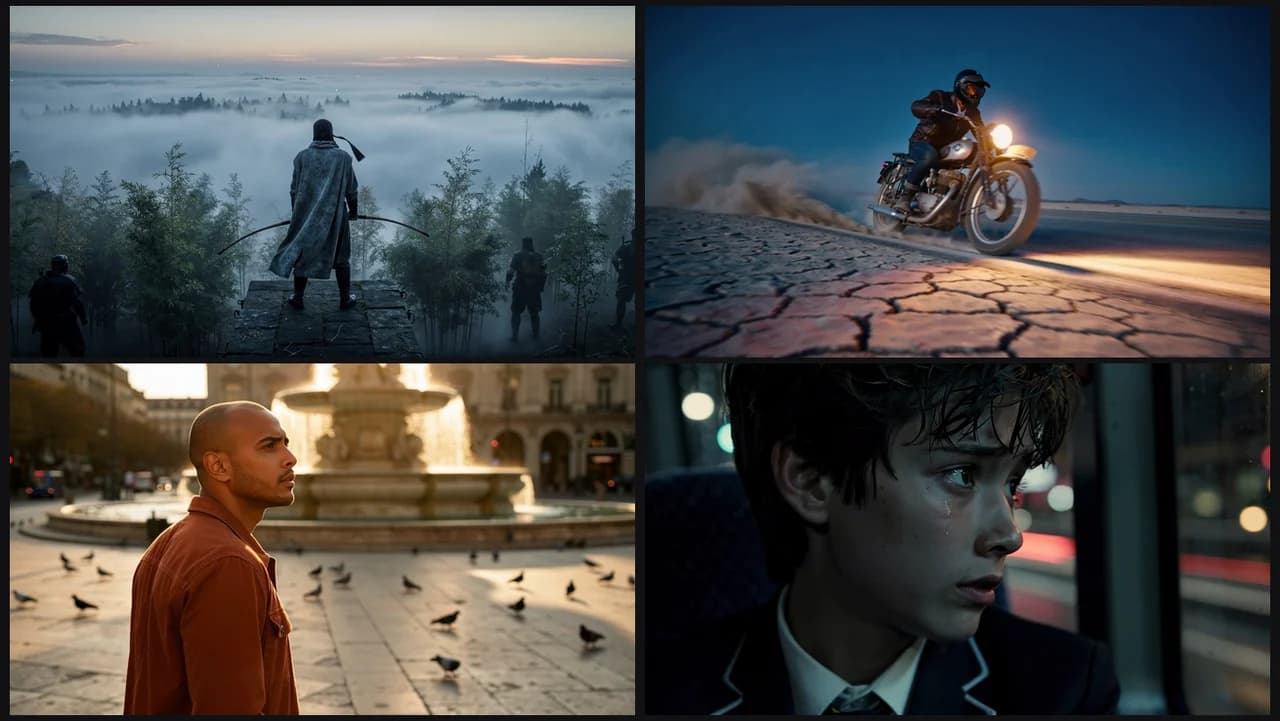
Prompt library38 promptsLighting4 min read

Lighting and light sources

Prompt library · from the ReelMe composer

38 looks with previews: copy a style prompt, add your subject, run it in ReelMe.

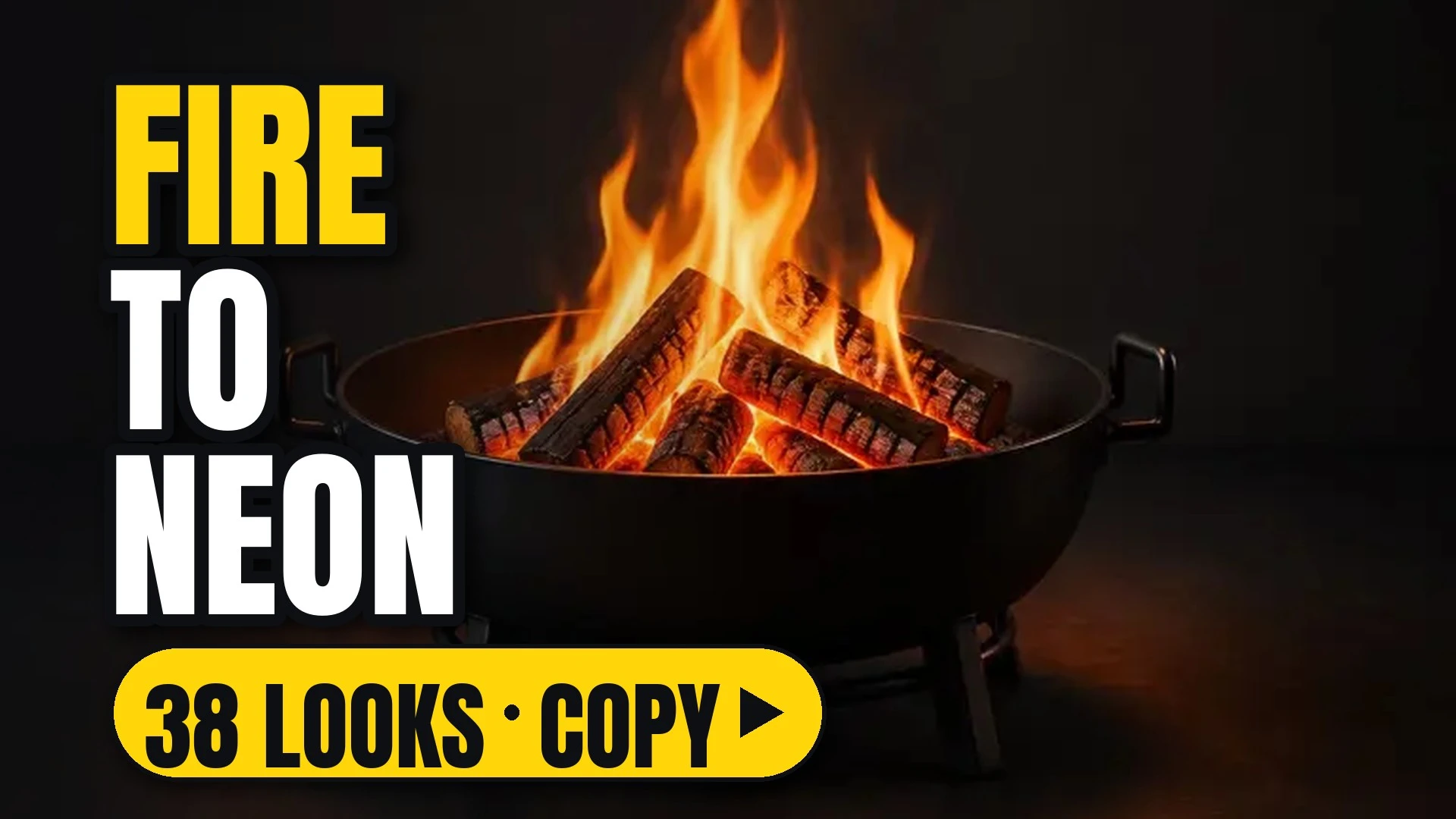
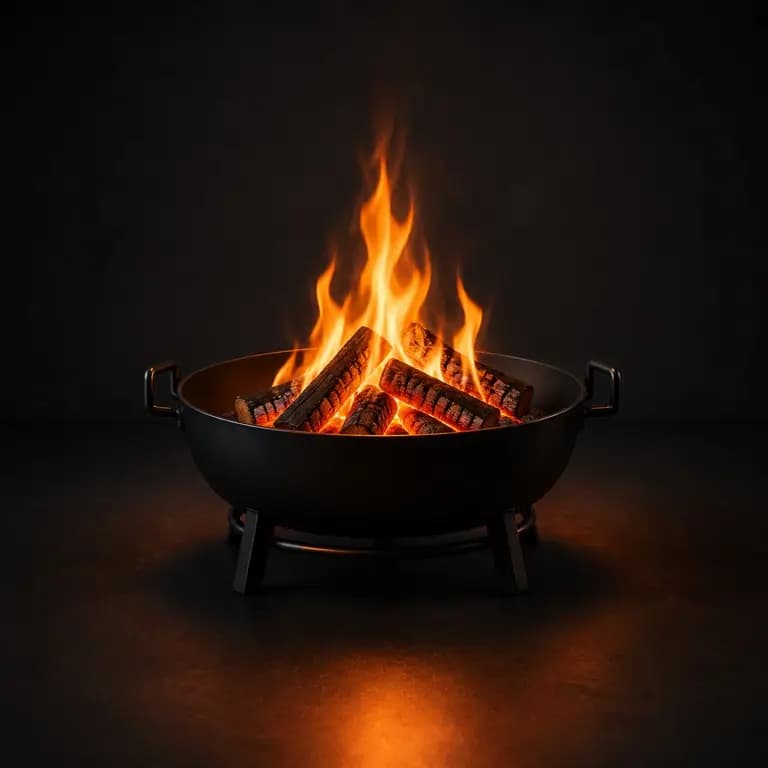
A fire burning in an iron brazier against a black background

38 looks. How the scene is lit, and what the light comes from.

How to use

Each look comes as a style prompt that starts with [your subject]. Replace it with what you are making (a perfume bottle on marble, a chef plating pasta, your character), keep the rest, and run it.

Make image or Make video opens ReelMe with the style prompt filled in. Name where the light comes from; it is the fastest way to make a frame look real. Light a still first in ReelMe Image (reelme.ai/image?aspect=16:9) and check where the shadows fall.

38 prompts

Lighting setups21

  • High keyHigh keyImageVideo

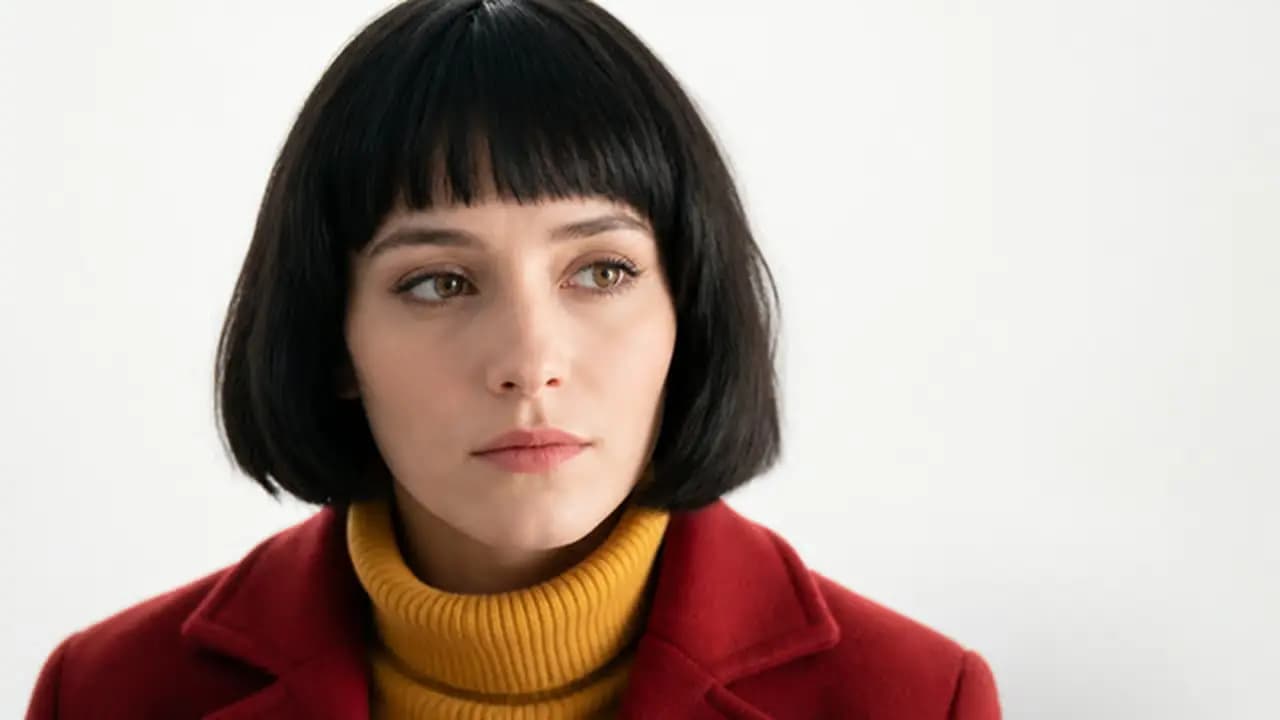
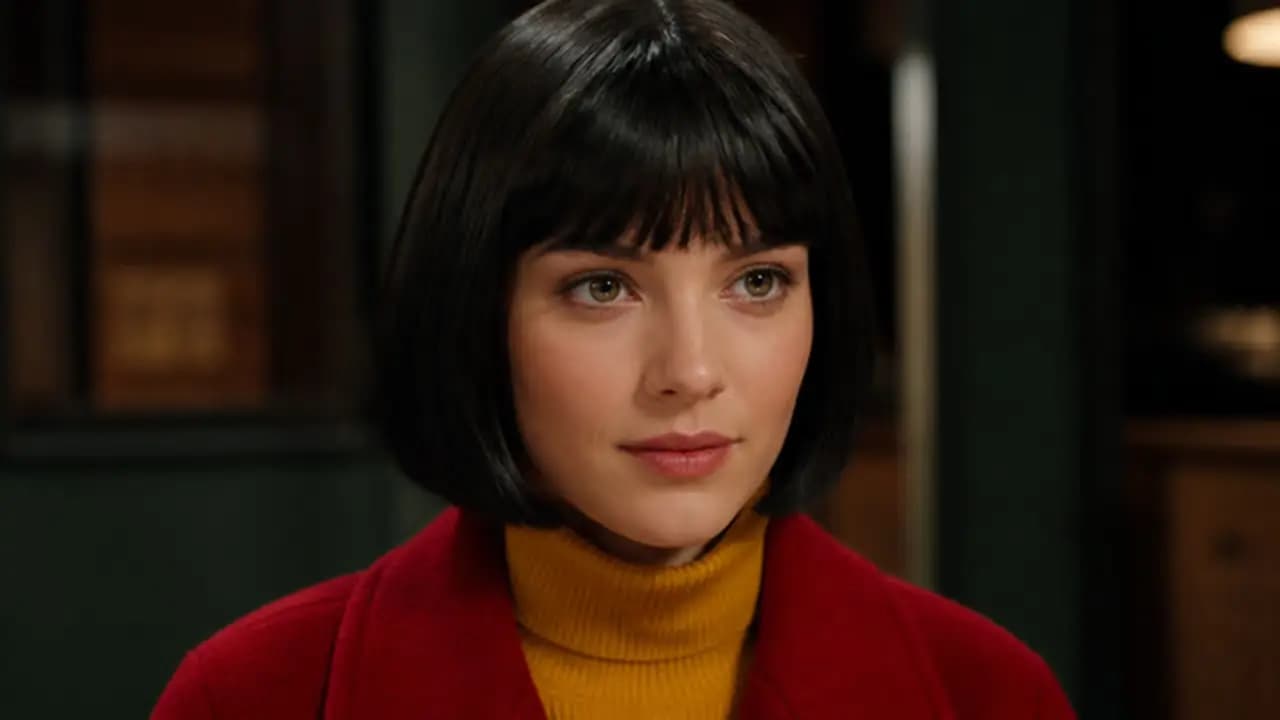
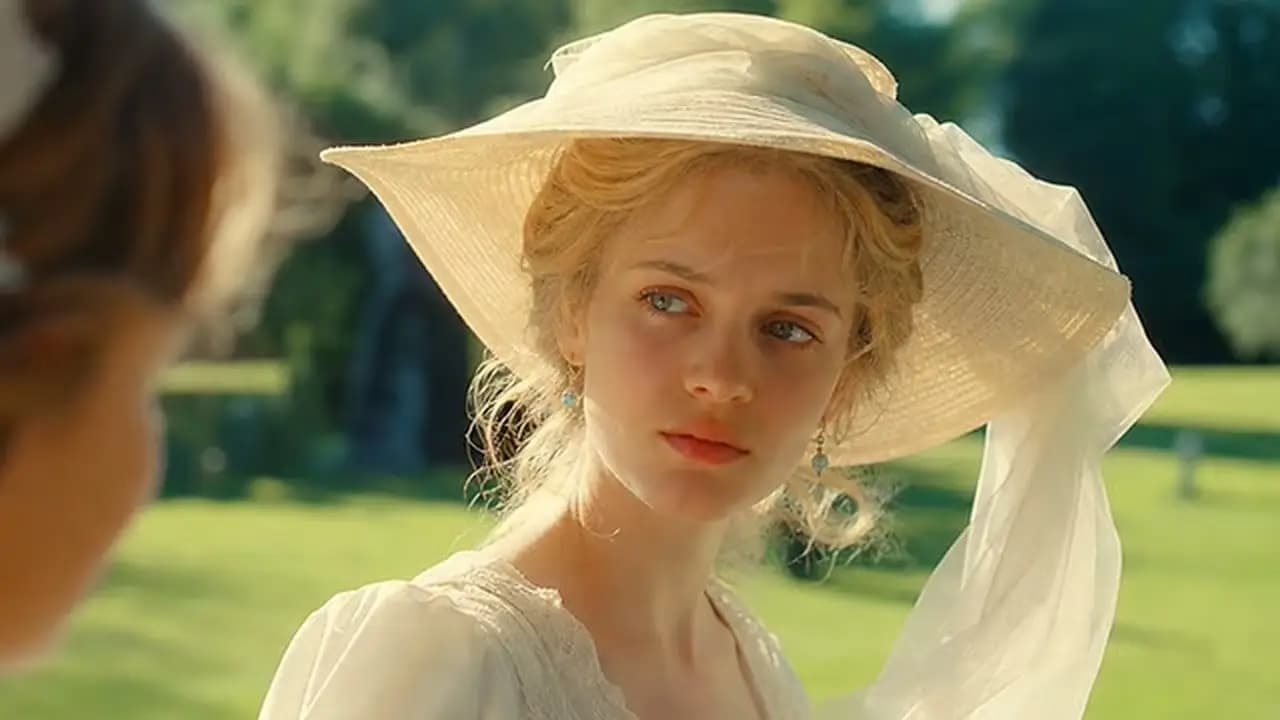
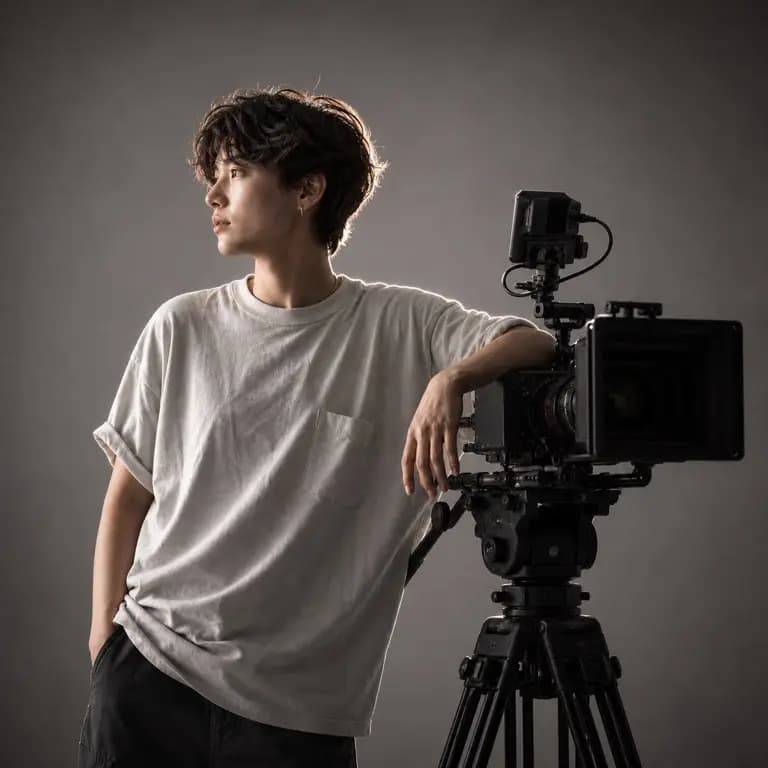
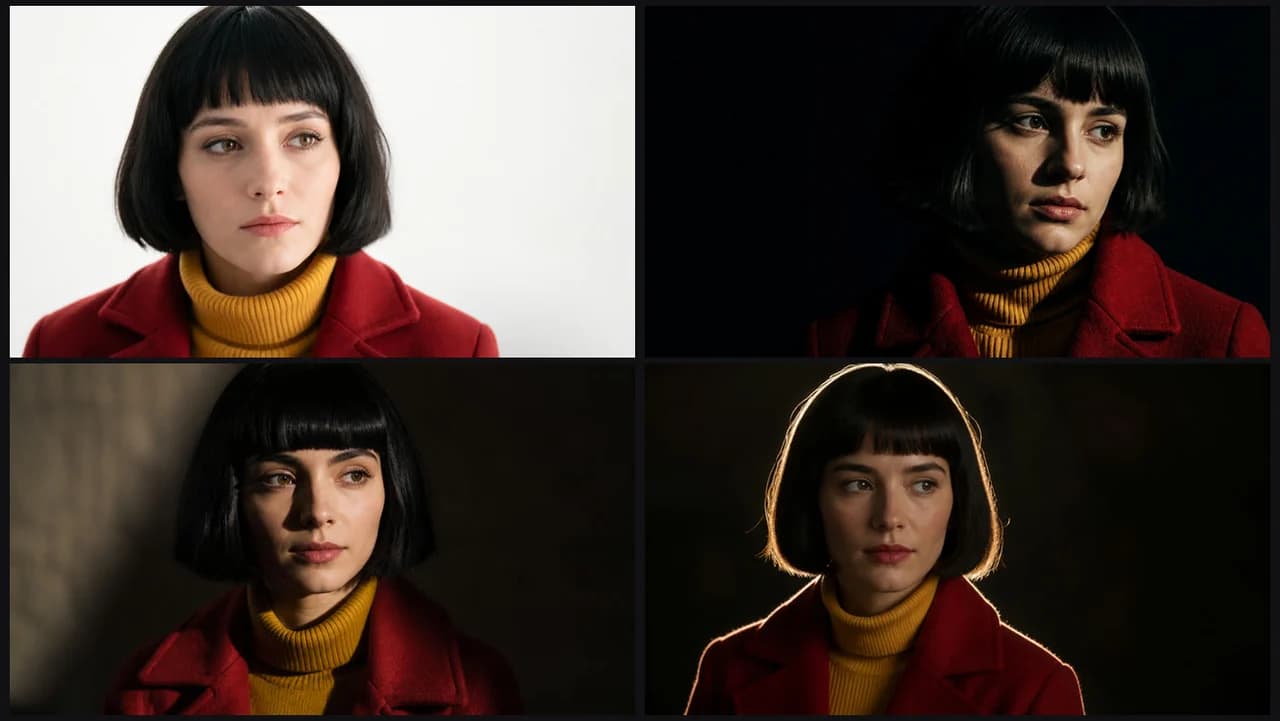
    [your subject], soft high-key light, gentle shadows, bright even exposure: large sources from the front and both sides, very soft and diffused, neutral daylight color, strong fill with low contrast, faint soft-edged shadows on a bright pale background. NOT a single hard source.

  • Low keyLow keyImageVideo

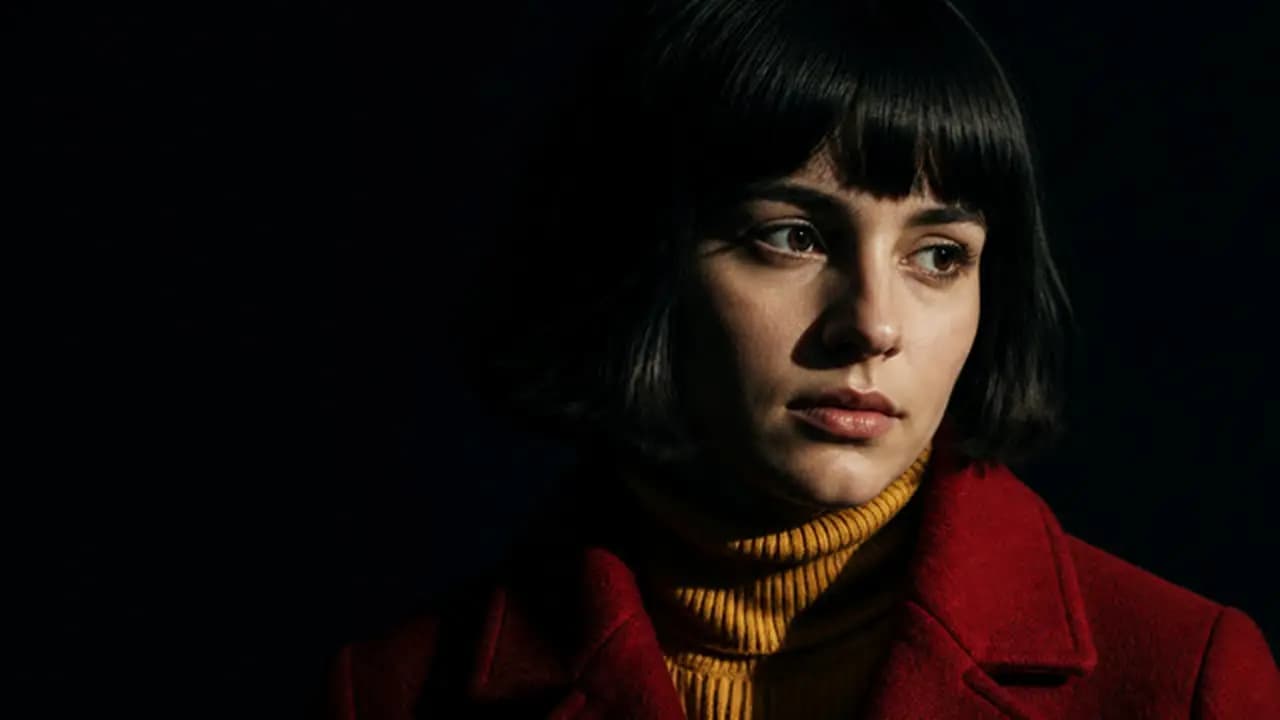
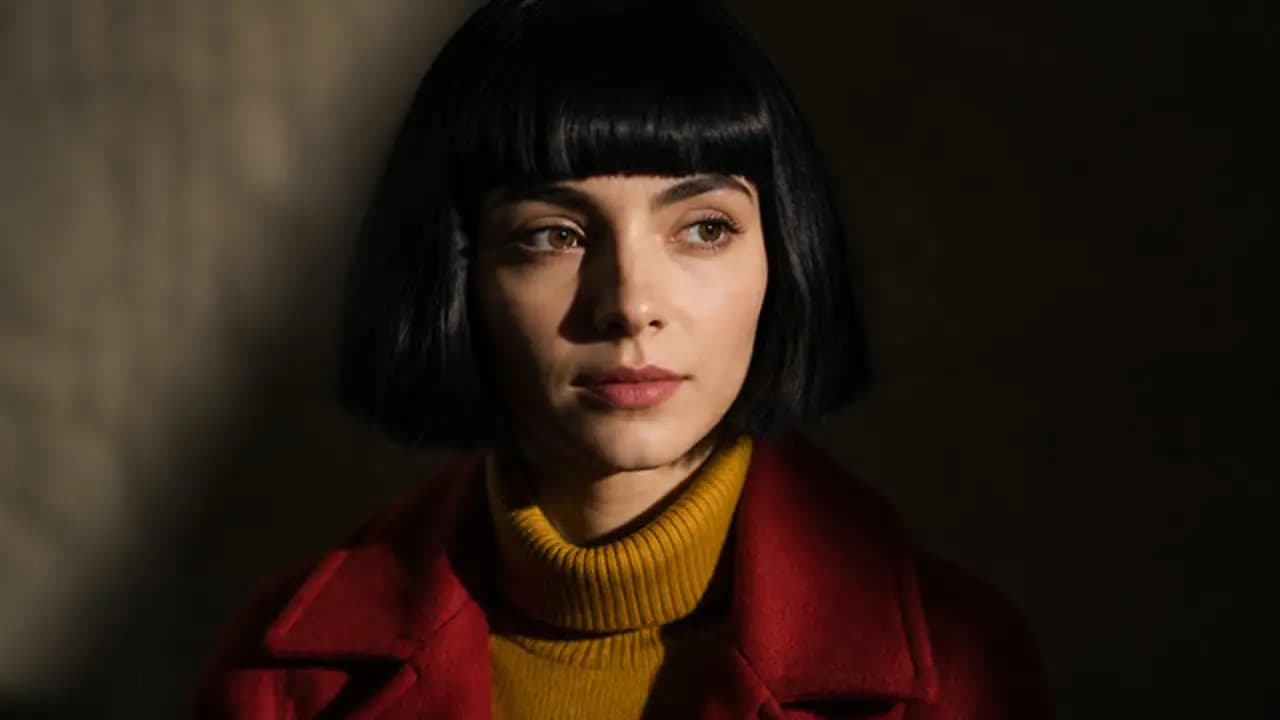
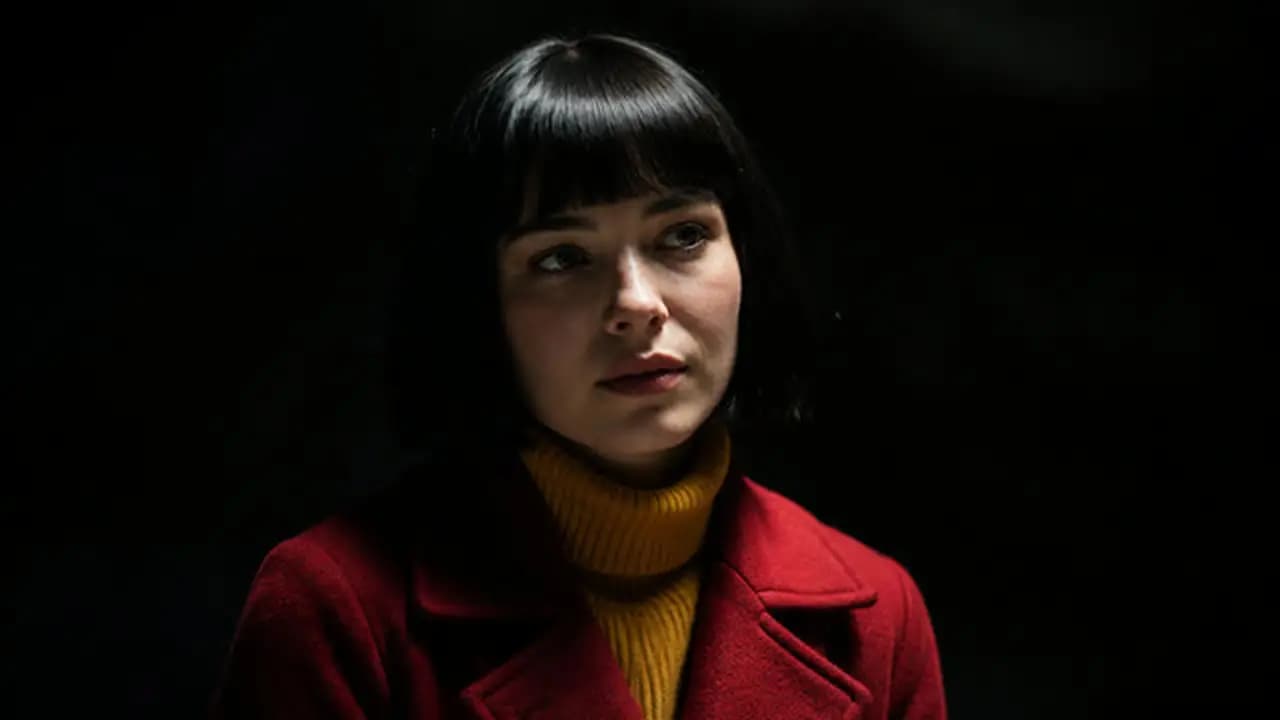
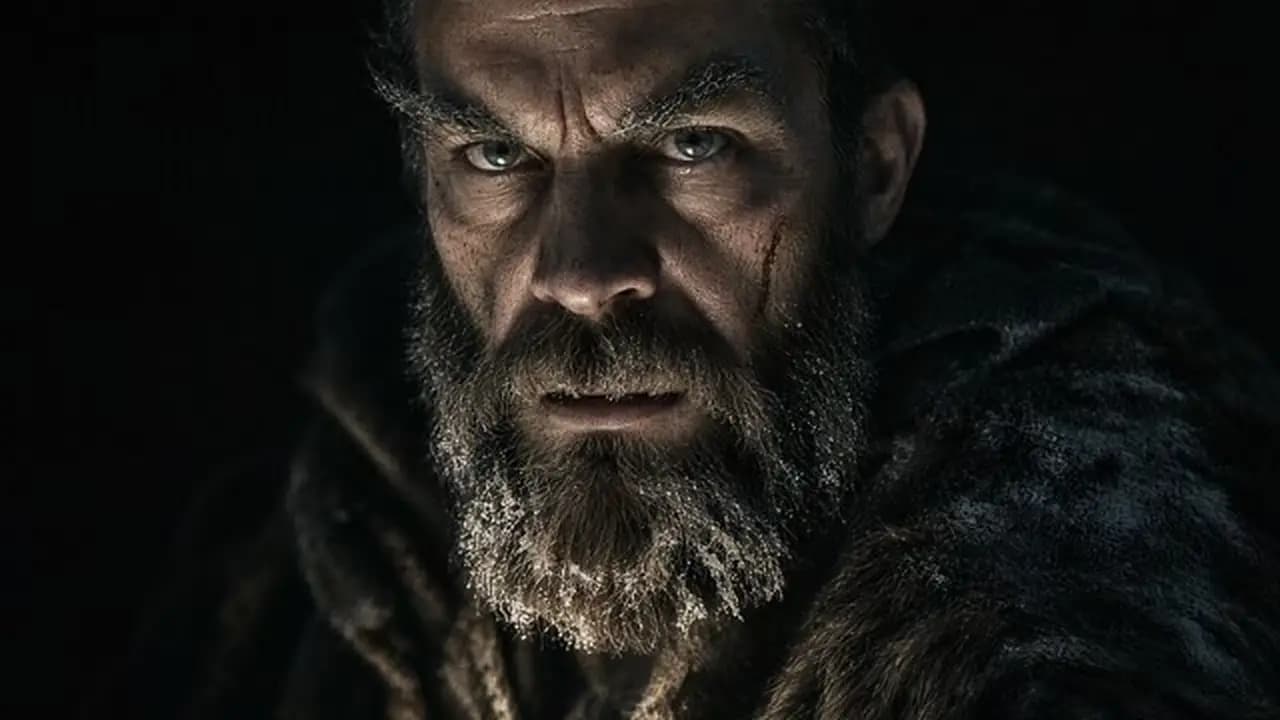
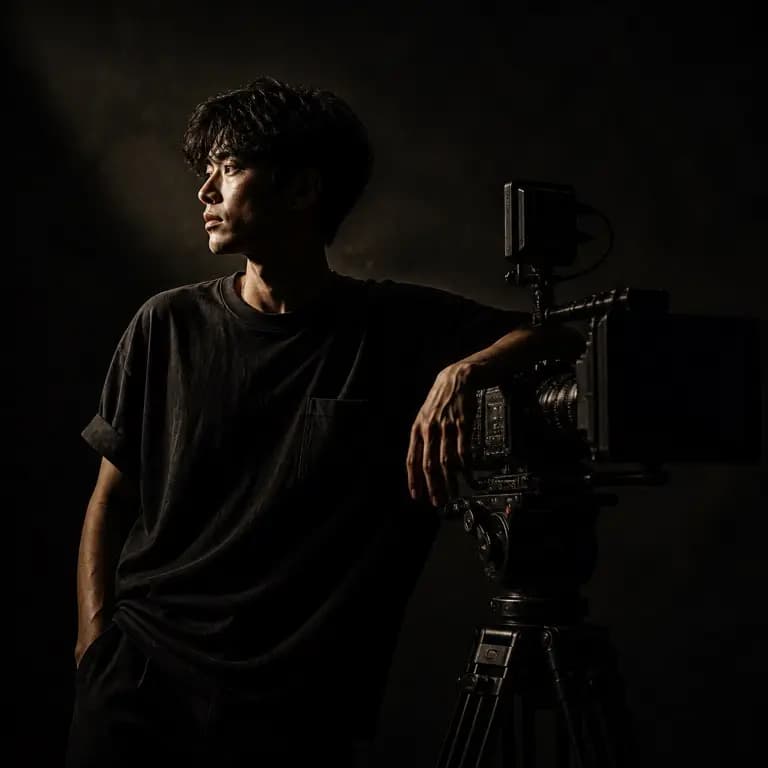
    [your subject], low-key chiaroscuro, one hard key light, deep shadows: the key from one side, hard and focused, neutral to slightly warm, almost no fill and very high contrast, most of the subject and background falling into black. NOT soft wraparound fill.

  • RembrandtRembrandtImageVideo

    [your subject], Rembrandt lighting, a classic portrait key from high to one side: soft, slightly warm, about 45 degrees off axis, a small triangle of light on the shadow-side cheek, little or no fill, slow falloff into deep neutral shadow, dark background. NOT flat front light.

  • Rim lightRim lightImageVideo

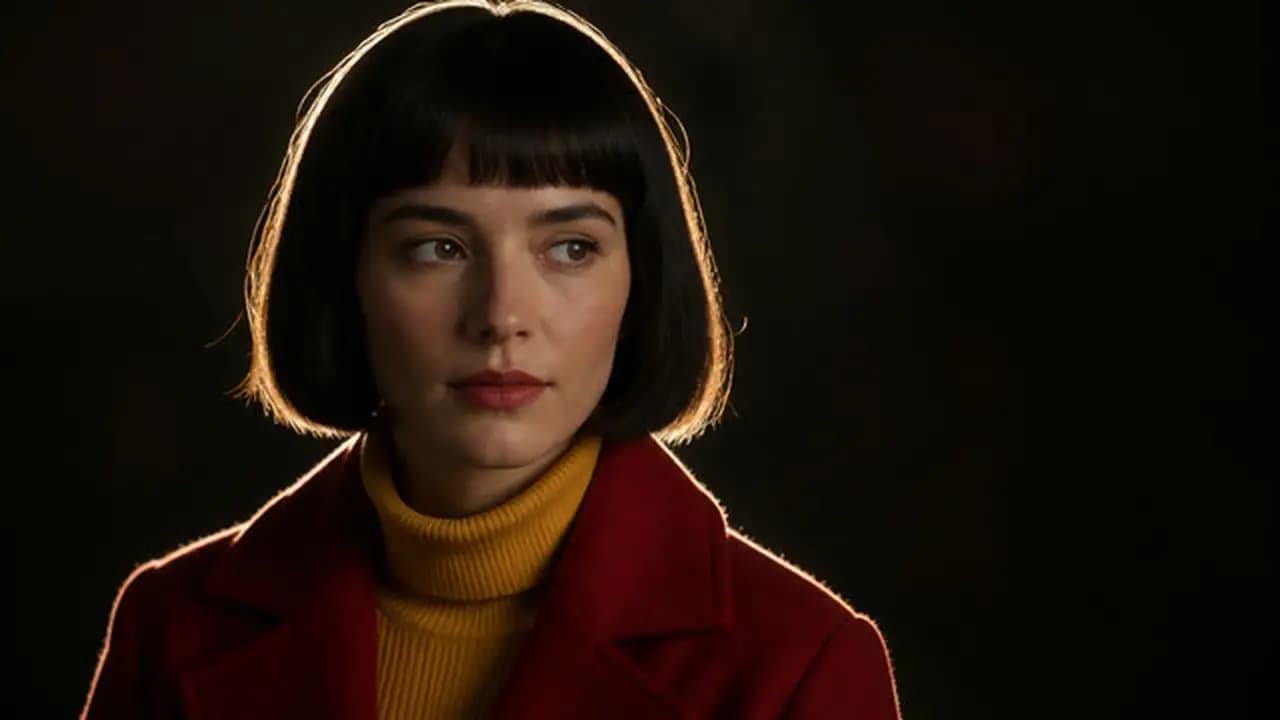
    [your subject], a thin rim of backlight outlining the hair and shoulders, the subject separated from the background: the source behind and slightly above, hard and crisp, warm-white, low soft fill on the front of the subject, a dark background. NOT flat frontal light.

  • SilhouetteSilhouetteImageVideo

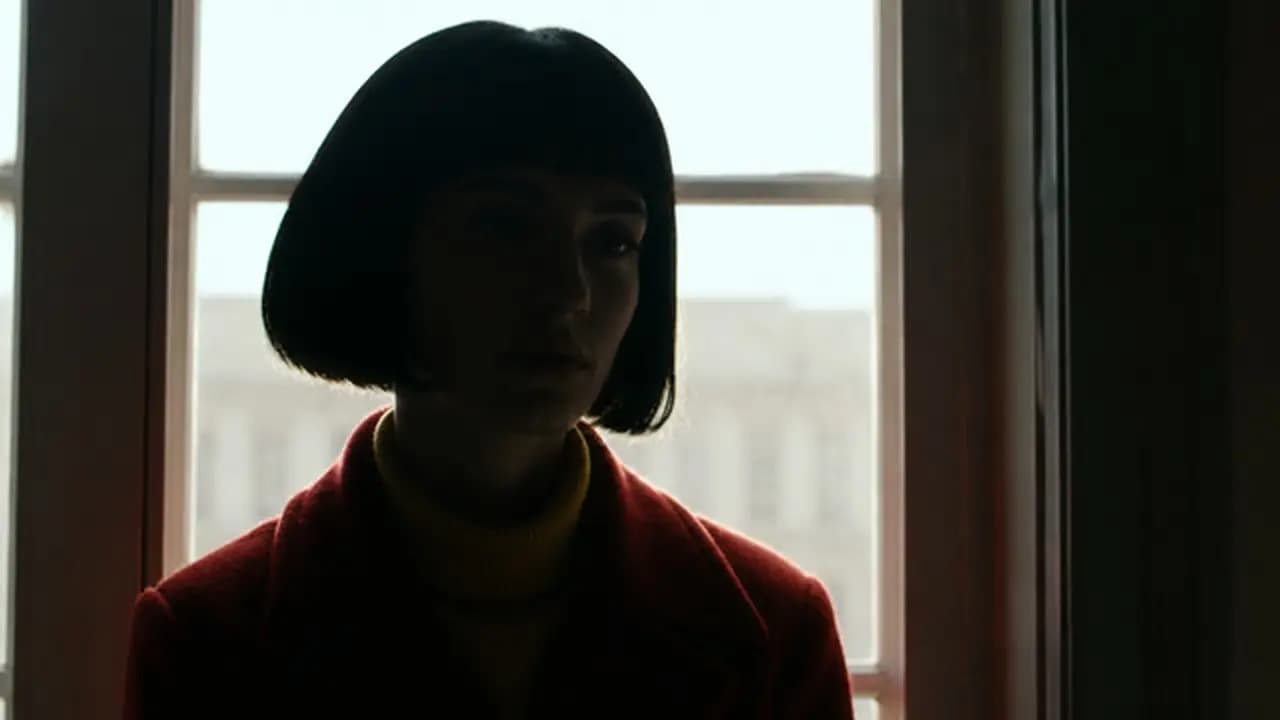
    [your subject], silhouette against a bright background, no detail on the front: all light from behind through a window or open sky, hard-edged, cool daylight, no fill, extreme contrast, the figure a clean near-black shape. NOT fill light on the front.

  • ButterflyButterflyImageVideo

    [your subject], butterfly light from high in front, a small shadow under the nose, even: the key centred above the camera angled down, soft, neutral warm, gentle fill, low contrast, soft shadows under the cheekbones and jaw, bright catchlights in both eyes. NOT side lighting.

  • SplitSplitImageVideo

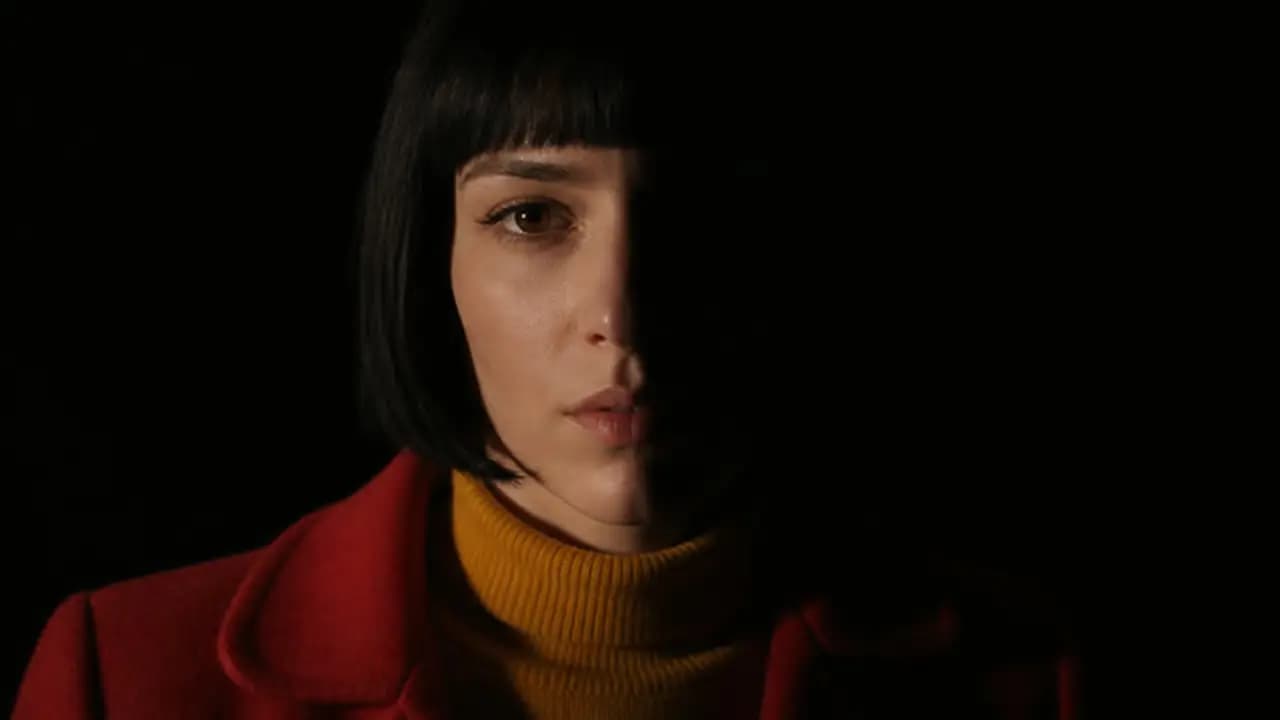
    [your subject], split light, one half of the face lit and the other in shadow: a single source at 90 degrees to the side, hard-edged, neutral color, no fill, high contrast, the dark half merging into a black background. NOT even front light.

  • Contre-jourContre-jourImageVideo

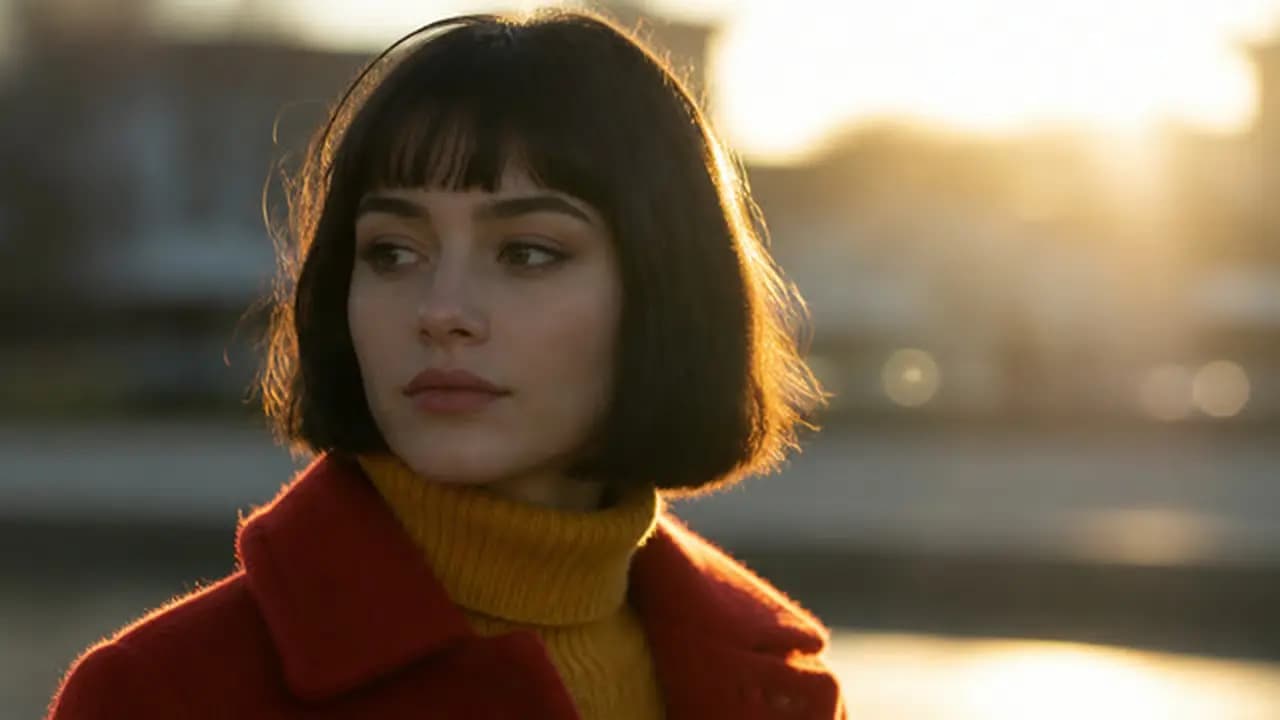
    [your subject], contre-jour: the light source behind the subject, a glowing outline, the front of the subject in soft shade. A low sun behind them, soft with gentle lens flare, warm golden color, soft bounced fill on the subject, medium contrast, a bright hazy background. NOT a fully black outline.

  • Overhead poolOverhead poolImageVideo

    [your subject], a single overhead light falling on the subject, darkness around the pool of light: the source directly above, hard and narrow, neutral to slightly cool, no fill, high contrast, the lower half in soft shadow, fast falloff into black. NOT even ambient light.

  • Soft crossSoft crossImageVideo

    [your subject], balanced soft cross-lighting: a diffused key from one side plus wrapping fill from the opposite side, with gentle overhead ambient. Both sources soft, warm-neutral color, low contrast with lifted shadows, muted highlights and mild modeled volume, no hard shadow cuts. NOT hard shadow edges.

  • Venetian blindsVenetian blindsImageVideo

    [your subject], hard light through unseen window blinds casting parallel slatted shadow stripes: a hard source to one side, warm white, almost no fill, bright stripes alternating with dark bands across the subject and the surface behind. NOT soft even light.

  • UnderlightUnderlightImageVideo

    [your subject], eerie light from below the frame, face lit from underneath with shadows cast upward: a hard low source pointing up, neutral to cool, no fill from above, dark surroundings and shadows climbing over the brows. NOT flattering top light.

  • Loop lightingLoop lightingImageVideo

    [your subject], loop lighting, key slightly off-axis; small loop shadow from nose toward the mouth corner: a soft key thirty degrees to one side and a little above, warm daylight, gentle fill, low-medium contrast. NOT a nose shadow pointing straight down.

  • Short lightingShort lightingImageVideo

    [your subject], short lighting, far side keyed, near side falls to shadow; slim, dramatic: the key on the side turned away from camera, crisp, warm, little fill, the side nearer the lens in soft shadow. NOT lighting the side facing camera.

  • ChiaroscuroChiaroscuroImageVideo

    [your subject], chiaroscuro lighting with strong contrast between light and dark areas: one hard key from the side, warm, no fill, the lit side sculpted and the rest dissolving into black. NOT evenly lit.

  • BacklightBacklightImageVideo

    [your subject], backlighting with light source behind subject creating silhouette: a bright source directly behind, hard, neutral white, no front fill, the outline glowing and the front falling to shadow. NOT front lit.

  • Three-pointThree-pointImageVideo

    [your subject], three-point lighting setup with key fill and back light: a soft key at forty-five degrees, a gentler fill on the other side and a rim from behind, neutral white, medium contrast, clean separation from the backdrop. NOT a single source.

  • Volumetric raysVolumetric raysImageVideo

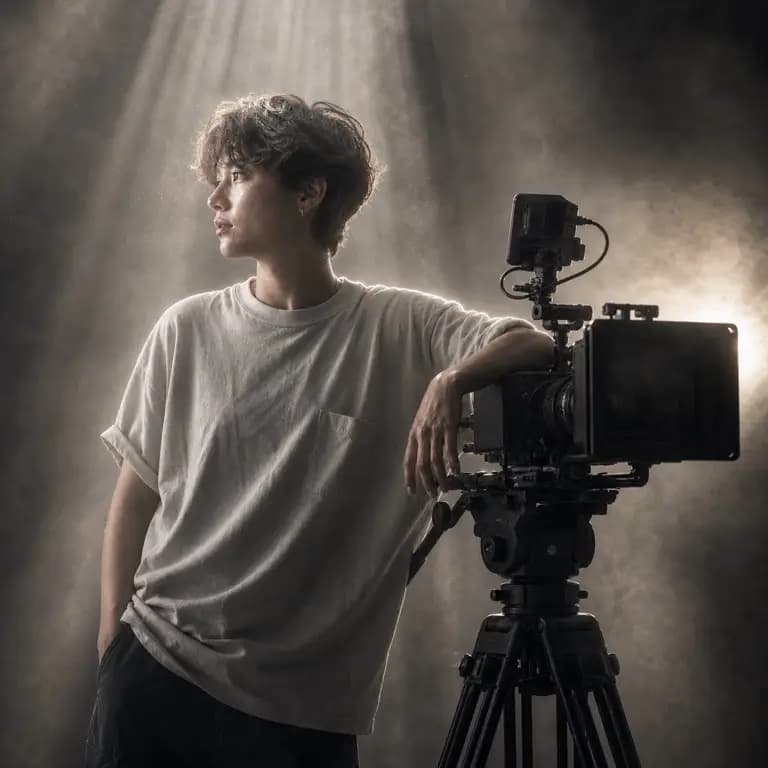
    [your subject], volumetric lighting with visible light rays and atmospheric haze: a strong source behind and above, hard rays visible in haze, neutral to warm, little fill, glowing shafts around the subject. NOT clear air.

  • MotivatedMotivatedImageVideo

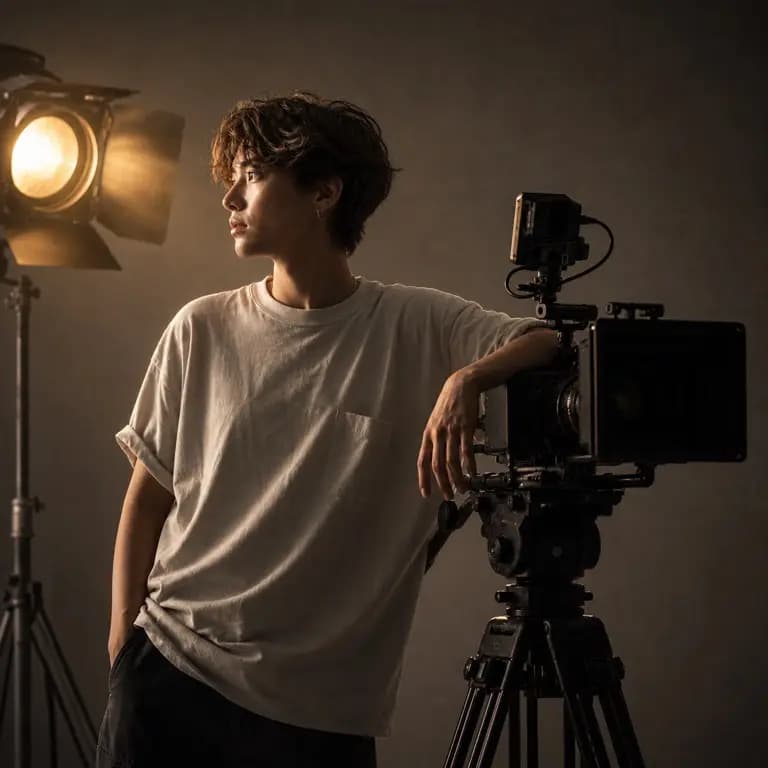
    [your subject], motivated lighting justified by visible sources in the scene: a visible fixture in frame as the key, warm tungsten, soft falloff, fill only from bounce, contrast matching what the source could produce. NOT unexplained light.

  • Broad lightingBroad lightingImageVideo

    [your subject], broad lighting illuminating the wider side of the face: the key on the side turned toward camera, soft, warm white, moderate fill, low contrast, the near side bright and open. NOT shadowing the side facing camera.

  • Fill flashFill flashImageVideo

    [your subject], fill flash balancing ambient light with subtle flash illumination: a small frontal flash at low power, crisp, neutral white, lifting the shadows while the ambient light stays dominant, medium contrast. NOT a harsh direct flash.

Light sources17

  • Window lightWindow lightImageVideo

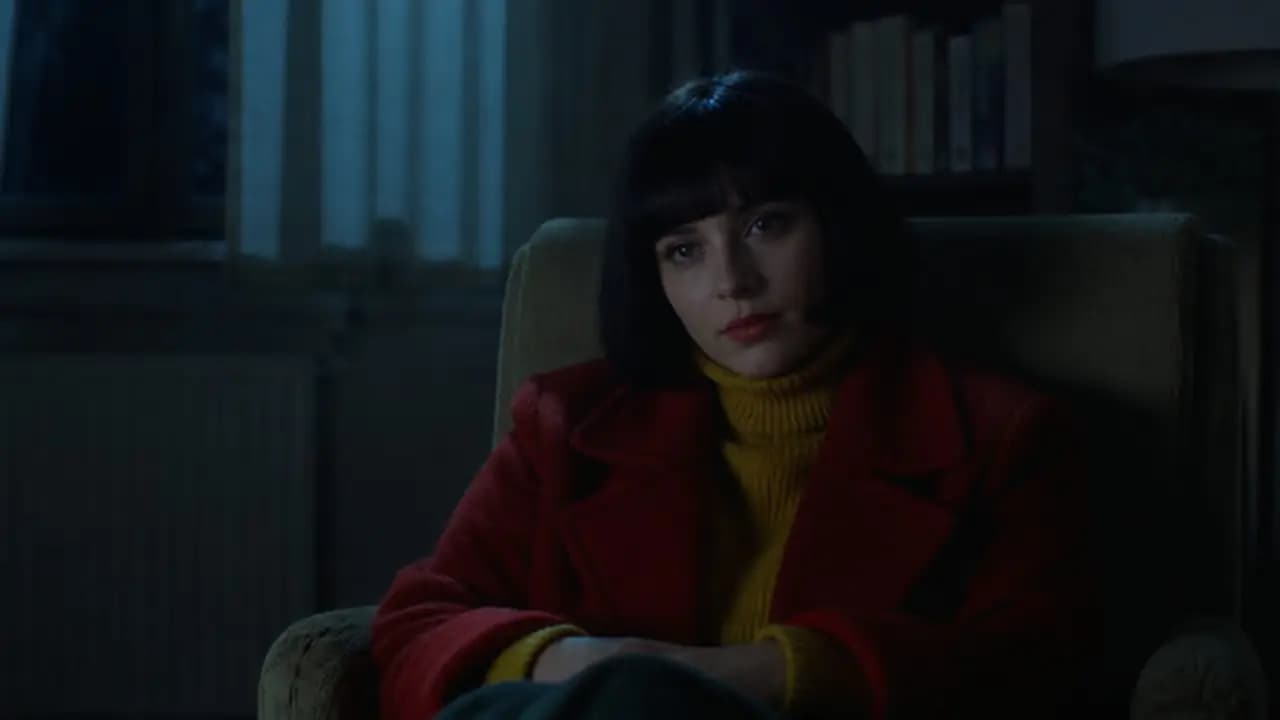
    [your subject], soft window light from camera-left falling across the face: a large diffused daylight source to one side, soft-edged, neutral to slightly cool, little fill so the far side falls into gentle shadow, a smooth gradient across the features. NOT hard direct sun.

  • Practical lampsPractical lampsImageVideo

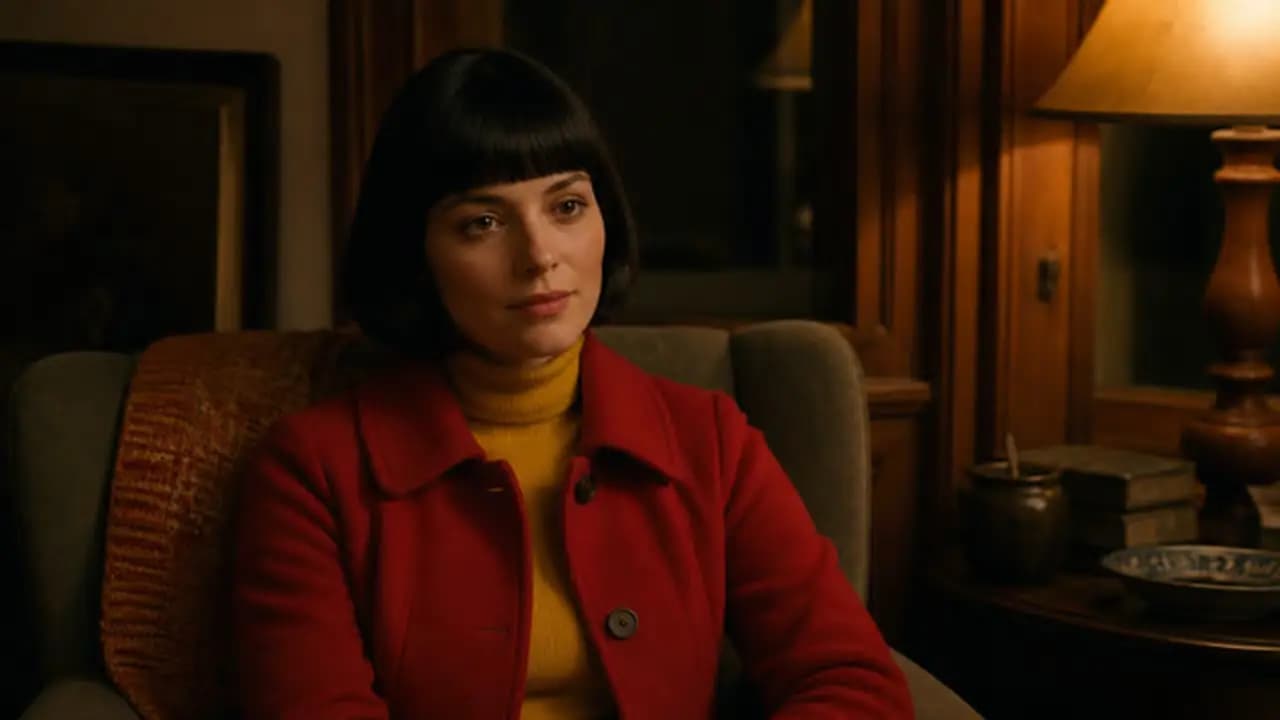
    [your subject], warm practical lamps in frame as the only light: small shaded sources near the subject, soft, warm tungsten amber, no added fill, pools of light with deep brown shadow between them. NOT a hidden off-frame key.

  • NeonNeonImageVideo

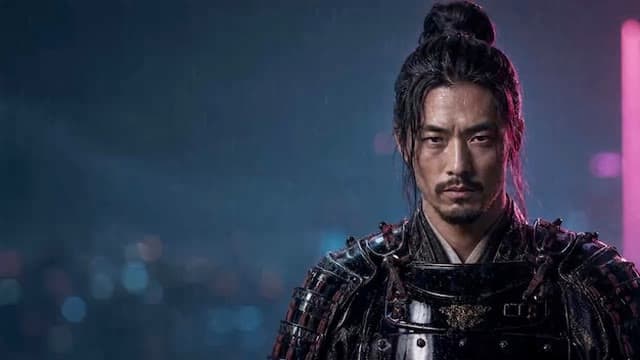
    [your subject], magenta and cyan neon light spilling across the subject: colored tubes to the side and behind, soft-edged spill, saturated magenta and cyan, low fill, deep blue-black shadows between the two colors. NOT white daylight.

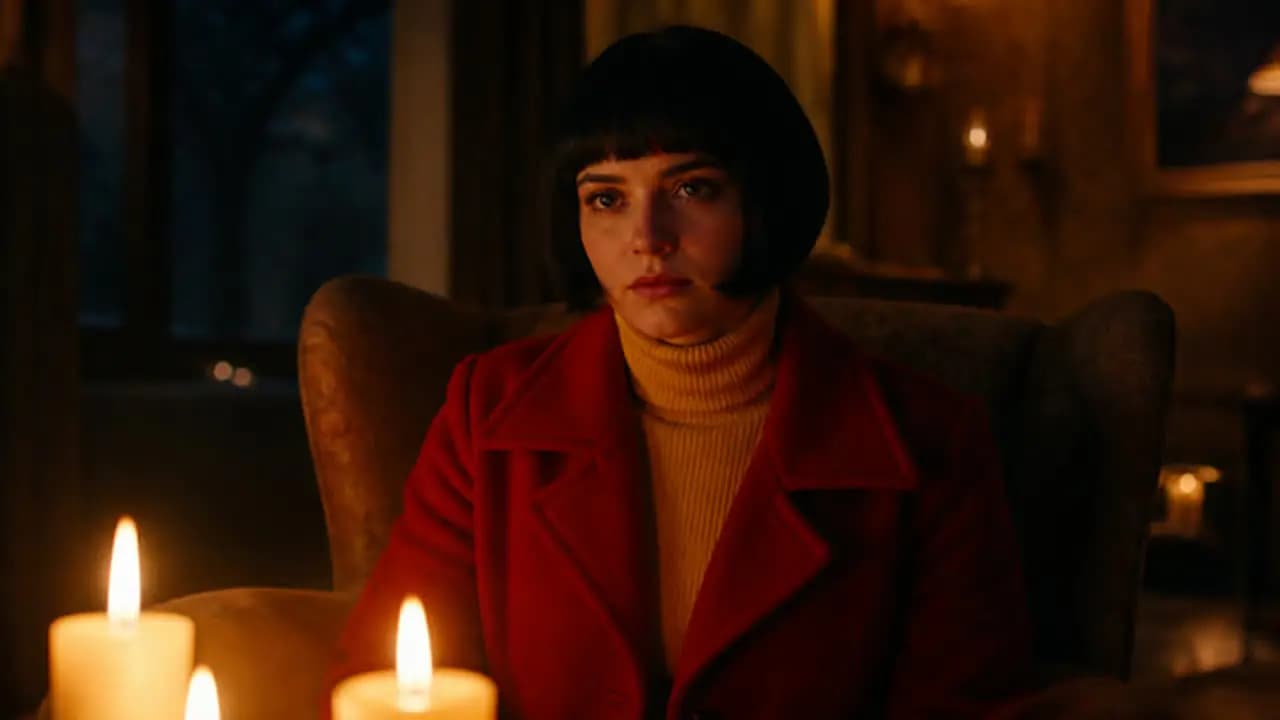
  • CandlelightCandlelightImageVideo

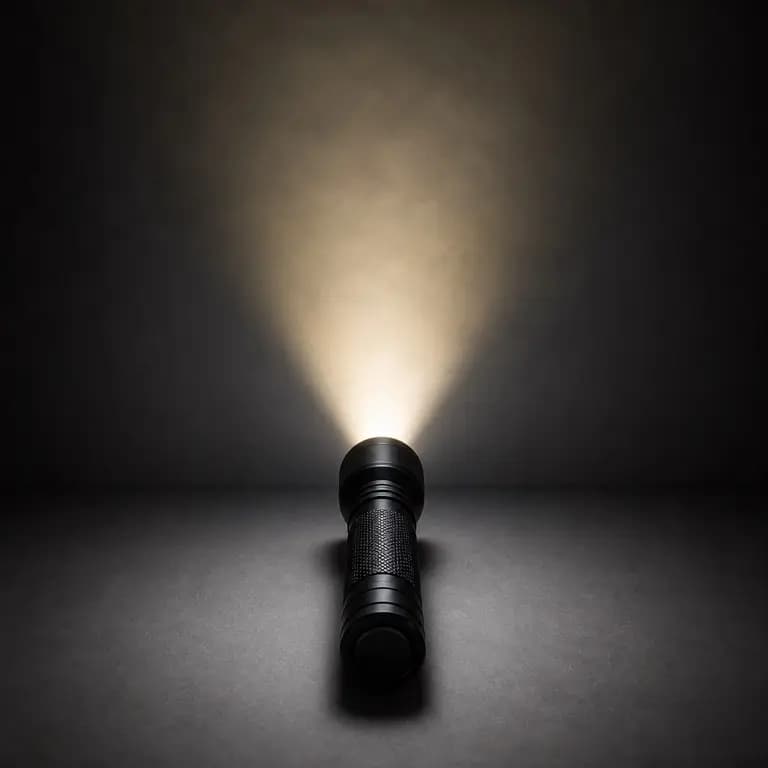
    [your subject], flickering candle or firelight, warm and unsteady: small low sources in front of the subject, soft, deep orange, almost no fill, the glow fading fast into darkness and shifting with the flame. NOT steady electric light.

  • MoonlightMoonlightImageVideo

    [your subject], cool moonlight from above, blue shadows: a single soft source high and to one side, pale cold blue, very low intensity, little fill, most of the frame sinking into deep blue shadow. NOT warm lamp glow.

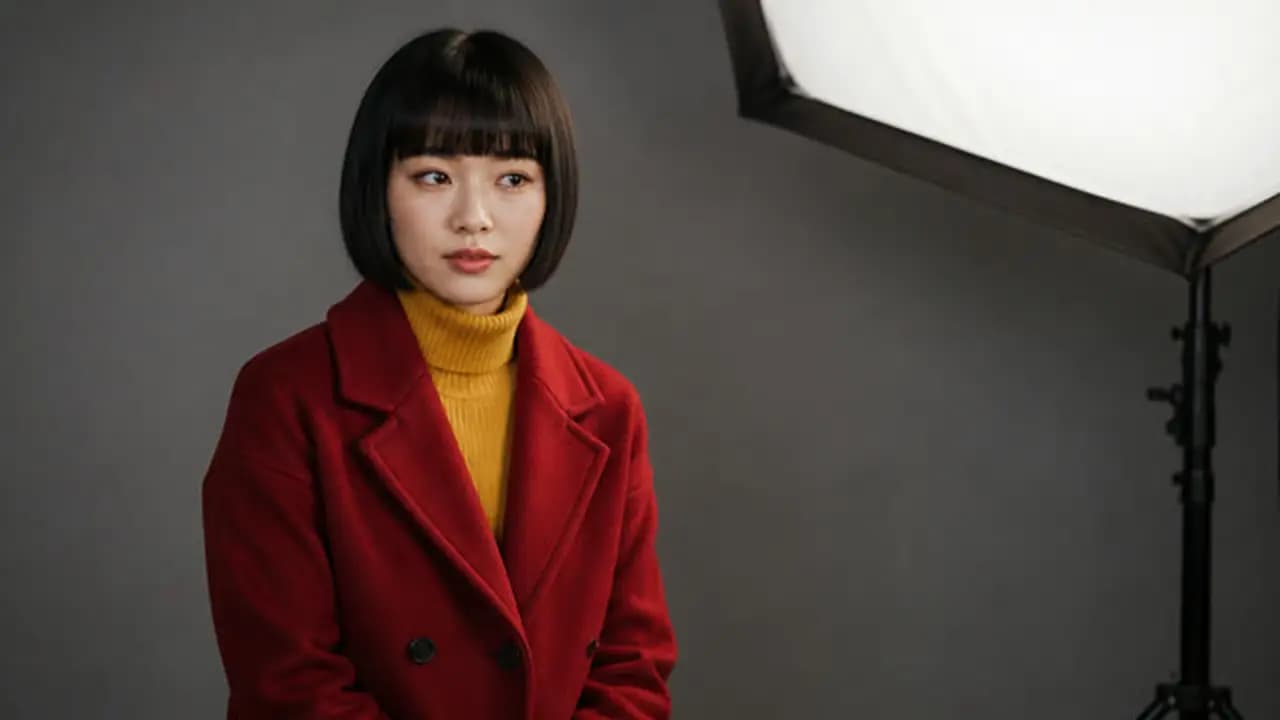
  • SoftboxSoftboxImageVideo

    [your subject], large softbox from above-front, clean product highlights: one big diffused source angled down from the front, very soft, neutral white, gentle fill, low contrast, smooth highlights and soft shadows on a plain backdrop. NOT a bare hard source.

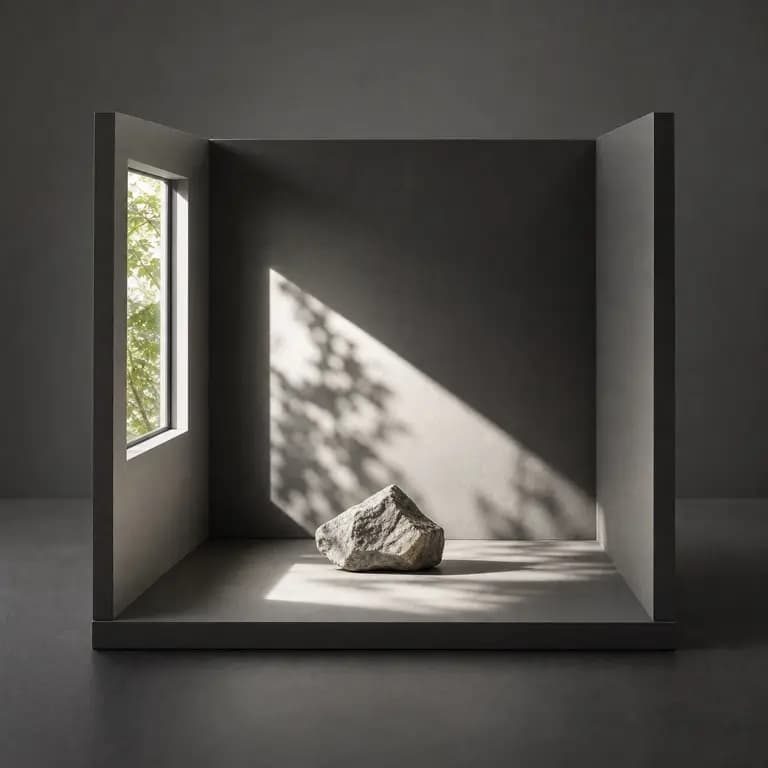
  • SunlightSunlightImageVideo

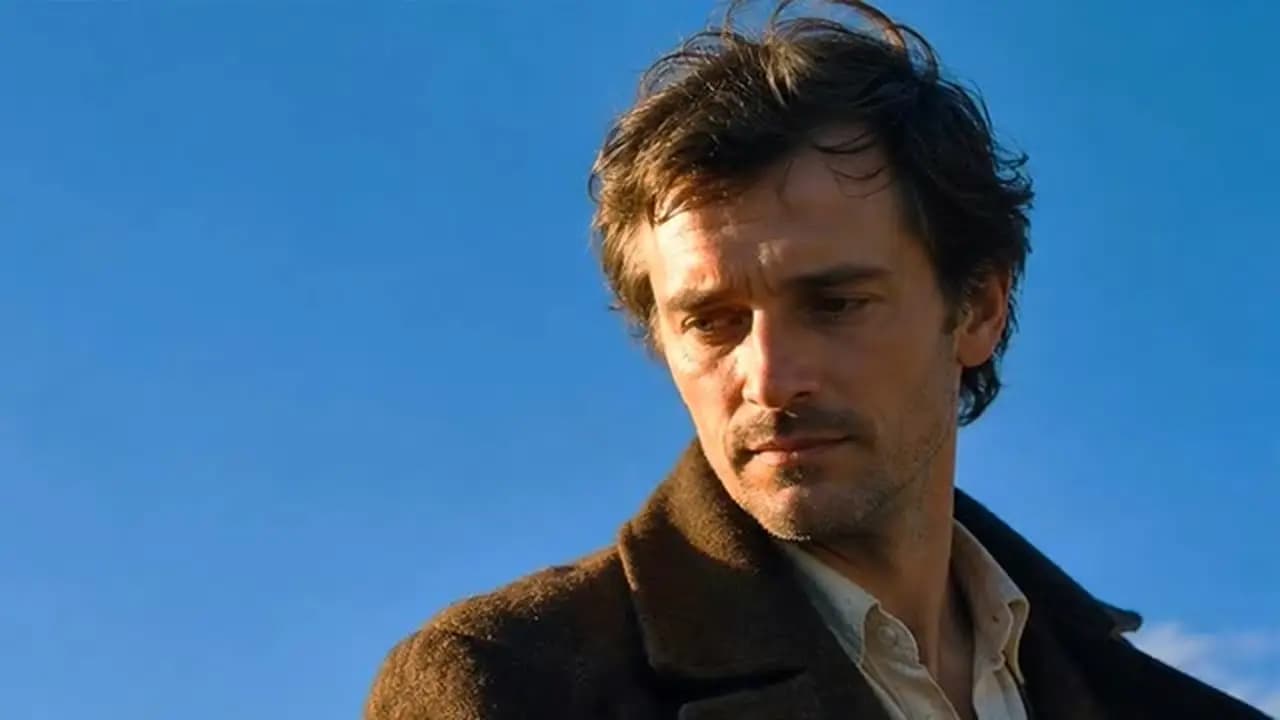
    [your subject], natural sunlight with warm tones and organic shadows: direct sun from one side, hard-edged, warm white, bounced fill from nearby surfaces, crisp patterned shadows across the scene. NOT diffused cloud light.

  • FirelightFirelightImageVideo

    [your subject], warm dancing firelight with orange glow and flickering shadows: a low flame source near the subject, soft and moving, deep orange-red, no fill, a warm pool of light below and darkness all around. NOT cool or steady light.

  • FluorescentFluorescentImageVideo

    [your subject], harsh fluorescent lighting with green cast and unflattering quality: flat overhead tubes, hard-diffused, cool green-white, even fill from all sides, low contrast and dull, shadowless skin. NOT warm or flattering.

  • Screen glowScreen glowImageVideo

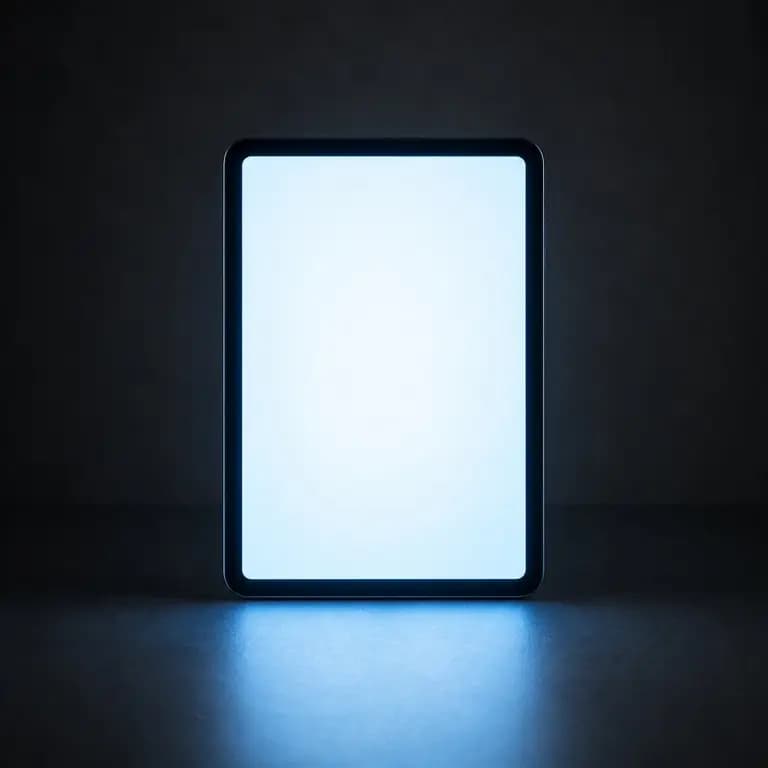
    [your subject], cool screen glow illumination from computer or phone on face: a small bright rectangle close in front, soft, cool blue-white, no other fill, the light falling off fast so only the front catches the glow. NOT room light.

  • StreetlightsStreetlightsImageVideo

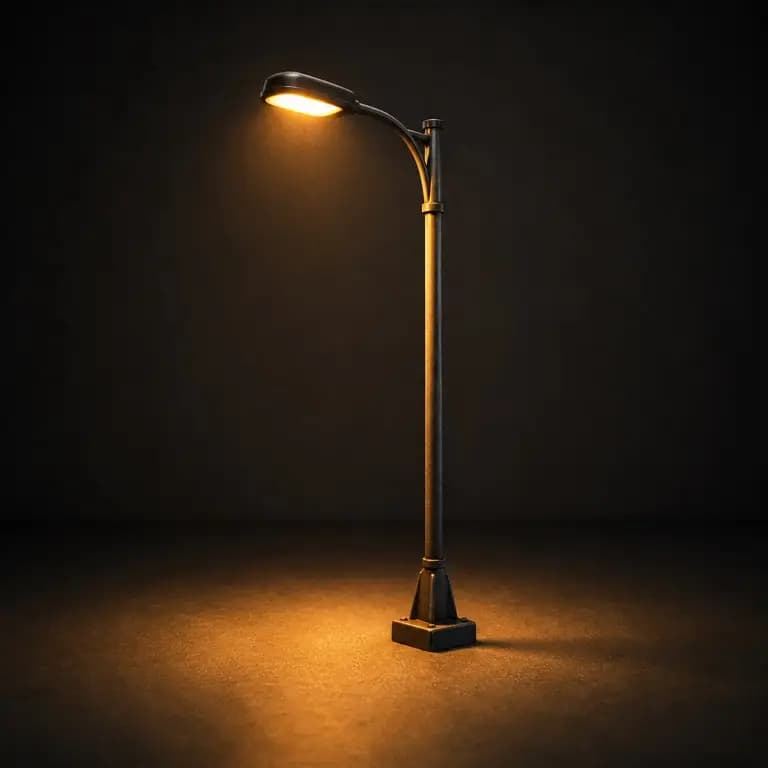
    [your subject], sodium vapor streetlight with orange cast and urban night atmosphere: a single high source above and to one side, hard pool, deep orange-amber, no fill, a bright cone below and black around it. NOT white or cool light.

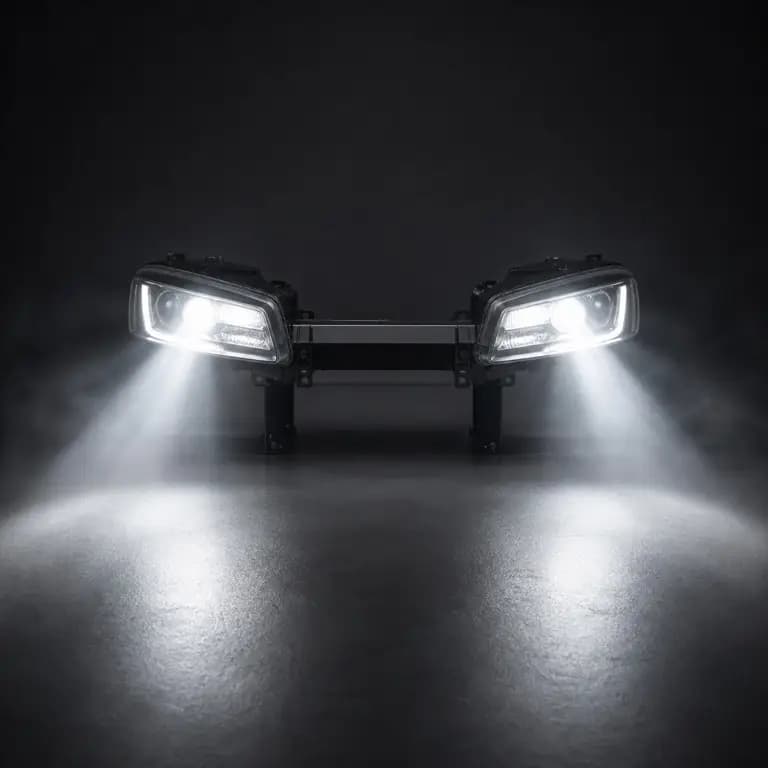
  • Car headlightsCar headlightsImageVideo

    [your subject], harsh car headlights cutting through darkness with dramatic beams: two low sources straight toward the subject, hard and glaring, cool white, visible beams in haze, no fill and very high contrast against black. NOT soft ambient light.

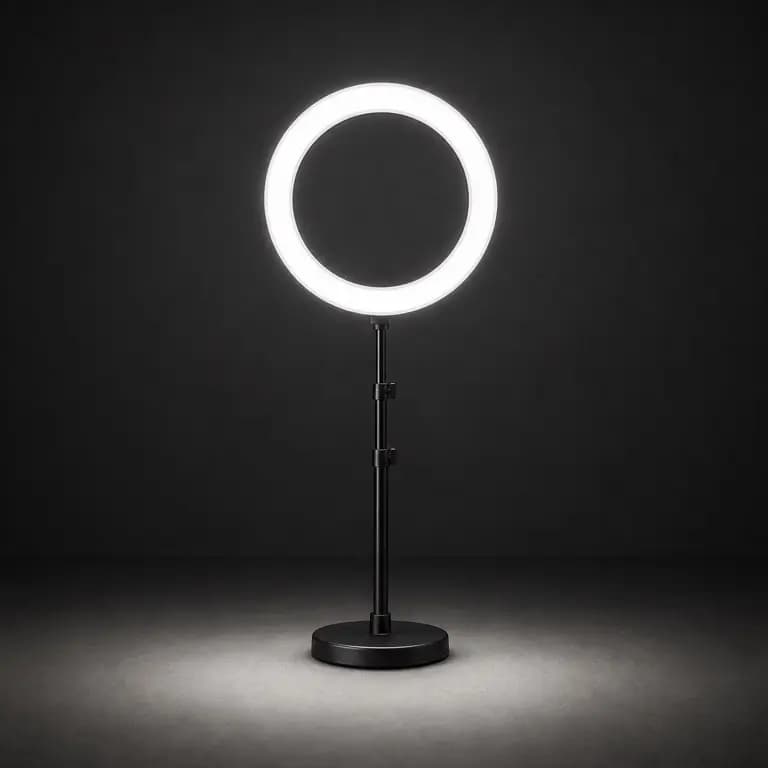
  • Ring lightRing lightImageVideo

    [your subject], ring light with even face illumination and catchlight in eyes: a circular source centred on the lens axis, soft and frontal, neutral white, full even fill, very low contrast, a ring-shaped catchlight and almost no shadow. NOT side light.

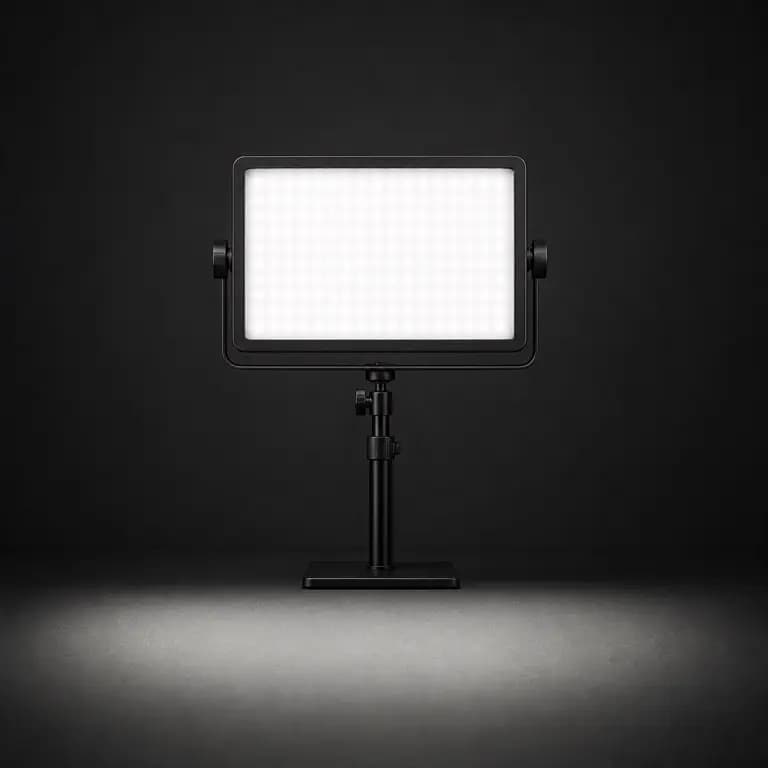
  • LED panelLED panelImageVideo

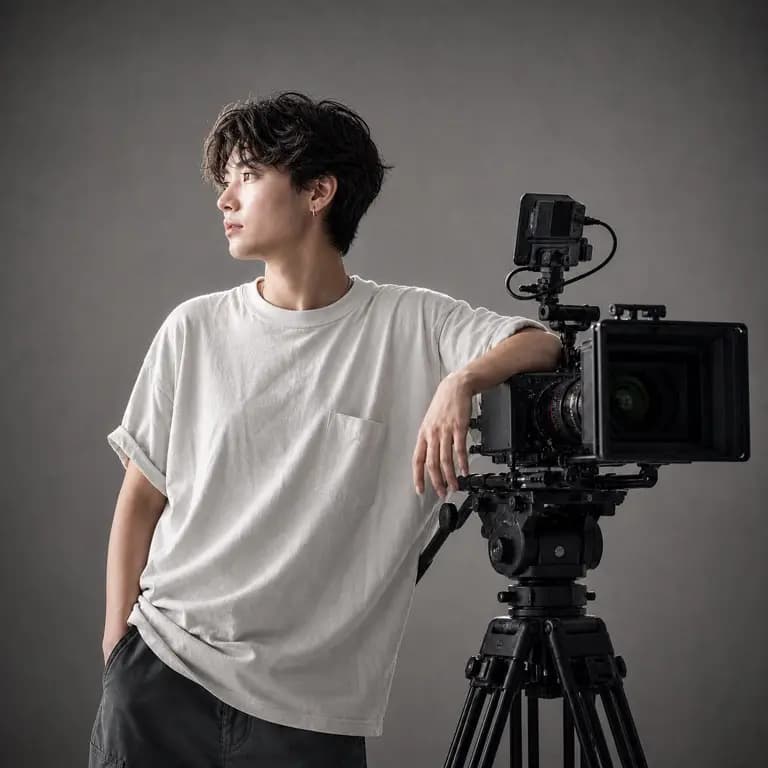
    [your subject], LED panel lighting with adjustable color temperature: a flat rectangular panel near the camera, soft and even, clean neutral white tunable warmer or cooler, moderate fill, soft-edged shadows. NOT flickering flame.

  • Harsh midday sunHarsh midday sunImageVideo

    [your subject], harsh overhead midday sun with strong shadows and high contrast: one hard source high above, bright warm white, no fill, short dark shadows under brows, nose and chin and crisp edges everywhere. NOT a low sun.

  • Laser lightsLaser lightsImageVideo

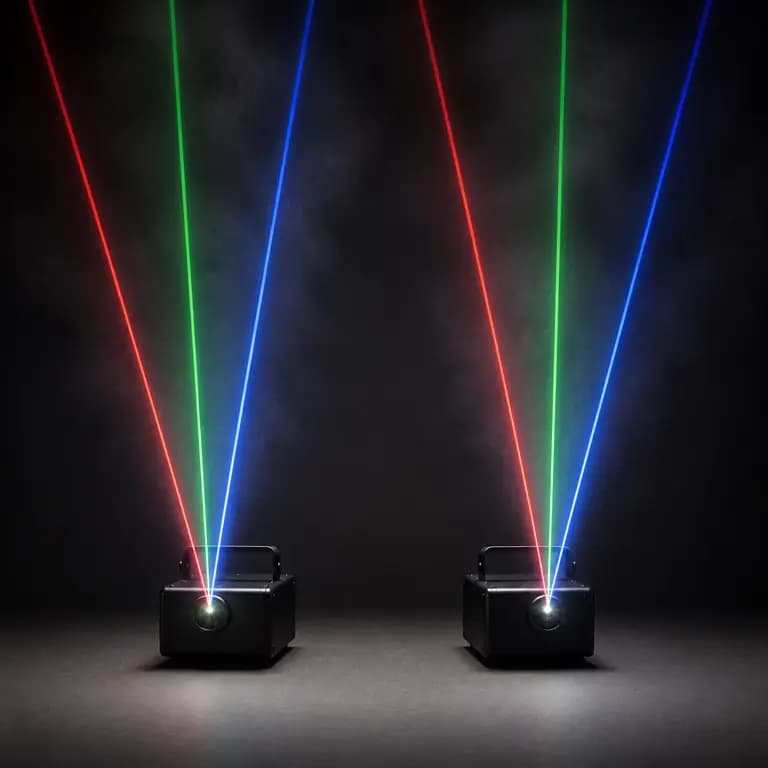
    [your subject], colorful laser lights cutting through haze with sharp beams: thin red, green and blue beams from low sources, razor-sharp lines in smoke, dark surroundings and little light falling on the subject itself. NOT soft wash light.

  • TorchlightTorchlightImageVideo

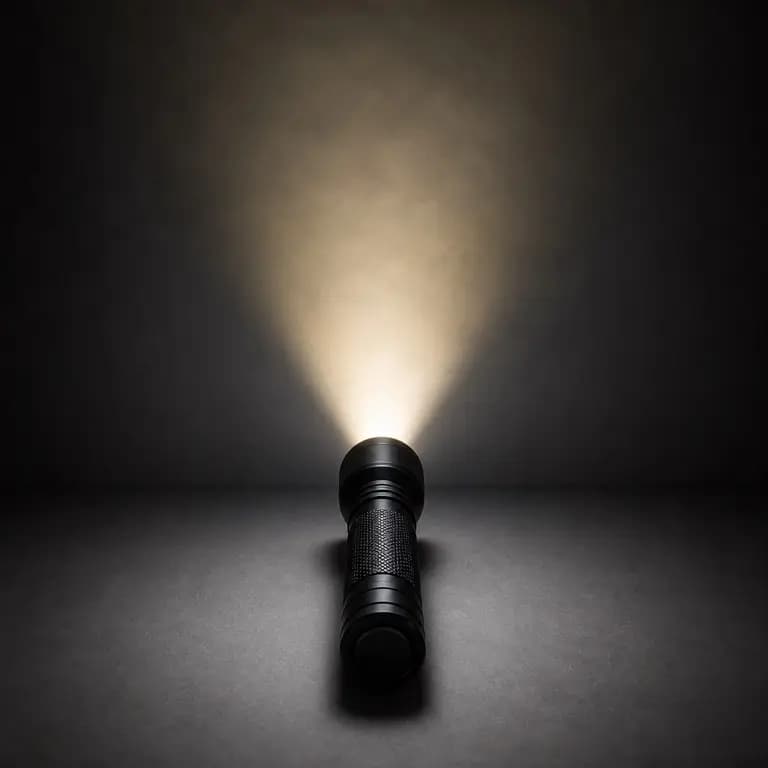
    [your subject], warm flickering torchlight with dancing flames and medieval atmosphere: a handheld flame source near the subject, soft and moving, warm amber, no fill, a narrow cone of light that fades fast into dark. NOT cool electric light.

Make it in ReelMe

See the light move: run the same lighting prompt in ReelMe Video. Name the same source in every shot so the light stays put between cuts.

Nov 12, 2026

How it works

3 steps

  1. Pick a look

    Choose one of the 38 lighting looks and copy its prompt.

  2. Add your subject

    Replace [your subject] with what you are making; keep the rest.

  3. Run it in ReelMe

    Paste it into ReelMe Image at reelme.ai/image?aspect=16:9 and generate.

  • Look and feel

    Prompt library

    Color · Prompt library · from the ReelMe composer

    38 looks with previews: copy a style prompt, add your subject, run it in ReelMe.

    1. Pick a look: Choose one of the 38 full looks and copy its prompt.
    2. Add your subject: Replace [your subject] with what you are making; keep the rest.
    3. Run it in ReelMe: Paste it into ReelMe Image at reelme.ai/image?aspect=16:9 and generate.
  • Color · Prompt library · from the ReelMe composer

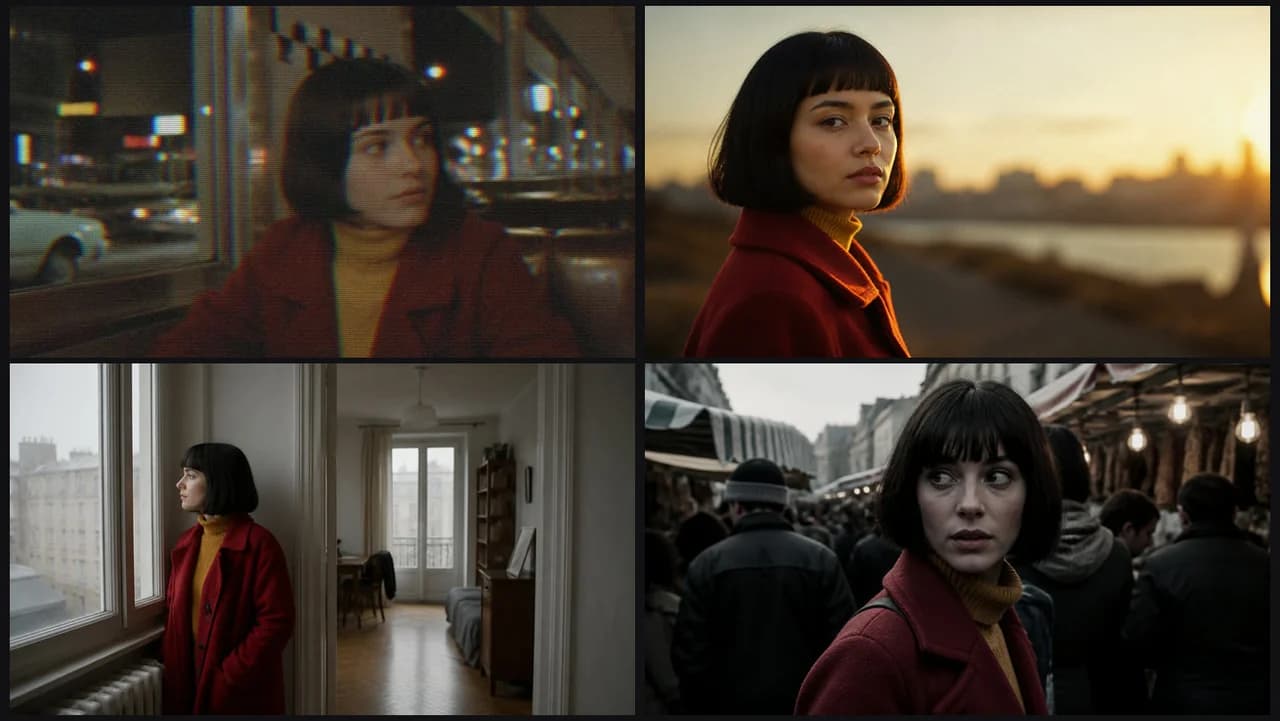
    46 color looks with previews: copy a style prompt, add your subject, run it in ReelMe.

    1. Pick a look: Choose one of the 46 color looks and copy its prompt.
    2. Add your subject: Replace [your subject] with what you are making; keep the rest.
    3. Run it in ReelMe: Paste it into ReelMe Image at reelme.ai/image?aspect=16:9 and generate.
  • Camera · Prompt library · from the ReelMe composer

    73 looks with previews: copy a style prompt, add your subject, run it in ReelMe.

    1. Pick a look: Choose one of the 73 camera and lens looks and copy its prompt.
    2. Add your subject: Replace [your subject] with what you are making; keep the rest.
    3. Run it in ReelMe: Paste it into ReelMe Image at reelme.ai/image?aspect=16:9 and generate.

Want it step by step? From Zero to AI Creator