
Prompt library12 promptsMotion & Sound2 min read

Tempo, speed and sound

Prompt library · from the ReelMe composer

12 looks with previews: copy a style prompt, add your subject, run it in ReelMe.

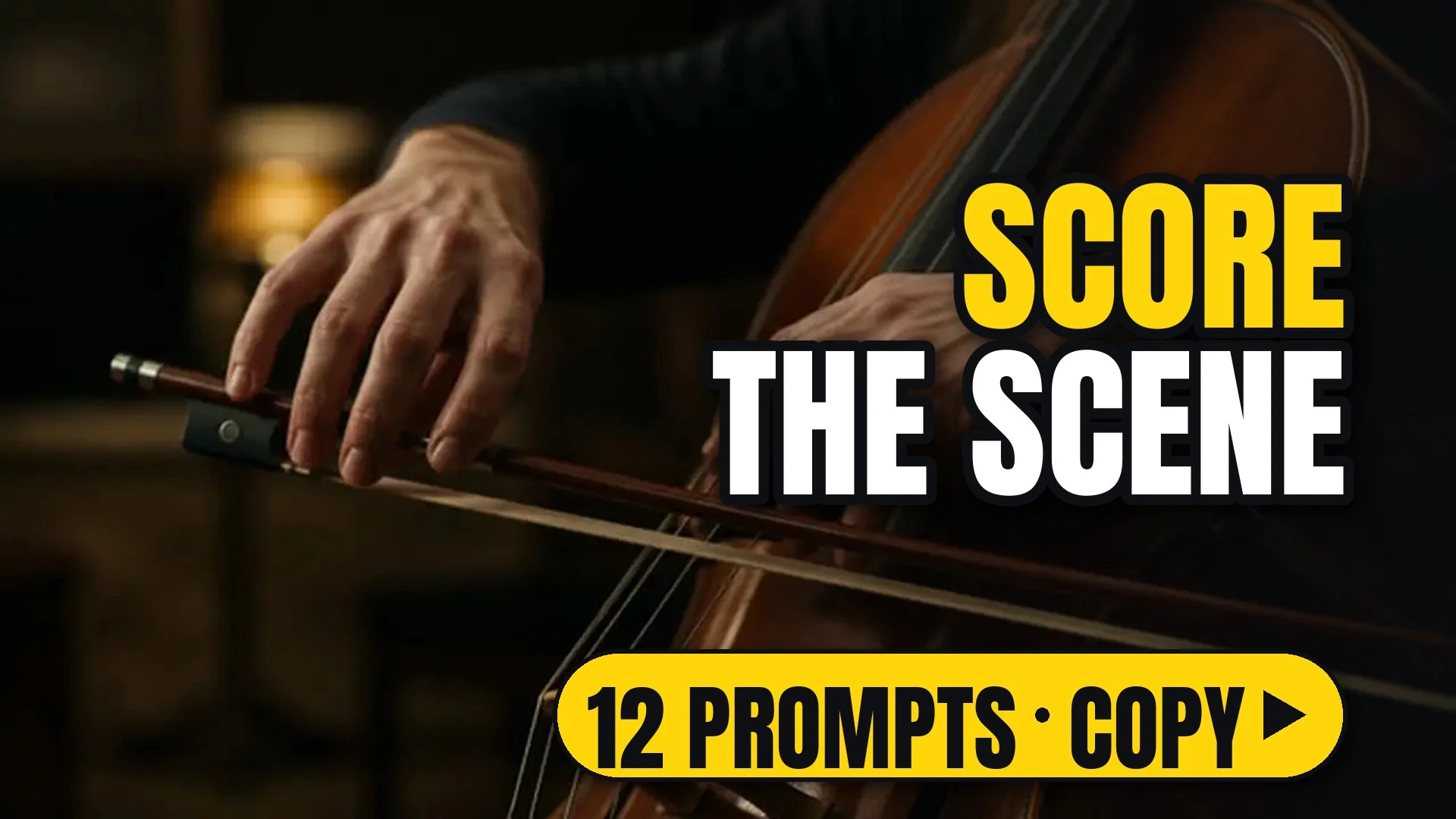
Close-up of hands bowing a cello in low warm light

12 looks. Pacing of the cut, slow motion or time-lapse, and the sound bed of a clip.

How to use

Each look comes as a style prompt that starts with [your subject]. Replace it with what you are making (a perfume bottle on marble, a chef plating pasta, your character), keep the rest, and run it.

Make image or Make video opens ReelMe with the style prompt filled in. Tempo and speed work on video only; sound needs a model that makes audio. Paste a tempo prompt after your subject in ReelMe Video (reelme.ai/video?mode=t2v), one tempo per clip.

12 prompts

Tempo4

  • ChaoticChaoticVideo

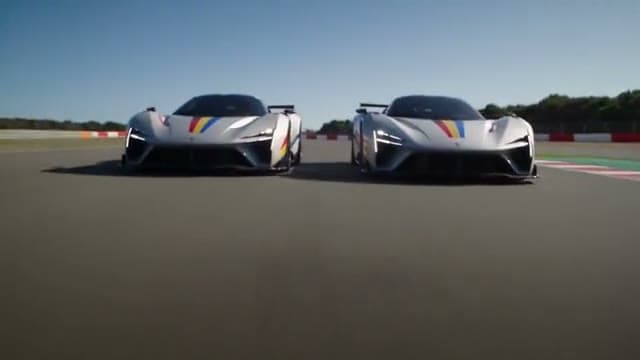
    [your subject], a chaotic edit: rapid-fire cuts under one second each, jumping between extreme close-up details and wide angles, sudden viewpoint changes and aggressive, vibrating camera energy. Momentum matters more than continuity, so the sequence feels breathless and unstable. NOT long held takes.

  • DynamicDynamicVideo

    [your subject], a dynamic edit: fast cuts every one to two seconds, shifting between wide high-angle tracking, low-angle sweeps and close-ups, with motion carried smoothly across each cut so the action keeps flowing forward. NOT slow lingering shots.

  • CalmCalmVideo

    [your subject], a calm edit: long-to-medium takes, about one shot every three seconds, each held until its moment finishes. Cuts are clean and only change scale or angle, with direction kept continuous. Never cut mid-look. NOT rapid montage.

  • Single shotSingle shotVideo

    [your subject], a single continuous take with zero cuts: the camera keeps moving and tracking the subject, shifting perspective fluidly without any break, so space and action stay unified from the first frame to the last. NOT edited montage.

Speed4

  • Slow motionSlow motionVideo

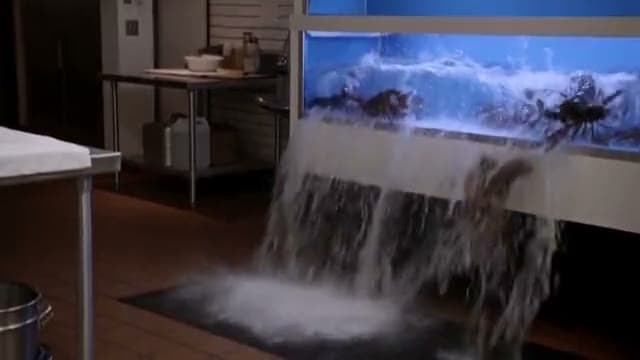
    [your subject], slow motion, every detail of the movement readable: action unfolds at a fraction of real speed, small motions become clear, and timing feels weightless and deliberate. NOT real-time speed.

  • Speed rampSpeed rampVideo

    [your subject], a speed ramp: real time, then slow motion at the moment of impact, then real time again. The slowdown lands exactly on the key action, holds for a beat, and the motion snaps back to full speed after it. NOT constant slow motion.

  • Time-lapseTime-lapseVideo

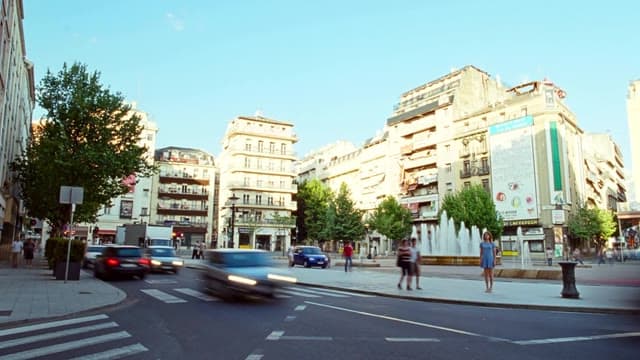
    [your subject], a time-lapse, clouds and light moving fast, the camera fixed: hours compress into seconds, shadows sweep across the frame, light shifts from one time of day to another while the frame stays locked. NOT real-time motion.

  • Freeze momentFreeze momentVideo

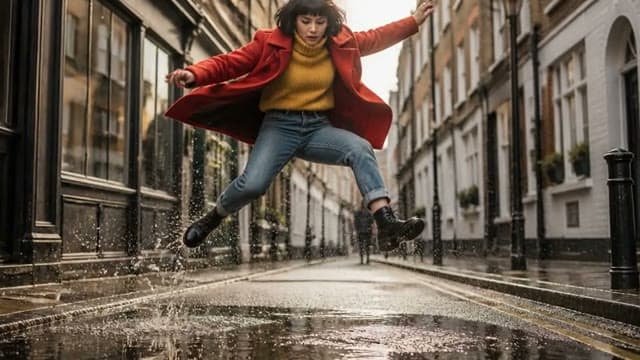
    [your subject], the moment freezes mid-action while the camera keeps moving: the action stops completely at its peak, every element hangs still in the air, and the camera continues to travel through the frozen scene. NOT a paused camera.

Sound4

  • Ambience onlyAmbience onlyVideo

    [your subject], natural ambience and action sounds only; no music, BGM, score or melody. The sound bed is the room or location tone, footsteps, fabric, objects being handled and other sounds that the action itself makes. NOT a music track.

  • Dialogue onlyDialogue onlyVideo

    [your subject], only the written dialogue and quiet room tone; no music; other characters keep their mouths closed. The spoken lines stay clear and up front, with a faint, steady room tone underneath and no effects competing. NOT background music.

  • Soft scoreSoft scoreVideo

    [your subject], natural ambience with a soft, understated instrumental score under it. The music stays low and gentle, never covering the action sounds, and supports the mood without driving the cut. NOT a loud, beat-driven track.

  • Music-drivenMusic-drivenVideo

    [your subject], an original upbeat instrumental drives the cut; movements land on the beat. Actions, cuts and camera moves sync to the rhythm, and the music sits forward in the mix. NOT silent or ambience-only.

Make it in ReelMe

Got a few clips? Lay them out in order, one node per beat, in ReelMe Canvas. Set slow shots between fast ones and the pace reads clearly.

Nov 12, 2026

How it works

3 steps

  1. Pick a look

    Choose one of the 12 tempo and sound looks and copy its prompt.

  2. Add your subject

    Replace [your subject] with what you are making; keep the rest.

  3. Run it in ReelMe

    Paste it into ReelMe Video at reelme.ai/video?mode=t2v and generate.

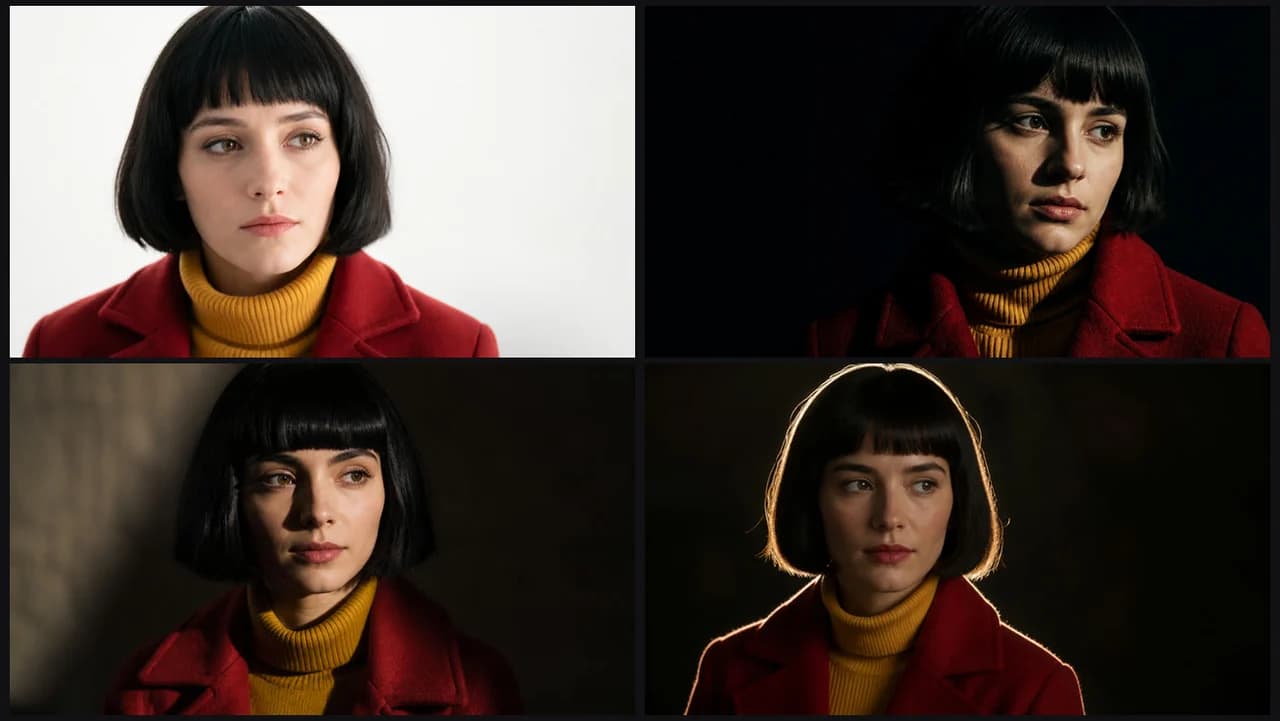
  • Lighting · Prompt library · from the ReelMe composer

    38 looks with previews: copy a style prompt, add your subject, run it in ReelMe.

    1. Pick a look: Choose one of the 38 lighting looks and copy its prompt.
    2. Add your subject: Replace [your subject] with what you are making; keep the rest.
    3. Run it in ReelMe: Paste it into ReelMe Image at reelme.ai/image?aspect=16:9 and generate.
  • Look and feel

    Prompt library

    Color · Prompt library · from the ReelMe composer

    38 looks with previews: copy a style prompt, add your subject, run it in ReelMe.

    1. Pick a look: Choose one of the 38 full looks and copy its prompt.
    2. Add your subject: Replace [your subject] with what you are making; keep the rest.
    3. Run it in ReelMe: Paste it into ReelMe Image at reelme.ai/image?aspect=16:9 and generate.
  • Color · Prompt library · from the ReelMe composer

    46 color looks with previews: copy a style prompt, add your subject, run it in ReelMe.

    1. Pick a look: Choose one of the 46 color looks and copy its prompt.
    2. Add your subject: Replace [your subject] with what you are making; keep the rest.
    3. Run it in ReelMe: Paste it into ReelMe Image at reelme.ai/image?aspect=16:9 and generate.

Want it step by step? From Zero to AI Creator