AI Christmas Photos and Videos From Your Own Pics
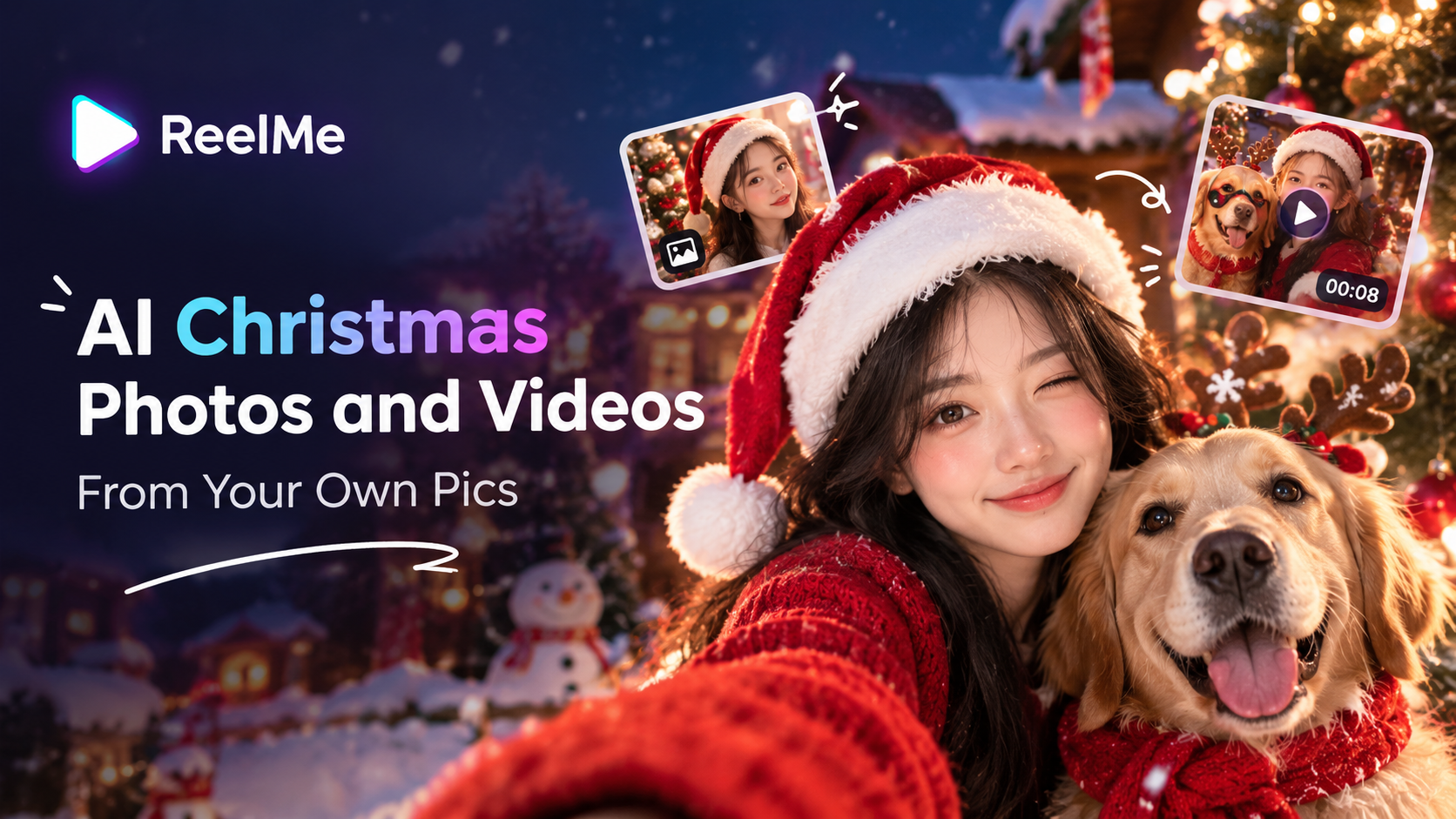
Christmas AI
Christmas AI takes an ordinary selfie and drops it into a snowy town square, a cozy winter interior, or a classic holiday scene — no studio, no props, no editing experience needed.
- Upload a clear photo.
- Choose a holiday setting.
- Let the app rebuild the scene around you.
It swaps lighting, background, and styling wholesale — not just a filter on top. That's the difference between a festive-looking post and one that stops the scroll.
What Christmas AI Actually Does to Your Photos
A filter sits on top of your photo. Christmas AI rebuilds the photo itself — new environment, new lighting, new scene, with your face anchored in the middle of all of it.
Think of it like this: a filter is a costume. What you get here is a film set. Instead of a snowflake sticker floating over your kitchen, you're standing inside a snowy town square or an elegant winter interior, and the shadows fall on your face the way they actually would in that place.
That's what people asking what does Christmas AI do are really missing — it doesn't decorate your photo, it replaces the world around you. Try try ReelMe AI to see the scene-swap in one upload.
No studio, no props, no green screen. Upload one clear photo — good natural light, face unobscured — and the generator has enough to work with. Soft lighting, a murky background, or heavy shadows in the source image will limit how cleanly the new scene renders. Reelme.Art
How to Turn Personal Photos into Holiday Content
Once your source photo is sharp and evenly lit, the rest of the process is a few taps. Open ReelMe AI — download ReelMe AI if you haven't yet — and navigate to the Christmas AI section from the home screen.
Start with photo selection. Use one clear, well-lit shot of your face. For a group result, choose a photo where every face is fully visible and not clipped by the frame. A window-lit shot gives the generator enough contrast to map a new setting onto your features.
Next, choose a holiday style. Options include a snowy town square, a warmly lit winter interior, or a classic holiday movie scene. Pick the one that matches how your finished post should feel.
ReelMe AI makes the output shareable in minutes, no design background required.
Holiday Content Ideas for Creators and Small Businesses
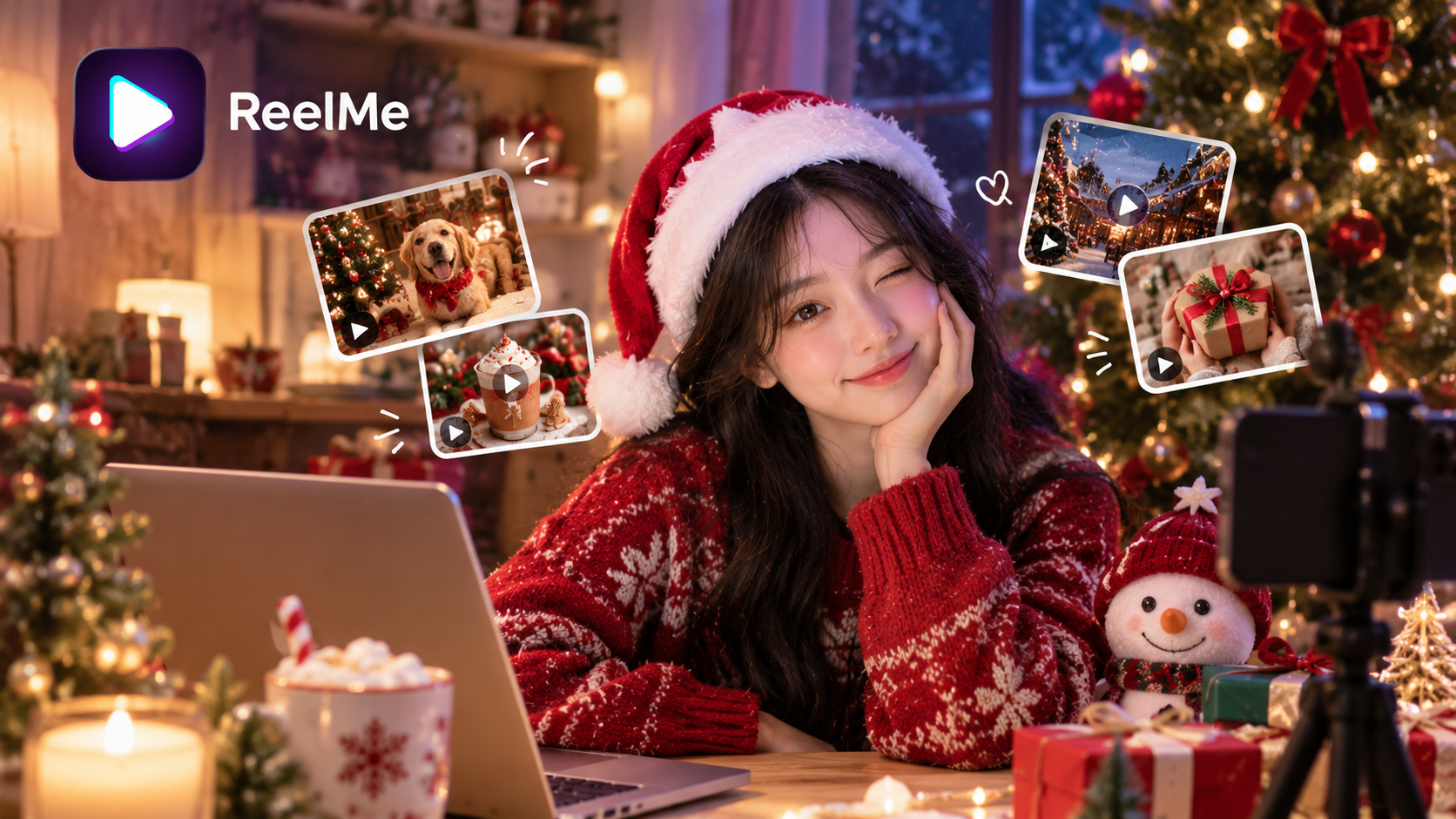
- Product-in-scene Reel — Export your product photo through Christmas AI to swap the backdrop for a snowy town square or winter interior in one step, then post to Instagram Reels.
- Seller Stories seasonal promo — Run your storefront portrait through the holiday scene generator. Drop the result as a limited-offer Story using a classic holiday movie setting as your background.
- Personal brand Reels intro — Upload a clear selfie and let the tool replace your outfit and backdrop automatically. Use the festive portrait as your Reels cover to establish warmth before a single word plays — exactly how AI holiday video ideas for small business owners can skip a full shoot.
Mistakes That Kill Engagement on Holiday Content
- Blurry input photo. A low-resolution selfie produces muddy AI output. Shoot near a window in natural light before uploading.
- Generic caption. "Happy Holidays!" gets scrolled past. One specific detail — a product name, a location, a feeling — stops the thumb.
- Wrong aspect ratio. A square crop posted to Reels loses the top and bottom. Export at 9:16 before posting.
Your Holiday Photos, Actually Working for You
Personal photos become polished holiday content when you control the inputs.
- Use Christmas AI to replace lighting, backdrops, and styling — not just stickers.
- Start with clean, well-lit source photos for sharper outputs.
- Tie content to a specific product or place if you're a creator or seller.
- Shoot in natural light, export at 9:16, and add one specific caption detail.