ReelMe AI: Generate AI Images Built for Reels
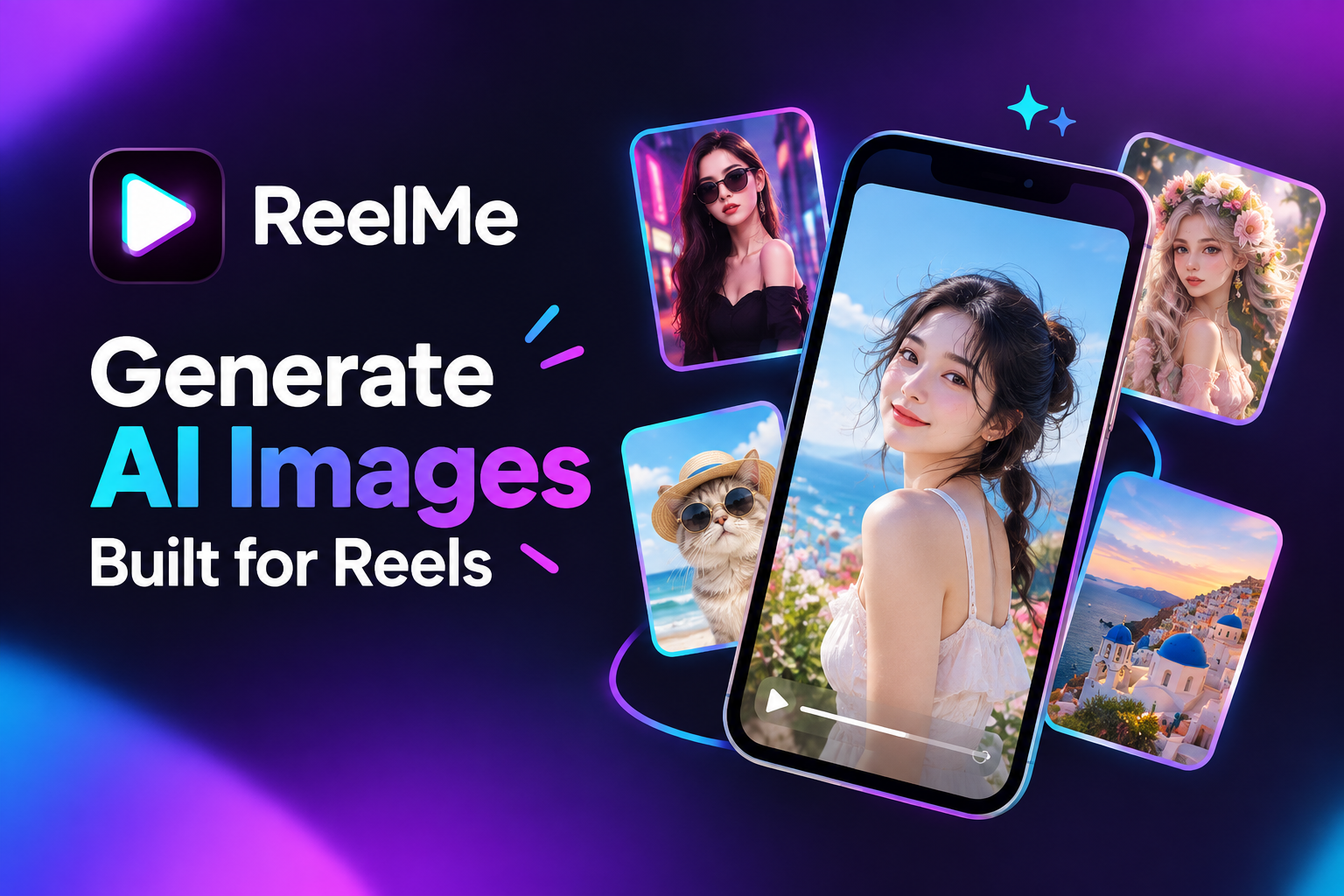
She opens the app to generate AI images, picks a style, and waits. The image lands. Then comes the real problem — exporting it, switching apps, assembling the video, posting. ReelMe AI closes that gap. It connects image generation and Reel assembly inside one iOS workflow, so the moment an image is ready, a finished Reel is within a few taps.
Why AI Image Generation Still Stalls Before Publishing
The gap between a finished image and a published Reel isn't creative — it's logistical. Over 150 million people use AI image generators each month, yet most creators still treat image creation and video assembly as two separate jobs requiring two separate apps.
That handoff is where momentum dies. You generate AI images in one tool, export to camera roll, open a video editor, re-import, reframe, add audio, then export again — five context switches before a single frame reaches your audience.
The deeper problem is that no individual step is hard. The friction is cumulative. Each app switch resets your focus, and a polished AI image generation workflow for Reels demands that every step live inside the same environment, or the assembly tax quietly outweighs the creative gain.
Creators who download ReelMe AI sidestep that tax by keeping both tools under one roof — which is exactly the bottleneck the rest of this article addresses. Reelme.Art
How to Generate AI Images Inside One iOS Workflow
That single-environment principle is what ReelMe AI is built around — every step from typed prompt to exported Reel happens inside one app, no browser tabs, no file transfers.
Write Your Image Prompt
Open the image creation screen and type a prompt that describes subject, lighting, and mood in one sentence — something like "a woman in a sunlit café, warm backlighting, editorial style." Specificity matters more than length: naming a light source gets you further than adding adjectives.
If the first result misses, adjust one variable at a time rather than rewriting the whole prompt. Changing "warm backlighting" to "overcast window light" isolates the variable and makes the revision readable. Anyone looking to generate AI images on iPhone can follow the same logic — small, targeted edits, not full restarts.
Assemble and Export
Once you approve an image, move it directly into Reel assembly — same session, same app. Sequence your frames, set the timing, and export. The try AI avatar video walks through format considerations if you want to go deeper on output settings.
Add an AI Avatar Video to Strengthen Your Reel
Static frames carry the visual — an AI avatar video carries the voice. When images alone sit in a Reel without narration or a speaking presence, viewers scroll before the story lands.
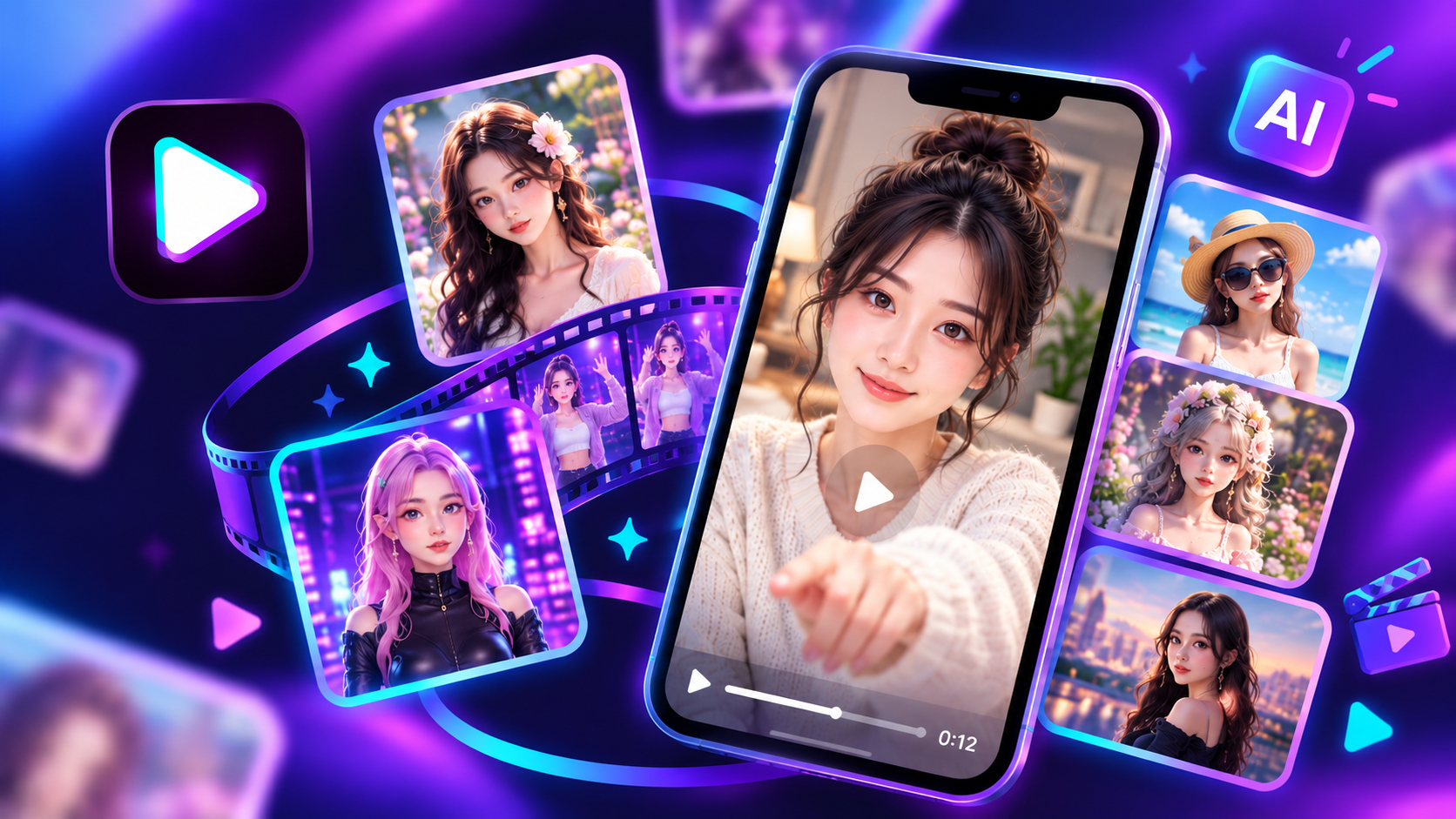
The avatar layer solves that. Generate a presenter from your likeness or a custom AI persona, then record or type the script you want spoken. ReelMe AI places that avatar track directly over the image sequence you already built — no export, no third app, no re-sync.
That compound effect is what makes AI avatar video for Instagram Reels worth the extra two minutes: you generate AI images that set the scene, then let a speaking face deliver the point that text overlays alone cannot.
The images give context. The avatar creates connection.
Common Mistakes When Prompting AI Images for Reels
That connection breaks the moment a generated frame arrives at the wrong size or with a subject that's too vague to read at speed.
Vague Subject Description
A prompt like "cozy café" produces a usable stock photo — not a Reel frame. Specify what is happening and where the eye should land: "barista pouring latte art, close crop, warm morning light."
Missing Aspect Ratio
AI image prompts for short-form video need a 9:16 ratio locked in before generation. Square or landscape output forces a crop that kills composition.
Overcrowded Prompts
Five competing moods produce a confused result. Pick one dominant feeling and one light source — then stop.
From Blank Canvas to Published Reel
You can now move from a prompted image to a finished Reel without switching apps, exporting files, or losing the creative thread mid-build.
ReelMe AI holds that entire path in one place — try it and see how far a single idea travels.