Turn Your Photo into a Halloween AI Look
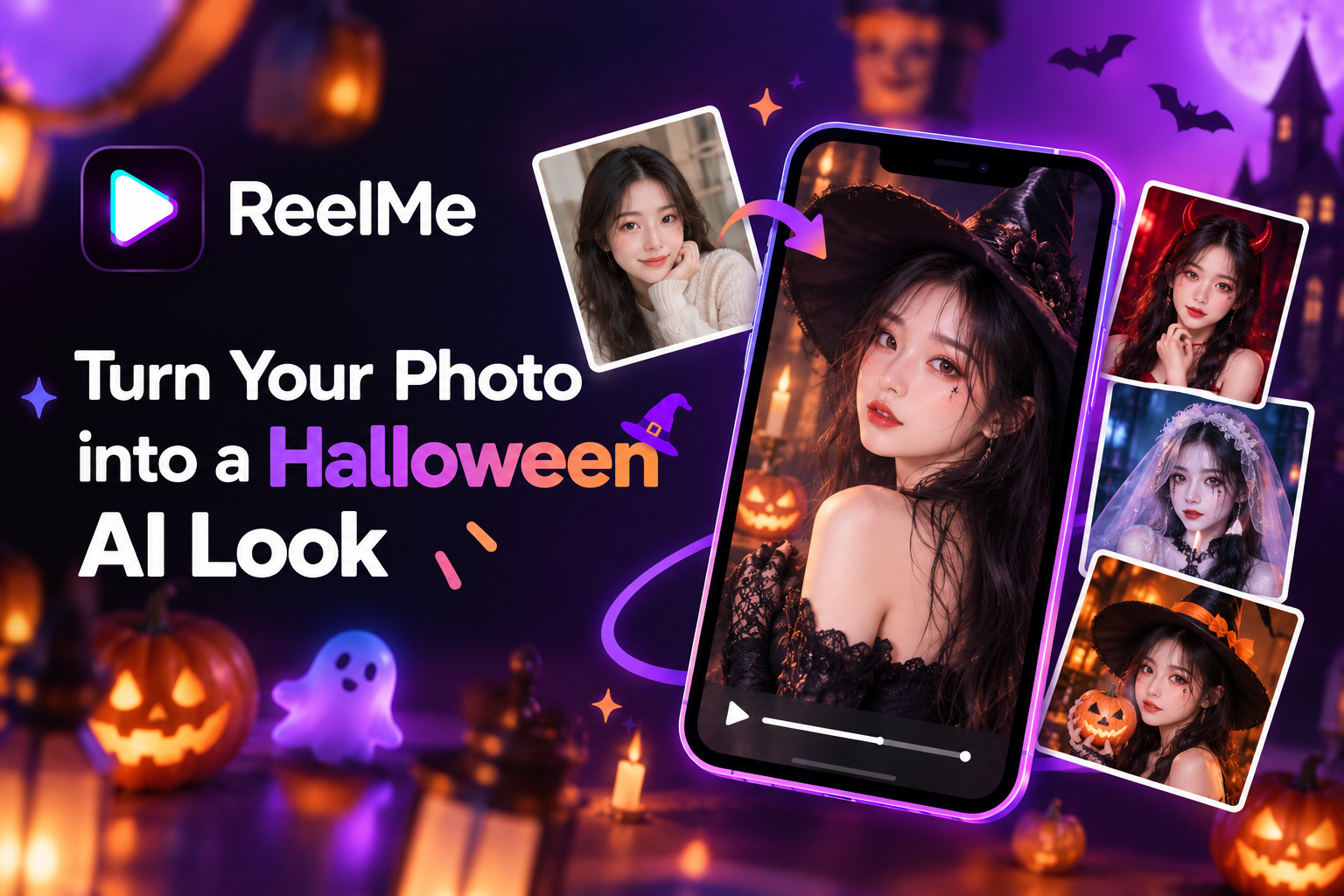
Halloween AI turns any clear, well-lit selfie into a shareable costume look inside ReelMe AI — no shopping, no sewing, no makeup chair. How well it works depends on two things: the photo you start with and the look you choose. A sharp, forward-facing shot in decent light gives the transformation something real to work with.
October 31, 2026 falls on a Saturday, and 84% of Halloween planners are already deep into prep by early October — so the window to post something that lands is shorter than it feels.
Why One Photo Is Enough This Halloween?
With a Saturday Halloween and most people already planning by early October, the pressure to show up with something shareable hits fast. You don't need a full costume shoot to join in — a single selfie is already the raw material.
Halloween planning has gone almost entirely digital. The Fun.com 2026 Halloween Poll found 37% of people now use generative AI tools for costume concepts, and 43% start their search online — which means the halloween ai photo idea your scroll keeps serving you is exactly what your audience expects to see. The look is the content.
That gap between wanting a Halloween AI look and actually having one used to mean shopping, sewing, or hiring someone. No costume, no studio, no editing skills — none of that is the bottleneck anymore. One photo, taken in decent light, is enough to try ReelMe AI and see what the transformation gives you.
Most people have the photo already. It's sitting in their camera roll right now. get ReelMe AI app is where the work stops being work.
How to Turn Your Photo into a Halloween AI Look
Open ReelMe AI, tap the Halloween AI photo tool, and you are three steps away from something genuinely creepy.
Pick Your Photo
A front-facing selfie taken in natural light gives the AI the clearest read on your features — flat indoor lighting or heavy shadows can blur the morph. Portrait mode works well. Full-body shots work too, though the face detail sharpens when it fills at least half the frame.
Choose Your Look
Browse the style gallery and pick one Halloween look — vampire, melting skull, rotting zombie, witch, demon, whichever reads right for where you plan to post. The transformation processes and renders a shareable image you can drop straight to your feed. If you haven't downloaded it yet, grab download on iOS and the whole process takes one selfie from camera roll to finished Halloween content.
8 Halloween AI Looks to Try Right Now
Eight distinct looks, each built for a different post — pick the one that fits your feed and run it.

- Glowing Skull Face You post a close-up portrait with your face fully lit and eyes open; select the Skull transformation in ReelMe AI and the render maps bioluminescent bone structure directly over your features, leaving your eye shape visible beneath.
- Rotting Zombie You post a neutral-expression selfie shot in daylight; choose the Zombie look and the output layers decomposed skin texture, sunken cheeks, and a gray-green color grade across your face.
- Classic Witch You post a three-quarter angle showing your jaw and neckline; the Witch transformation adds a hooked silhouette, darkened skin, and hollow eye sockets sized to your actual bone structure.
- Horned Demon You post a straight-on selfie; the Demon look extrudes curved horns from your temples and deepens the eye color to a solid, saturated red.
- Vampire Aristocrat You post a slightly upward-angled shot that catches your cheekbones; the output sharpens your features, adds pallor, elongates the canines, and darkens the under-eye area.
- Werewolf Mid-Turn You post a candid three-quarter shot; the transformation roughens the jaw line with coarse fur texture and shifts the brow ridge forward while keeping your expression readable.
- Melting Wax Figure You post a still, flat-lit portrait; the render distorts skin downward along the nose and cheeks as though heat has softened the surface, leaving the eyes intact for contrast.
- Ghost with halloween ai look ideas in mind You post a well-lit portrait; the Ghost transformation desaturates your skin to near-white, adds translucent edge bleed, and overlays a faint environmental reflection to sell depth.
Which Halloween AI Look Works Best for Your Platform
Pick the look that fits the frame. Skull and Melting Face hit hard as vertical close-ups — the bone detail and drip effect read clearly at phone size, making them solid choices for halloween content for tiktok reels. Ghost and Vampire suit square or portrait crops where softer edges and color contrast carry the mood on a feed grid.
Your Costume Is Already in Your Camera Roll
You can now walk into Halloween with a look — without a store run, a fitting room, or an editing tutorial.
Open ReelMe AI, drop in a photo, and pick your transformation. That's the whole process.