



HotMust-have
AI Videos That Don't Look AI
Pick the right model, move the camera and keep one face, so your clips look filmed, not generated.
ReelMe Academy
14 lessons30 minBeginnerFreeLearn free nowWrite a one-minute story, keep the same cast in every shot and cut your own AI short film.
 By ReelMe Academy team
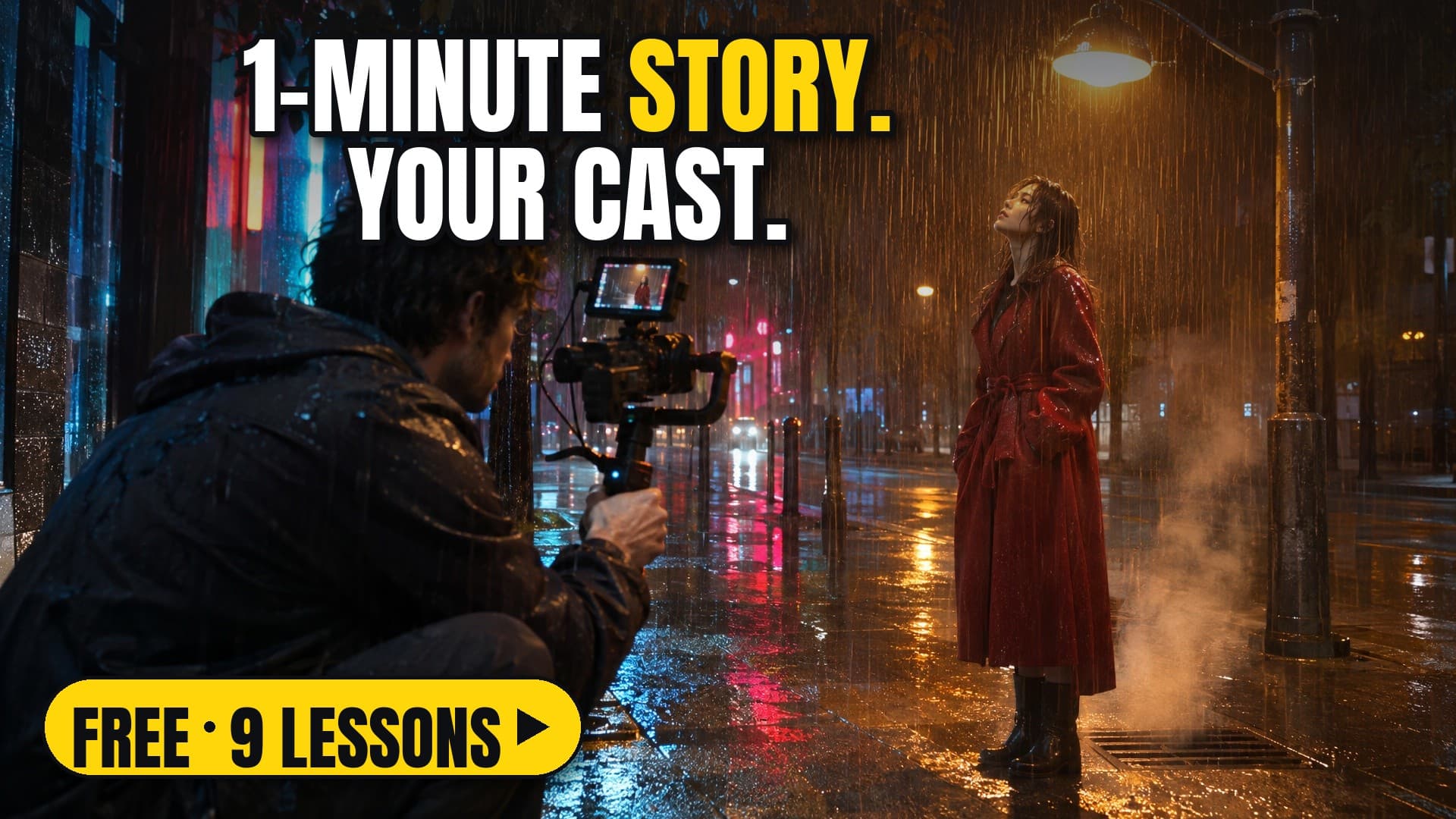
reelme.ai/academy/c/ai-filmmaking
Become a film-maker using AI
Last updated Nov 17, 2026
Finish every lesson to unlock
ReelMe Academy · free course · 9 lessons · two full example films
✅ Taught inside ReelMe, where a film is built in the order a real crew works: story, characters, places and look, pictures, clips, edit.
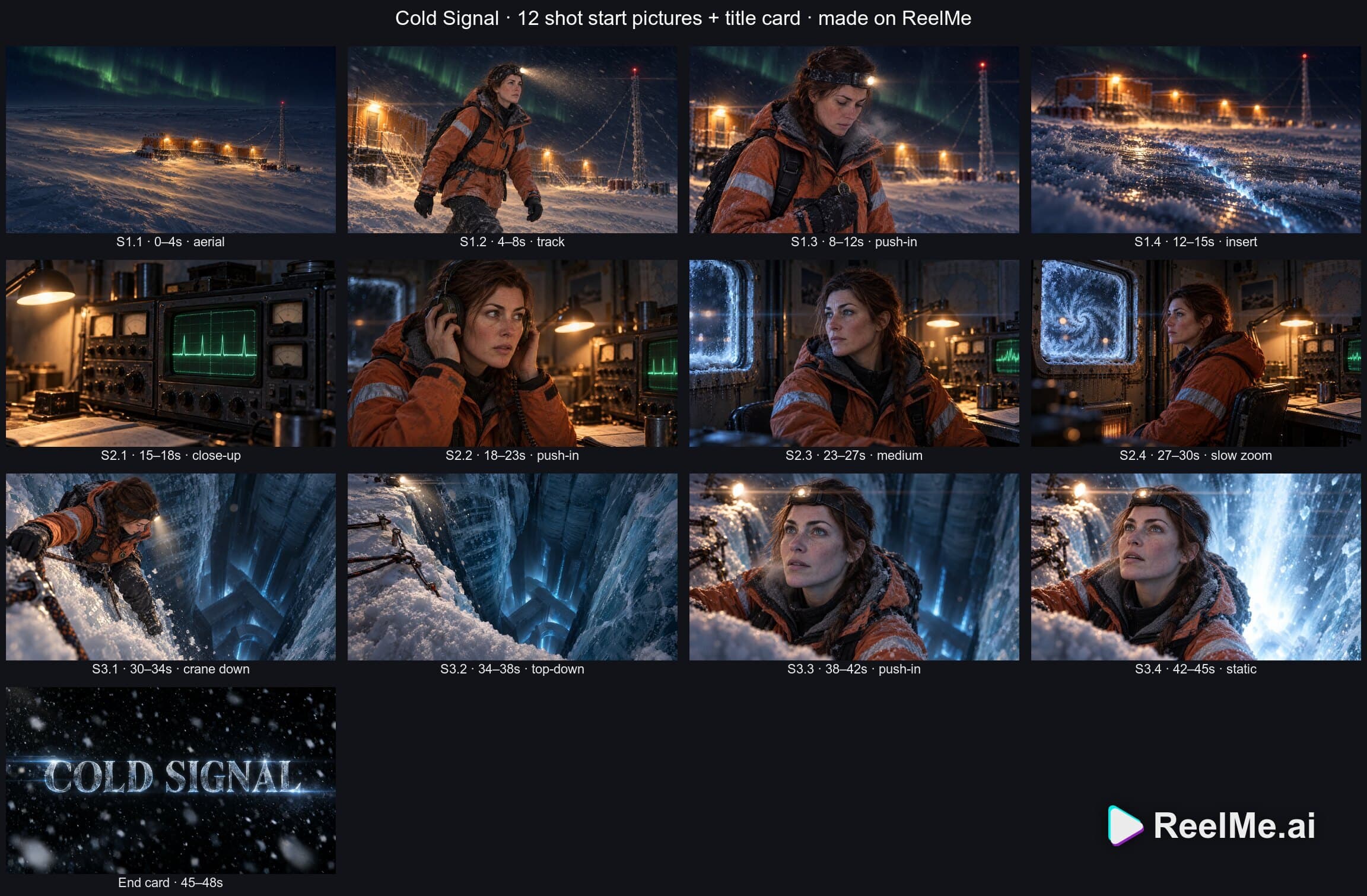
✅ Two example trailers made start to finish on ReelMe, 47 seconds each: Cold Signal (sci-fi) and The Pale Crown (fantasy). You can open their boards.
✅ Cold Signal came from a one-line idea: 12 start pictures, each checked, plus a title card, then 3 scene clips and a cut in the AI Editor.
🚨 Why start today: filmmaking used to need money, gear and a crew. Now it needs a story and a plan, and the edit and the export in the AI Editor cost no credits.
✅ Think like a director, not a generator: you decide what the viewer sees, feels and understands in every shot
✅ Write a story with a hook, a conflict and a payoff, and let the Canvas Agent put the script on your board scene by scene
✅ Keep your cast the same: a face plate first, then a turnaround, expressions and poses
✅ Plan motion like a sentence: shot size, angle and one camera move per shot
✅ Check a start picture for every shot before any clip runs, because a picture costs far less to redo
✅ Make one clip per scene and cut it in the AI Editor: order, trims, dissolves, sound, title card, export
✅ Animate a scene: set the style once, give each character a voice node, and make talking shots with Lip Sync or Seedance
✅ Caption the dialogue in one step with Auto-caption from audio
✅ Make your own score with a music node, so there is nothing to clear
✅ Cut your own short film: 20 to 30 seconds for the homework, up to a minute when you are ready
🎁 Two full example boards to open and copy: Cold Signal and The Pale Crown
🎁 Ready prompts in the lessons, like the 45-second polar station trailer idea
🎁 The AI Film template to start from
🎁 5 short homework tasks, ending with your own finished film
For creators who already made a few clips and want to tell a story. No crew, no camera, no film school.
❌ Pretty clips that nobody remembers
❌ A hero whose face changes in every shot
❌ Paying for a clip before you know the shot works
❌ Juggling separate apps for script, pictures, clips and the edit
If you have a story in your head, this is how you film it.
⚡ Start lesson 1 now. New here? ReelMe is an AI studio in your browser that makes pictures and videos from a prompt and your reference images. Open reelme.ai, sign in with a free account, then start lesson 1 on this page. The prompts are prepared right below the video, in the lesson text: press Try it and ReelMe opens AI Short Film Studio, where the Canvas Agent lays your film out and the AI Editor tool cuts it. The Storytelling lesson has the 45-second polar station prompt ready to copy.
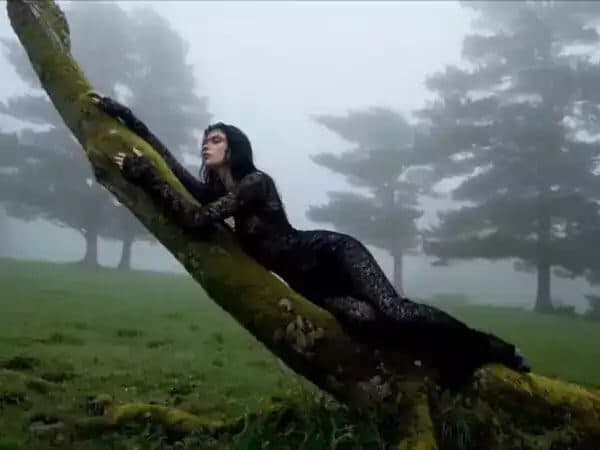
Write a story that fits a minute
A beginning, a middle and an end, planned shot by shot.
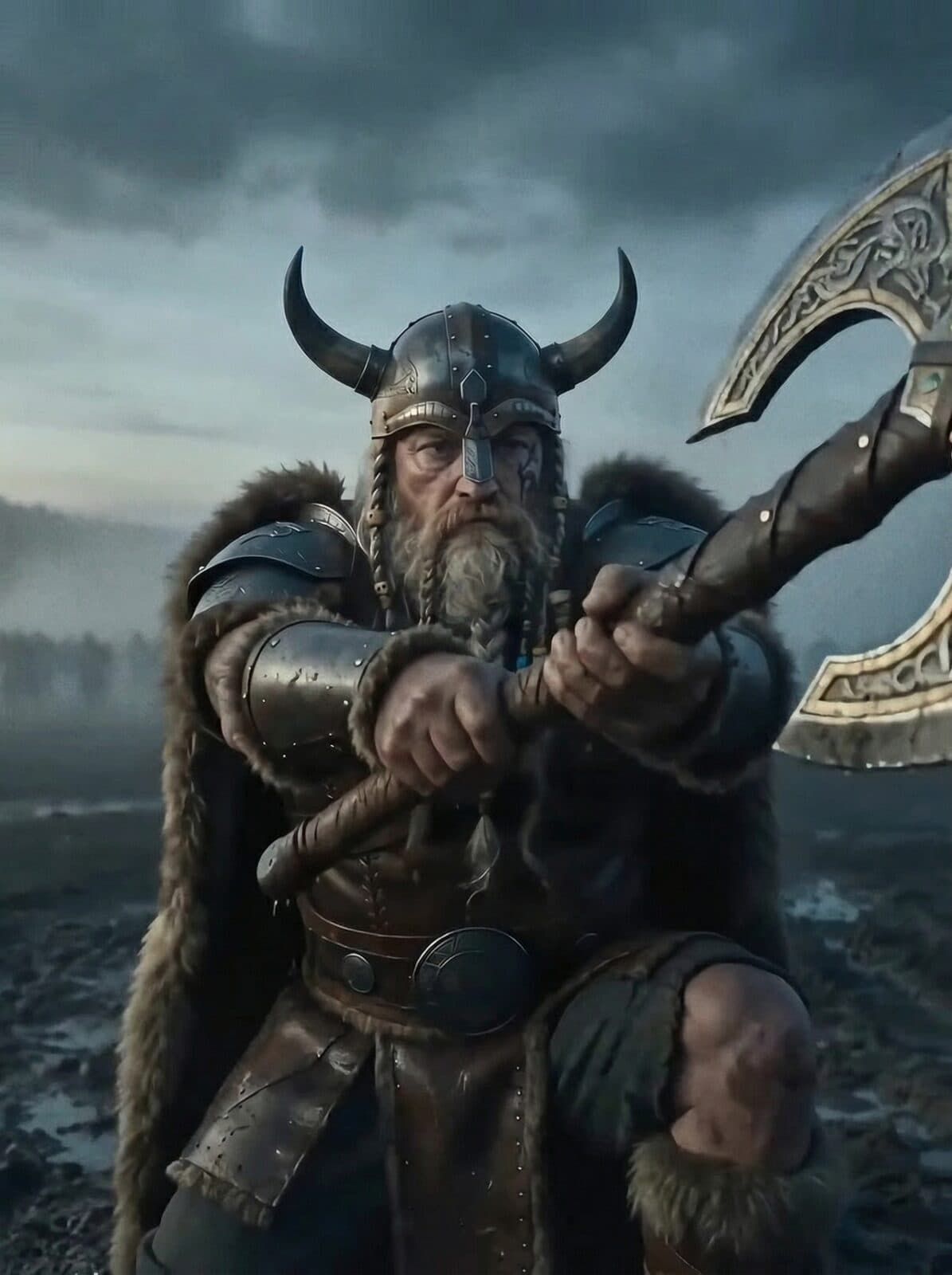
Keep your cast the same
Face plates and sheets so every character holds across shots.
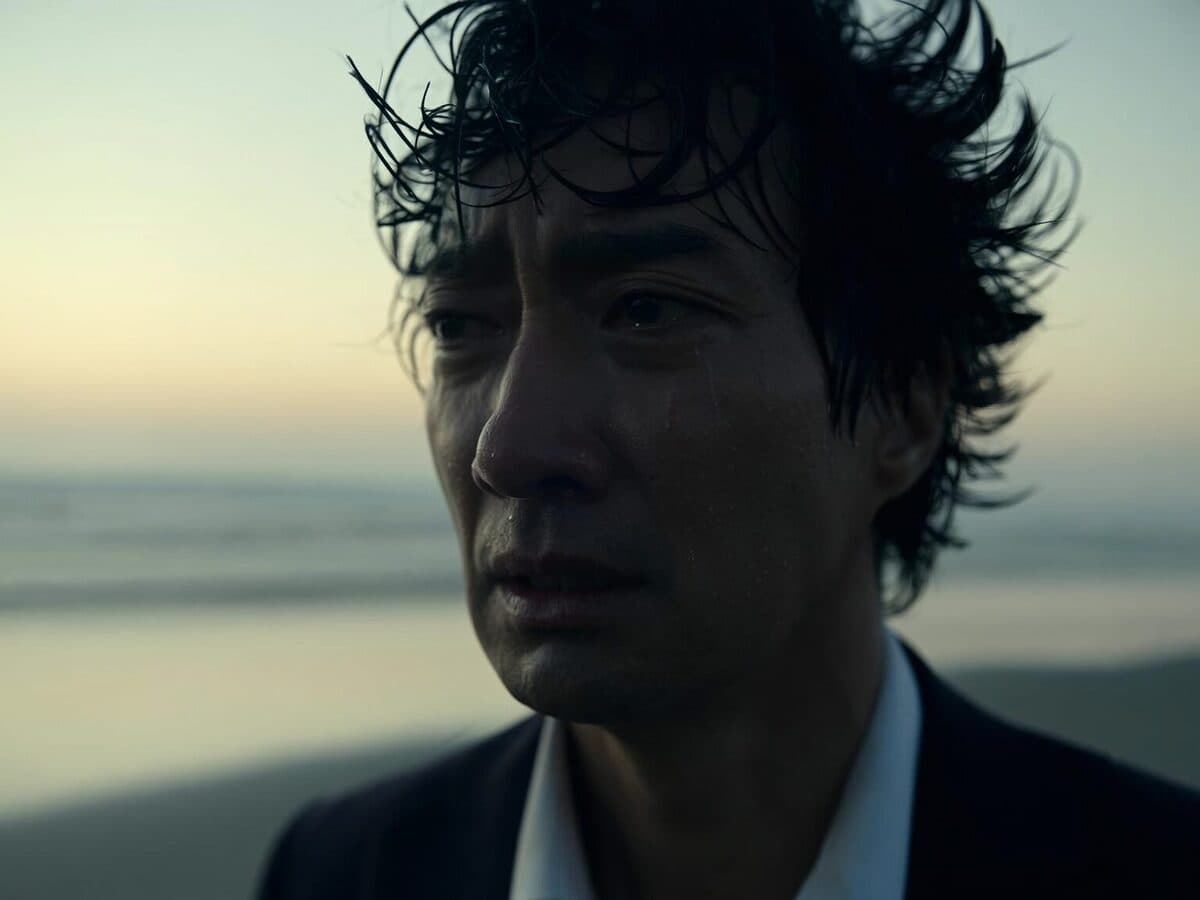
Cut your own short film
Clips edited into a 30 to 60 second film, ready to post.
A cut in the AI Editor
Clips in order, trimmed, dissolves between scenes, your own score and a title card, exported to My Assets.
Yes. Watching every lesson and reading the guides is free. Generating in ReelMe uses your credits, and you see the cost in ReelMe before you run anything.
ReelMe is an AI studio in your browser that makes pictures and videos from a prompt and your reference images. Sign in at https://reelme.ai with a free account; nothing to install.
Canvas Agent and AI Short Film Studio, GPT Image 2.5 Sunburst for pictures, MiniMax H3 Max for clips, plus Seedance 2.5 and Kling O3 Pro for talking shots and camera moves, and the AI Editor for the cut. A lesson names the model it uses next to its prompt.
5 of the 9 lessons have a short task, from a one-paragraph story to a finished 20 to 30 second film. Submit your results on the lesson and they post to the course community.
Finish every lesson and the certificate unlocks on this page. It is free, with a link you can share.
Yes. Lessons, homework and the community all work on mobile.
No. In the AI Editor the cut and the export are free. The pictures and clips you generate use your credits, and every paid step shows its price first.
The homework film is 20 to 30 seconds, and the course builds you up to 30 to 60. The two example trailers are 47 seconds each.
Pick the right model, move the camera and keep one face, so your clips look filmed, not generated.
ReelMe Academy
14 lessons30 minBeginnerFreeLearn free now
Make your first AI image and your first AI video in ReelMe, even if you have never written a prompt.
ReelMe Academy
10 lessons24 minBeginnerFreeLearn free now
Lock one character and put them in any scene, in stills and in video, without the face drifting.
ReelMe Academy
3 lessons13 minBeginnerFreeLearn free nowNothing posted from this course yet. Post your result →