
Course · Beginner
AI Photos That Look Real.
Make product shots, avatars and clean edits that look like a real photoshoot. No designer, no camera.
23 lessons34 minFree
Lessons.
- 01
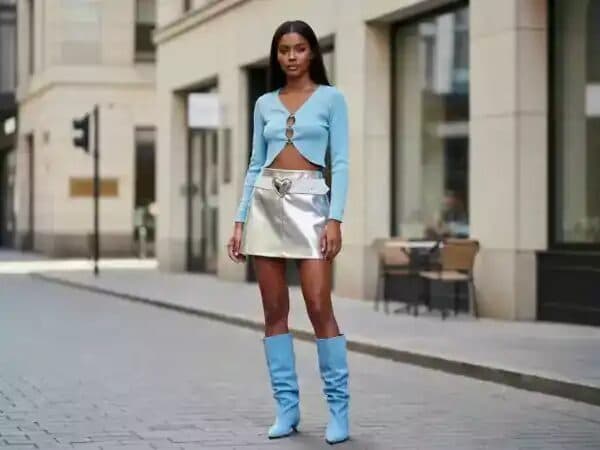
 Lesson 1AI Image Creation BasicsWelcome to Phase 3. This is where you start making images with AI.1:00Start
- 02
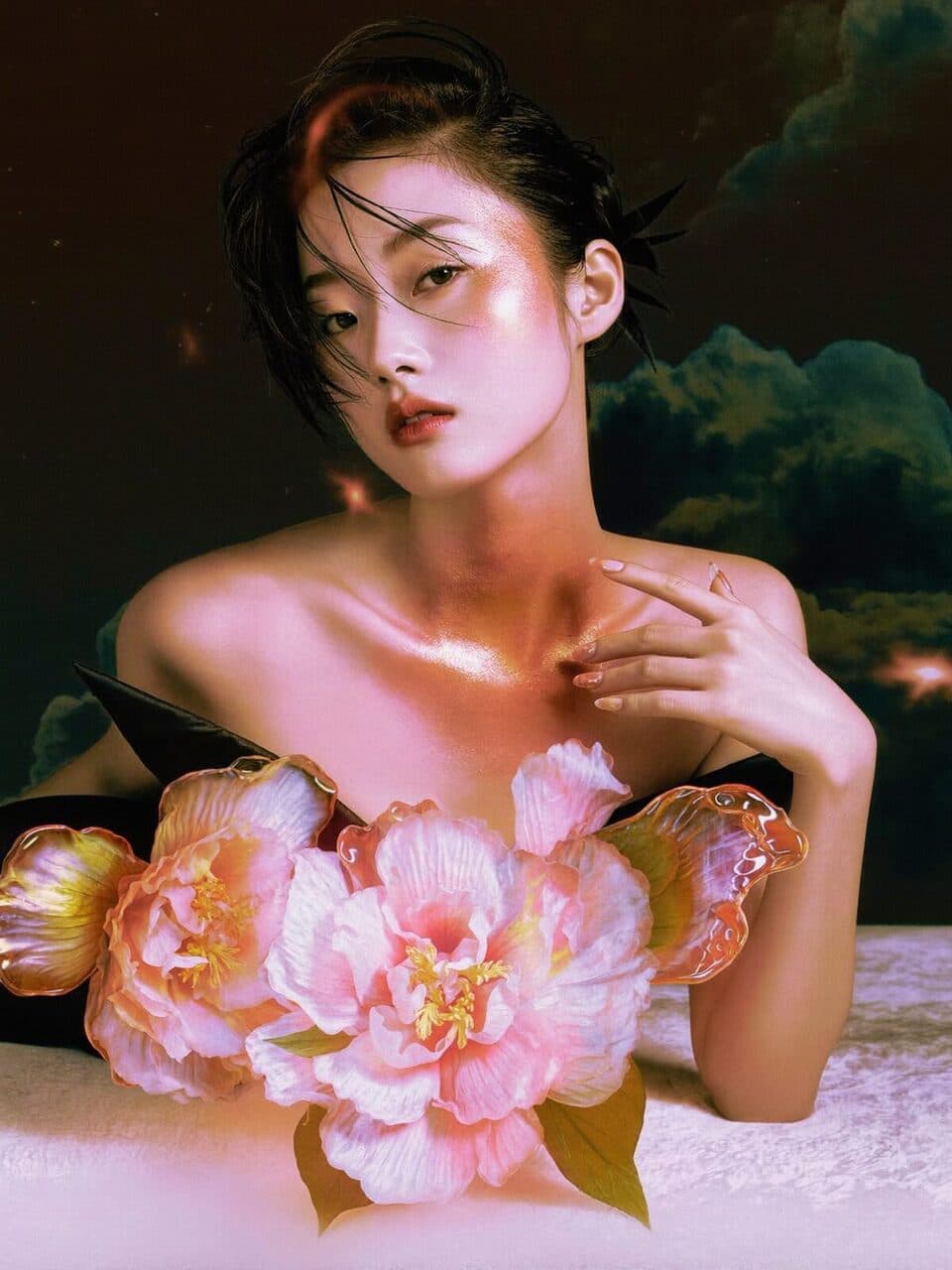
 Lesson 2Which Image Models To UseReelMe puts the top image models in one place, so you never need a second subscription. New ones land all the time. Here's where to start.2:00
- 03
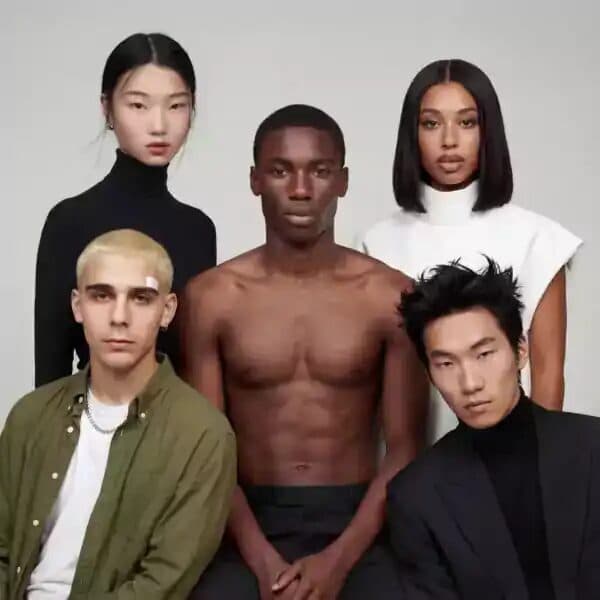
 Lesson 3Creating AI AvatarsBuild an AI avatar the way pros do it: not one pretty picture, but a person you can put in any scene and still recognise.2:00
- 04
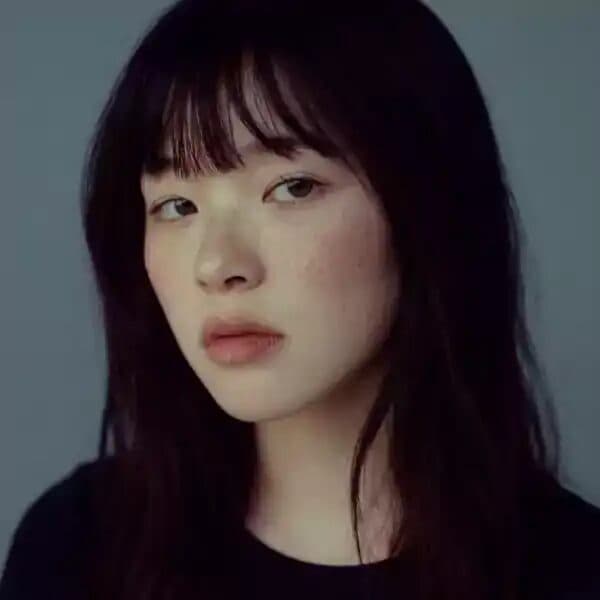 Lesson 4Easier Avatars with CharactersBuilding every avatar by hand gets slow. This lesson shows the shortcut: save her once as a Character, give her a home canvas, and call her into any prompt w…1:00
- 05Lesson 5Pinterest InspirationStuck for ideas? Don't start from a blank prompt. Collect pictures first.1:16
- 06
 Lesson 6Avatar Product Images & the Canvas AgentGPT Image 2.5 is now great at keeping products exactly right, but one thing still matters most: put the label text in your prompt. Spell out every line.1:00
- 07
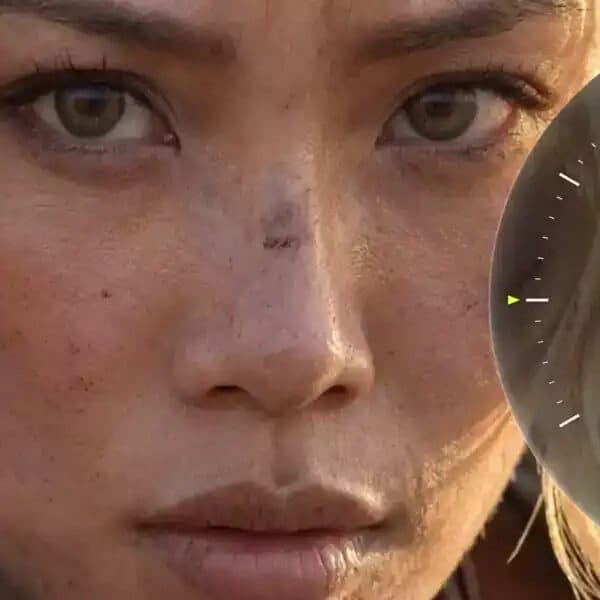 Lesson 7Realism Cheat-sheetTiny wording changes decide whether a face looks human, whether skin reacts to light, and whether the picture feels like a photo or obvious AI. This cheat-sh…3:00
- 08
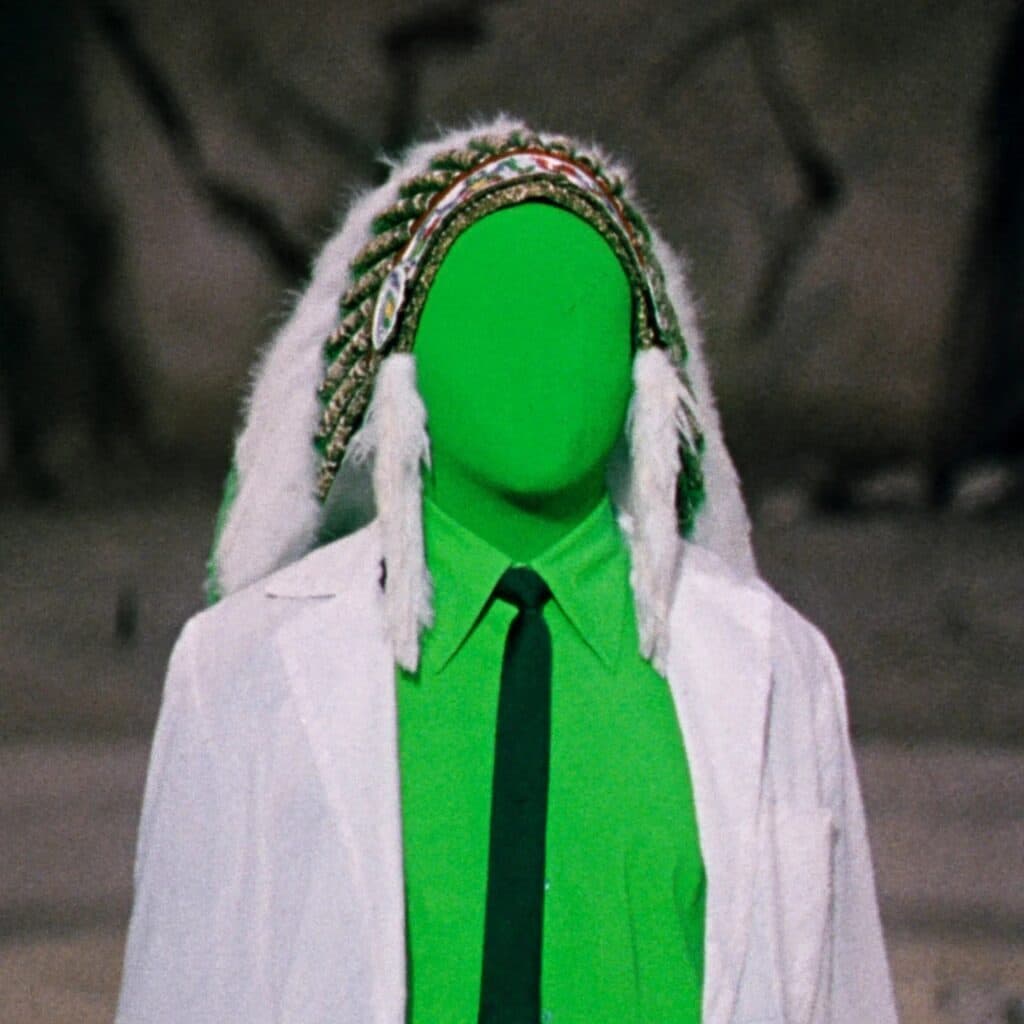 Lesson 8Image Editing With Nano Banana ProNano Banana Pro is Google's flagship image model and it's built for editing: plain English in, a changed photo out. It's in the ReelMe model menu, so there's…1:00
- 09
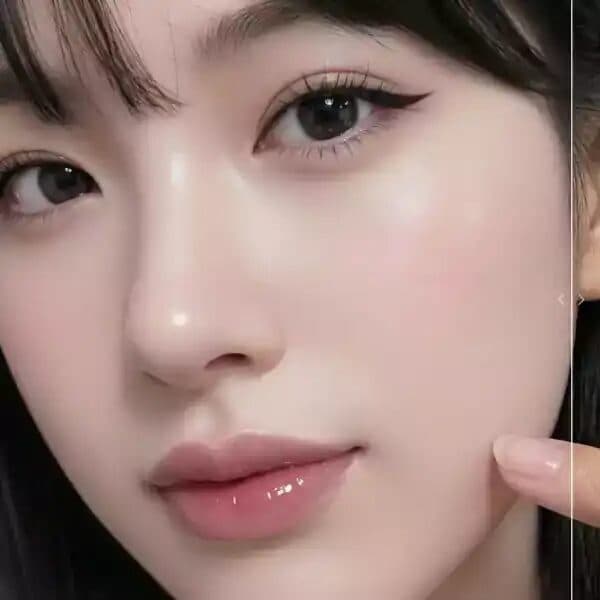 Lesson 9Fix & Finish Images on ReelMeYour image is almost right? Don't regenerate it, fix it. Every image node on a ReelMe canvas has a toolbar with finishing tools, and the fixes stay on the sa…0:57
- 10
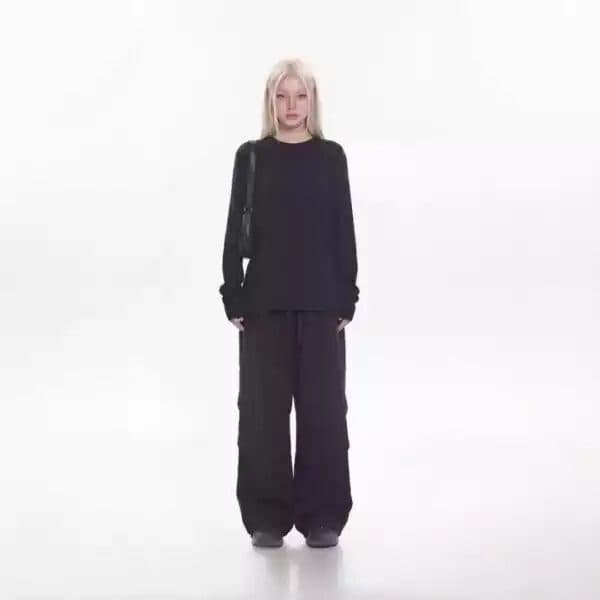 Lesson 10Precise Edits That Don't DriftEdit the same photo again and again and it can slowly drift: the face shifts, colours go orange, the background turns to mush. Two habits keep your edits cli…1:00
- 11
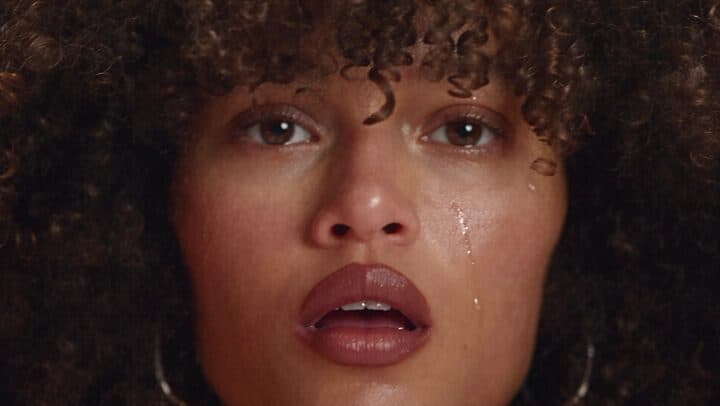 Lesson 11ReelMe Soul 2.0 for Realistic ImagesWhat is ReelMe Soul 2.0? An image model on ReelMe built for one thing: realism. Results look like a real photographer took them, with good composition, colou…2:00
- 12
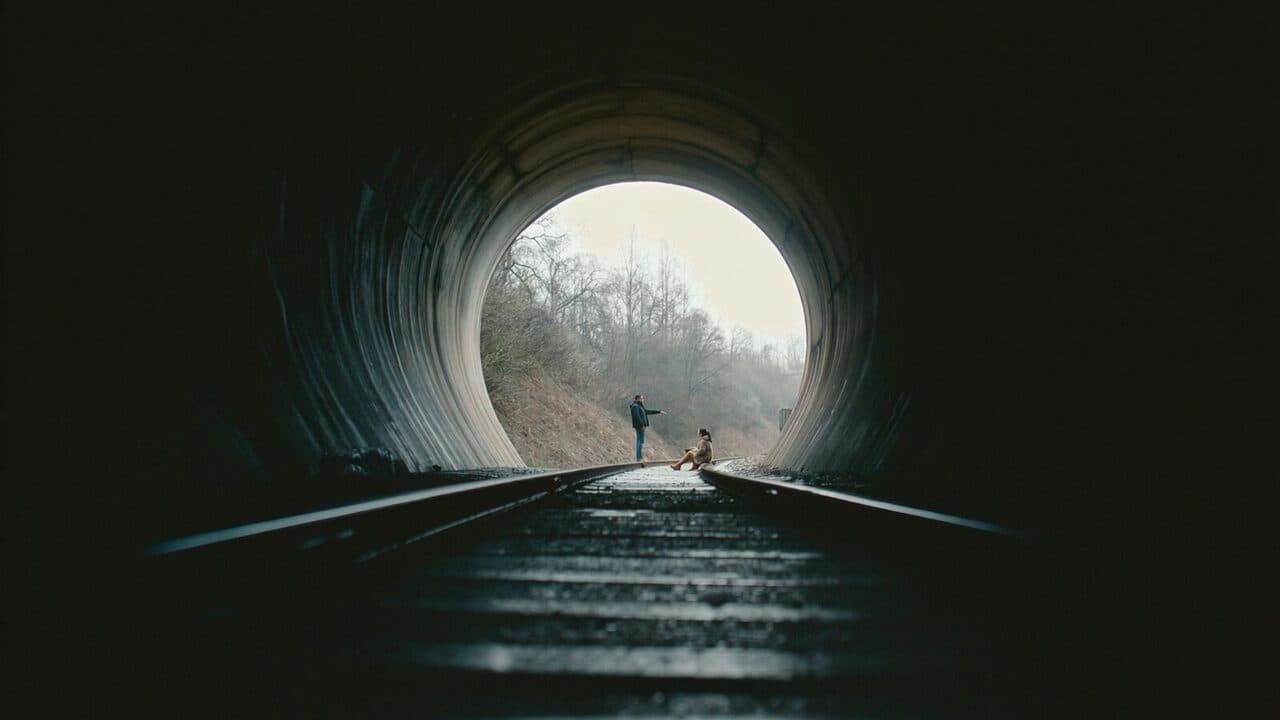 Lesson 12Depth & Cinematic FramingMost AI shots look flat because the prompt describes one layer: a person and something behind them. This lesson gives you five rules to fix that: depth, atmo…1:00
- 13
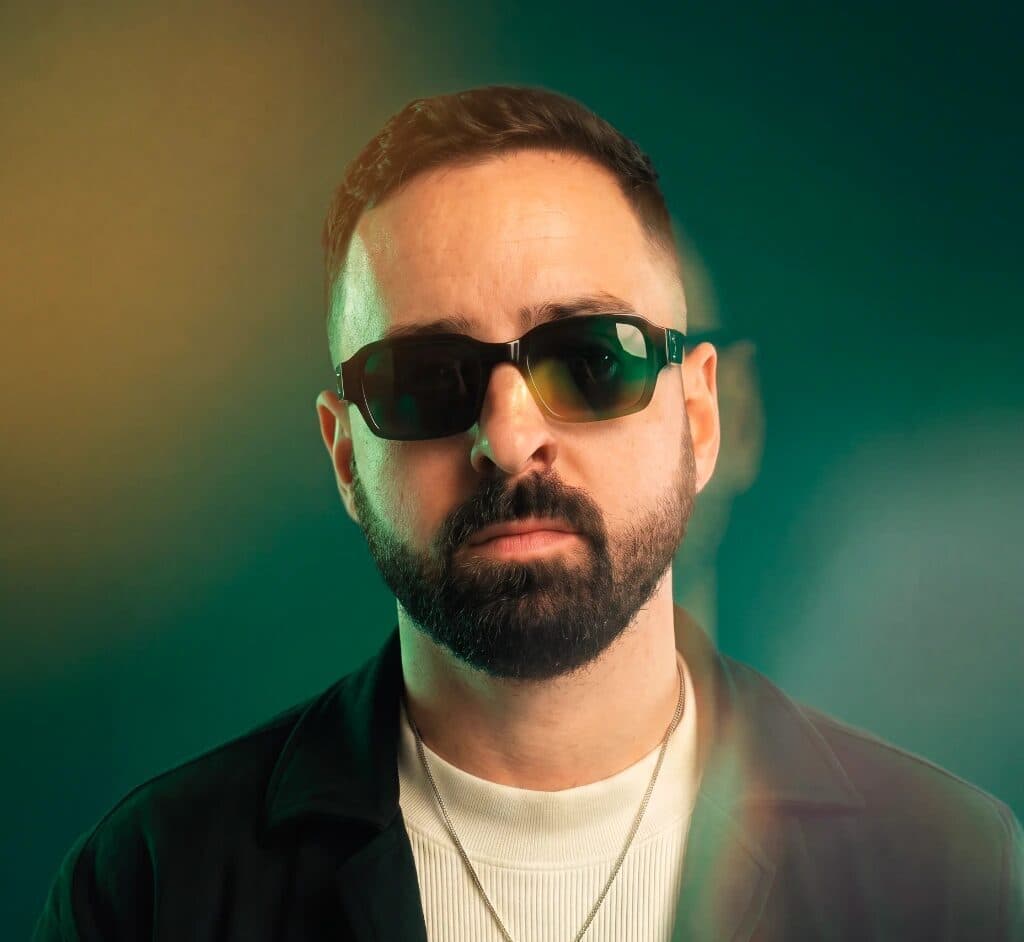 Lesson 13Lighting & MoodMost AI images that feel off have the same problem: the light comes from nowhere. In this lesson you learn to give it a reason.1:00
- 14
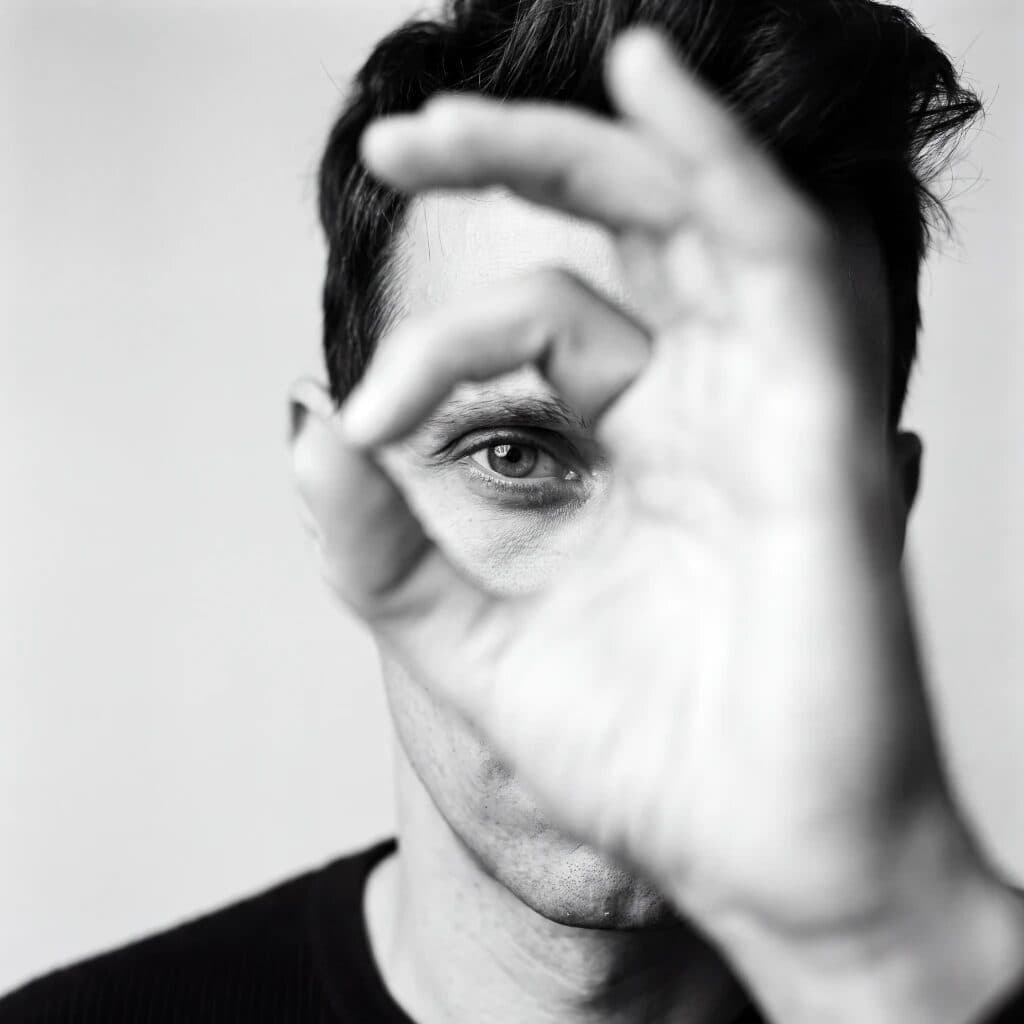 Lesson 14Camera Angles & TechniquesSame person, same light, same place. Move the camera and the meaning changes. This lesson gives you the three questions every director asks: where is the cam…1:00
- 15
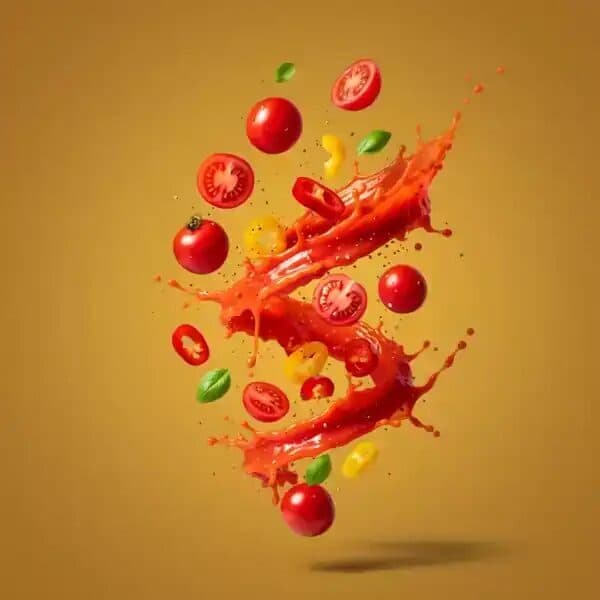 Lesson 15Prompt BankA library of ready-to-use prompts. Copy one, paste it into ReelMe, then change small parts (subject, outfit, mood, camera) to make it yours.4:00
- 16
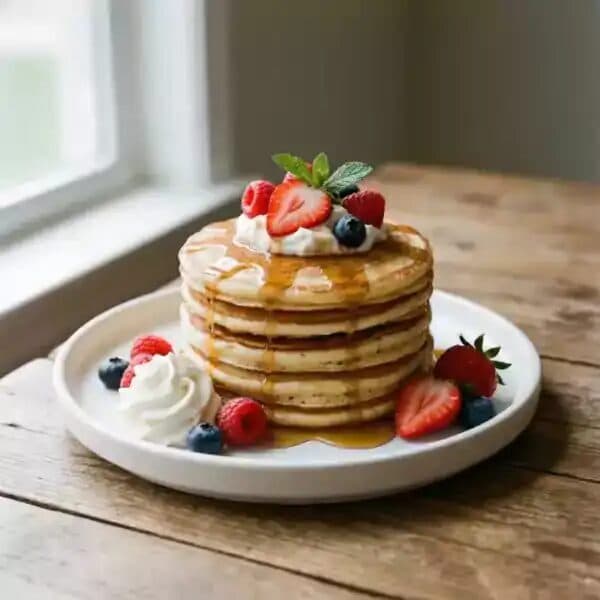 Lesson 16Prompt Bank 2Prompt Bank 2 is all about specific. Real places, real times of day, exact clothes, little imperfections. The more specific the prompt, the more real the photo.3:00
- 17
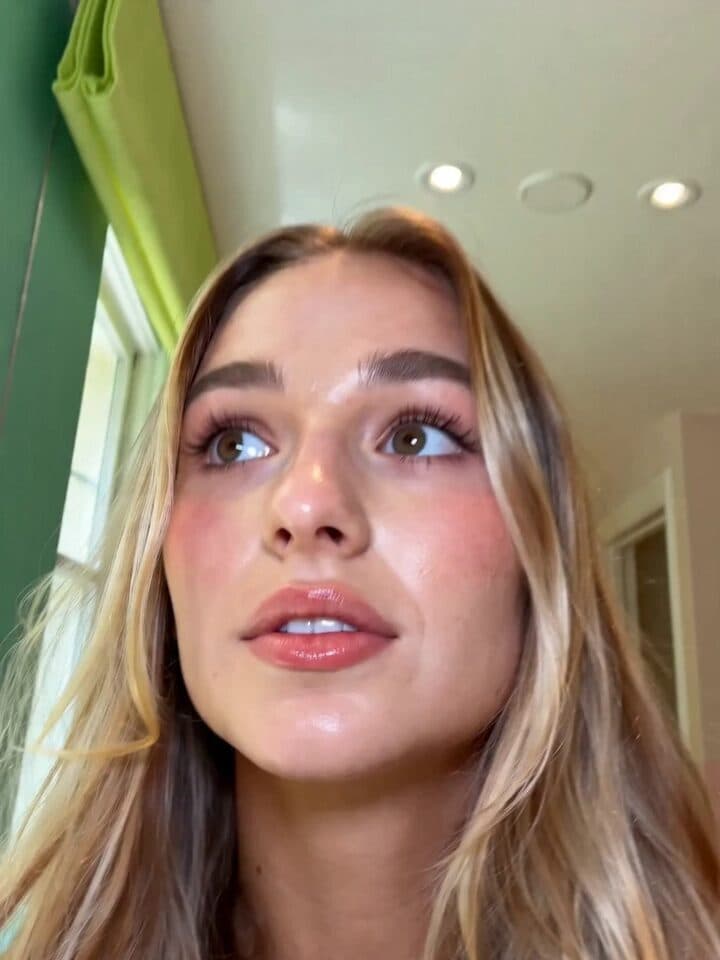 Lesson 17UGC Avatar Prompt BankYour UGC avatar vault: ready-to-use prompts for realistic creator-style shots that sell. Selfies, talking-head frames, get-ready-with-me moments, product-fri…2:00
- 18
 Lesson 18Upscaling to 4KSomething a lot of people skip: you don't need to regenerate a picture you love just because it's a little soft. Upscale it.1:00
- 19
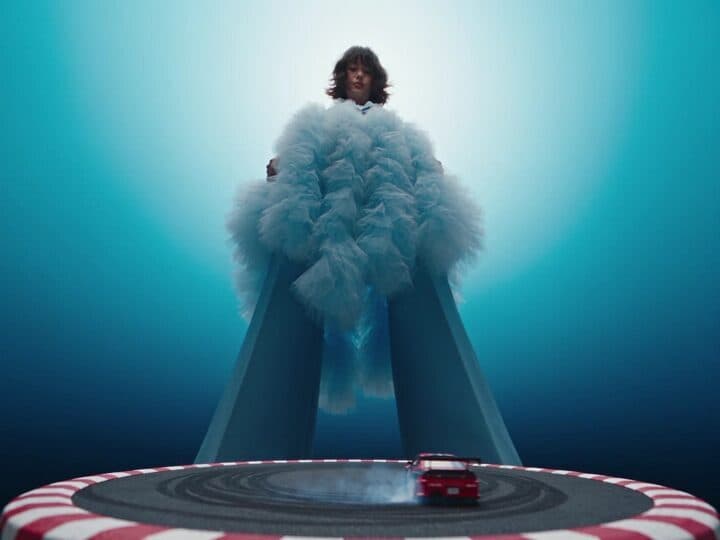 Lesson 19Artistic Images on ReelMe (Optional)Do I need another image app? No. For artistic, stylised or painterly images, ReelMe has what you need in one place: the image models plus the Director Kit (A…1:23
- 20
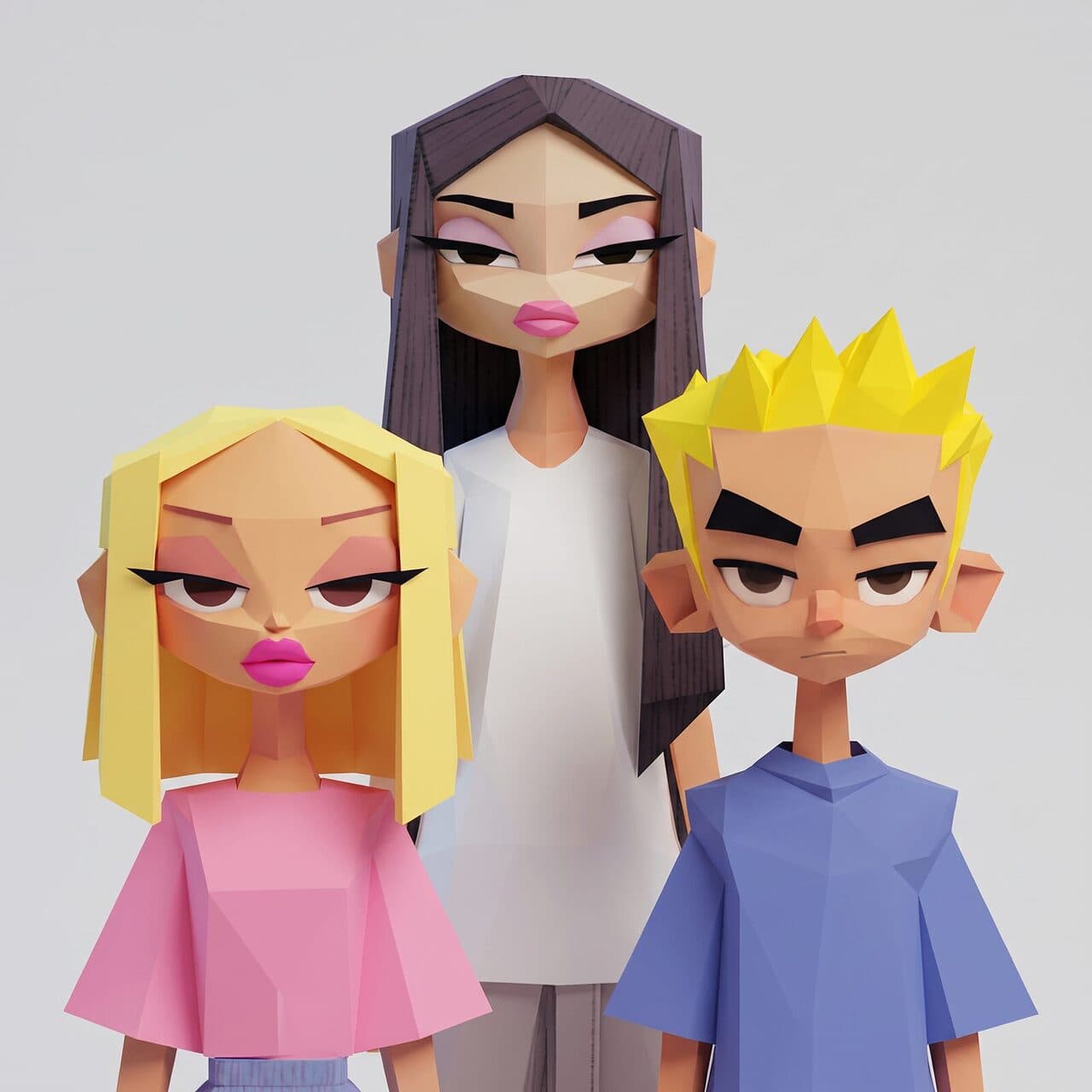 Lesson 20Stylised Characters That Stay the Same (Optional)You don't need another app for this. Keeping a character the same across scenes works on ReelMe with any reference-capable model.0:49
- 21
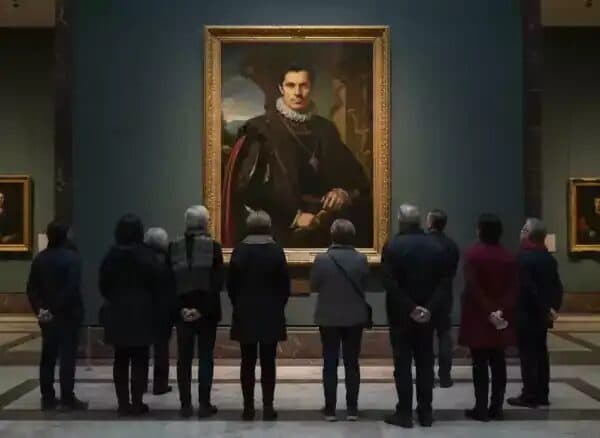 Lesson 21Phase 3 Homework & SummaryGreat work. You can now make AI images on purpose: you know how to use references, light a shot, frame it, and keep a character looking the same from one ima…1:00
- 22
 Lesson 22ResourcesEverything from this phase in one place. Each file is a ReelMe PDF with real, copyable prompts and a link that opens the prompt in ReelMe.1:00
- 23
 Lesson 23GET INVOLVED!Challenges never really close. Scroll the past image challenges, pick one, and post your take. It's the fastest way to get honest feedback on your work.1:00