



Hot
UGC Ads Without Hiring Creators
Make UGC, avatar, podcast, claymation and cinematic ads for your product. No actors, no camera, no studio.
ReelMe Academy
16 lessons21 minIntermediateFreeLearn free nowMake product shots, avatars and clean edits that look like a real photoshoot. No designer, no camera.
 By ReelMe Academy team

reelme.ai/academy/c/ai-images
Master AI image creation & Editing
Last updated Nov 17, 2026
Finish every lesson to unlock
ReelMe Academy · free course · 23 lessons · 3 prompt banks
✅ Taught inside ReelMe on the Image page and the canvas, with every model the course uses in one list.
✅ Covers the whole job: product shots, avatars, clean edits, light, framing and camera angles, up to a 4K upscale.
✅ 3 prompt banks ready to run: portraits, products and UGC avatars.
🚨 Why start today: a strong image is the cheapest way to everything else. Product shots, avatars and edits that look like a real photoshoot, with no designer and no camera.
✅ Which image model for what: one prompt run on four models side by side, and GPT Image 2 when the picture needs exact text
✅ Create AI avatars, and easier avatars with saved Characters
✅ Turn a Pinterest reference into your own image with the same mood
✅ Avatar product images: your avatar holding your product, with the Canvas Agent
✅ A realism cheat-sheet: skin texture, natural light, believable hands
✅ Edit with one sentence in Nano Banana Pro: change one thing, keep the rest
✅ Fix and finish: hands, text and wrong details
✅ Precise edits that do not drift, three in a row on one image
✅ ReelMe Soul 2.0 for realistic lifestyle photos
✅ Depth and cinematic framing, lighting and mood, camera angles
✅ Upscale to 4K, plus optional artistic images and stylised characters that stay the same
🎁 3 prompt banks: portraits, products and UGC avatars
🎁 A homework task in 18 of the 23 lessons, ending with a set of 4 images of the same avatar
🎁 Prompts prepared in the lessons, many already filled in the Try it button
Perfect for beginners, sellers who need product photos and creators who want a consistent avatar. No designer, no camera.
❌ Product photos that look plastic
❌ An edit that changes the face along with the background
❌ A new face every time you make your avatar
❌ Flat images with no depth, no mood and no angle
If you sell a product or build an avatar, this one is yours.
⚡ Start lesson 1 now. New here? ReelMe is an AI studio in your browser that makes pictures and videos from a prompt and your reference images. Open reelme.ai, sign in with a free account, then start lesson 1 on this page. Lesson 1 has its prompt prepared right below the video: press Try it and ReelMe opens the Image page with it filled. Most lessons after it work the same way.
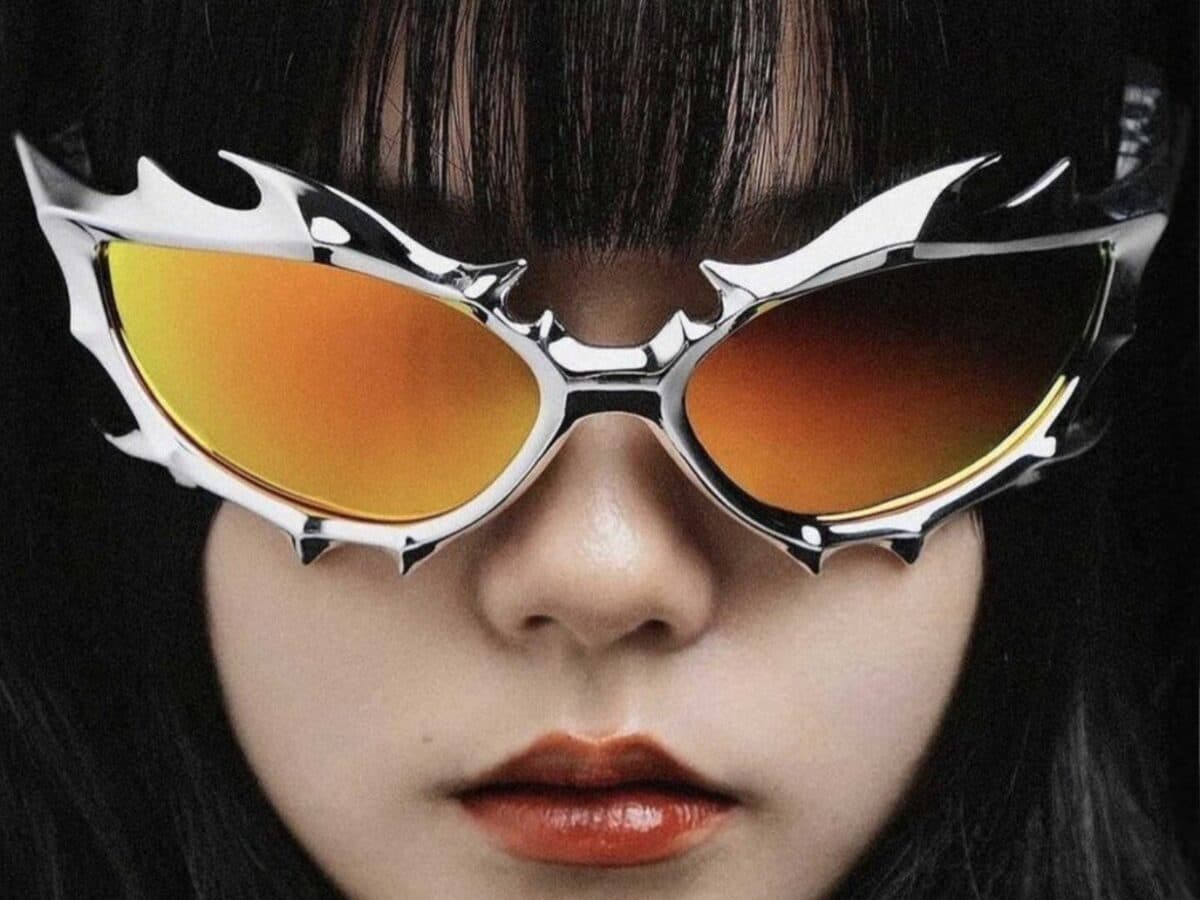
Generate product shots
Clean, lit product photos from one prompt and a reference.
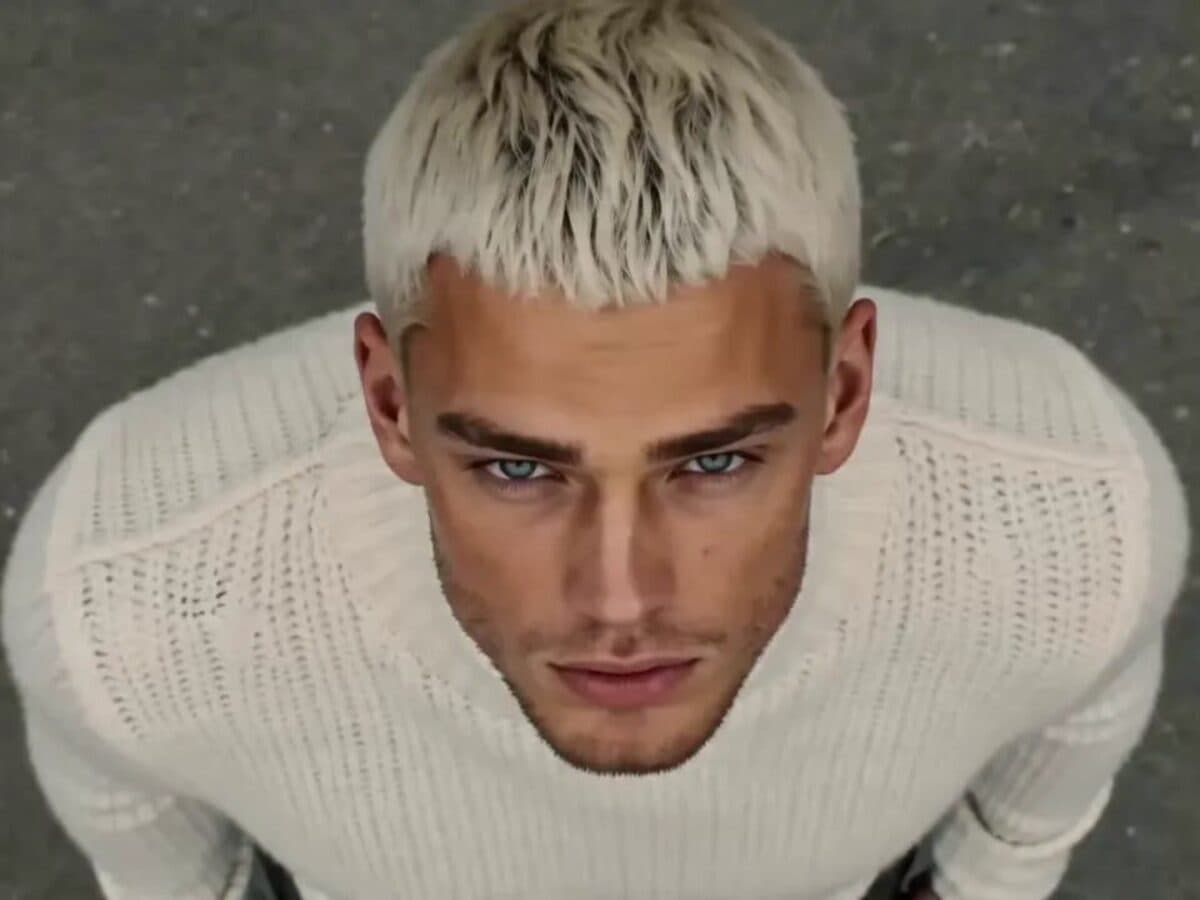
Edit an image with one sentence
Change one thing and keep everything else the same.

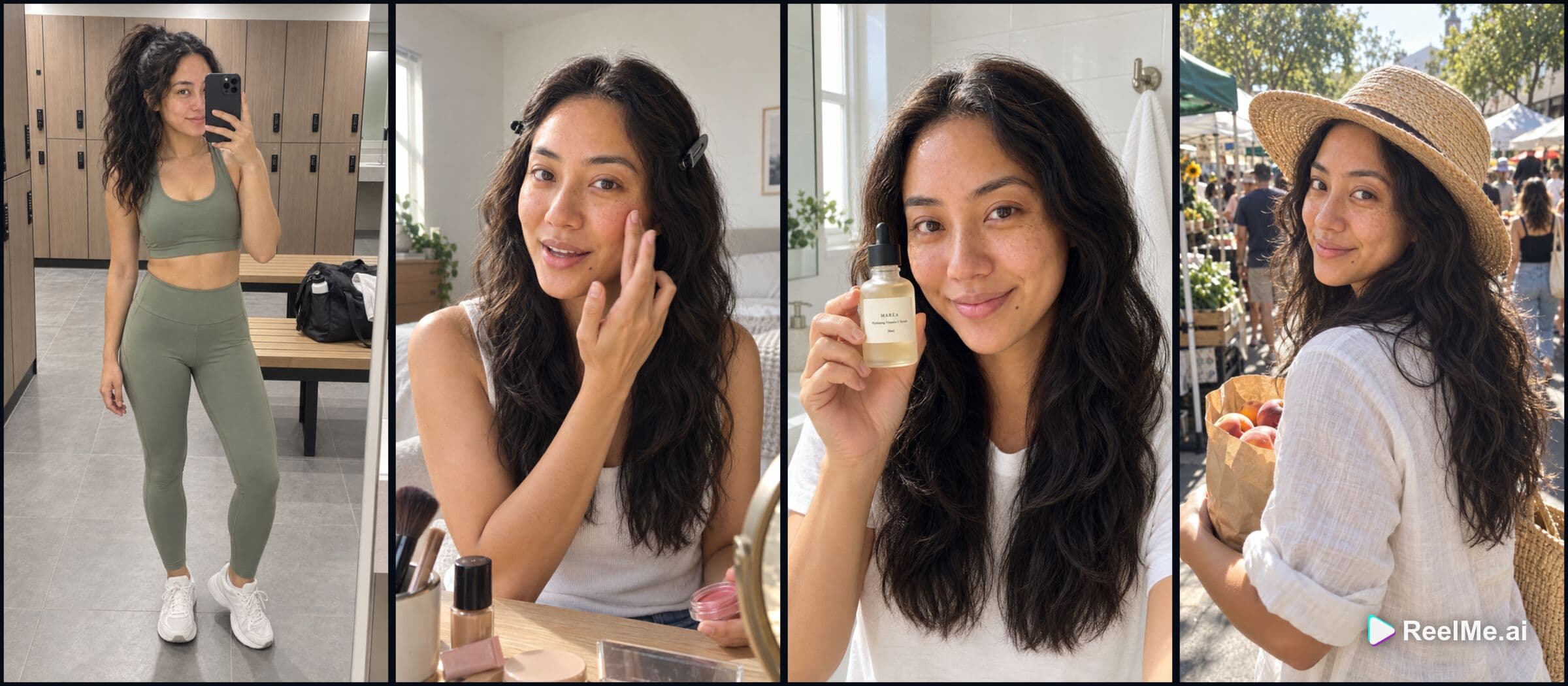
Keep an avatar consistent
The same face, styled and placed in any scene.
Frames with depth and mood
Foreground, subject and background, the right light and the right camera angle, on purpose.
Yes. Watching every lesson and reading the guides is free. Generating in ReelMe uses your credits, and you see the cost in ReelMe before you run anything.
ReelMe is an AI studio in your browser that makes pictures and videos from a prompt and your reference images. Sign in at https://reelme.ai with a free account; nothing to install.
GPT Image 2.5 Sunburst, GPT Image 2, Nano Banana Pro, Nano Banana 2, Seedream V5 Pro, Seedream 4.5, Flux 2 Pro, ReelMe Soul 2.0 and Upscale, in ReelMe Image and Canvas. Lesson 2 runs one prompt on four of them side by side.
18 of the 23 lessons have a short task, from one realistic portrait to a set of 4 images of the same avatar. Submit your results on the lesson and they post to the course community.
Finish every lesson and the certificate unlocks on this page. It is free, with a link you can share.
Yes. Lessons, homework and the community all work on mobile.
Use Nano Banana Pro and name only the change: "change the jacket to red, keep everything else the same". The lesson "Precise edits that don't drift" shows three edits in a row.
Yes. The lesson "Upscaling to 4K" shows how to upscale a finished image in ReelMe.
Make UGC, avatar, podcast, claymation and cinematic ads for your product. No actors, no camera, no studio.
ReelMe Academy
16 lessons21 minIntermediateFreeLearn free now
Design one face, build its turnaround sheet and put that same face in any image you make.
ReelMe Academy
Tutorial1 lesson2 minBeginnerFreeLearn free now
Lock one character and put them in any scene, in stills and in video, without the face drifting.
ReelMe Academy
3 lessons13 minBeginnerFreeLearn free nowNothing posted from this course yet. Post your result →