



Hot
AI Photos That Look Real
Make product shots, avatars and clean edits that look like a real photoshoot. No designer, no camera.
ReelMe Academy
23 lessons35 minBeginnerFreeLearn free nowDesign one face, build its turnaround sheet and put that same face in any image you make.

 By ReelMe Academy team
reelme.ai/academy/c/create-an-ai-avatar
One lesson: your own consistent avatar.
Last updated Nov 17, 2026
Finish every lesson to unlock
ReelMe Academy · free tutorial · 1 lesson · plus a Lesson Guide with every prompt
✅ Taught inside ReelMe, the AI studio in your browser, on the Image page with GPT Image 2.5 Sunburst.
✅ Built the way pros build an avatar: not one pretty picture, but one person you can put in any scene and still recognise.
✅ The Lesson Guide walks you through all 8 steps with Lena, an avatar we built on ReelMe, and every prompt is ready to copy.
🚨 Why start today: one lesson is all it takes. By the end you have a face, a turnaround sheet and the same person in new scenes, and every image you make after that can use her.
✅ Design one clear portrait that becomes your source image
✅ Build a turnaround sheet from that one portrait: six columns, each a full body plus a matching head-and-shoulders view
✅ Front, 45 degree, profile and back views, all with the same face, body and outfit
✅ Put the same face in new scenes, outfits and angles, still clearly the same person
✅ Save her as a Character on the canvas (Library, Characters, Add character) so she is one @ away in every prompt
✅ Add the Realism Lock line to any prompt for a real phone-photo look: natural light, real skin, no glamour retouching
✅ Tag your source portrait as @Image1 so ReelMe keeps her face as the source of truth
🎁 The Lesson Guide: all 8 steps with Lena, every prompt ready to copy
🎁 The Realism Lock and the turnaround sheet prompt written out in the lesson, ready to paste
🎁 One short homework: one portrait, then two more images of the same person
Perfect for complete beginners, AI influencer builders and anyone who needs one face across many images. No design skills, no camera, no photo shoot.
❌ An avatar you can never get back once you close the tab
❌ Glossy AI skin that nobody believes
❌ Starting over for every new outfit or place
❌ Long prompts written from scratch each time
If you want one face your audience recognises, start here.
⚡ Start lesson 1 now. New here? ReelMe is an AI studio in your browser that makes pictures and videos from a prompt and your reference images. Open reelme.ai, sign in with a free account, then start lesson 1 on this page. The prompts are prepared right below the video, in the lesson text: copy one and press Try it to open ReelMe on the Image page.
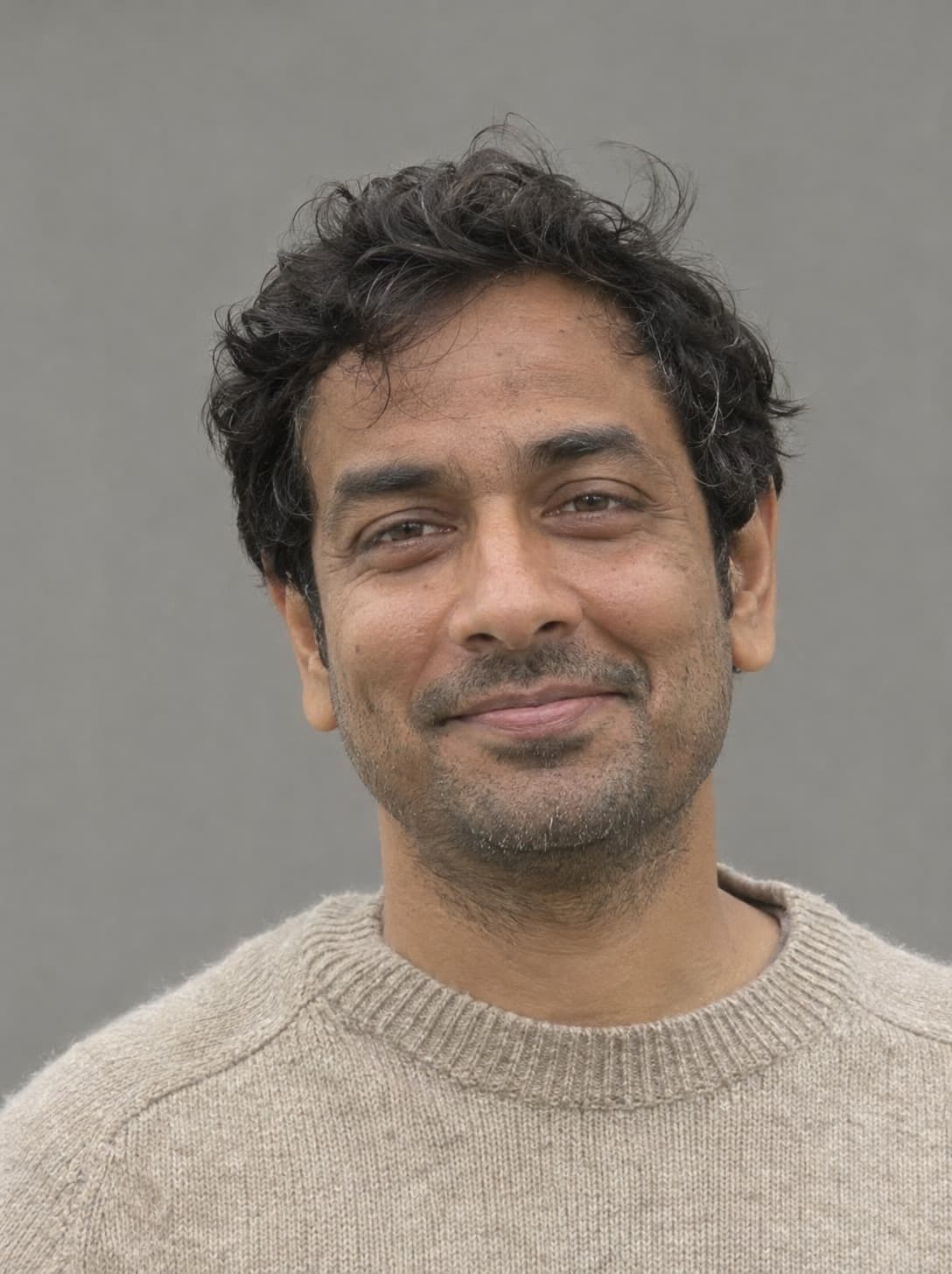
Design a face worth reusing
One clear portrait that becomes your source image.
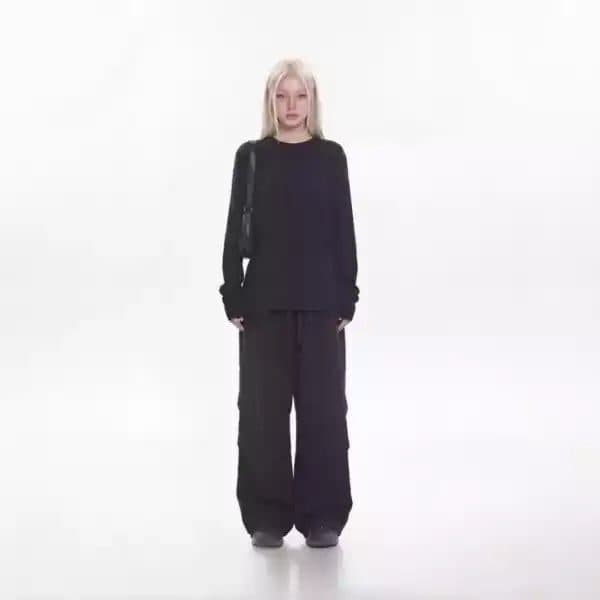
Build a turnaround sheet
Front, side and back views from that one portrait.
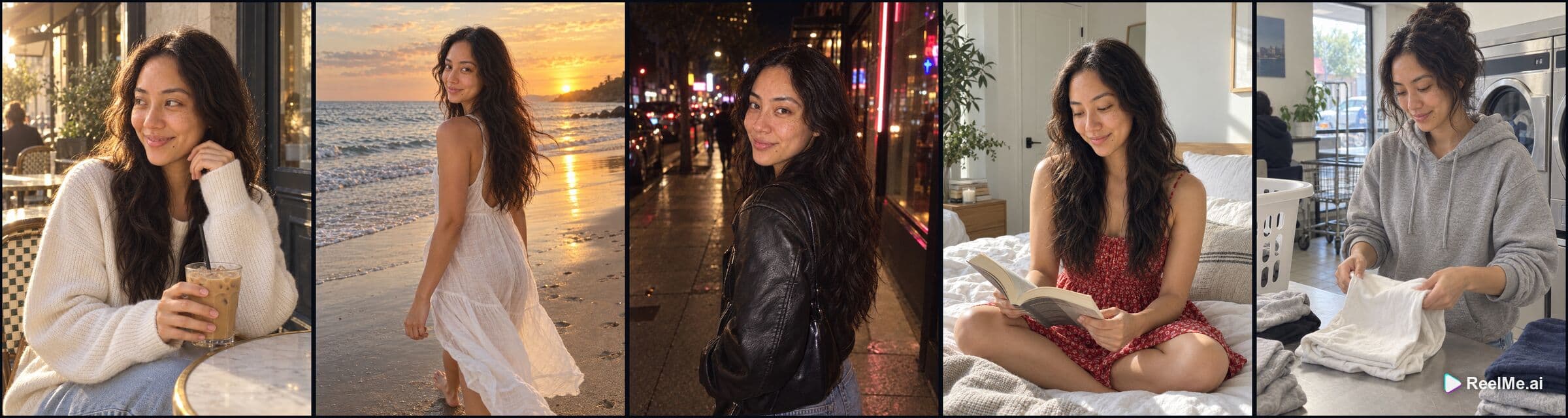
Put the same face anywhere
New scenes, outfits and angles, still clearly the same person.
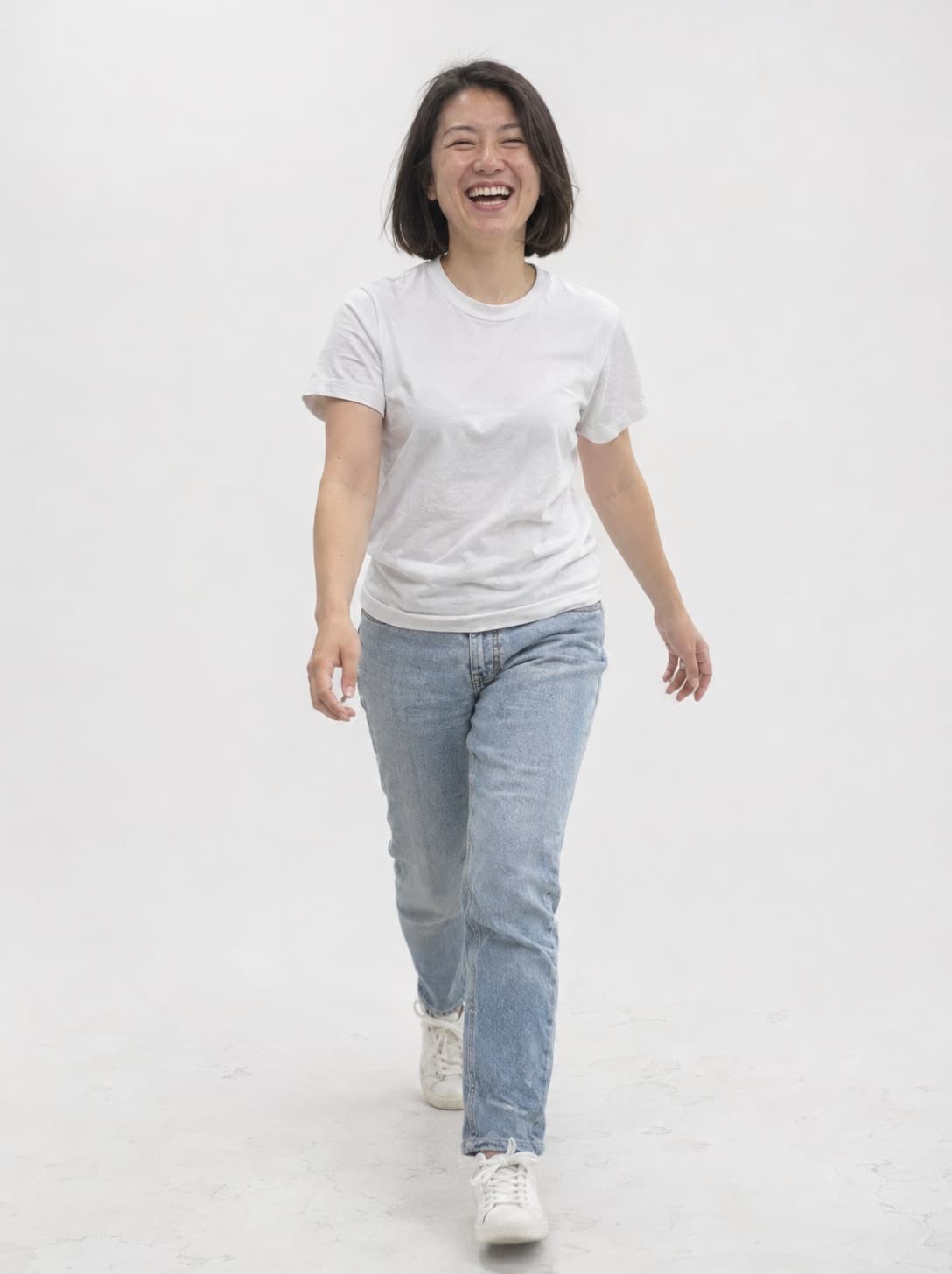
A look that passes as a photo
The Realism Lock line at the end of any prompt: candid, natural light, real skin and fabric, no beauty filter.
Yes. Watching every lesson and reading the guides is free. Generating in ReelMe uses your credits, and you see the cost in ReelMe before you run anything.
ReelMe is an AI studio in your browser that makes pictures and videos from a prompt and your reference images. Sign in at https://reelme.ai with a free account; nothing to install.
GPT Image 2.5 Sunburst, in ReelMe Image. The lesson names the model next to every prompt.
The lesson has one short task: one front-facing portrait with even light, then two more images of the same person in different places. Submit them on the lesson and they post to the community.
Finish every lesson and the certificate unlocks on this page. It is free, with a link you can share.
Yes. Lessons, homework and the community all work on mobile.
One image with six columns of the same person: front, turned 45 degrees, both profiles and more, each as a full body with a matching portrait below. It shows ReelMe the whole person, so the face holds in every new scene.
Use your clean source portrait as @Image1 in every prompt and say it is the source of truth for her face. Change the scene or the outfit, never the face words.
Make product shots, avatars and clean edits that look like a real photoshoot. No designer, no camera.
ReelMe Academy
23 lessons35 minBeginnerFreeLearn free now
Make UGC, avatar, podcast, claymation and cinematic ads for your product. No actors, no camera, no studio.
ReelMe Academy
16 lessons21 minIntermediateFreeLearn free now
Lock one character and put them in any scene, in stills and in video, without the face drifting.
ReelMe Academy
3 lessons13 minBeginnerFreeLearn free now