



HotMust-have
AI Videos That Don't Look AI
Pick the right model, move the camera and keep one face, so your clips look filmed, not generated.
ReelMe Academy
14 lessons30 minBeginnerFreeLearn free nowKnow which video model to use before you spend a credit.

 By ReelMe Academy team
reelme.ai/academy/c/pick-the-right-ai-video-model
Which model for which shot, in two short lessons.
Last updated Nov 17, 2026
Finish every lesson to unlock
ReelMe Academy · free tutorial · 2 lessons · which video model for which shot
✅ Taught inside ReelMe, the AI studio in your browser, where every model below sits in one list on the Video page.
✅ One simple rule for 5 kinds of shot: people talking, cinematic B-roll, editing a clip, a budget all-rounder with sound, copying a real movement.
✅ Real numbers from the lessons: Seedance 2.5 takes up to 24 image references and runs 5 to 30 seconds; Kling O3 Pro runs 5 to 15 seconds with sound.
🚨 Why start today: every wrong model costs credits. The habit this course teaches, test cheap first and finish strong, saves them from your very next clip.
✅ Ask "what am I making?" before "which model is best?"
✅ When Seedance 2.5 is worth its price: avatars, people talking, action, ads
✅ When Kling O3 Pro wins: B-roll, slower cinematic shots, and a locked start and end frame
✅ When to edit instead of regenerate: Gemini Omni Flash 1.1 changes an outfit, the weather or an object in a clip you already have
✅ MiniMax H3 Max as the budget all-rounder with sound, its Lip Sync version for a cheap talking head, and Turbo for drafts
✅ Kling Motion Control when you need the exact movement of a real clip
✅ Test cheap, finish strong: try the idea on Seedance 2.0 Mini or MiniMax H3 Turbo, then run the same prompt on Seedance 2.5
✅ Multi-shot scenes with Kling O3 Pro: several shots in one generation, cut where you want them
✅ 11 ready shot prompts with their start frames, from a 6-shot velodrome start to a one-take mountain road POV
🎁 "The simple rule" cheat list: one model per job, in one place
🎁 11 multi-shot prompts with their start frames, in the lesson 2 text
🎁 Two short homework tasks, one per lesson
For beginners who already made a first clip and want better results for fewer credits. No editing skills needed.
❌ Burning credits on a model that was wrong for the shot
❌ Paying top price for a draft
❌ Regenerating a whole clip to change one detail
❌ Getting one shot per generation when the scene needs three
If you have ever paid top price for a test clip, start here.
⚡ Start lesson 1 now. New here? ReelMe is an AI studio in your browser that makes pictures and videos from a prompt and your reference images. Open reelme.ai, sign in with a free account, then start lesson 1 on this page. The prompt is prepared right below each lesson video: just press Try it, and ReelMe opens the Video page with it filled.
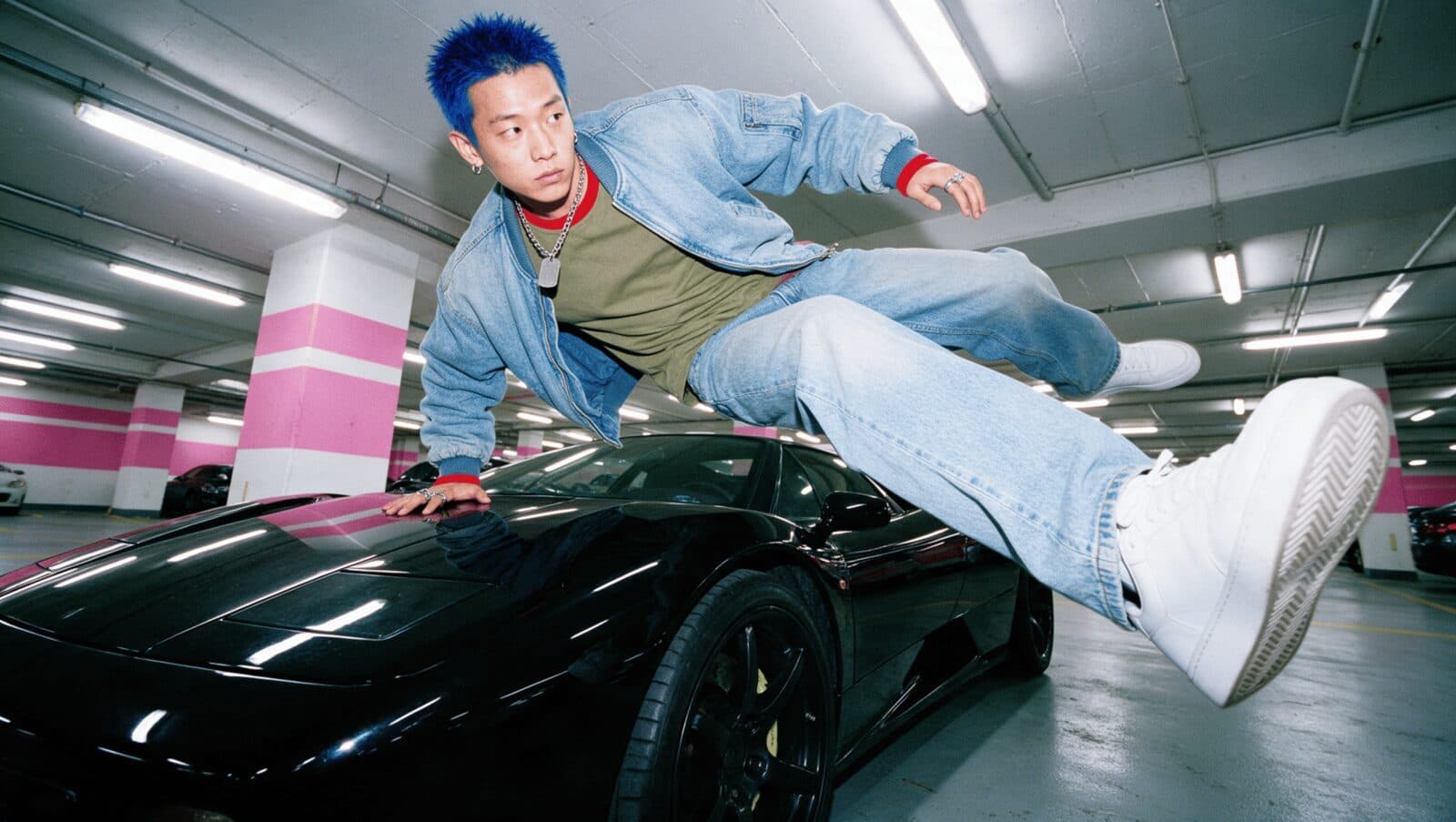
Match the model to the shot
Know which model handles speed, faces and camera moves best.
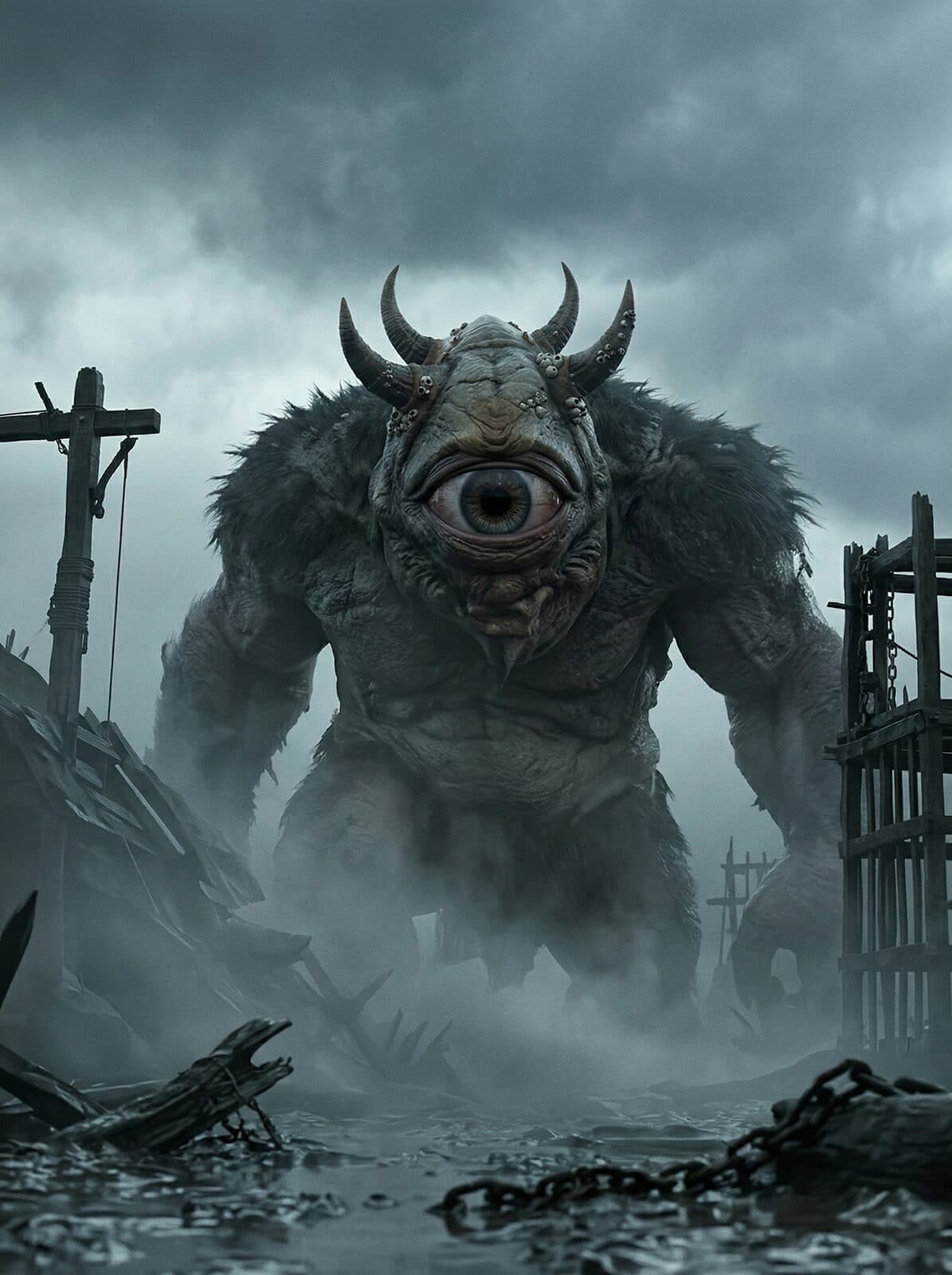
Plan a multi-shot scene
Several shots in one generation, cut where you want them.

Spend coins where it counts
Test cheap and fast first, then render the keeper.
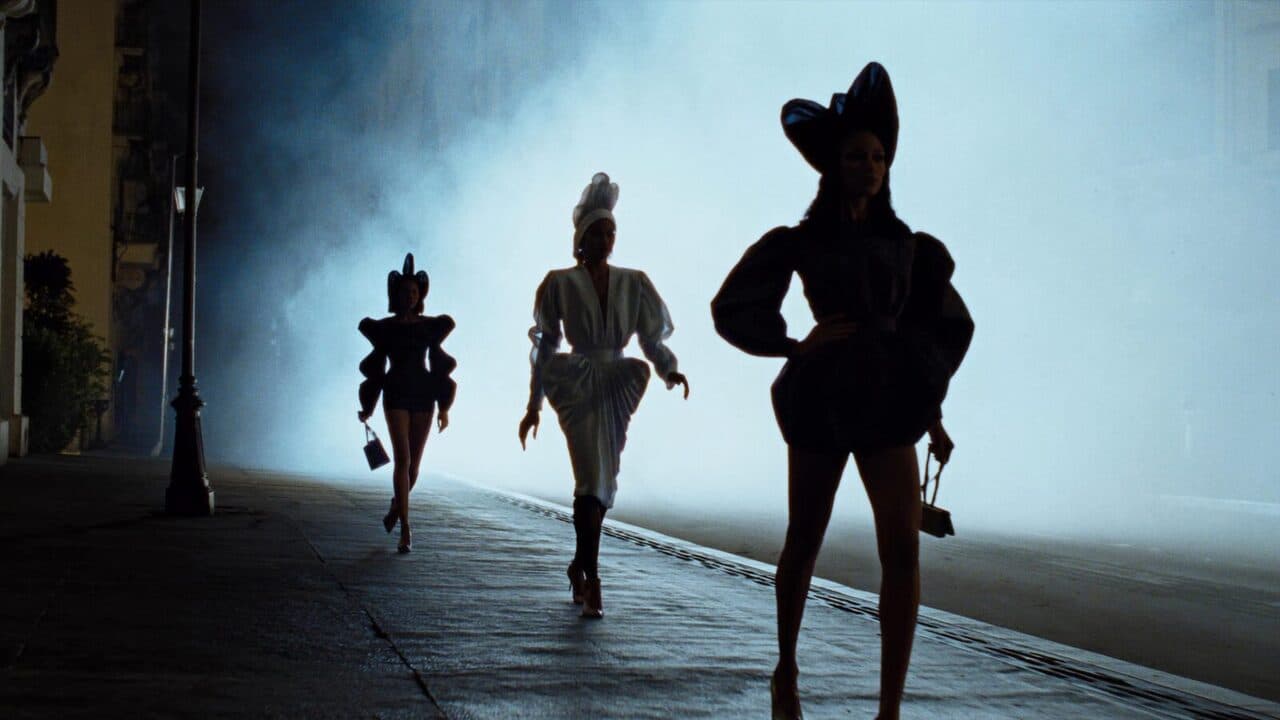
A test-cheap habit
Run the idea on Seedance 2.0 Mini or MiniMax H3 Turbo first, then the same prompt on Seedance 2.5 for the final.
Yes. Watching every lesson and reading the guides is free. Generating in ReelMe uses your credits, and you see the cost in ReelMe before you run anything.
ReelMe is an AI studio in your browser that makes pictures and videos from a prompt and your reference images. Sign in at https://reelme.ai with a free account; nothing to install.
Seedance 2.5, Seedance 2.0 Mini, Kling O3 Pro, Kling Motion Control, Gemini Omni Flash 1.1 and MiniMax H3 Max, in ReelMe Video. A lesson names the model it uses next to its prompt.
Each lesson has a short task: run the same prompt on two models and say which one you would use, then make one multi-shot scene with at least two cuts. Submit them on the lesson and they post to the community.
Finish every lesson and the certificate unlocks on this page. It is free, with a link you can share.
Yes. Lessons, homework and the community all work on mobile.
Seedance 2.5: it takes up to 24 image references plus voice lines, runs 5 to 30 seconds and makes its own sound. For a cheap draft, MiniMax H3 Max Lip Sync.
One generation with several shots in it, for example "Shot 1: she steps out of a taxi. Shot 2: close-up of her umbrella." Kling O3 Pro makes 5 to 15 seconds per clip with sound.
Pick the right model, move the camera and keep one face, so your clips look filmed, not generated.
ReelMe Academy
14 lessons30 minBeginnerFreeLearn free now
Make UGC, avatar, podcast, claymation and cinematic ads for your product. No actors, no camera, no studio.
ReelMe Academy
16 lessons21 minIntermediateFreeLearn free now
One AI animated cat short hit 248M views on YouTube. Make your own cartoon character, scenes and episode in ReelMe.
ReelMe Academy
3 lessons23 minBeginnerFreeLearn free now