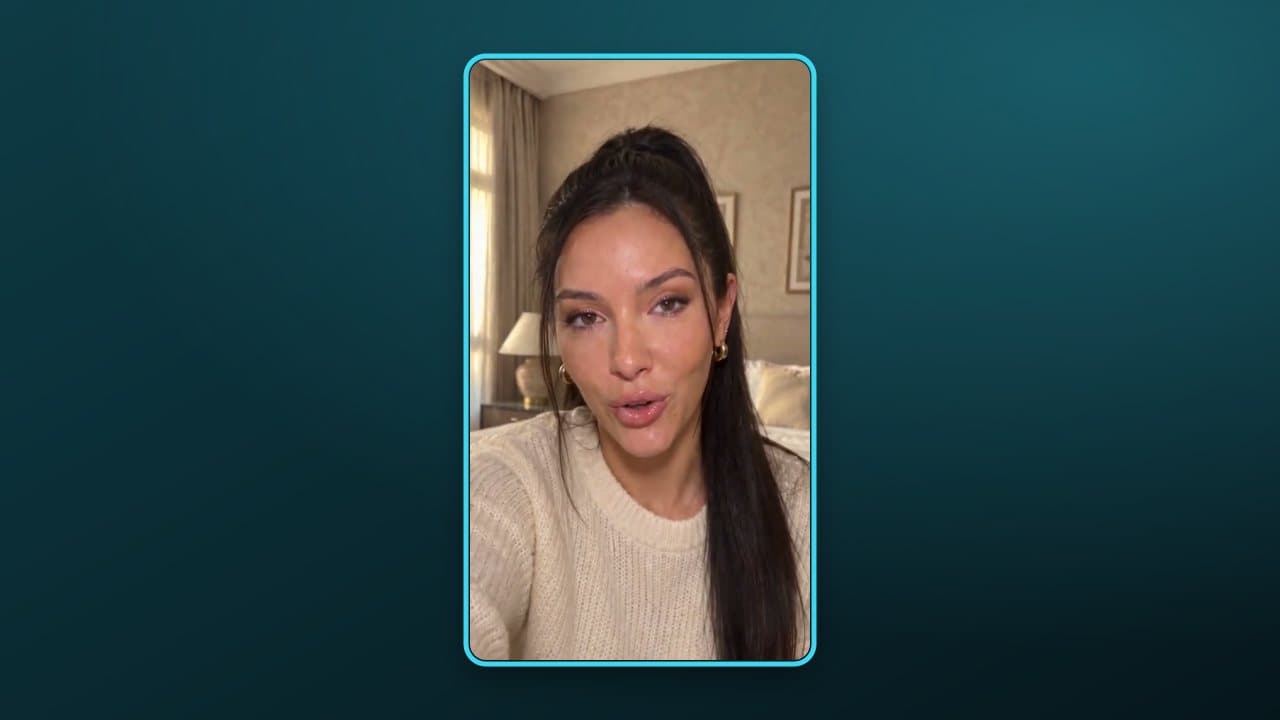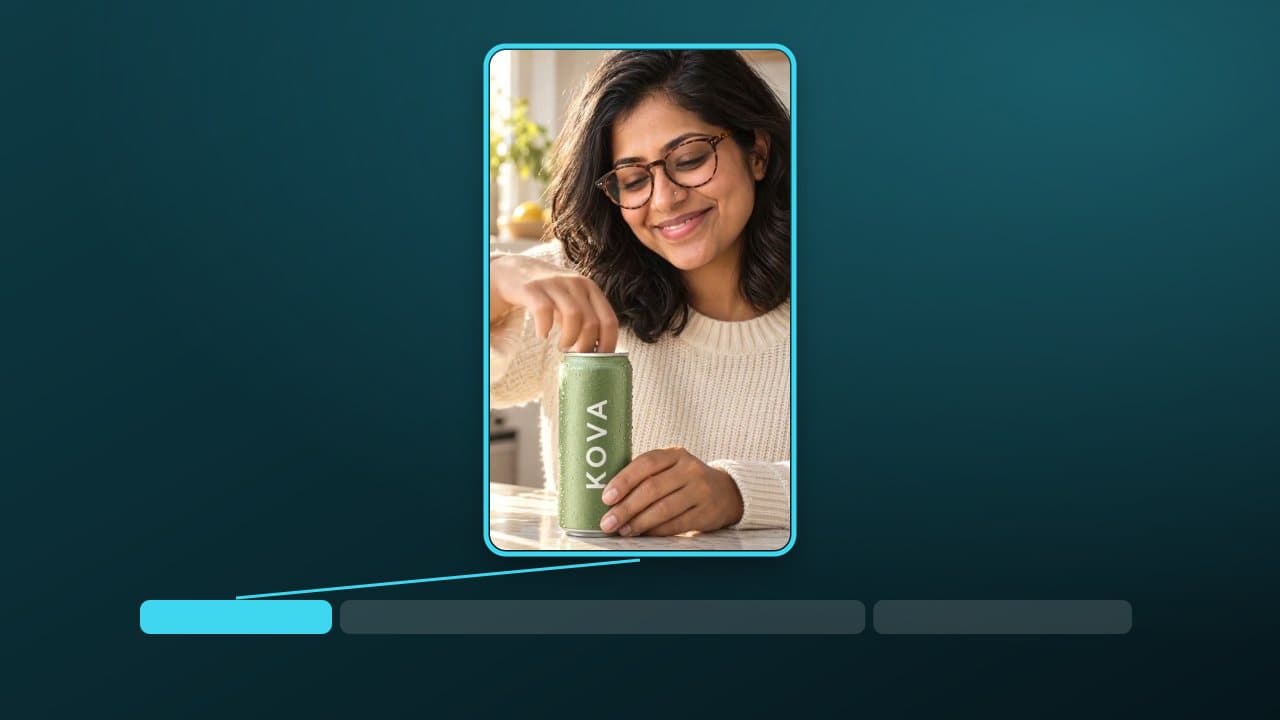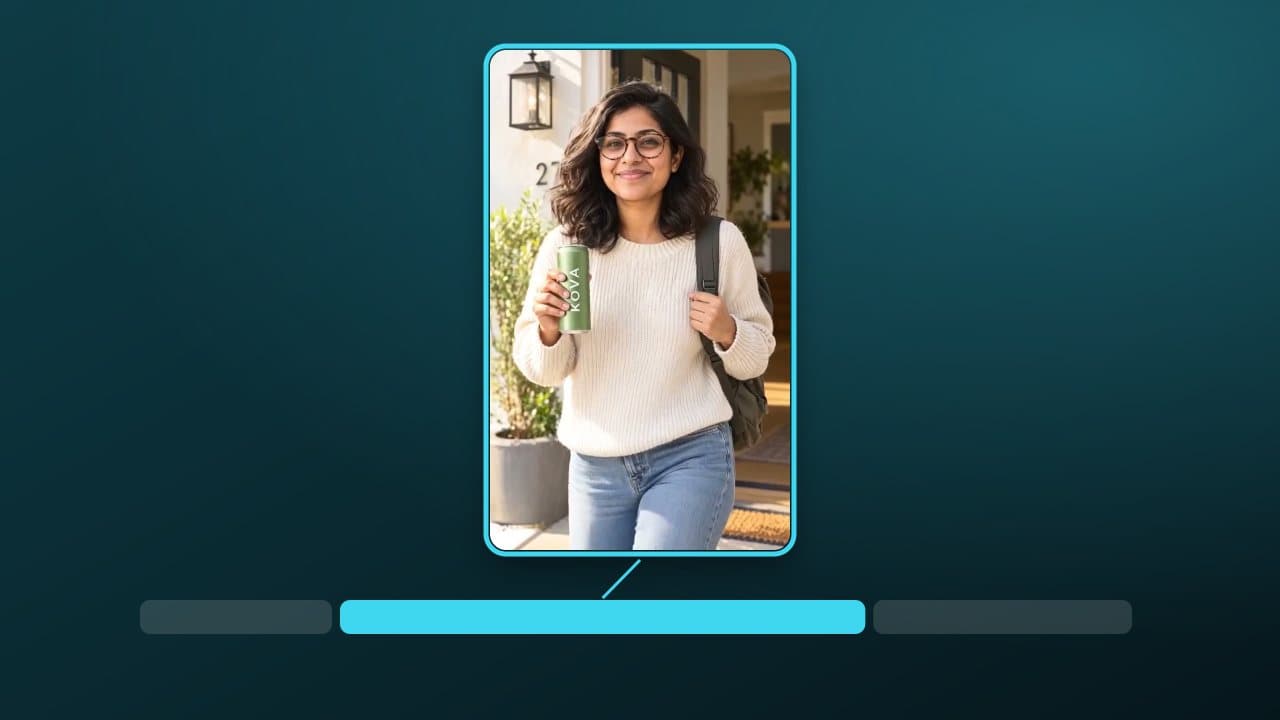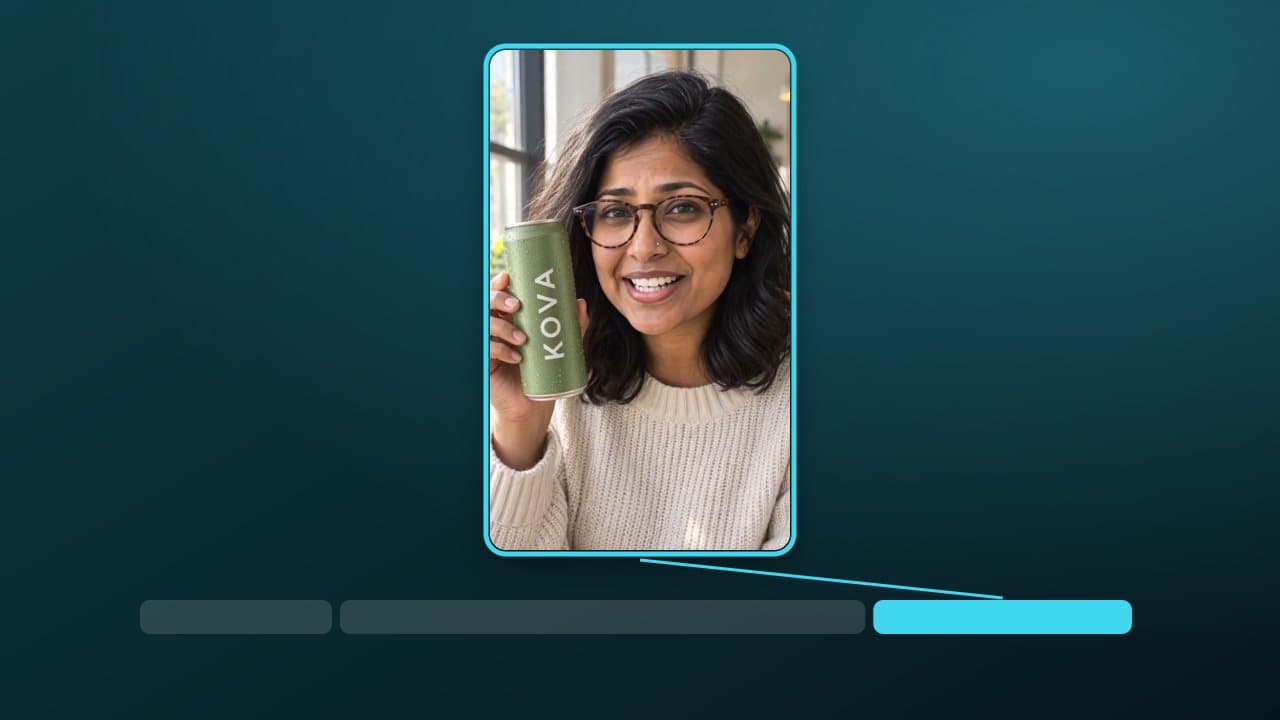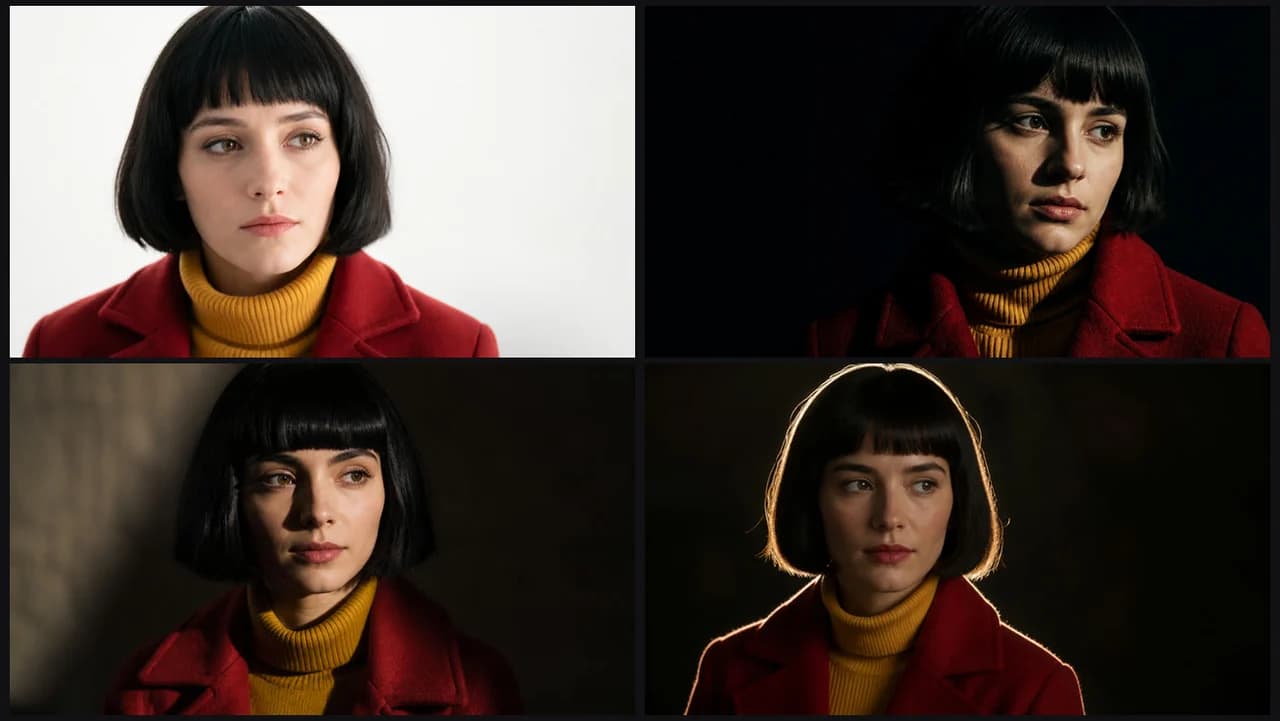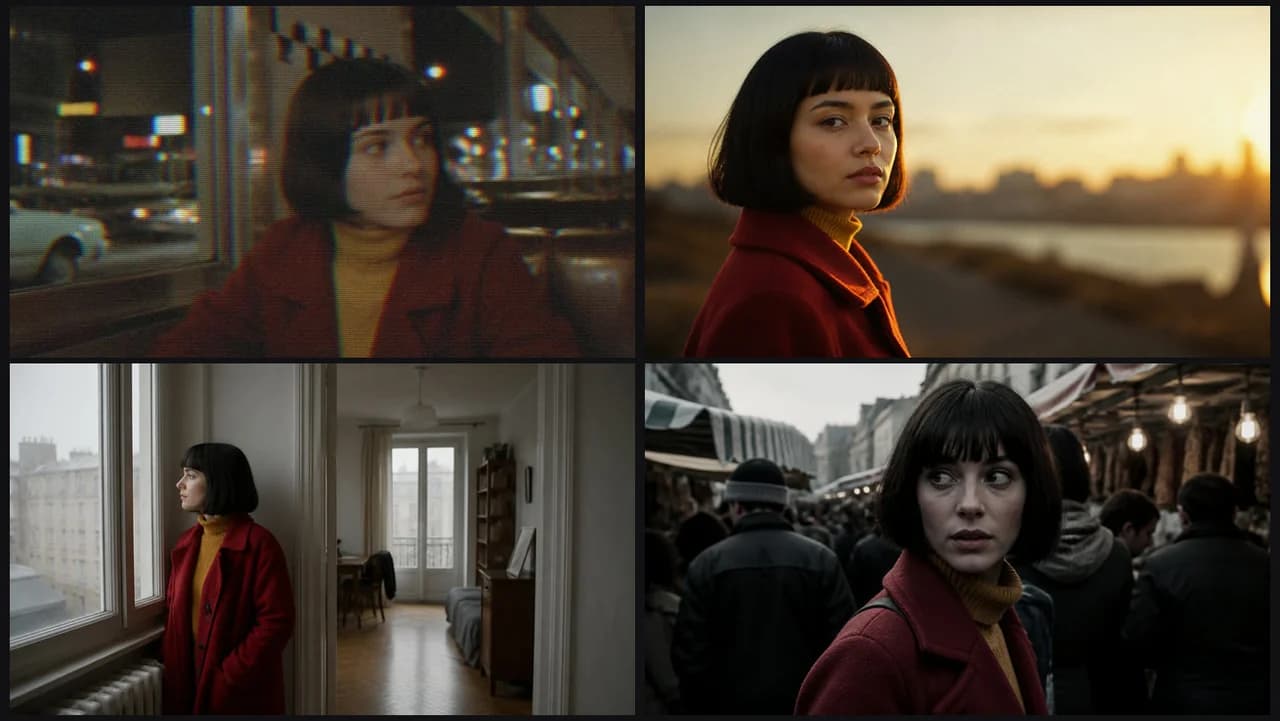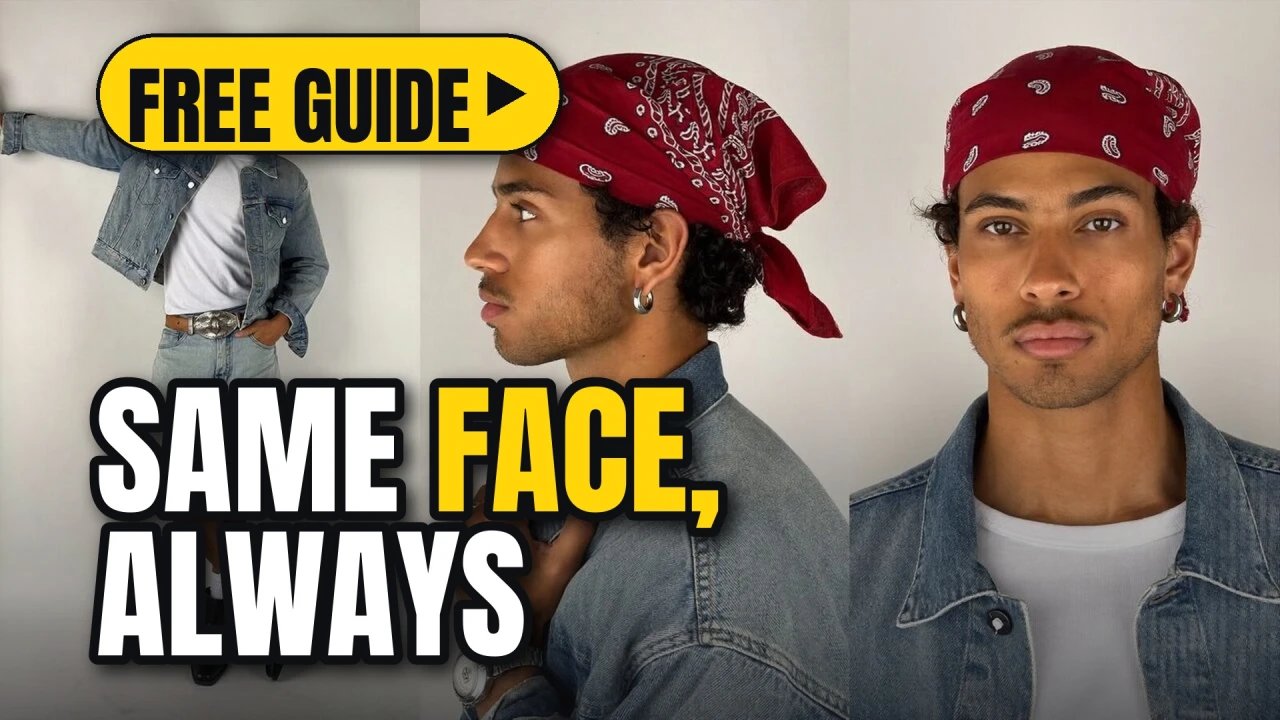

Most AI videos fall apart on the second shot: the hair changes colour, the jacket loses its zip, the face ages ten years. This guide is a routine that stops that, start to finish.
Start from one hero frame
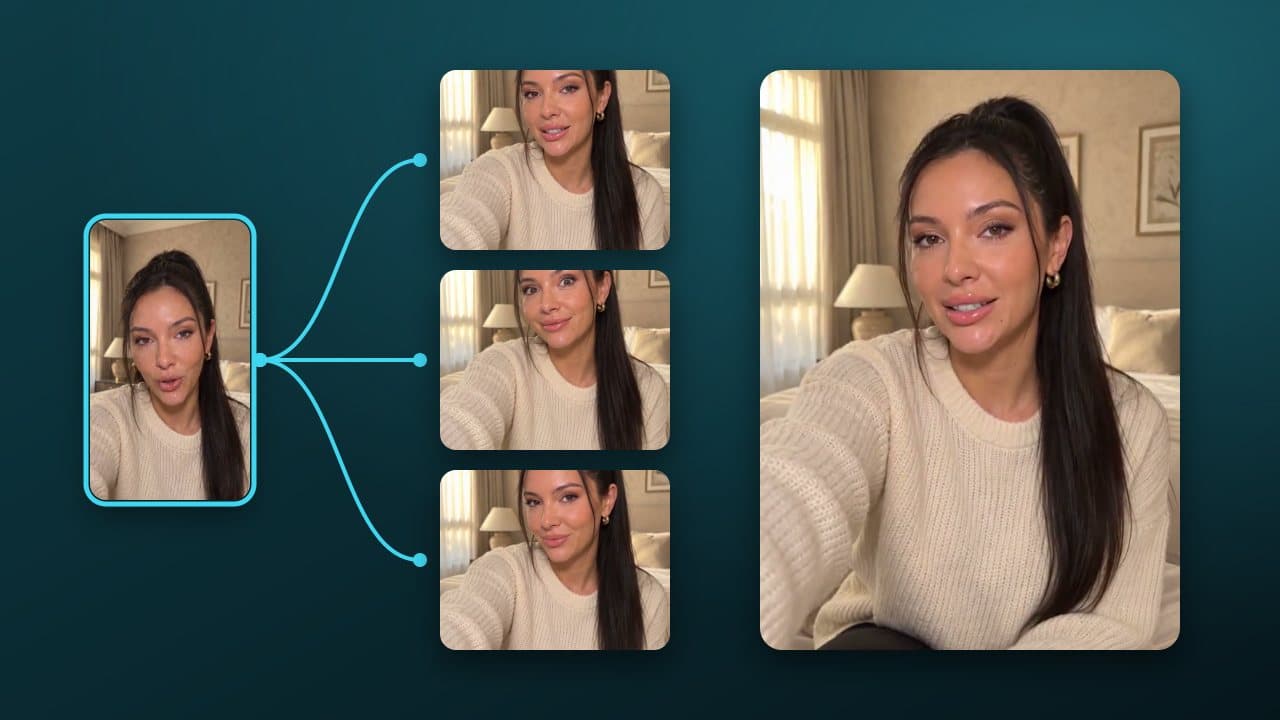
Generate one image you love and treat it as the source of truth. Every later shot references it, never a description of it. No hero frame yet? Make it in ReelMe Image (reelme.ai/image?aspect=3:4) and keep the one you would happily see in every shot.
- Front-facing, even light, neutral background.
- Outfit fully visible: it is the part that drifts first.
- Save it as a named asset so every node on the canvas can point at it.
Write the identity block once
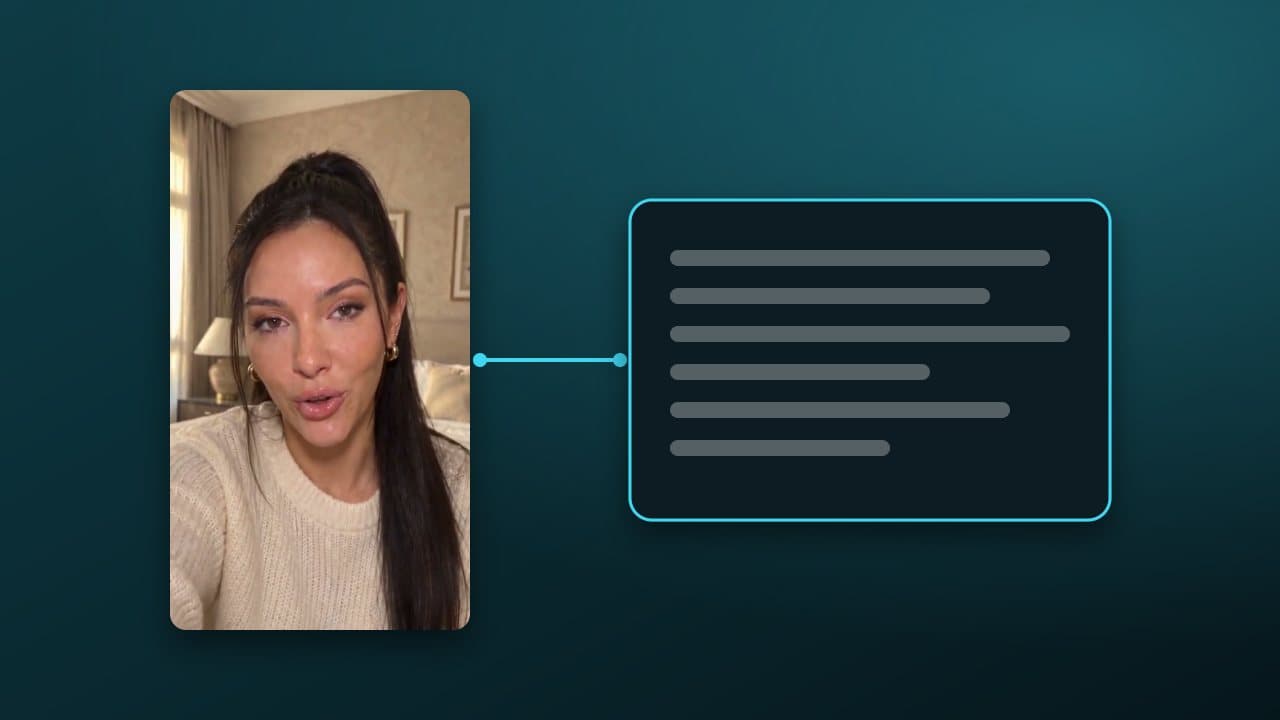
Keep a short block that never changes, and paste it at the start of every shot prompt:
Only the action and camera change between shots. If you catch yourself rewording the identity block, stop: that is where drift comes from.
Shot prompts: action + camera only
- Action in one sentence: what the character does.
- Camera: lens, angle and movement (
35mm, low angle, slow push-in). - Reference: the hero frame, plus the previous shot's last frame for continuity.
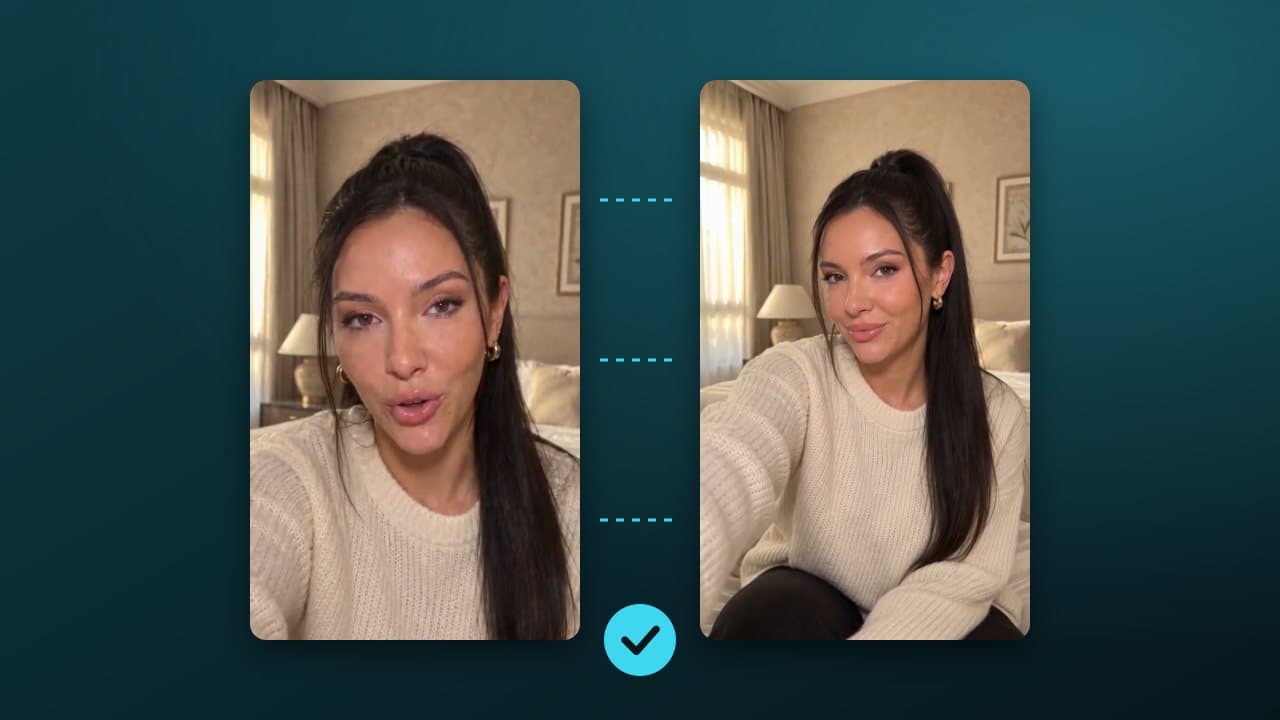
Check for drift before you render the next shot
- Hair length and fringe.
- Jacket colour and zip.
- Earrings (they vanish first).
If two of the three drift, regenerate from the hero frame instead of fixing the last shot: errors compound.
Try it now: open a canvas, drop your hero frame in and run the first two shots side by side. Your first canvas is one click away in ReelMe Canvas.