GuideAdsSeedance6 min read

Cut a 15-second product ad on the ReelMe canvas

Guide · ReelMe Academy

Hook, proof, offer: a three-beat structure for short ads, with the exact shot list and timing we use for product videos.

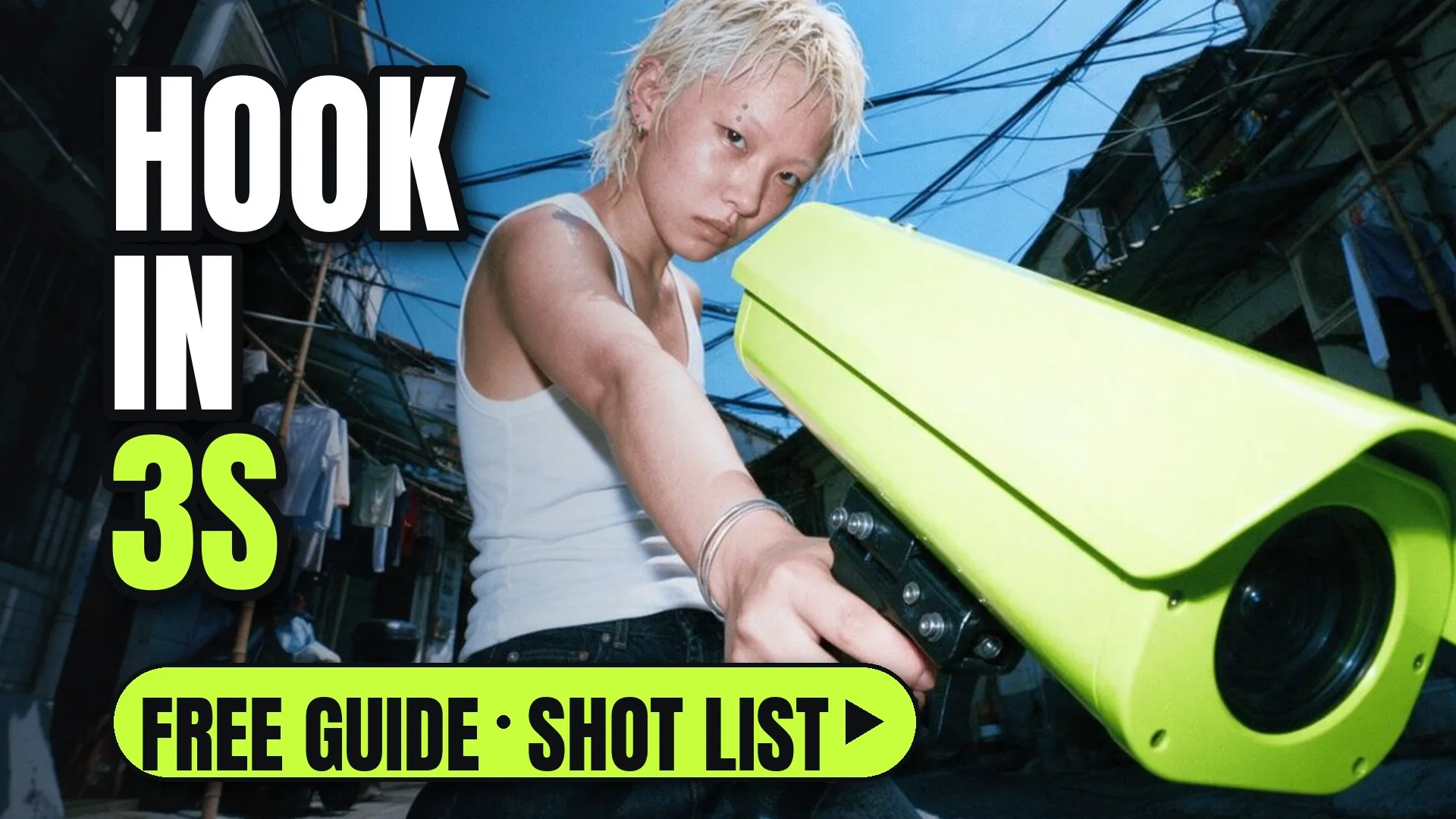
A product campaign shot: a model aims a lime-green camera down a city alley
Get it

Copy one prompt.

Paste it into ReelMe, or press "Try it" above: it opens with the prompt filled in.

Macro shot of [product] in use on a kitchen counter, fast push-in, shallow depth of field, morning window light, commercial look.
The full write-up

Cut a 15-second product ad on the ReelMe canvas, in detail

Fifteen seconds is three beats, not fifteen ideas. Here is the structure, then the shot list.

The three beats

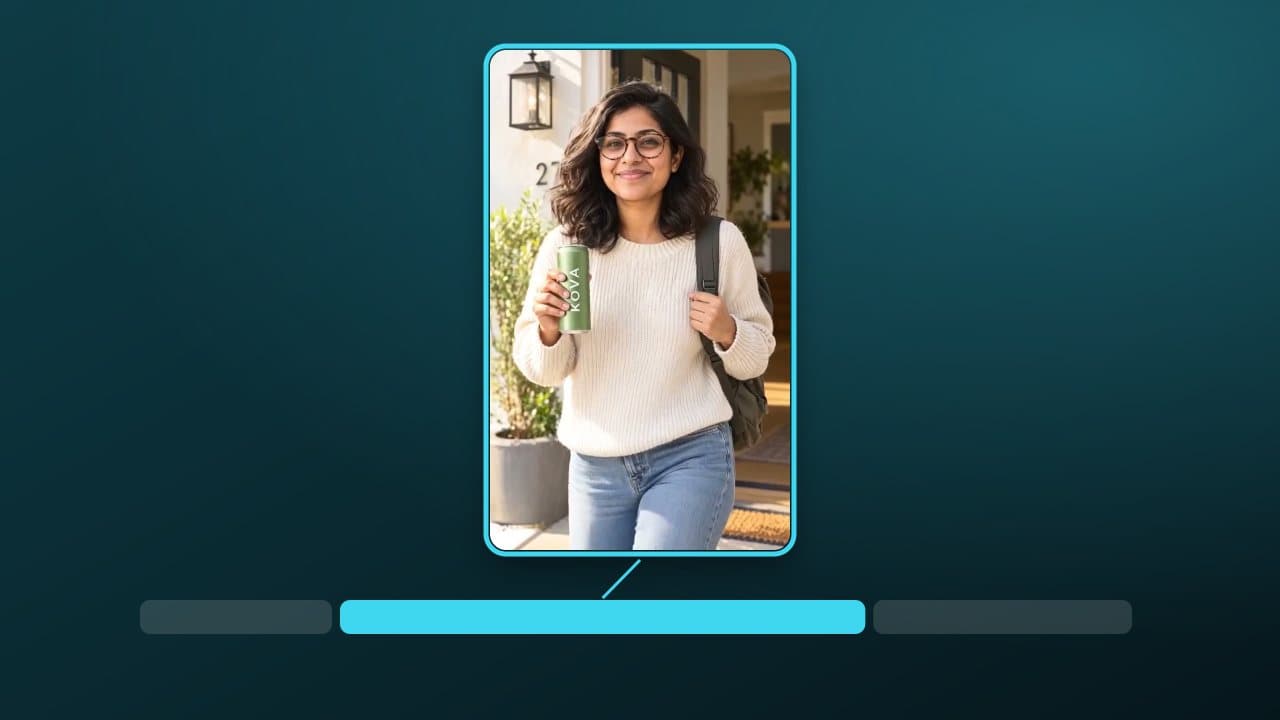
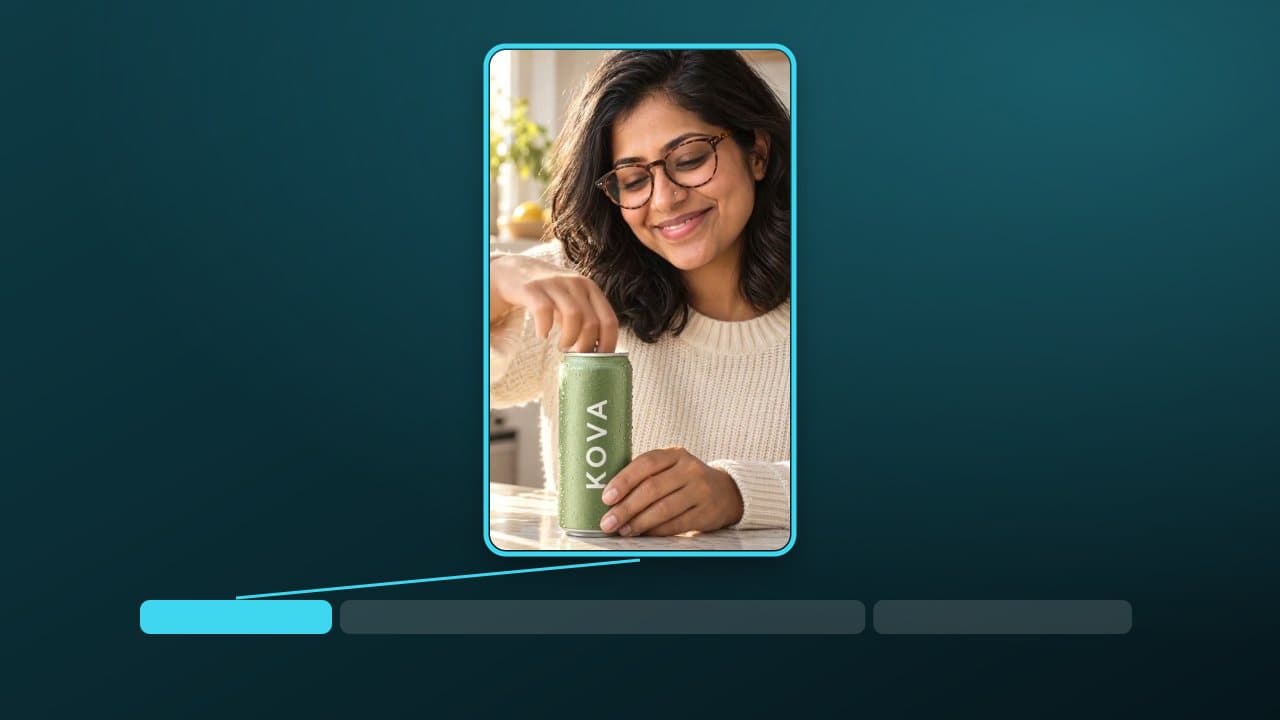
  1. Hook (0–3s): motion in the first frame. Never open on a logo.
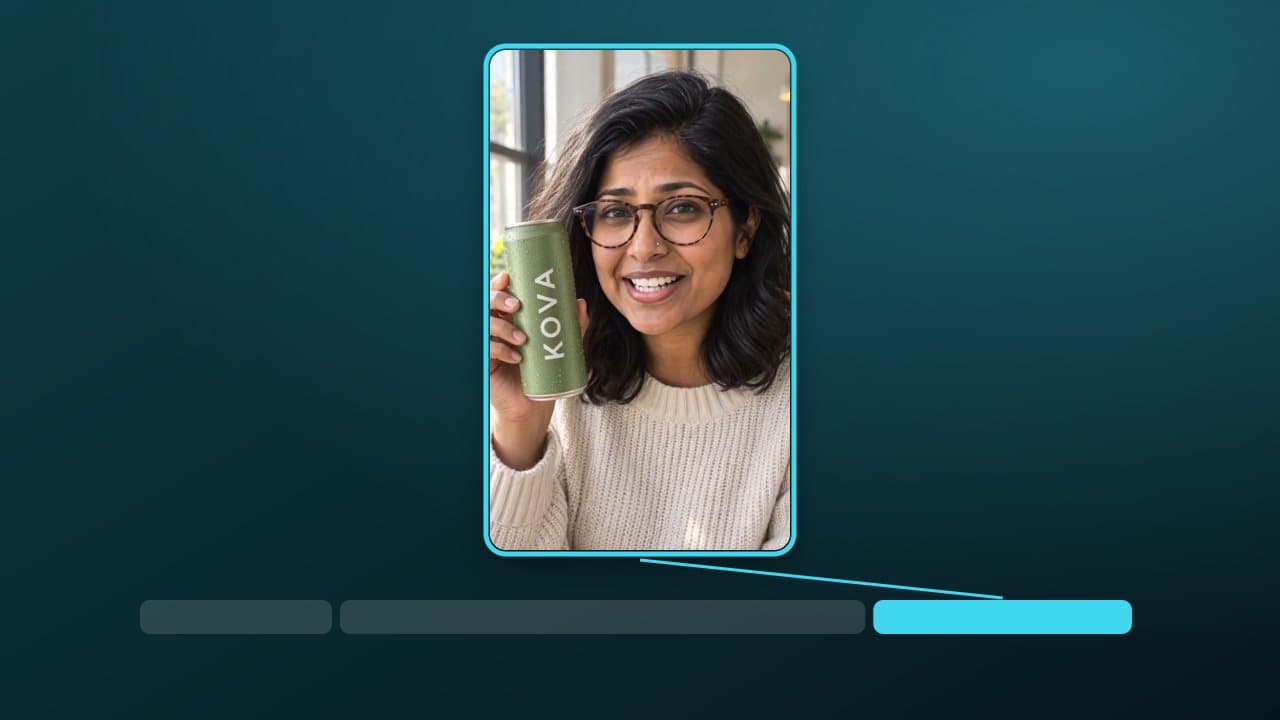
  2. Proof (3–11s): the product doing the one thing it is bought for.
  3. Offer (11–15s): price or promise, the product, a call to action.

Shot list

  • Shot 1: macro of the product in use, fast push-in (2s).
  • Shot 2: a hand reaching for it, natural light (1.5s).
  • Shots 3–5: the result, three angles (2.5s each).
  • Shot 6: product on a clean surface with the offer text (4s).

Test the hook on its own first: animate the product photo in ReelMe Video with a fast push-in, then bring the best take back to the canvas.

Build it on the canvas

Put the product photo on the canvas as the reference node, then one generation node per shot. Keep the same reference wired into every node so the packaging never changes. Open ReelMe Canvas (reelme.ai/canvas) and wire the reference node in before you add the first shot.

Before you export

  • First frame moves.
  • Product readable in every shot.
  • Offer on screen for at least 3 seconds.
Nov 10, 2026

How it works

4 steps

  1. Hook (0–3s)

    Motion in the first frame. Never open on a logo.

  2. Proof (3–11s)

    The product doing the one thing it is bought for.

  3. Offer (11–15s)

    Price or promise, the product, a call to action.

  4. Build it in ReelMe

    Open a canvas at reelme.ai/canvas and wire one node per beat.

  • Characters · Seedance · Kling · Guide · ReelMe Academy

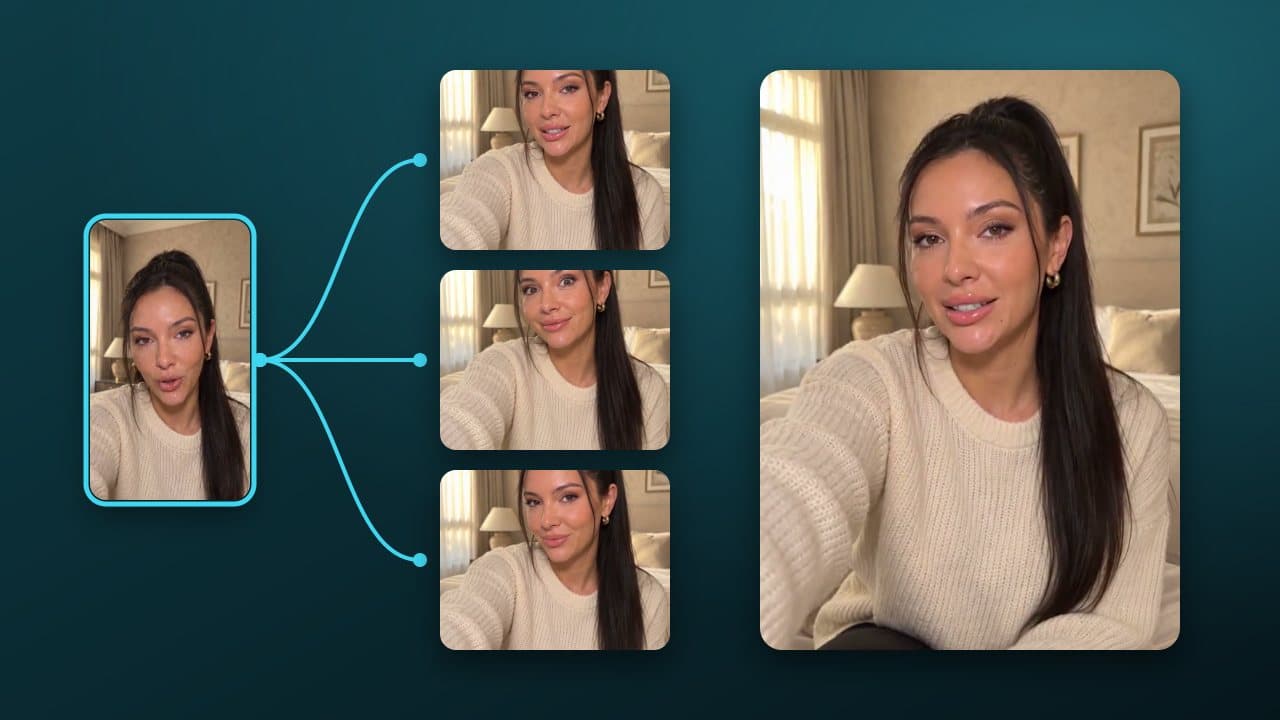
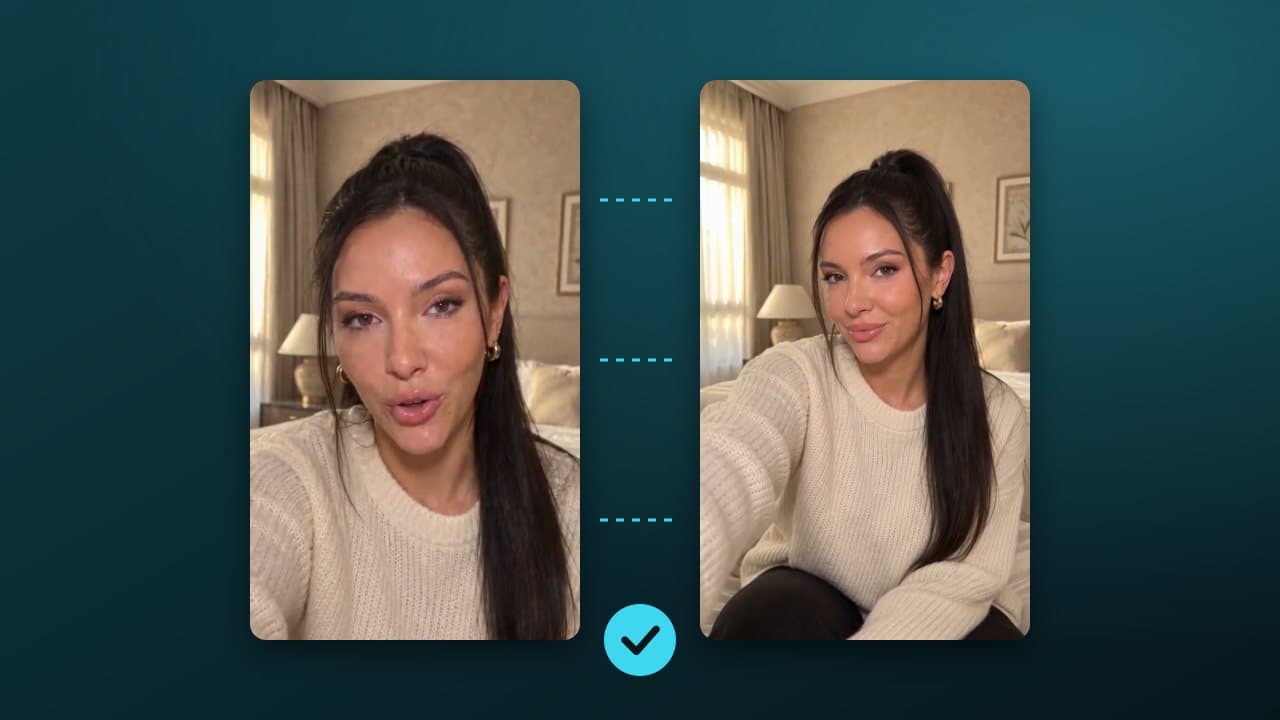
    A repeatable recipe for the same face, outfit and light from the first frame to the last: prompts, references and the checks that catch drift.

    1. Make one hero frame: Front-facing, even light, full outfit. ReelMe Image: reelme.ai/image?aspect=3:4
    2. Write the identity block once: Paste it at the start of every shot prompt.
    3. Shot prompts: action + camera only: Reference the hero frame and the previous shot's last frame.
    4. Check drift before the next shot: Hair, jacket colour, earrings.
  • Open source · Repo · picked by ReelMe Academy

    Apache-2.0

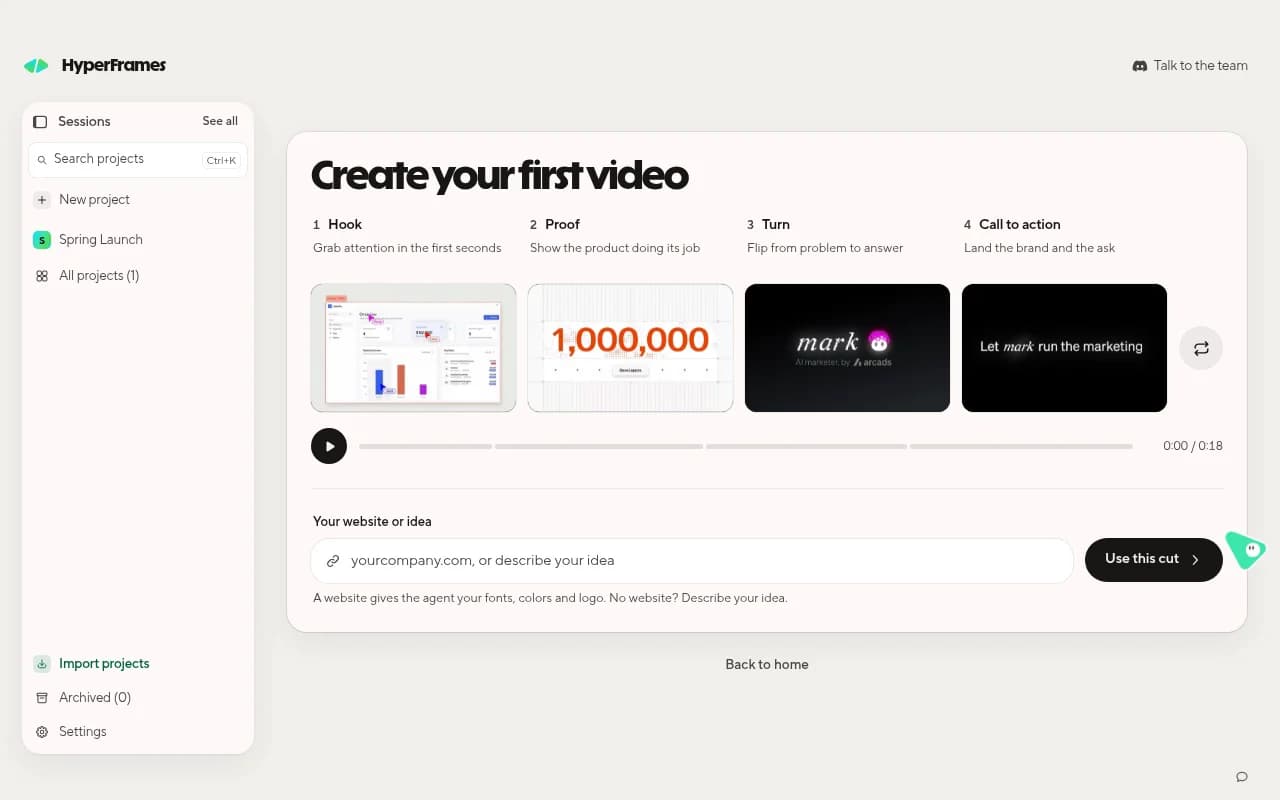
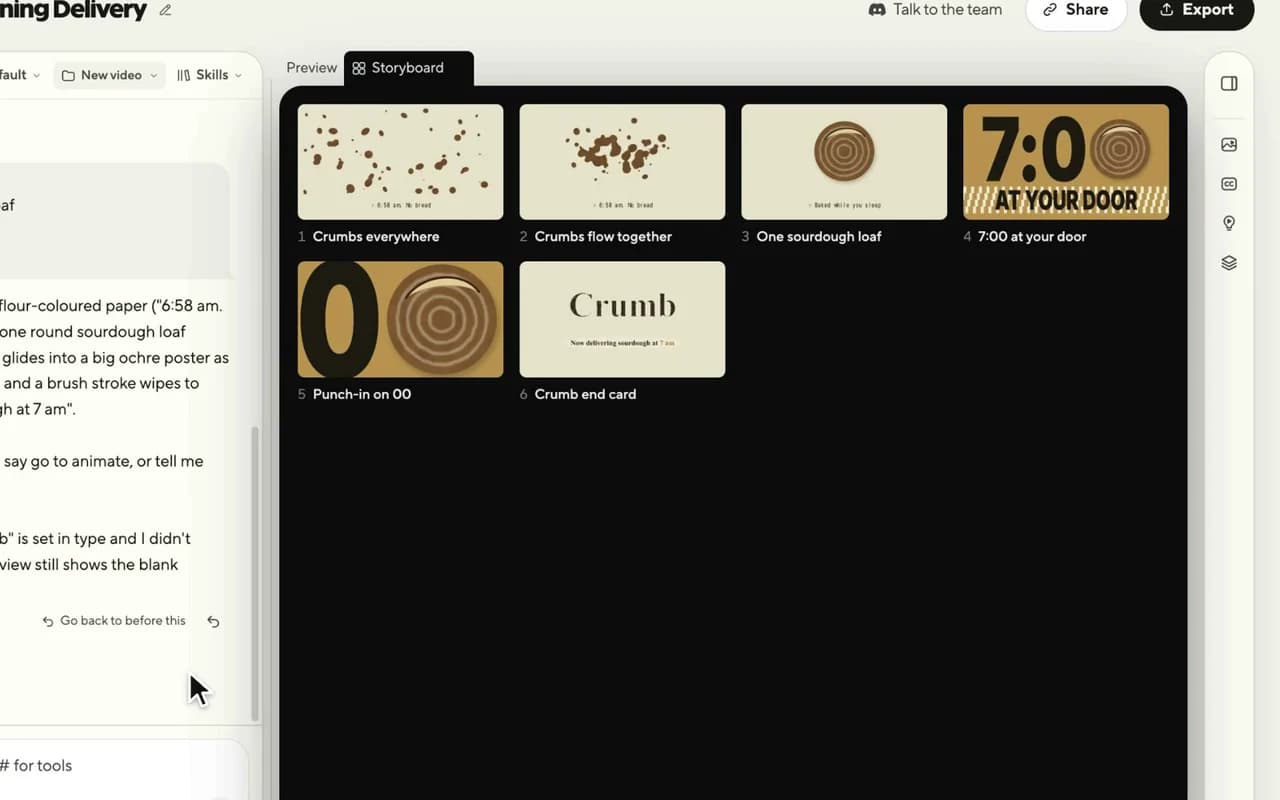
    HeyGen's free, open-source video framework. Your coding agent writes the video as HTML and animation, and HyperFrames renders it to MP4, frame by frame.

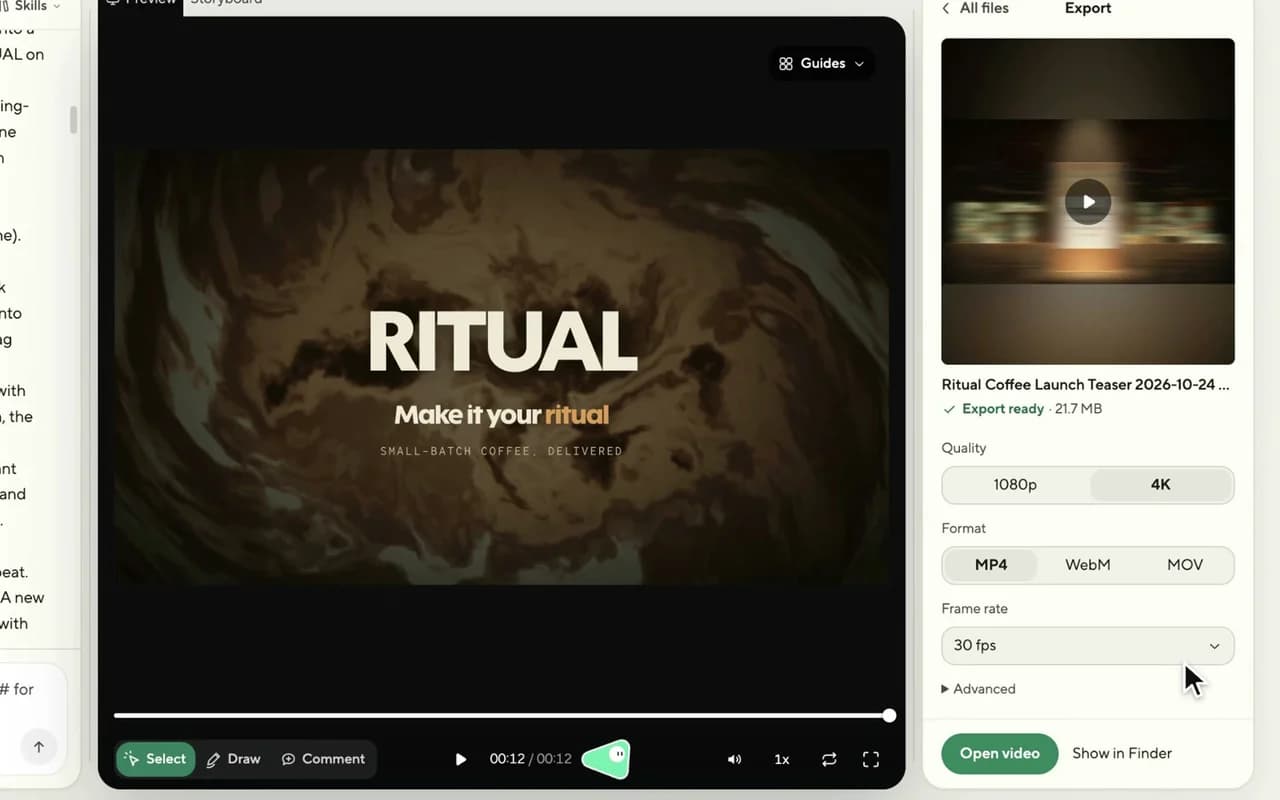
    1. Get Studio: Download the free app for Mac, Windows or Linux and sign in with HeyGen.
    2. Approve the storyboard: Describe the video in one sentence; check every shot as a still.
    3. Edit and export: Point, draw or type changes; export MP4. Need footage? Use ReelMe MCP: reelme.ai/mcp
  • Video models · Repo · picked by ReelMe Academy

    MIT (models non-commercial)

    Open-source portrait animation from Kuaishou: a still picture copies the face in a driving video, every blink, smile and head turn. Works on paintings, 3D characters, cats and dogs.

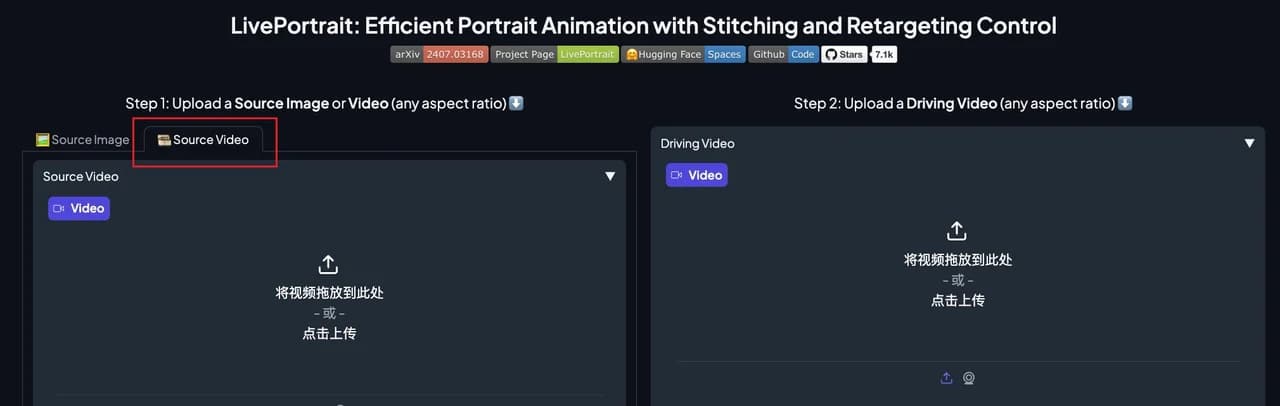
    1. Install LivePortrait: Clone the repo, pip install the requirements, download the weights.
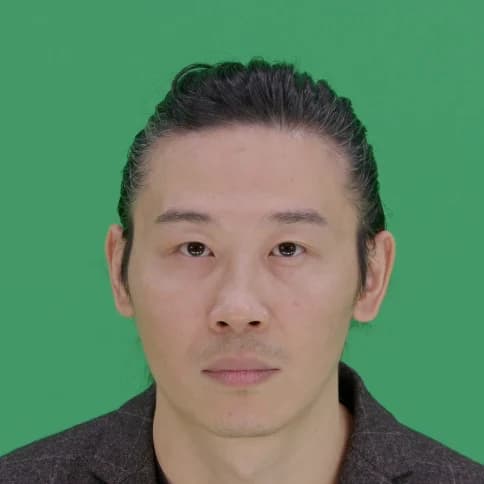
    2. Pick two inputs: A portrait to animate, and a frontal, neutral-start video of a face.
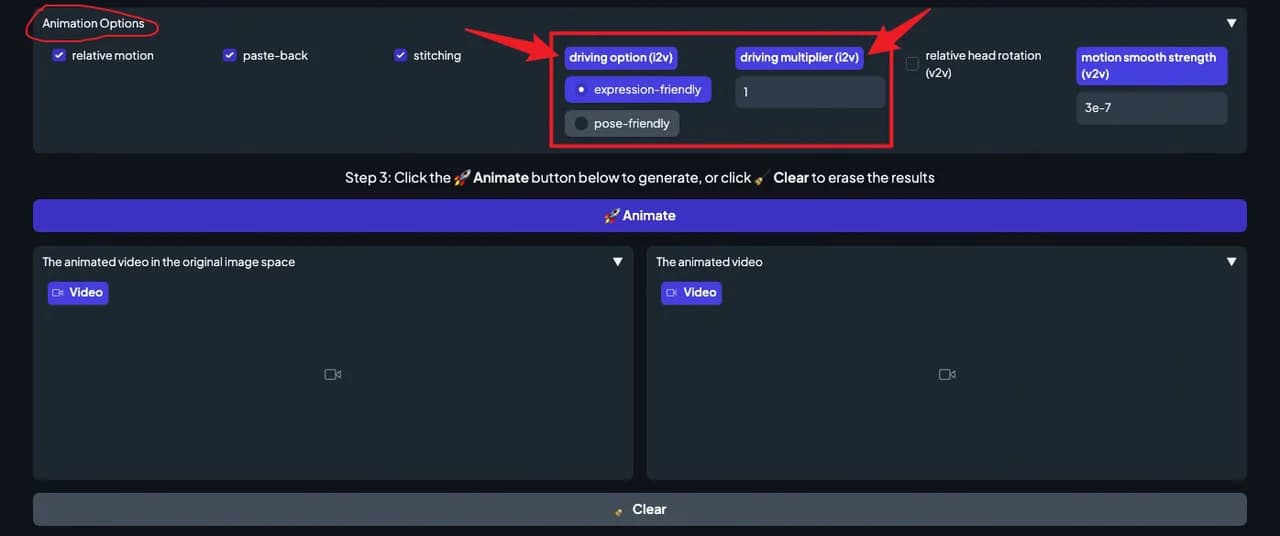
    3. Animate and tune: Press Animate and tune. Whole body? Use ReelMe Motion Control: reelme.ai/video?tab=motion

Want it step by step? From Zero to AI Creator