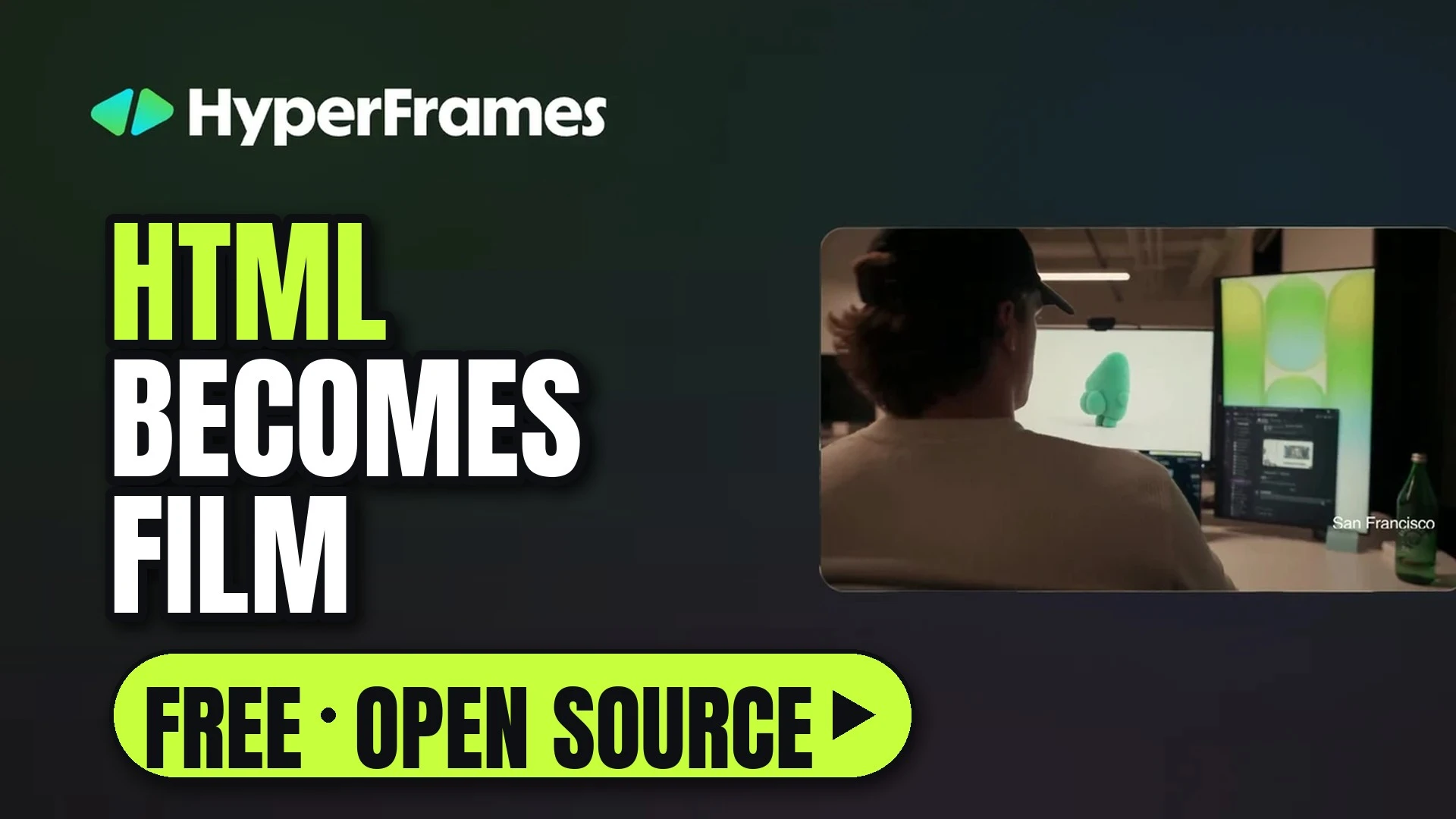

HyperFrames comes from HeyGen, and its tagline sums it up: Write HTML. Render video. Built for agents. It is a free, open-source framework that turns HTML, CSS, media and animation into MP4 videos. You don't have to write the HTML yourself: run one command, then ask Claude Code, Codex, Cursor or another coding agent to make a video, and the agent writes it. HeyGen uses it in production, and its showcase is full of launch films, cartoons, kinetic type and data stories.
The Frameys dance, from the HyperFrames showcase: a crowd of plush 3D characters dancing on a lit stage.
How it works
A HyperFrames video is a web page. Each element (a video clip, a title, a music track) carries data-start and data-duration attributes that say when it appears and for how long, and an animation library such as GSAP moves it. The renderer steps through the page one frame at a time in headless Chrome and encodes the frames with FFmpeg, so the same input always gives the same video. Your clips can be anything, including AI footage made in ReelMe Video.
From the showcase film It's just HTML: a title tag with its timing attributes and a GSAP timeline on the left, the MOTION title it renders on the right.
Two lines from the README's example: a title that appears at 1 second for 4 seconds, and a GSAP fade-up for it.<h1 id="title" class="clip" data-start="1" data-duration="4" data-track-index="1">Launch day</h1>tl.from("#title", { opacity: 0, y: 40, duration: 0.8 }, 1);
| What | From the README |
|---|---|
| Animation | GSAP, CSS, Lottie, Three.js, Anime.js, WAAPI, or your own frame adapter |
| Agents | Claude Code, Codex, Cursor, Gemini CLI, IBM Bob and other agents that support skills; HyperFrames ships 9 skills |
| Preview | Plays in the browser as-is, with no build step |
| Render | Locally, in Docker, or on AWS Lambda |
| Cost | Apache 2.0, with no per-render fees |
What people make with it
Every clip below is from the HyperFrames showcase, where you can watch the finished videos, read how they were made and remix them.
Cartoons and characters
| Halloween party: a green triangle character puts on a witch hat, and a friend arrives through a glowing door: Trick or treat! | Jake's favorite agent: a sleepy computer at a desk wakes up, a chalkboard reads Initiating session with Jake, and it gets to work. |
| The last onigiri: manga panels where a cat and a bird spot the last rice ball and fight for it. BAM! |
Kinetic type and style
| Everything was written: the word FLAT slams in, then a synthwave sunset where DEPTH forms out of particles. | One horse, many looks: a galloping horse and rider redrawn as green dots, pink, a cyan wireframe, red lines and on an old TV. |
Code, games and data
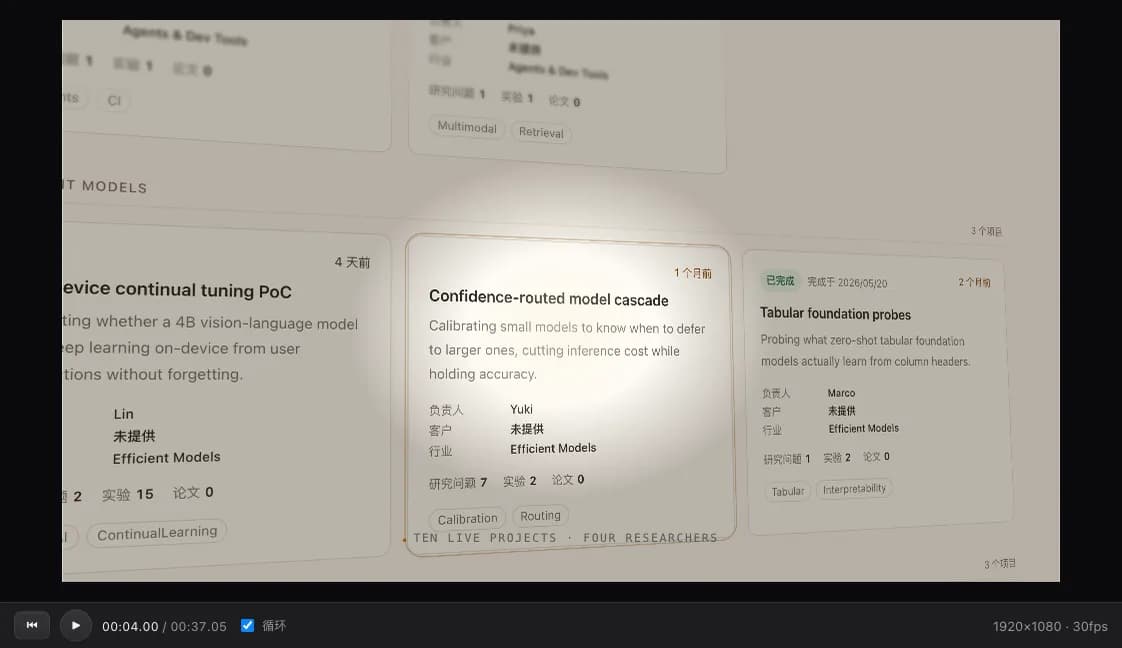
| A game in one canvas: code on the left builds a pixel platformer on the right, from drawing the world to adding a player. | Cow 1.0, a launch parody: a glowing cow-spot logo, then green dashboard cards and counters. |
The showcase also has product launches, VFX, talking-head tutorials and vertical videos for social.
Make a video without code in Studio
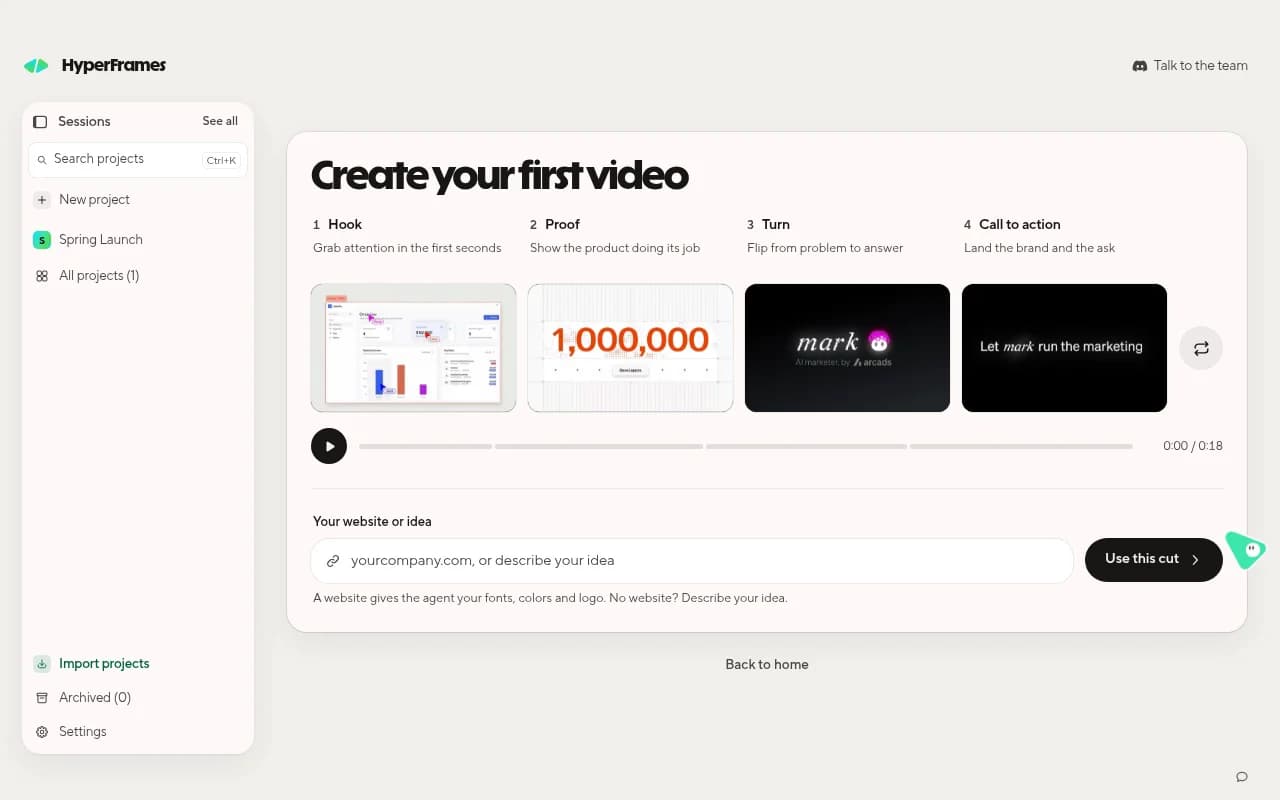
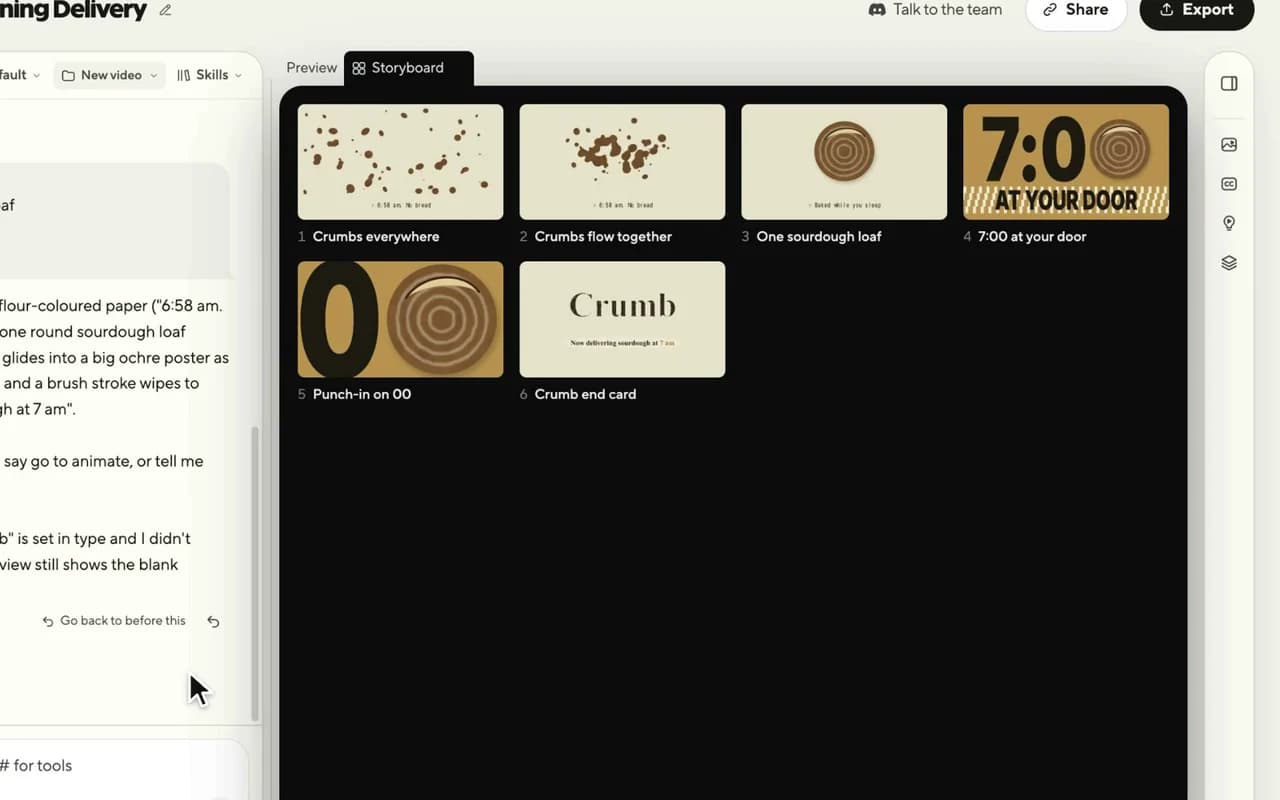
The free HyperFrames Studio app for Mac, Windows and Linux is the easiest way in. You describe the video, an agent on your computer builds it, and you never have to write code. You sign in with a free HeyGen account. Type one sentence on Home, answer a question or two, and the agent shows every shot as a still with its timing in a Storyboard before it builds the film.
The finished first video playing in Studio: crumbs flow together into one sourdough loaf, then 7:00 AT YOUR DOOR, for a made-up bakery.
It is not instant. In HeyGen's own recording, made with Claude Code as the agent, the storyboard took 29 minutes and the build 10.
Circle it, say it, send
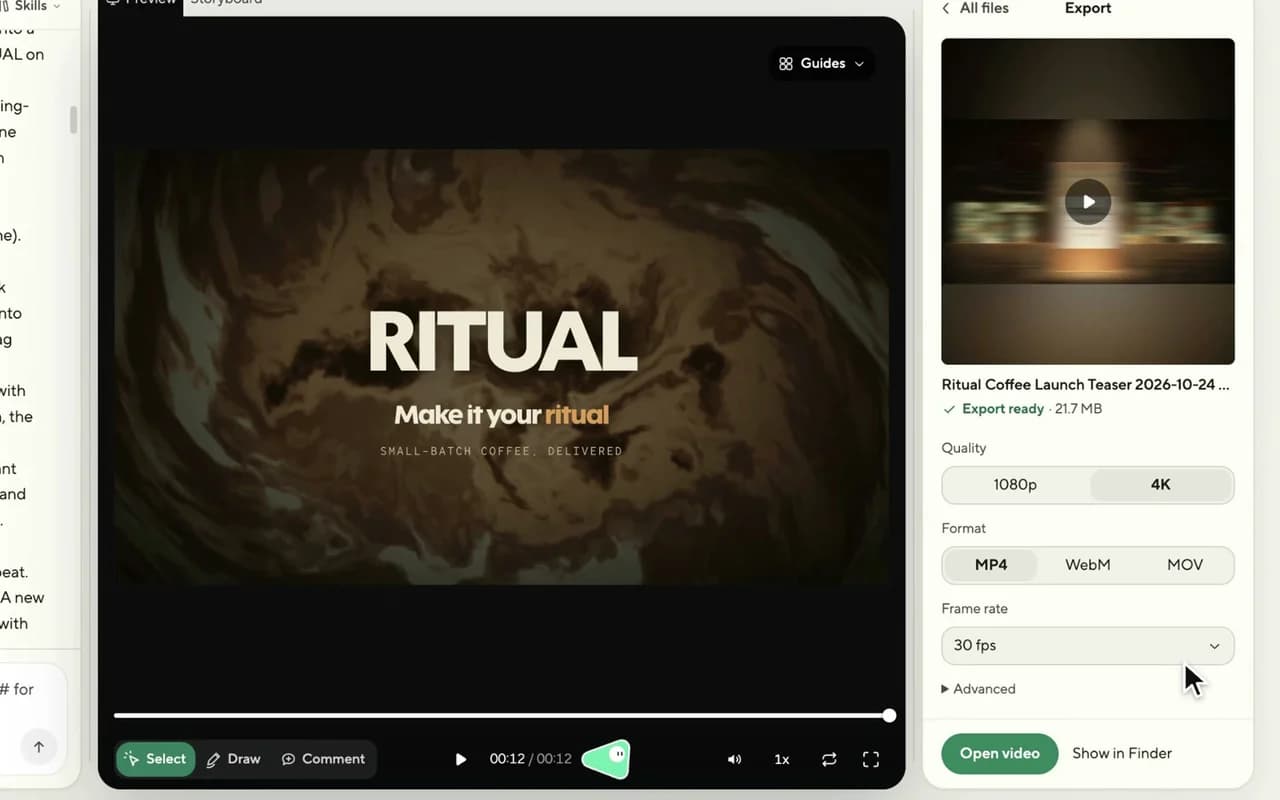
To change the video, show the agent where and say what. Draw lets you circle or mark a spot and say what should change; Comment pins a note to a spot and moment. Your picks, drawings and comments stack up as Pending video edits, and you send them to the agent as one request.
Studio's Draw tool: a circle around the coffee bag, then the change typed in for the agent.
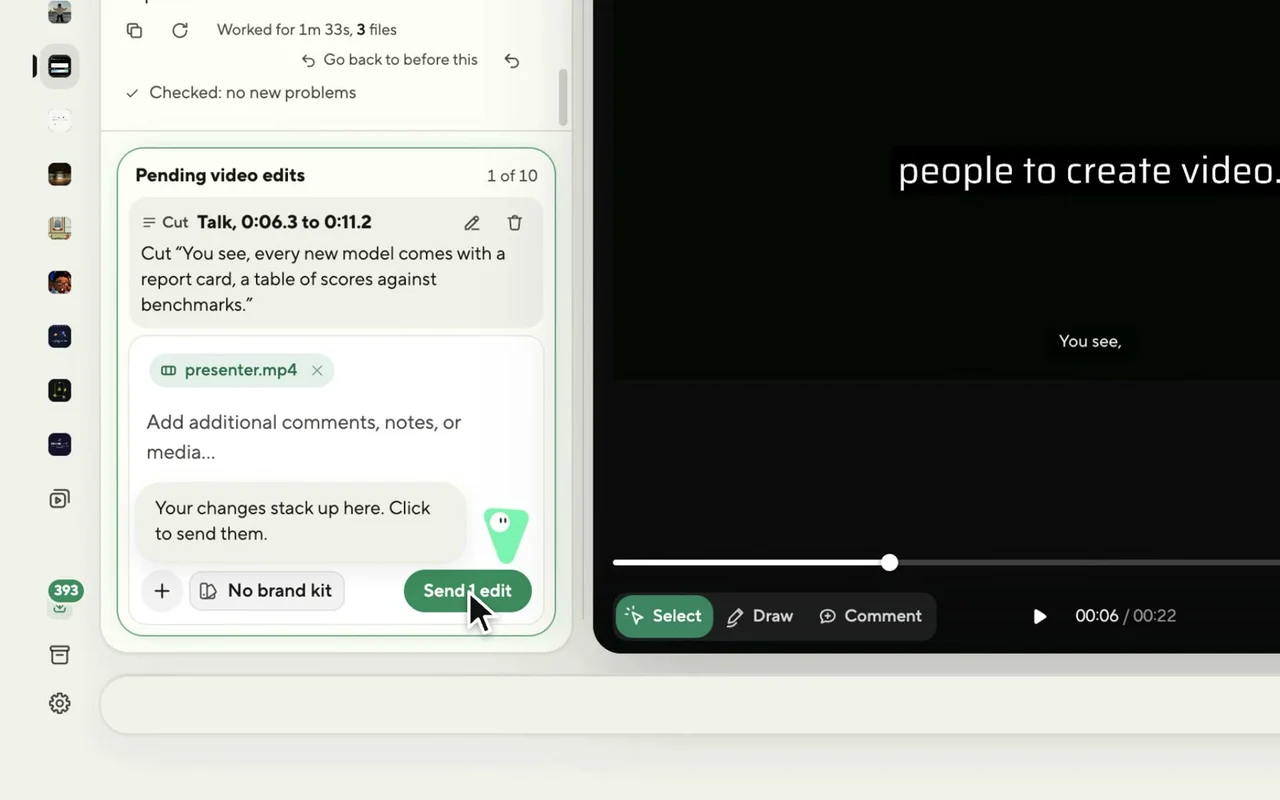
Pending video edits: a cut in a presenter video waits in the list until you choose Send edit.
About 450 ready-made blocks
The catalog has about 450 ready-made blocks and components (transitions, overlays, titles, kinetic type, captions, charts, maps, 3D and camera moves) installed as editable source. Your agent can add one with a single command.
| Glass Shard Title: glass shards fly in through fog and tile themselves into the headline. | Frost Sequence Camera Orbit: flying shards snap together into chrome 3D type, Hard to break, that slowly rusts red. |
| Data Chart: an animated bar and line chart with a staggered reveal and value labels. | Bar Chart Race: ranked bars grow and overtake each other as the years advance. |
Install blocks with the README's examples:npx hyperframes add data-chart # animated chartnpx hyperframes add flash-through-white # shader transition
Your brand, ready for the camera: frame.md
Every brand has a design.md, but none were written for a camera. frame.md rewrites your design system for video, with the same tokens and rules, so an agent can compose a promo without guessing at scale. The README shows ten ready-made frame systems you can browse and remix.
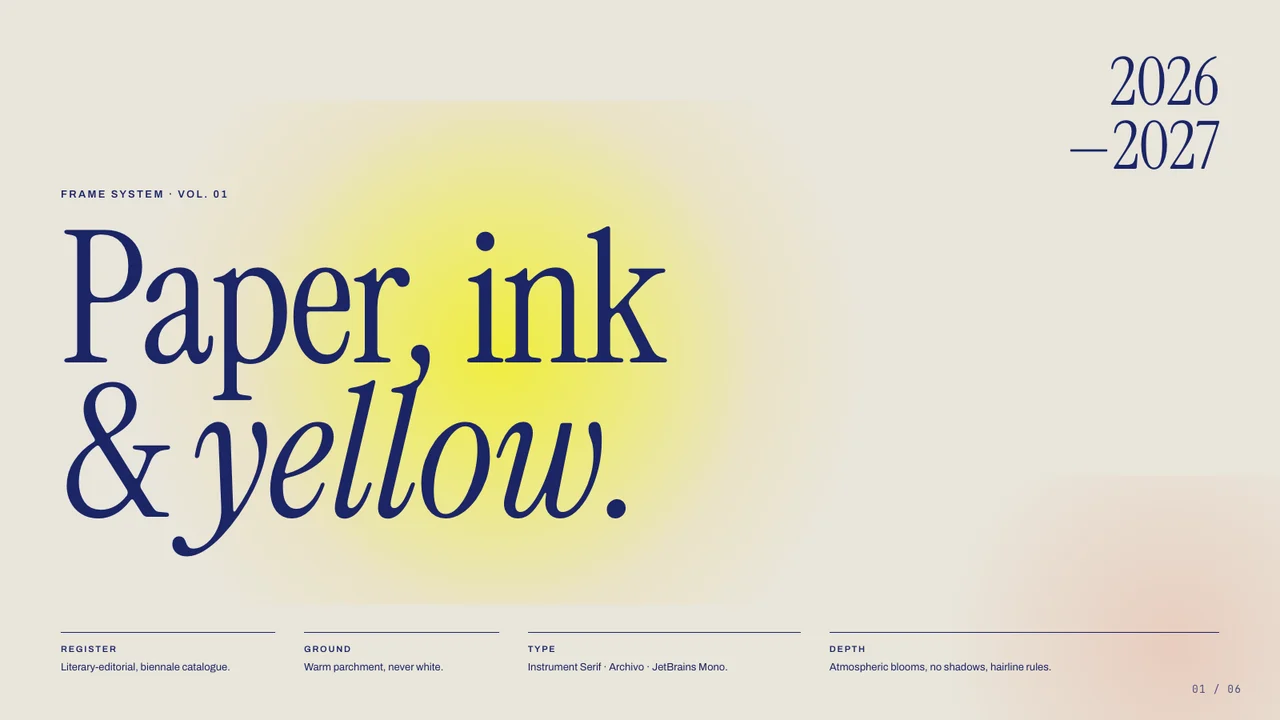 Biennale YellowPaper, ink and yellow. | 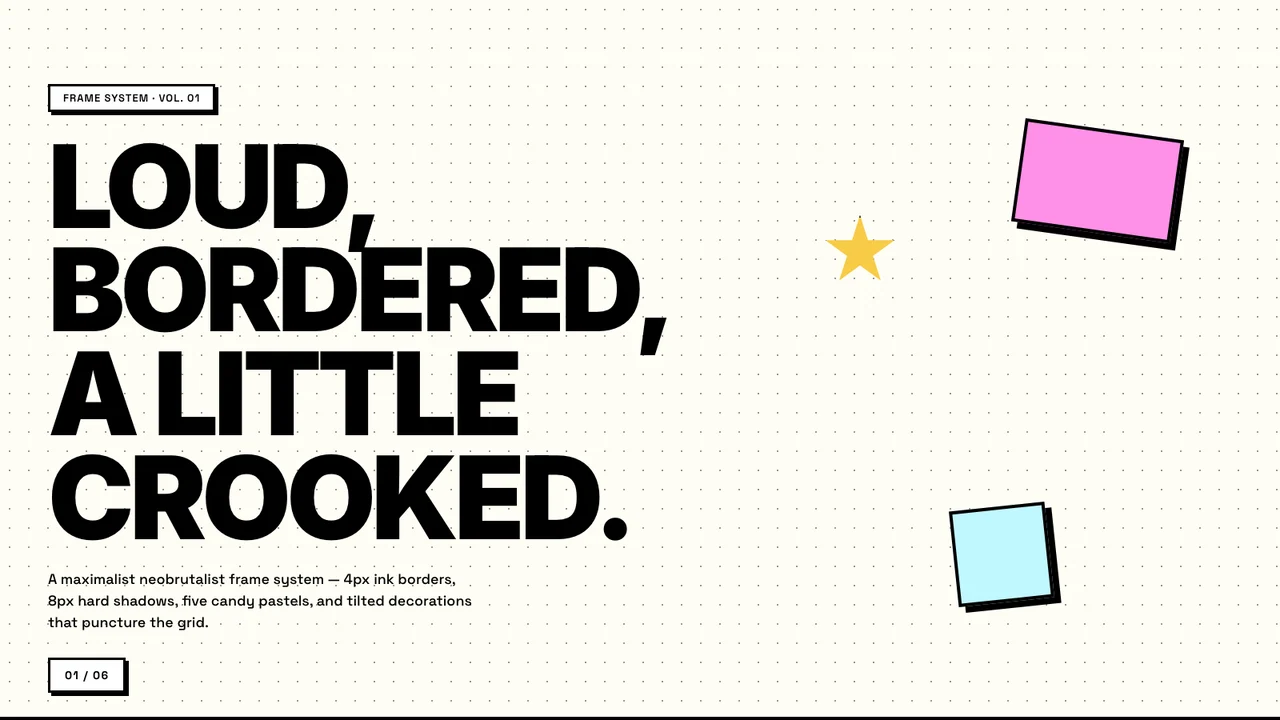 BlockFrameLoud, bordered, a little crooked. |
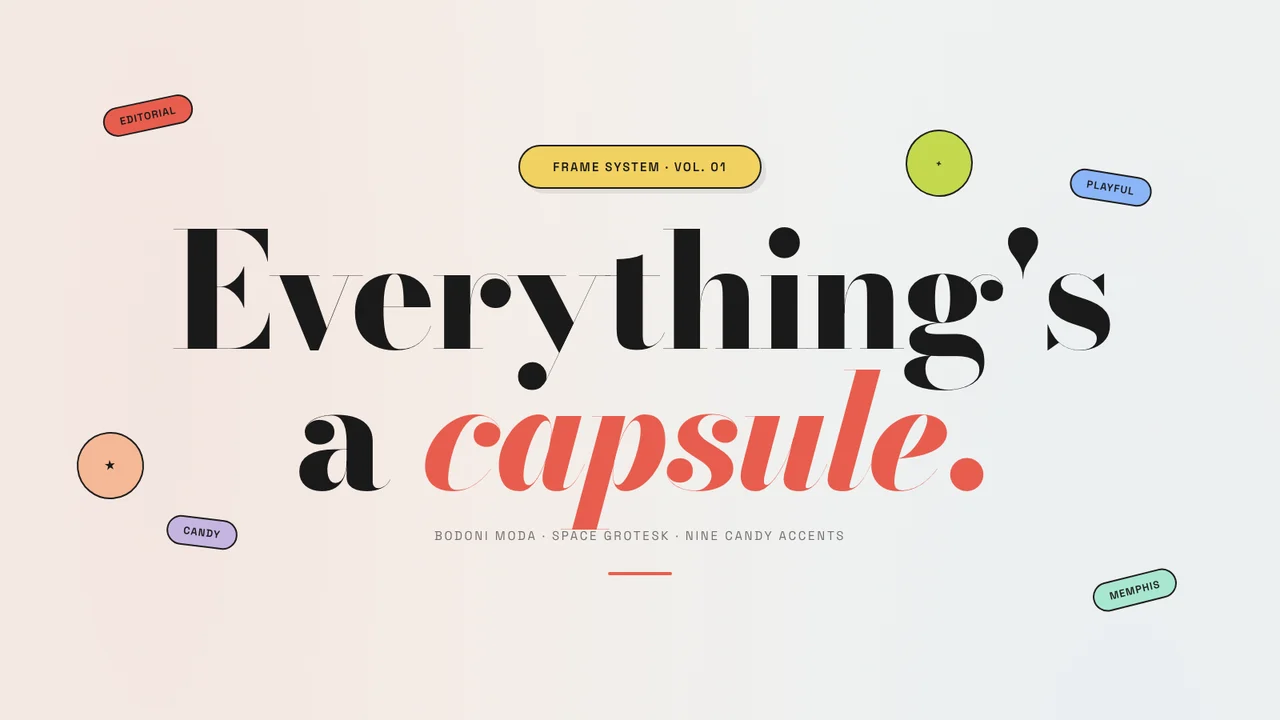 CapsuleCandy pills around a serif headline. | 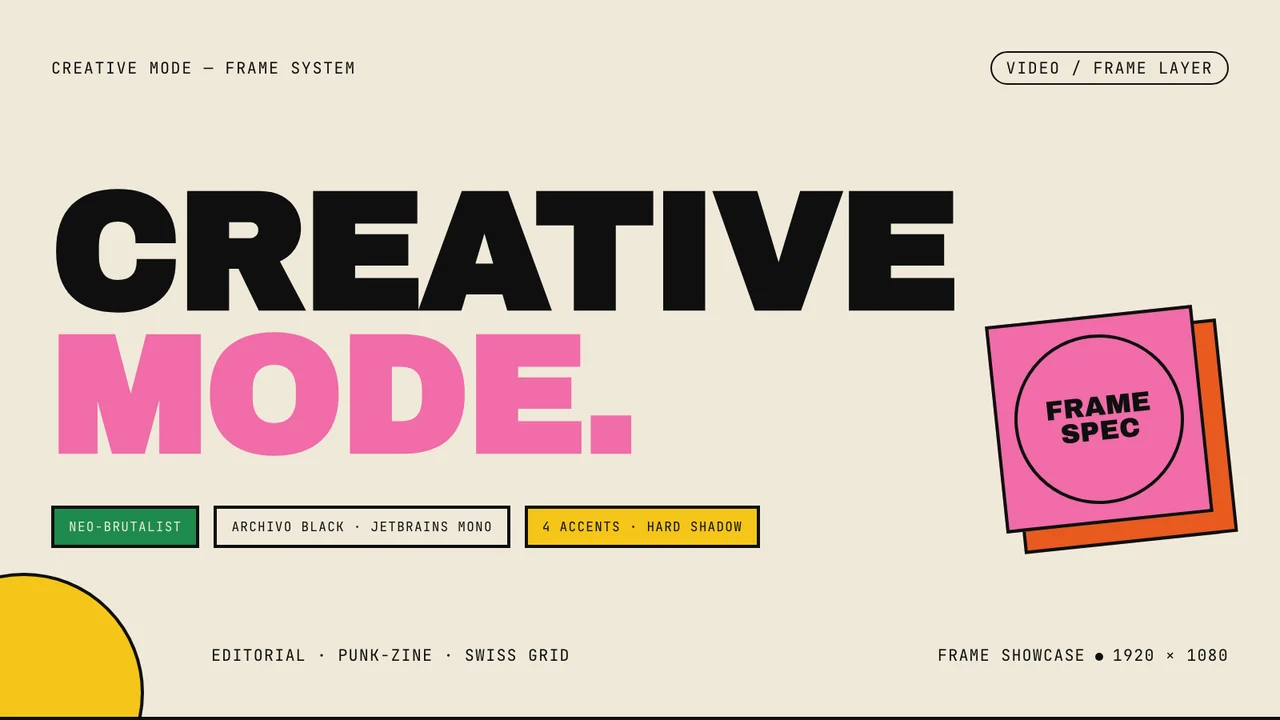 Creative ModePink type and a stamped frame spec. |
Plain HTML instead of React
HyperFrames is inspired by Remotion, and both render video with headless Chrome and FFmpeg. The difference is how you write it: Remotion uses React components, HyperFrames uses plain HTML that people and agents can both write easily.
| HyperFrames | Remotion | |
|---|---|---|
| Authoring | HTML + CSS + seekable animation | React components |
| Build step | None; index.html plays as-is | Bundler required |
| License | Apache 2.0 | Source-available Remotion License |
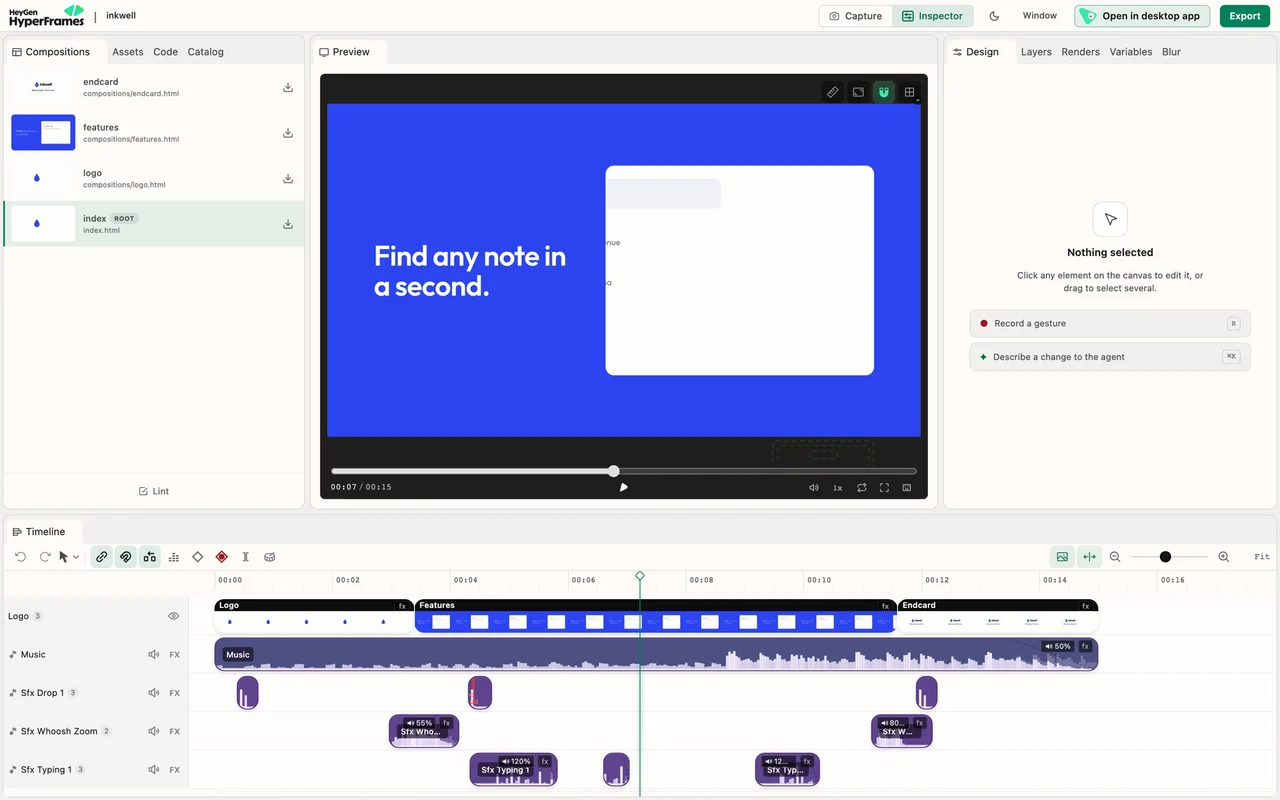
The HyperFrames Studio editor in the browser: preview, layers, properties and a timeline of clips and audio.
Quick start
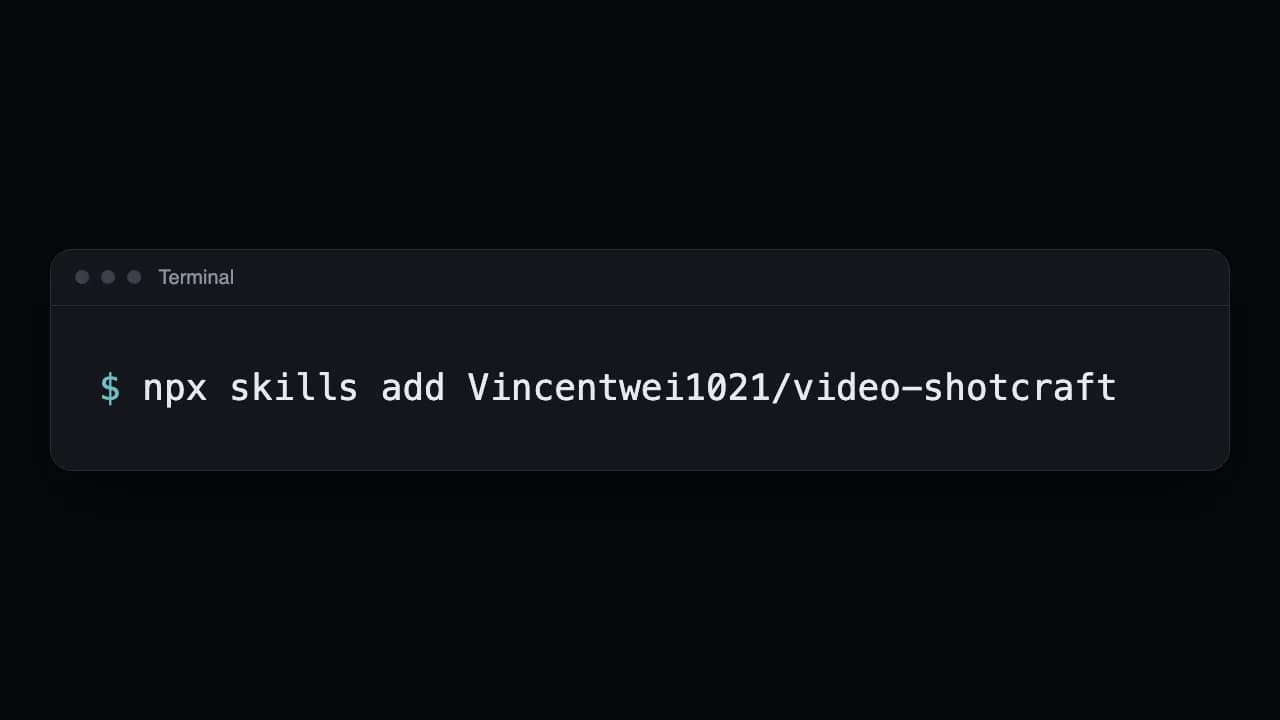
Run the command under Get it, above, in your video project's folder, then open your coding agent there. The picker opens with nothing selected: the Core Skills group is all you need. No terminal? Download the free Studio app instead.
Then ask your agent, for example:Using `/hyperframes`, create a 10-second product intro with a fade-in title, a background video, and subtle background music.
On Claude Code, the versioned plugin:claude plugin marketplace add heygen-com/hyperframesclaude plugin install hyperframes@hyperframes
Or by hand with the CLI:npx hyperframes init my-videocd my-videonpx hyperframes preview # preview in browser with live reloadnpx hyperframes render # render to MP4
Requirements and license
- Node.js 22+ and FFmpeg: for the CLI and local renders.
- A coding agent: Claude Code, Codex, Cursor, Gemini CLI or another agent that supports skills.
- Or the Studio app: free on Mac, Windows and Linux with a free HeyGen account; its Pro plan adds HeyGen's top video, image, voice and music models.
HyperFrames is under the Apache License 2.0: free and open source, with no per-render fees or commercial-use thresholds.
Add AI footage with ReelMe
HyperFrames moves what you give it: type, charts, screens, your logo, and any video you place on its timeline. When the film needs footage that doesn't exist yet, such as people, places or product shots, generate it on ReelMe, for example by connecting its MCP server (reelme.ai/mcp) to Claude Code or Codex so your agent makes the clips too. Then put the MP4 on the timeline as a video clip, like intro.mp4 in the README's example. Need a still for a background or poster? Make the still there (reelme.ai/image?aspect=16:9).
Credits
Media: HyperFrames by HeyGen, Apache 2.0. The cover is the og:image of hyperframes.heygen.com; the showcase clips come from the HyperFrames showcase; Studio recordings, catalog previews, frame systems and screenshots come from the HyperFrames repo and its docs. Clips are re-encoded, shortened, silent, and some are cropped.