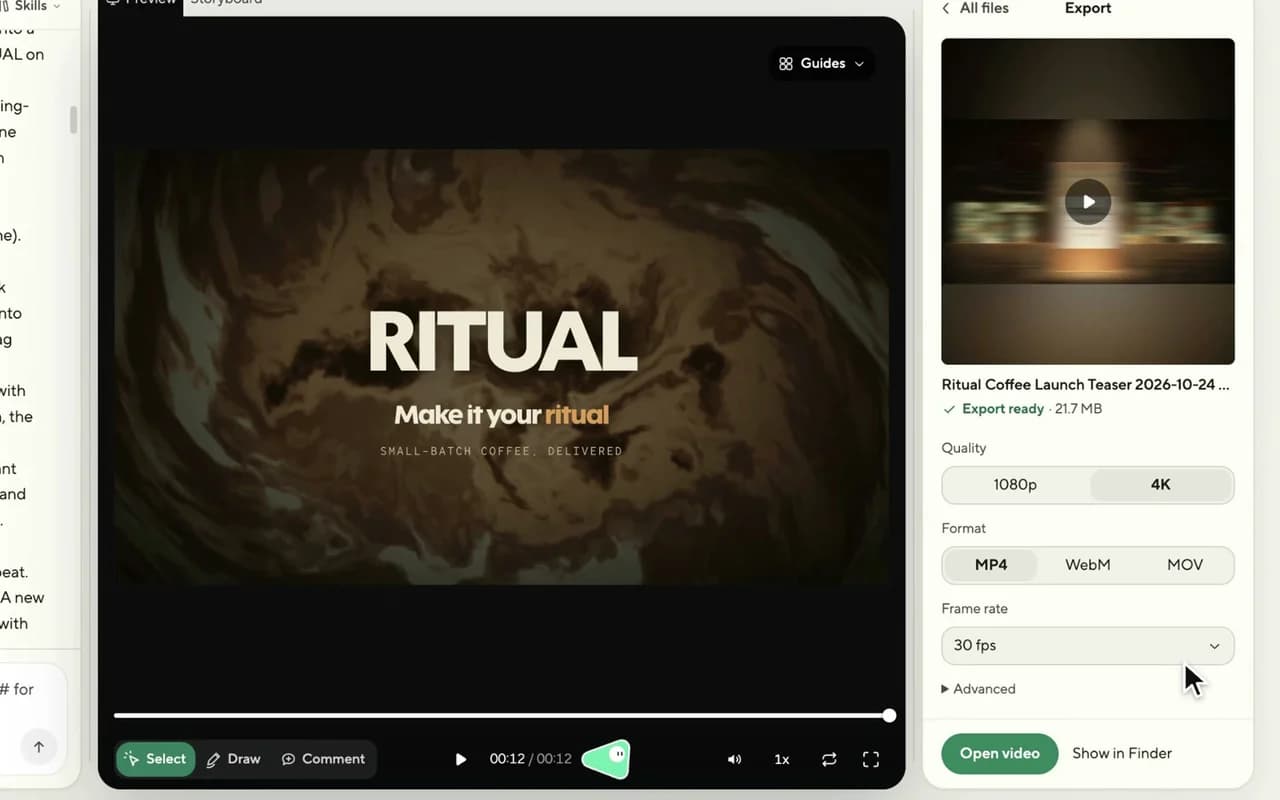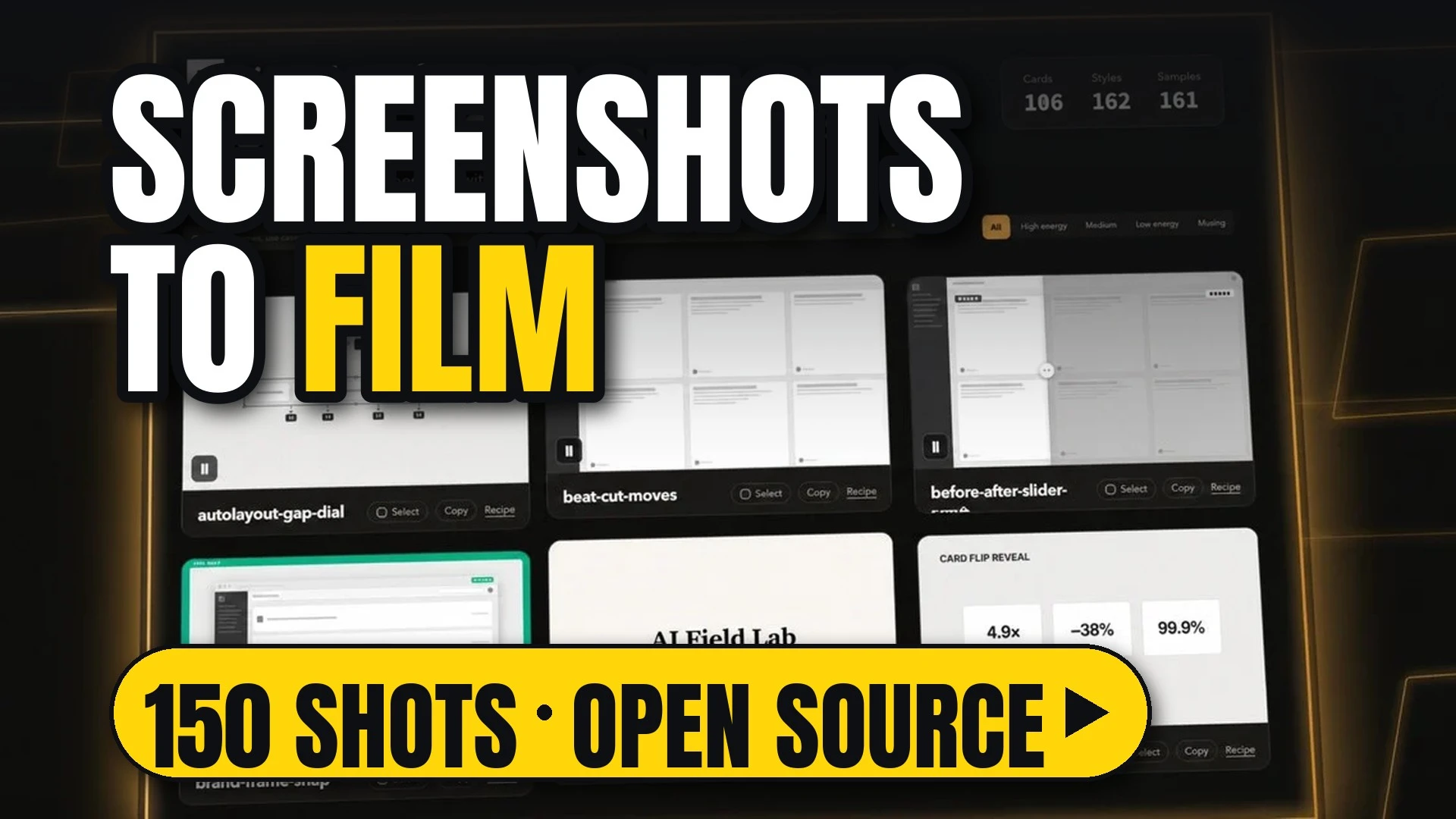

Tell Claude Code or Codex to make a promo for your product, and video-shotcraft turns your real pages into a finished motion film you can keep editing. It is not a video generator: every frame is drawn by code from your own screenshots and copy, so text and UI stay sharp and on-brand. Need a shot no screenshot can give you, like a person using your app? Generate it in ReelMe Video and drop the clip into your film.
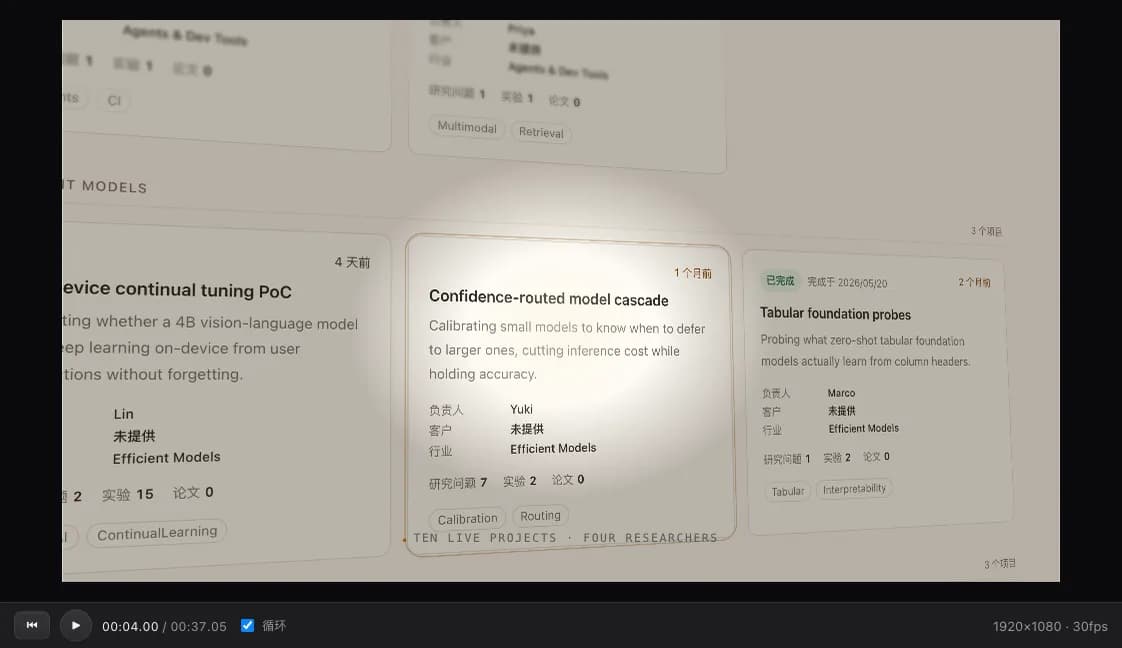
spotlight-hero-card, one of the 150 shots in the Gallery.
The Gallery intro film, made by the author. It was cut before the October 2026 library refresh, so the numbers on screen are older than today's 124 cards and 150 shots.
How it works
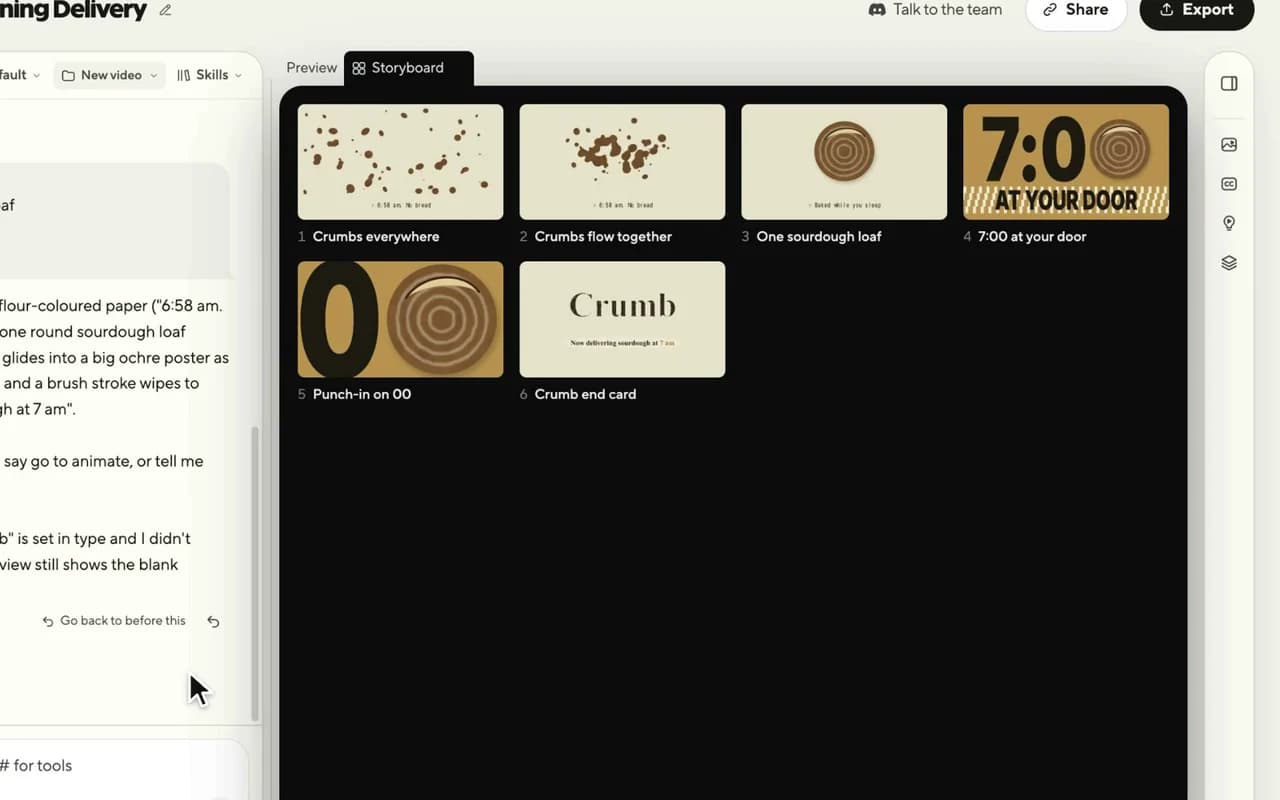
Your product goes in, a finished film comes out: the agent captures your real pages, storyboards with shot recipe cards, animates in Remotion, syncs to the beat with sound design, renders and checks every frame, and delivers an MP4 and a Motion Workbench project, plus a JianYing draft if you want one.
150 shots, 10 categories
124 recipe cards in 10 categories, 150 shots in total. Many recipes were distilled from official launch films by ClickUp, Perplexity, Slack, Notion, Figma, Framer, Raycast, Miro, Loom and others, then re-implemented from scratch: no footage or brand assets from those films are included.
Below, each category with its README preview and three more shots from the Gallery.
Opening & Brand · 11 shots
 text-as-maskThe product shows through the title. | crane-rise-revealThe camera starts on one row of data and rises until the whole dashboard fills the frame. |
orbit-ring-title-openEight content cards orbit on a ring while the title settles in the middle. | magician-card-flourishA star flash, then a card spins out toward the camera and snaps still. |
Camera · 13 shots
 exploded-viewThe page tilts and comes apart. | crash-zoom-punchA six-frame push from the full view to a close-up, landing with a bounce or a shake. |
drone-dive-landingA top-down hover, a steep dive, then a soft stop on the hero card. | bullet-time-freeze-orbitA growing chart freezes while the camera swings around it, then time runs on. |
Transitions · 19 shots
 card-flock-tumbleA flock of cards becomes the headline. | whip-panThe camera whips sideways and the motion blur hides the cut to the next scene. |
ink-bleed-revealInk bleeds across the frame and eats the old scene. | versus-slamTwo half-screens crash together with a white flash, a shake and a VS stamp. |
Typography · 25 shots
 flying-wordsA word tunnel resolves into the motto. | glitch-cycleStatus phrases cycle in one line, scrambling with an RGB split at each switch. |
text-on-pathLetters slide in along a curve, then straighten into a line. | letter-drop-physicsLetters fall with gravity, bounce, land crooked, then stand up straight. |
UI Entrance · 22 shots
 card-stackA fan of cards deals into place. | carousel-3dEight cards turn on a ring and the front card lights up as the caption changes. |
page-waterfall-wallReal page screenshots scroll endlessly in columns on a tilted 3D wall. | bento-light-upA dark bento wall lights up cell by cell as an amber glow traces each edge, then the camera pushes in. |
Interaction · 13 shots
 palette-theme-rippleA new theme ripples across the UI. | glass-pill-dictation-typingA glass pill pops in and a dictated sentence types out as its glow fades. |
voice-waveform-liveA live voice waveform rises while speaking, flattens on pauses, then collapses on send. | theme-sweep-toggleA dark theme sweeps across the UI behind a bright slanted edge. |
Data · 9 shots
 axis-rescale-shockThe spike breaks the axis. | oscilloscope-streamA live line chart streams, spikes, then brakes to a full stop. |
unit-dot-swarm-regroupA swarm of dots regroups in three acts and ends by spelling a number. | needle-sweep-selftestGauge needles sweep to the end, swing back past the value, settle, and the numbers pop. |
Light & Emphasis · 23 shots
 spotlight-sweepA stage light finds the title. | reticle-lock-onFour corner brackets fly in, overshoot and lock onto the target. |
anime-impactA crash zoom lands with a three-frame negative flash, speed lines and a colour split. | score-slamA number card slams down with a ring burst, flying dust and a screen shake. |
Rhythm · 8 shots
 paparazzi-flashThree flashes, three crops, one number. | comic-panel-splitSlanted comic panels show one subject from three angles, then the last panel takes the screen. |
quad-split-parallel-scenesA hard cut to four panels, each running its own mini scene. | trailer-bumperA trailer-style hook: three fast cuts and a beat of black before the title. |
Outro · 7 shots
 input-morph-assembleThe chat box builds the logo. | logo-shrink-wordmark-lockupA neon ring shrinks into the video-shotcraft mark and the wordmark slides in. |
neon-triple-marqueeThree rows of neon words scroll in opposite directions on a brick wall. | ui-strip-away-outroAfter Publish is clicked, the editor UI evaporates until only the button is left. |
Search, filter and copy card names in the Gallery, or watch films people made with it on the Showcase page.
Pick shots by name
Every shot has a name, and you can ask for it directly. Copy names straight from the Gallery:
Present a feature with the shots you chose:Use the deck-deal-flyin and row-embed shot cards to present this feature.
Or build one shot around your product:Design a product close-up inspired by spotlight-hero-card.
Four of the README's example shots, as full Gallery clips:
text-as-maskThe product shows through the title. | exploded-viewThe page tilts and comes apart. |
card-flock-tumbleA flock of cards becomes the headline. | flying-wordsA word tunnel resolves into the motto. |
Start from Ink Press
The fastest path is the bundled Ink Press template: your screenshots, copy and logo dropped into a validated template. Ask for it by name:
Make a launch film for this repo with the Ink Press template.
The Ink Press template film, made by the author.
Three ways to make a film
- Use the template: keep the Ink Press structure and swap in your product's screenshots, copy and brand.
- Autonomous: the agent decides the visual direction, shot mapping, storyboard, assets and audio, and carries on to the finished film without stopping for approval.
- Co-create: the agent proposes and you confirm, one step at a time, the product brief, key decisions, visual direction, shot mapping and final storyboard before production starts.
If you haven't picked a mode, the agent first does a quick, read-only check of your product and tells you whether Ink Press fits it.
Edit after delivery
After delivery the skill opens Motion Workbench, a CapCut-style editor in your browser. The film is split into shot, transition, caption and SFX tracks exactly as authored. Select any shot to edit its copy, font sizes and colours, move, trim or speed-ramp clips, drag in any of the 150 library shots, then export with Remotion. Preview and render are frame-identical.
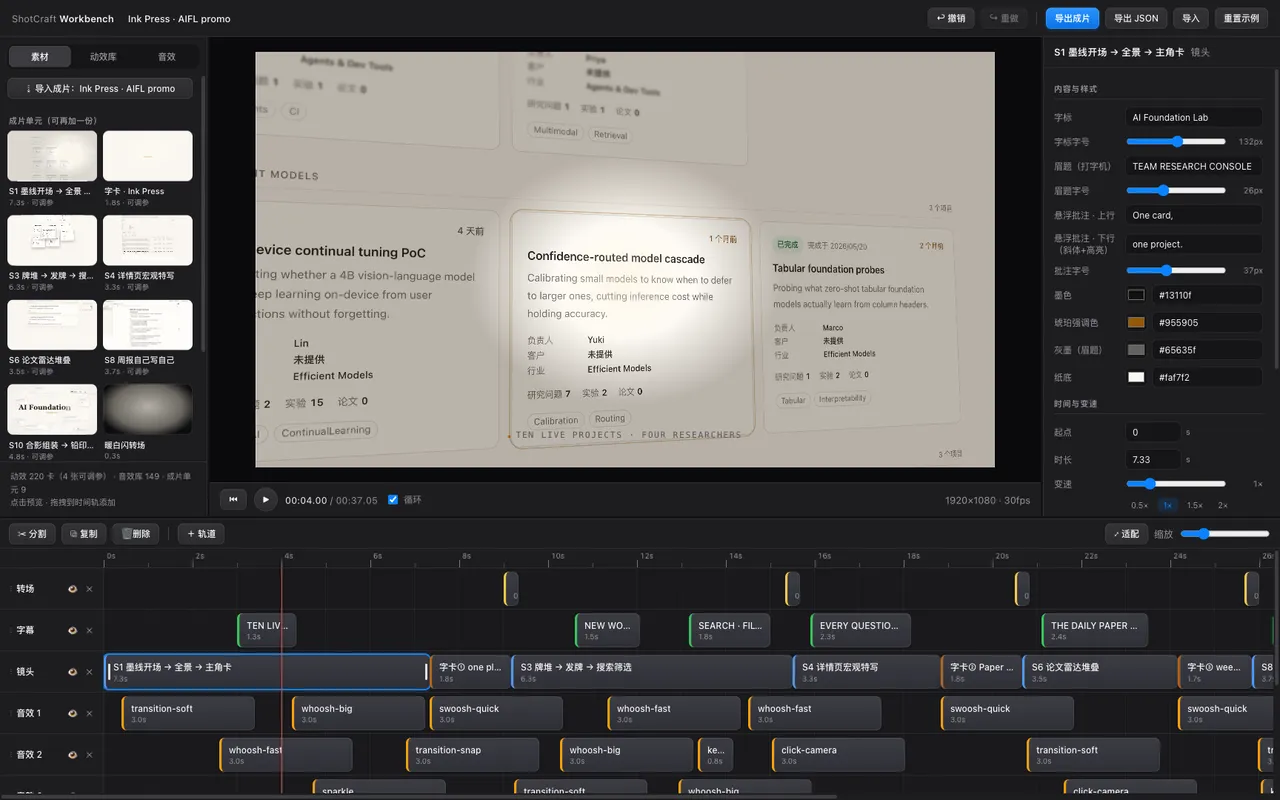
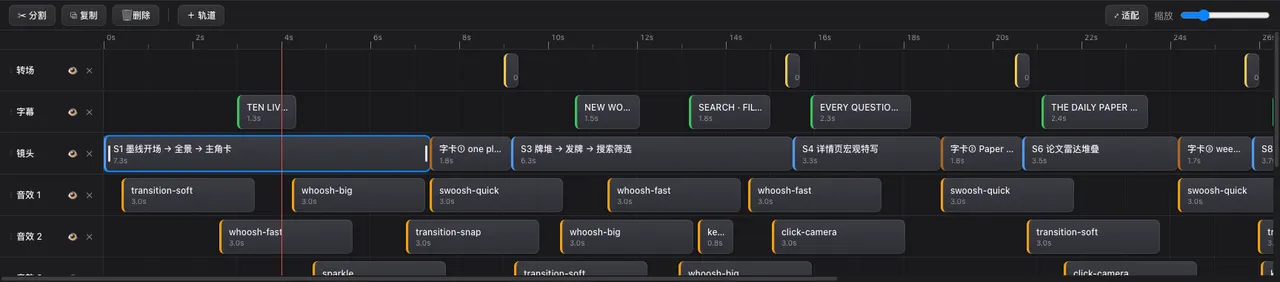
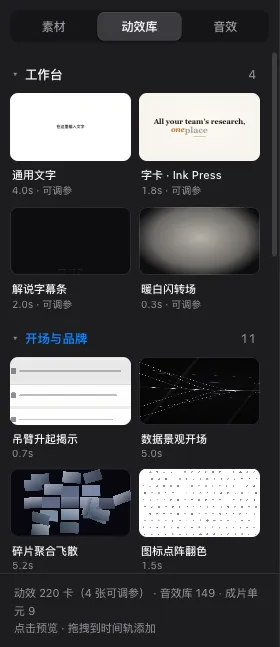 Motion library: drag any shot onto the timeline | 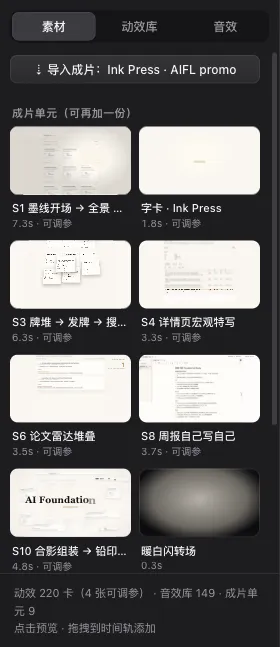 Assets: the film's own shot units |
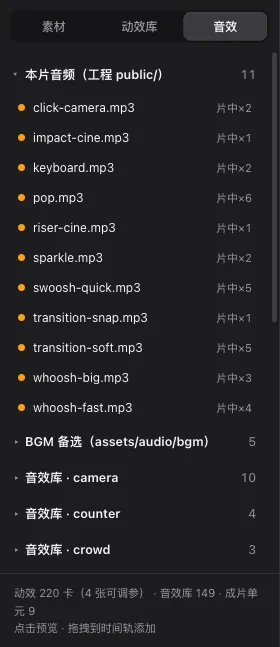 Sound effects and background music | 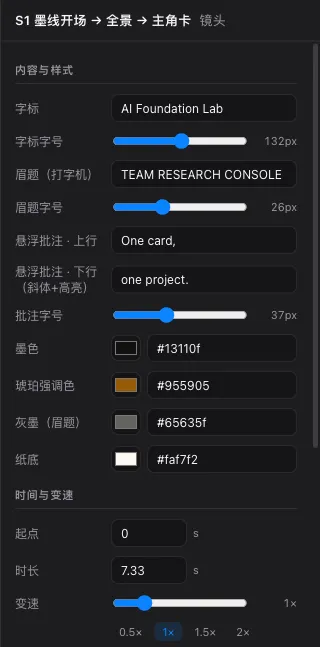 Inspector: copy, font sizes, colours, start, duration and speed |
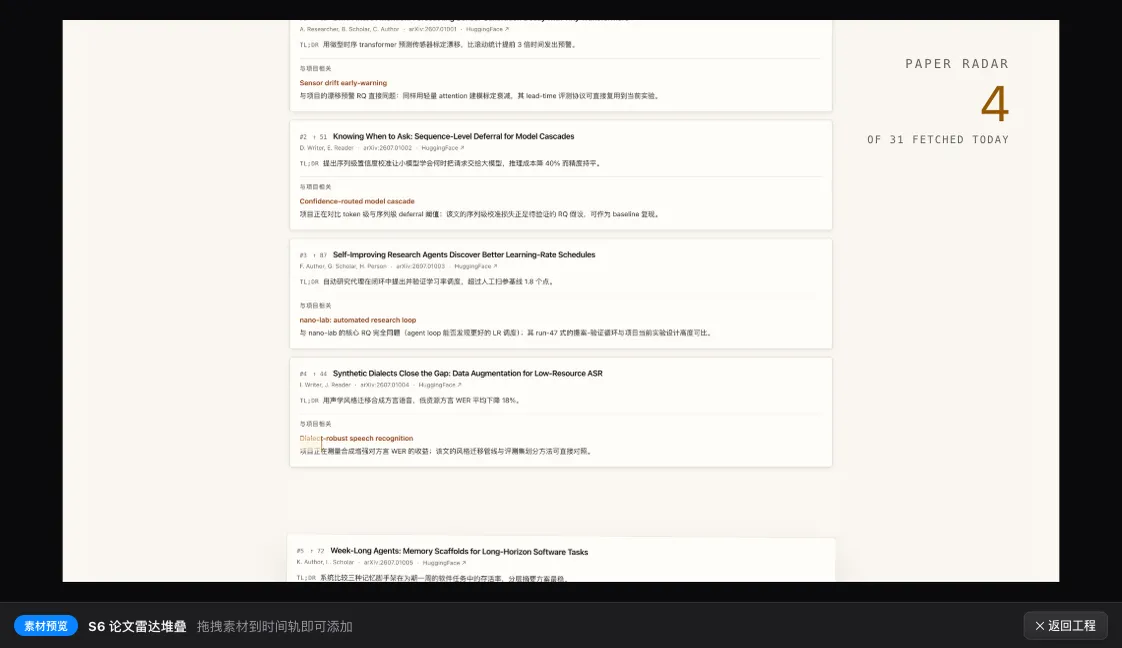
Screenshots from the repo; the Workbench in them runs with a Chinese interface.
Sound that hits the beat
The agent cuts the film to the beat of the music and adds sound design. Sound effects come straight from Freesound, filtered to CC0 and CC BY, with the credits recorded for you; no API key is needed. Five background music tracks ship with the skill. Before it hands the film over, it checks every frame.
What you get
| Output | Details |
|---|---|
| Final film | MP4, 1920×1080, 30 fps, h264, with music and sound design |
| Remotion project | The full source of your film: every shot is a React component you or the agent can change |
| Motion Workbench | Opens after delivery: tracks, inspector, retime, swap shots, export |
| JianYing draft | Optional: an editable JianYing (CapCut CN) project with per-shot clips, captions and audio tracks |
| Social publishing | Optional, when you ask: publish through Upload-Post to TikTok, Instagram, YouTube, LinkedIn, X and more, with a dry run before posting |
Quick start
The fastest way is the skills CLI: run the command under Get it, above.
Or hand your agent the link:Install this skill for me: https://github.com/Vincentwei1021/video-shotcraft
Or by hand:git clone https://github.com/Vincentwei1021/video-shotcraft.gitcd video-shotcraftln -s "$(pwd)" ~/.claude/skills/video-shotcraft # Claude Codeln -s "$(pwd)" ~/.codex/skills/video-shotcraft # Codex
Then ask your agent:Use video-shotcraft to make a promo for my product.
Requirements and license
- Node.js and npm: for Remotion rendering, the template and the Workbench.
- ffmpeg and ffprobe: for frame checks and the final QA.
- uv: only for beat analysis of the background music.
- puppeteer: only for page capture; the capture script installs it when needed.
It is tested on macOS; Linux works with the notes in the README. Code and docs are Apache-2.0. Remotion has its own license: free for individuals and small teams, while companies may need a paid license. Freesound sound effects keep their own licenses, so keep the credits for CC BY files.
Add AI footage with ReelMe
video-shotcraft animates what already exists: your screens, your copy, your logo. When the film needs footage that doesn't exist yet, such as people, places or product shots, generate those clips on ReelMe, for example by connecting ReelMe MCP to Claude Code or Codex. The skill ships a ClipCard component that wraps an external MP4 as the hero of a shot card, so your agent can drop the ReelMe clip into a ClipCard and move it with that card's camera.
Made with video-shotcraft at ReelMe Academy
Our own example, not from the repo. Lesson 2 of ReelMe Academy uses video-shotcraft for its motion: chapter titles that shrink into labels, callout brackets with typed labels, click ripples, and four scene transitions (flash cut, whip pan, blinds slice, light leak). The screen recordings, captions, voice and the host bubble came from other tools.
Credits
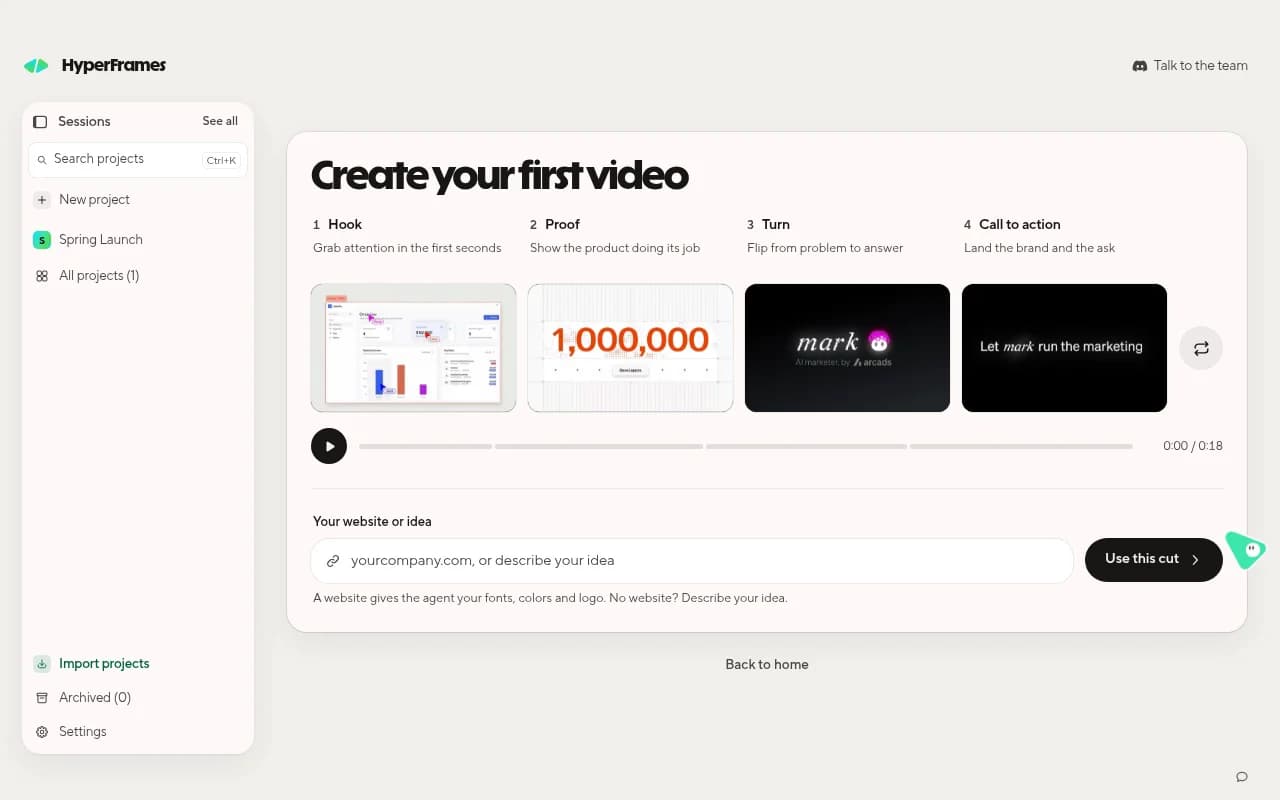
Media: video-shotcraft by Wei Yihao (Apache-2.0). The films, shot previews, workflow animation and Workbench screenshots come from the video-shotcraft repo and its Gallery; the cover and two step pictures are frames from them. The install card in step 1 is ours.