
HunyuanVideo turns a line of text into a cinematic video clip, and Tencent released the code and weights for others to run, under its own license. With over 13 billion parameters, the README calls it the largest among all open-source models at release. In a blind test by more than 60 professional evaluators it ranked first overall against five closed models, including Runway Gen-3 and Luma 1.6.
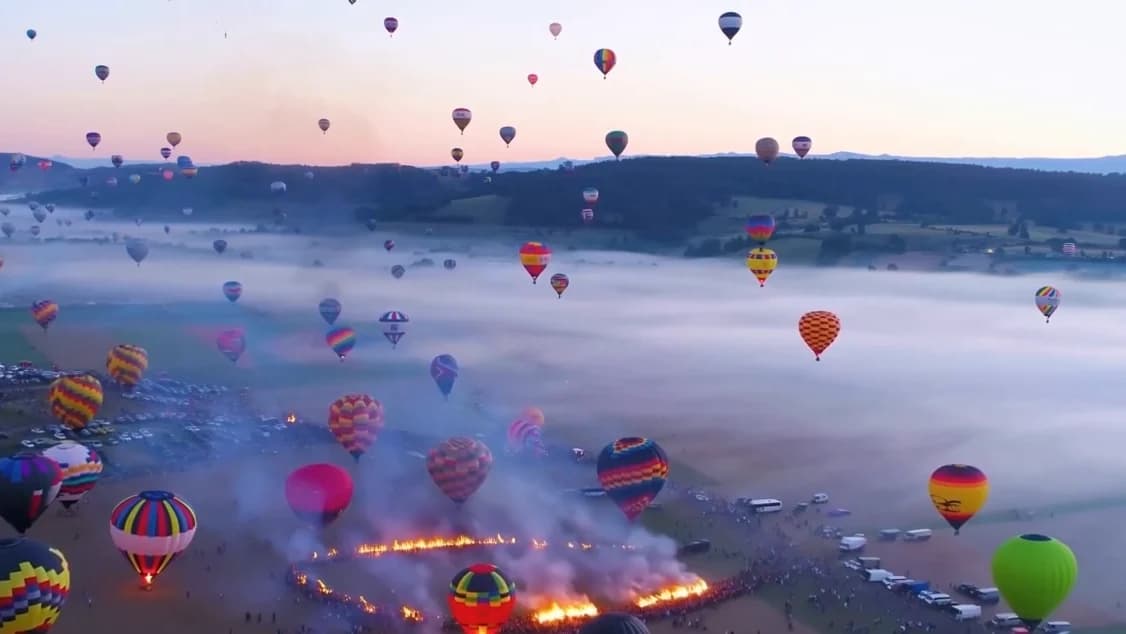
From the official HunyuanVideo demo reel: hot-air balloons over a misty valley, a camel caravan crossing the dunes, then a coral reef.
The official demo reel from the README's Demo section (78 seconds, with sound).
How it works
Your prompt is read by a large language model. The video model starts from noise and, guided by that text, produces a compressed version of the video, which a 3D VAE decoder turns back into frames.
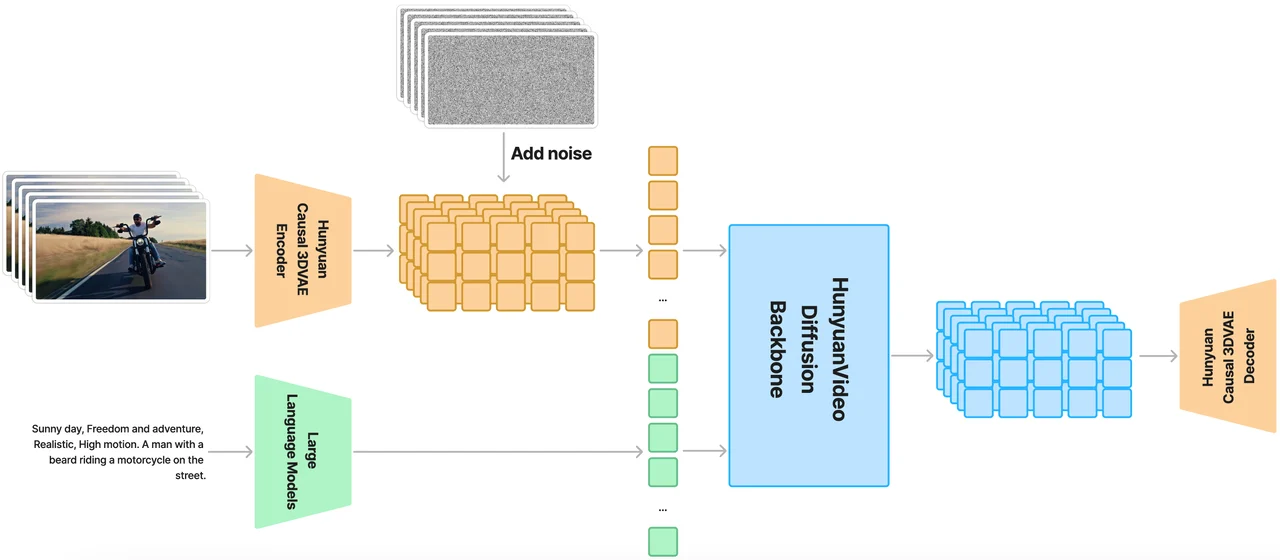
The whole pipeline from the README: text through a language model, video through the Causal 3D VAE, both into the HunyuanVideo diffusion backbone.
| Part | From the README |
|---|---|
| Model size | Over 13 billion parameters |
| Text encoder | A multimodal LLM (decoder-only) plus a bidirectional token refiner, instead of only CLIP and T5-XXL |
| Backbone | A Transformer with full attention: video and text first run in two streams, then merge into one |
| 3D VAE | Compresses video 4x in length, 8x in space and 16x in channels, so it can train at the original resolution and frame rate |
| One model, two outputs | The same architecture makes both images and videos |
Inside the backbone
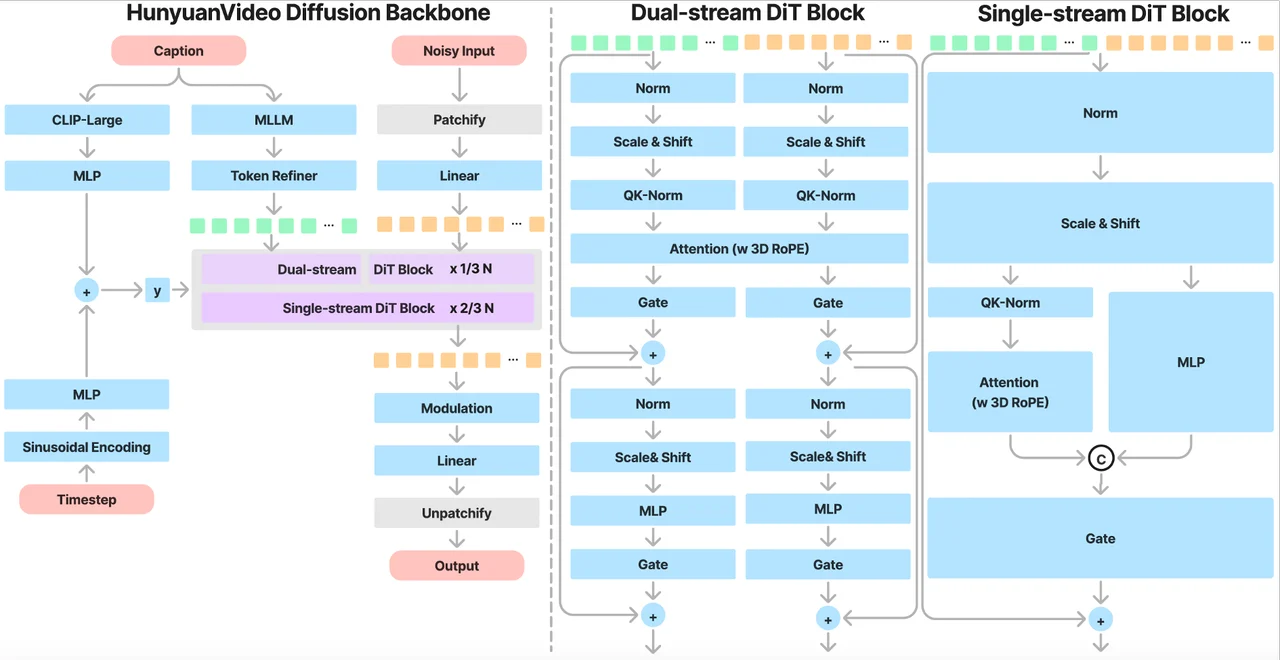
Dual-stream blocks let video and text learn on their own, then single-stream blocks fuse them.
Why a language model reads your prompt
Compared with T5, the README says an instruction-tuned multimodal LLM aligns images and text better. Compared with CLIP, it describes image details and reasons better.
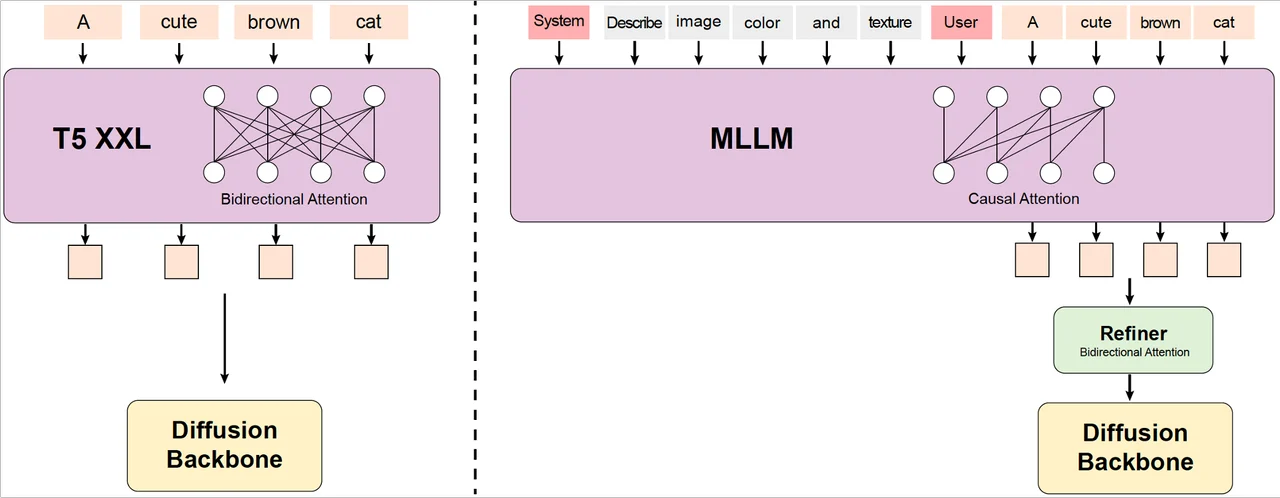
Left: the usual T5-XXL text encoder. Right: HunyuanVideo's MLLM with a refiner on top.
Compressing the video first

The Causal 3D VAE: frames go in, a much smaller latent comes out, and the decoder rebuilds the frames.
What the official demo reel shows
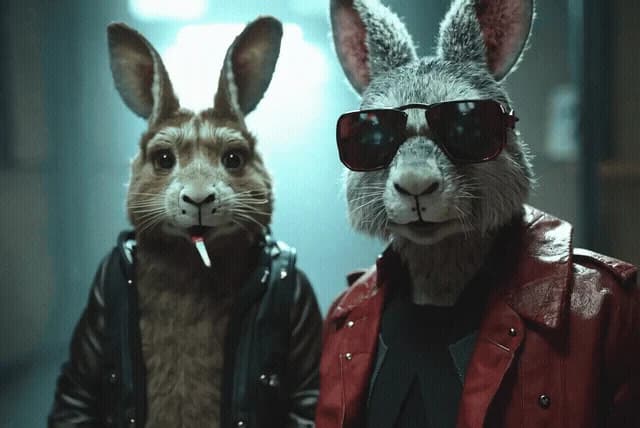
Every clip below is a few seconds cut from the 78-second demo reel in the README: real-looking nature, animals with personality, cinematic faces and pure fantasy.
Nature on a grand scale
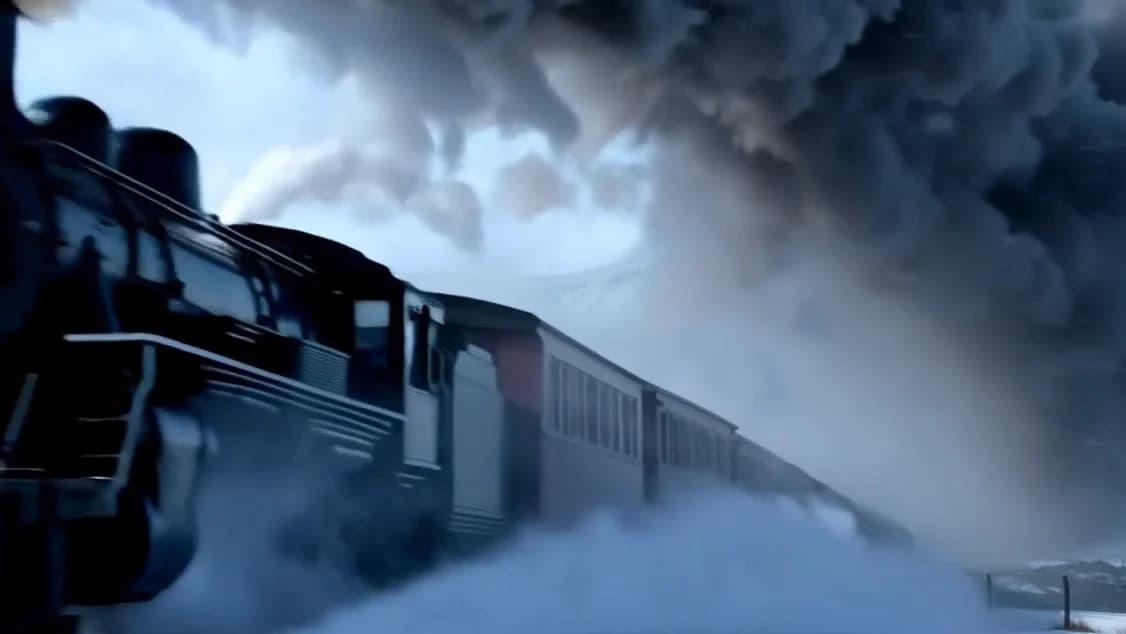
| A steam train pushes through snow. | A surfer inside a breaking wave. |
| A car crosses a mountain valley. | Fish swirl around a shipwreck. |
Animals with personality
| A monkey at a computer. | A dog opens a door. |
| A penguin in a red scarf. | A cat in a royal uniform. |
Faces and drama
| A Paris café, then a close-up. | An eye, then a woman in the desert. |
| A woman in a neon-lit bar. | An old man smokes a pipe beside a tea set in a red room. |
Sci-fi and fantasy
| An astronaut above the Earth. | An astronaut walks across a red planet. |
| A wave of glass floods a street. | Two ghosts in an attic. |
More videos are on the project page, and you can try it online in Tencent's playground.
Ranked first against closed models
Tencent ran 1,533 text prompts through HunyuanVideo and five closed models, once each, with no cherry-picking. More than 60 professional evaluators scored the videos on text alignment, motion quality and visual quality. HunyuanVideo had the best overall result and was strongest in motion quality.
| Model | Motion quality | Overall | Rank |
|---|---|---|---|
| HunyuanVideo (open source) | 66.5% | 41.3% | 1 |
| CNTopA (API) | 61.7% | 37.7% | 2 |
| CNTopB (Web) | 62.9% | 37.5% | 3 |
| GEN-3 alpha (Web) | 54.7% | 27.4% | 4 |
| Luma1.6 (API) | 44.2% | 24.8% | 5 |
| CNTopC (Web) | 47.2% | 24.6% | 6 |
One caveat from the README: the test used Tencent's high-quality version, which is different from the fast version released in this repo.
Fast, physical motion from the demo reel: a boxer throws a punch.
Prompt Rewrite: Normal and Master mode
People write prompts in very different styles and lengths, so Tencent fine-tuned its Hunyuan-Large model to rewrite your prompt into one the video model prefers. Normal mode helps the model understand what you want. Master mode adds detail about composition, lighting and camera movement for higher visual quality, though it can sometimes lose a few details of what you asked for.
The rewrite model's weights are on HuggingFace, and the two prompts are in hyvideo/prompt_rewrite.py.
Composition and light from the demo reel: a museum figure playing a pipa.
Five shapes, 540p or 720p
Landscape, portrait, 4:3, 3:4 or square: every size makes 129 frames, and 720p is the recommended setting. The sizes below are exactly as listed in the README, as height × width. In the README's 540p column, the 4:3 and 3:4 cells look swapped.
| h/w (README) | 540p | 720p (recommended) |
|---|---|---|
| 9:16 | 544 × 960 | 720 × 1280 |
| 16:9 | 960 × 544 | 1280 × 720 |
| 4:3 | 624 × 832 | 1104 × 832 |
| 3:4 | 832 × 624 | 832 × 1104 |
| 1:1 | 720 × 720 | 960 × 960 |
From the demo reel: a cartoon penguin in a red scarf on a Paris street at dusk.
Faster on more GPUs, lighter with FP8
With xDiT, one 720p video (129 frames, 50 steps) takes 1904 seconds on one GPU and 337.58 seconds on eight, 5.64x faster. Short on memory instead? The FP8 weights save about 10 GB of GPU memory.
| GPUs | Seconds for one 1280x720 video |
|---|---|
| 1 | 1904.08 |
| 2 | 934.09 (2.04x) |
| 4 | 514.08 (3.70x) |
| 8 | 337.58 (5.64x) |
From the demo reel: running shoes on a treadmill, close up.
A whole family, and a busy community
HunyuanVideo is the base for more Tencent models: HunyuanVideo-I2V (image to video), HunyuanCustom, HunyuanVideo-Avatar (audio-driven human animation) and, since Nov 21, 2025, HunyuanVideo-1.5. Want to start from a picture, as HunyuanVideo-I2V does? Use Image to Video in ReelMe.
- ComfyUI: native support, plus Kijai's wrapper with FP8, V2V and IP2V.
- Diffusers: HunyuanVideo is integrated into Hugging Face Diffusers.
- HunyuanVideoGP: a version for smaller GPUs.
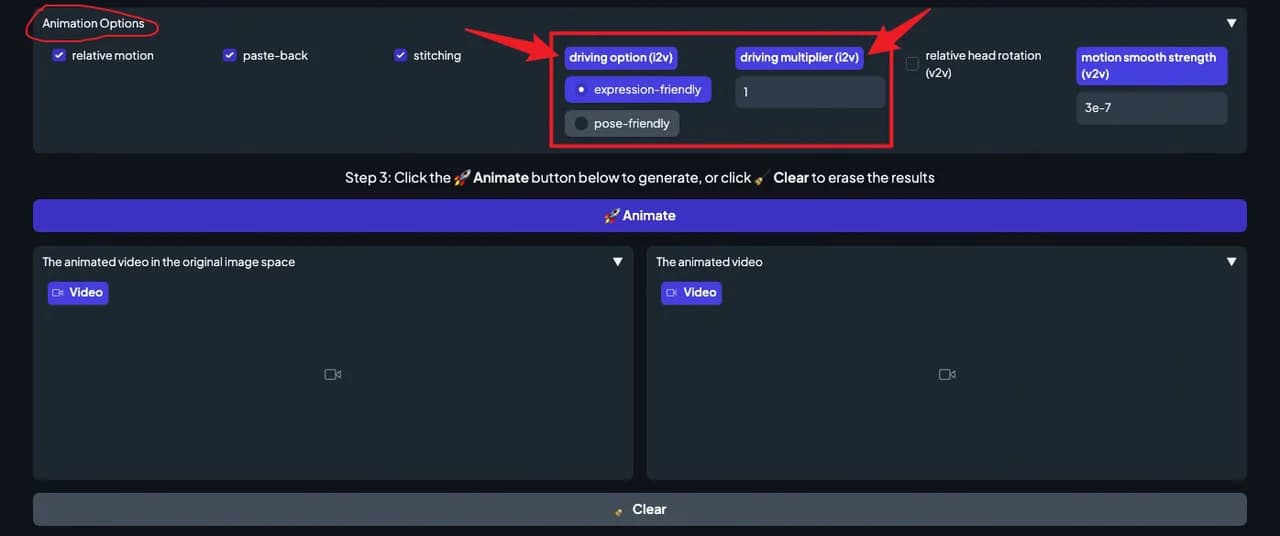
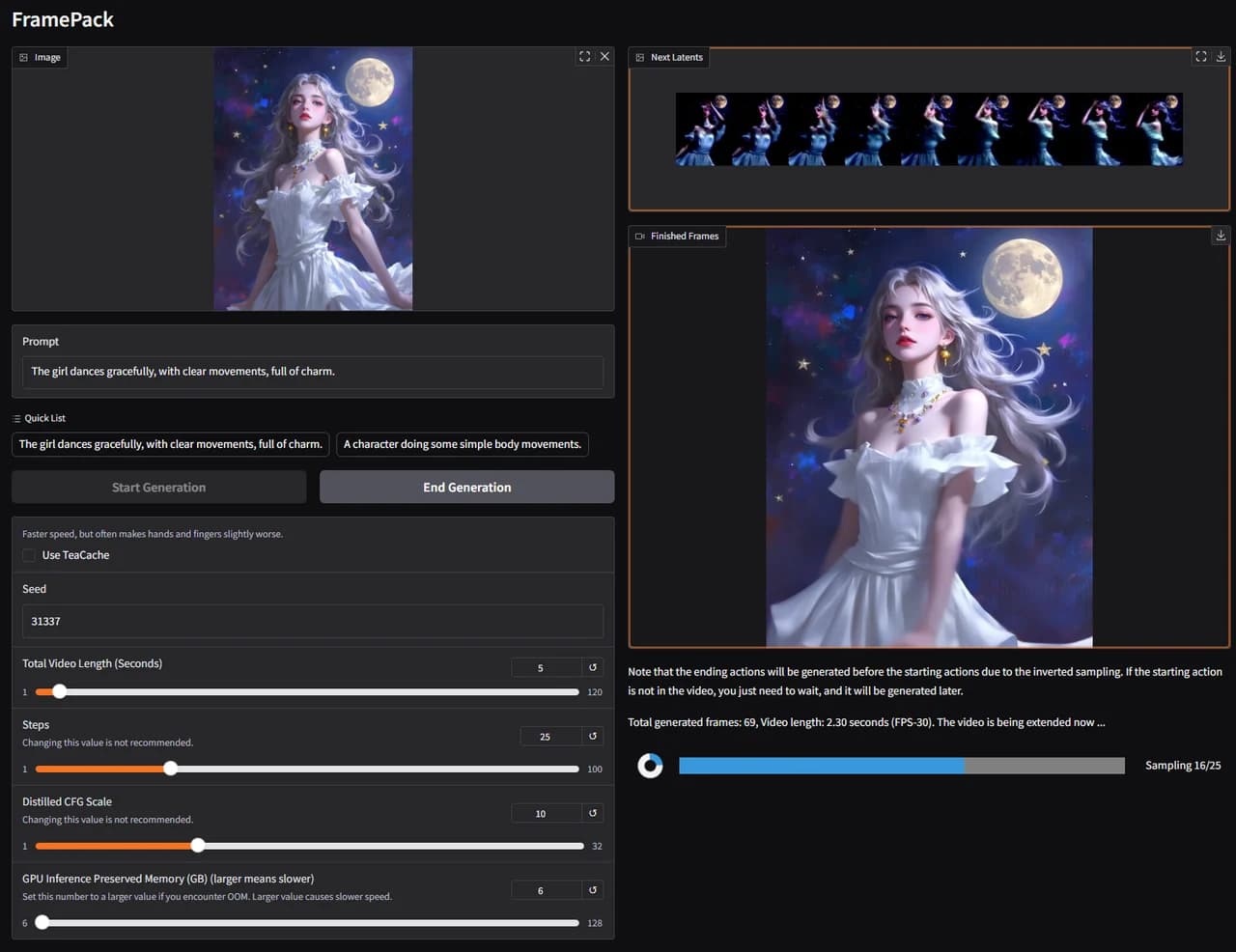
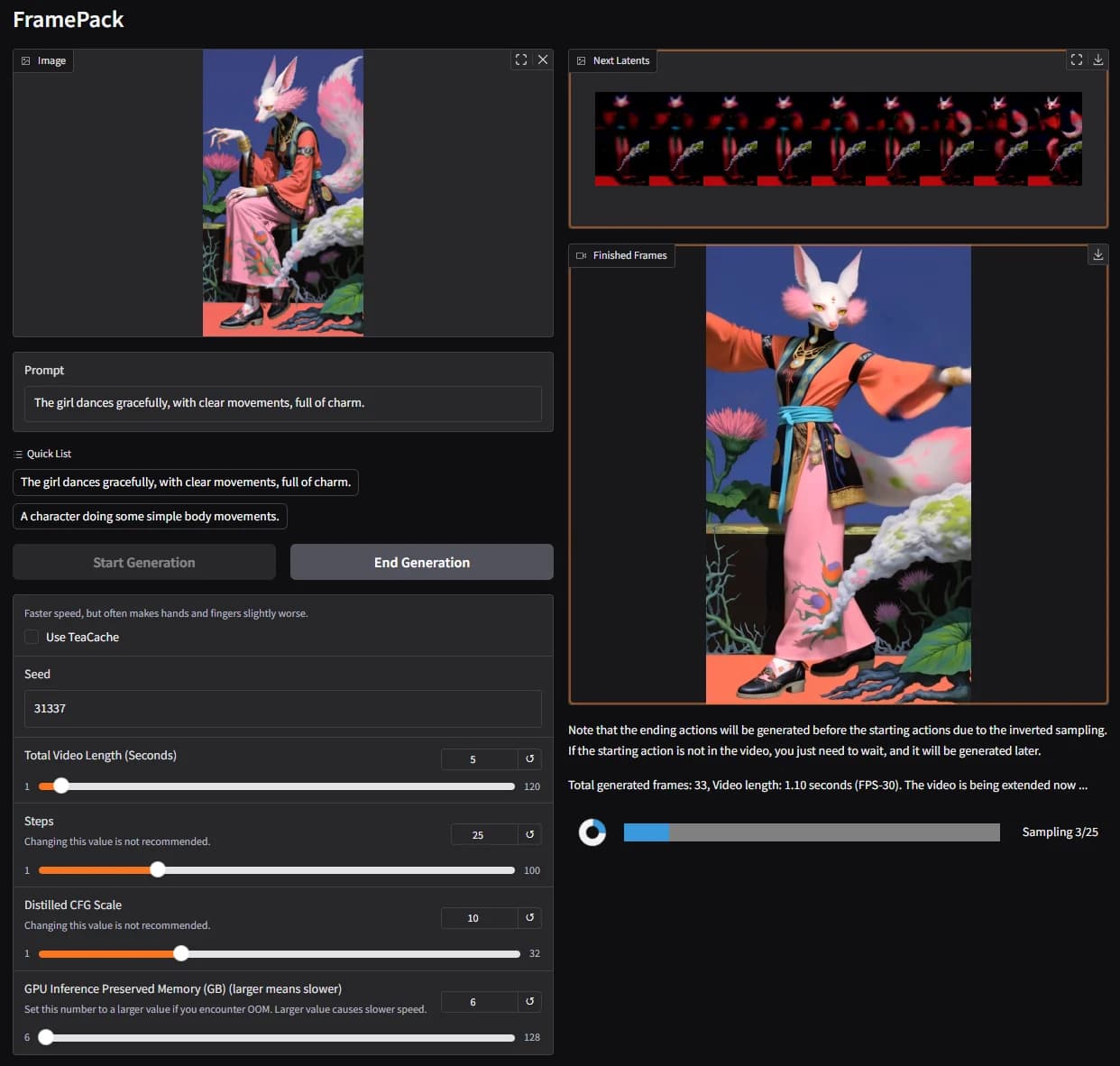
- FramePack, FastVideo, TeaCache: community projects built on it or speeding it up.
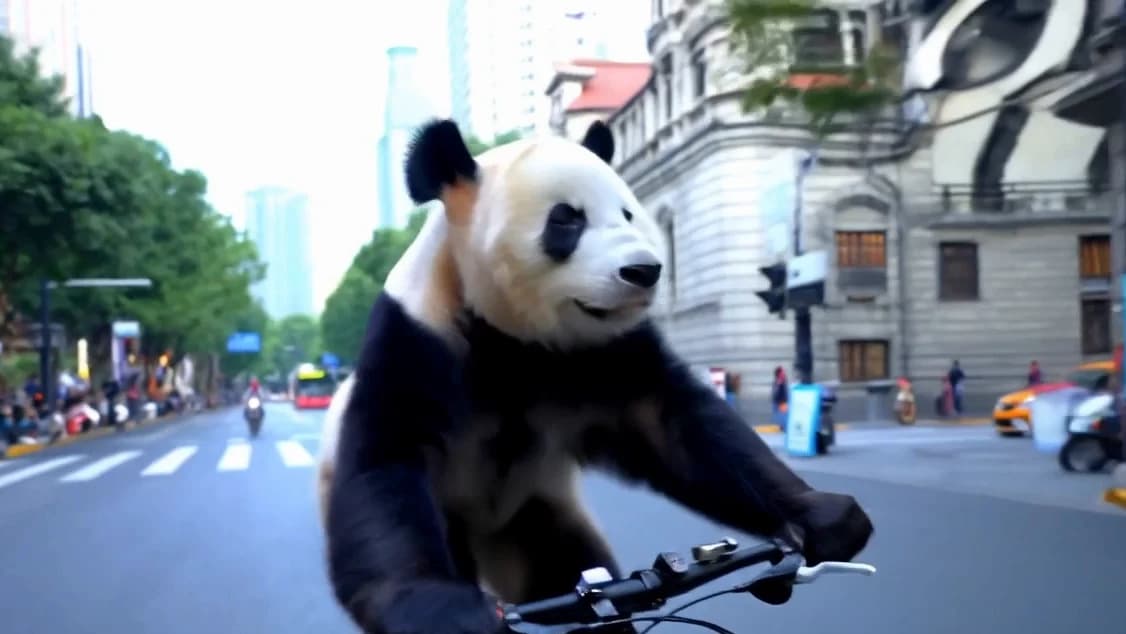
From the demo reel: a panda on a bike, then a cat cooking outdoors.
Quick start
Tested on Linux, with an NVIDIA GPU of at least 45 GB. Clone the repo, create a Python 3.10.9 conda environment, install PyTorch for CUDA 12.6 or 11.8, then the requirements. Download the weights as described in ckpts/README.md. A pre-built Docker image is also available.
Set up the environment (CUDA 12.6):conda create -n HunyuanVideo python==3.10.9conda activate HunyuanVideopip install torch==2.7.1 torchvision==0.22.1 torchaudio==2.7.1 --index-url https://download.pytorch.org/whl/cu126python -m pip install -r requirements.txt
Make your first video, or start the web app:python3 sample_video.py \ --video-size 720 1280 \ --video-length 129 \ --infer-steps 50 \ --prompt "A cat walks on the grass, realistic style." \ --flow-reverse \ --use-cpu-offload \ --save-path ./resultspython3 gradio_server.py --flow-reverse
Requirements and license
- NVIDIA GPU with CUDA: required. Tencent tested it on a single 80 GB GPU.
- 60 GB of GPU memory: the minimum for 720p (720 × 1280, 129 frames); 45 GB for 544 × 960.
- 80 GB recommended: for better generation quality. The FP8 weights save about 10 GB.
- Linux: the tested operating system.
HunyuanVideo is not under a standard open-source license: it uses the Tencent Hunyuan Community License Agreement. That license does not apply in the European Union, the United Kingdom or South Korea, and use outside its territory is not allowed. If your products had more than 100 million monthly active users, you must request a license from Tencent. You may not use HunyuanVideo or its output to improve any other AI model. Tencent claims no rights in the videos you generate. Read the full LICENSE and its Acceptable Use Policy before using it in a product.
No 80 GB GPU? Use ReelMe
HunyuanVideo is tested on Linux and needs an NVIDIA card with 45 to 80 GB of memory. To make text-to-video clips in your browser instead, open ReelMe Video (reelme.ai/video?mode=t2v), choose Text to Video, write your Prompt, then pick a Model, Ratio and Duration. The Master mode idea from this page helps there too: describe the composition, lighting and camera movement, not only the subject.
Credits
Media: HunyuanVideo by Tencent Hunyuan, under the Tencent Hunyuan Community License. The demo reel and the architecture diagrams come from the HunyuanVideo README. Clips are short excerpts of the 78-second reel, cropped and re-encoded for this page; the cover is a frame of the reel cropped to 16:9.