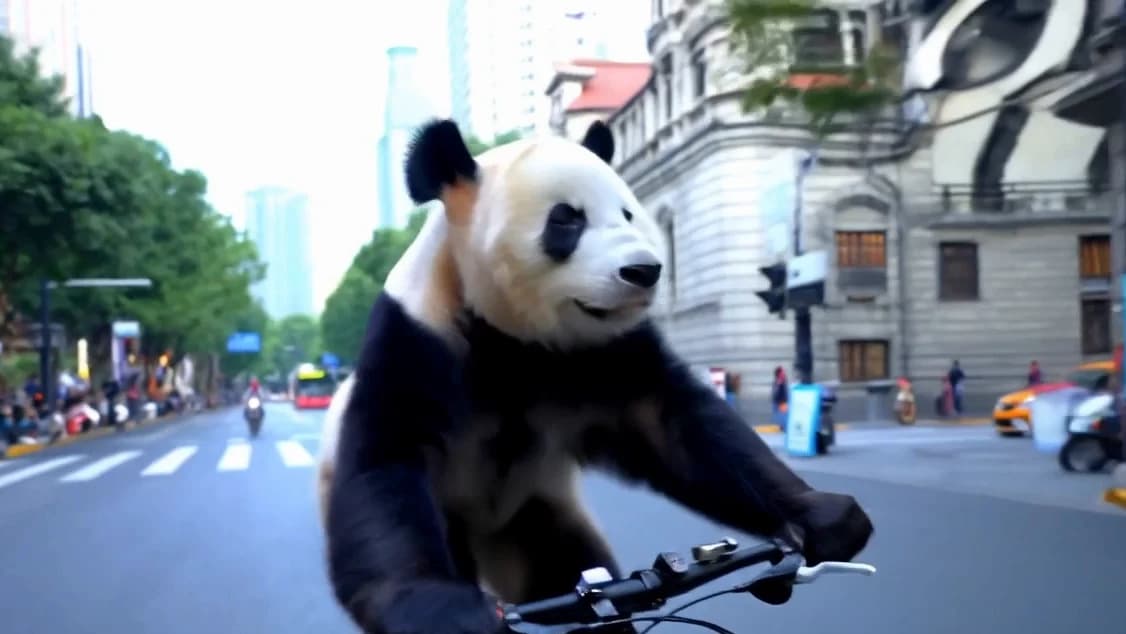

Give LTX-Video a prompt or a still and it makes a moving shot. Give it a guide clip and it can copy that clip's motion, from a depth map, a pose skeleton or an edge outline, into a completely new scene. It is Lightricks' open model, described in the paper LTX-Video: Realtime Video Latent Diffusion. This page covers the original v0.9.x models: the repo is now marked legacy, and Lightricks recommends LTX-2.5 for new projects.
Depth control, from the README: a depth map of someone sandboarding down a dune becomes a surfer on a wave, moving the same way.
How it works
LTX-Video is a DiT-based video model (a diffusion transformer). You write what happens, and you can pin images or short clips to frame numbers in the video, each with its own strength; the model fills in the motion around them.
| What | From the README |
|---|---|
| Modes | Text to video, image to video, multiple keyframes, extending a video forward or backward, video to video, and any mix of these |
| Length | Up to 60 seconds with the 13B v0.9.8 models, through the ComfyUI long-shot workflow |
| Default size | 1216 × 704 at 30 FPS since v0.9.6; other sizes and frame rates still work |
| Speed | The v0.9.7 13B distilled model: HD video in 10 seconds, low-res preview after 3 seconds, on an H100 |
| Models | 13B and 2B, each with distilled and FP8 versions |
One still in, a moving shot out
These are the README's image-to-video examples: each clip starts from a single image, and LTX-Video makes the motion, the camera move and the light change. Need a still to start from? Make one in ReelMe Image.
Characters with personality
| A raccoon at a tennis court fence turns its head. | Two rabbits in leather jackets, one in sunglasses, fold their arms. |
Everyday moments
| A woman checks her phone in a forest as the sun breaks through. | Two children start waving at the camera. |
Action and atmosphere
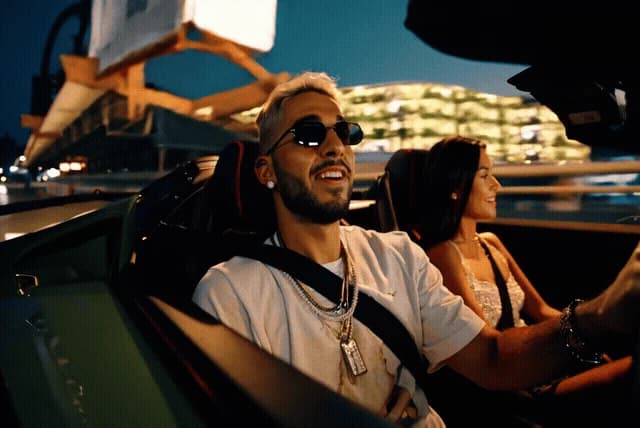
| A night drive past city lights, the camera riding in the car. | Low-angle running shot, dust kicking up from every step. |
More from the repo's docs folder
Two earlier clips the repo keeps next to the README examples. They are smaller (384 × 256), so they look softer here.
| A green river between rocky banks and pine trees. | Looking down over a dense city of towers. |
The model page and online demos are linked from the LTX-Video README.
Make a new video move like another one
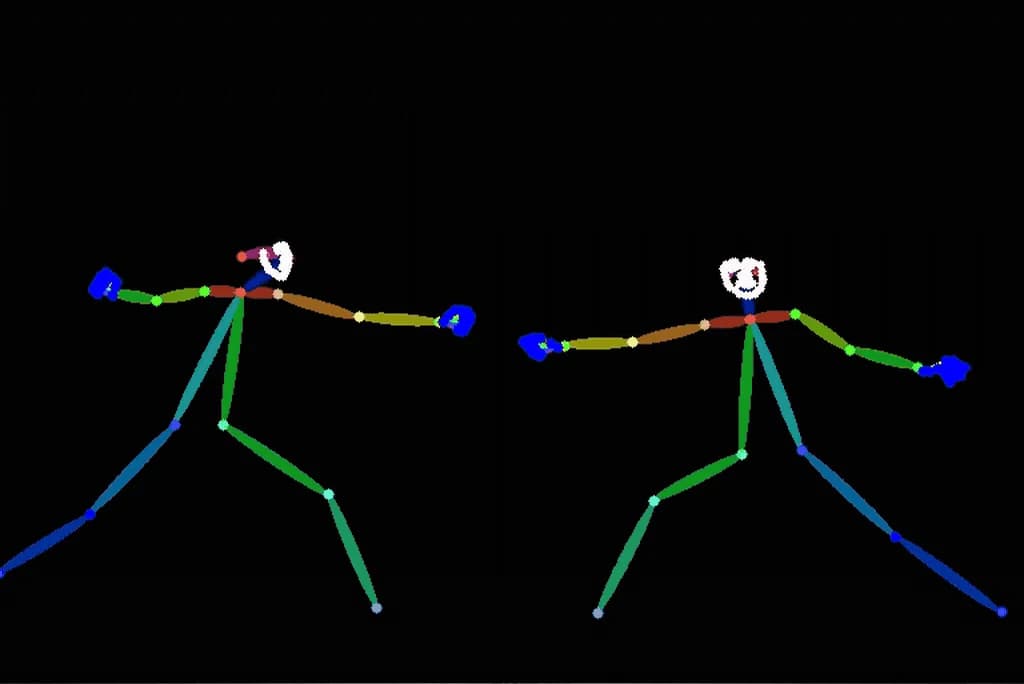
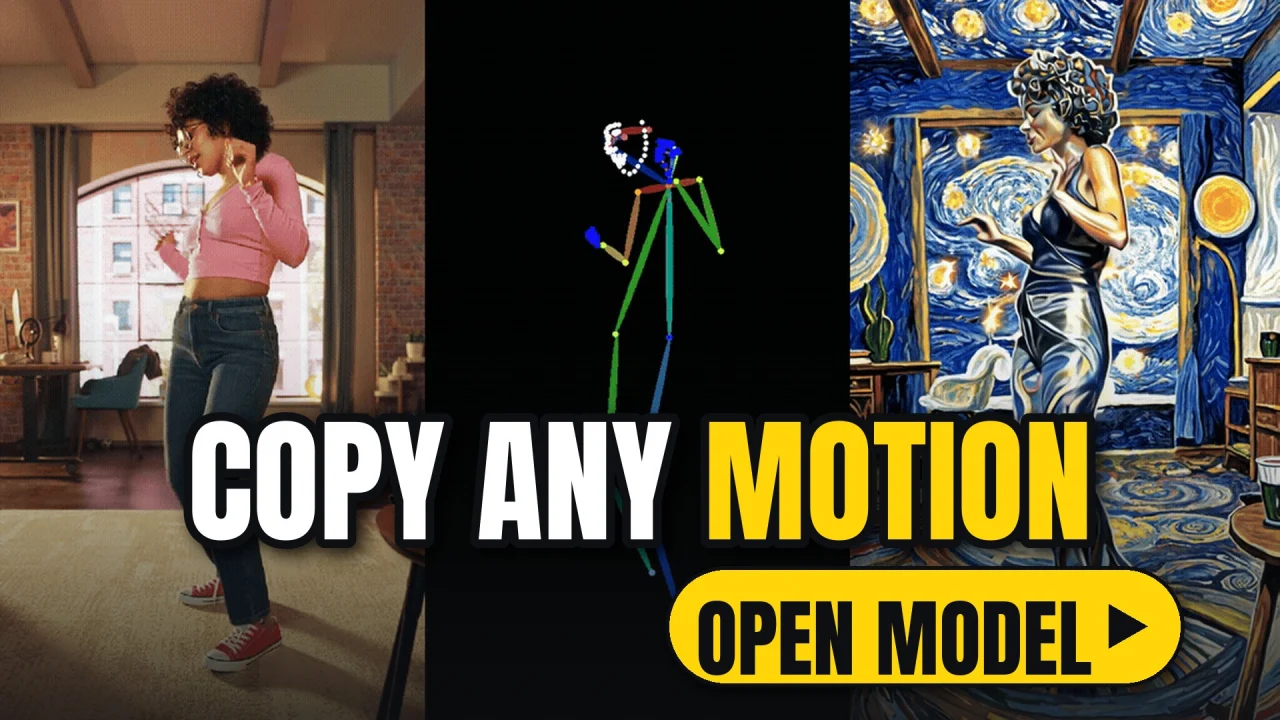
Three control models (Depth, Pose and Canny edges) take a guide video and make a new scene that moves the same way. Each example stacks the source clip, the guide the model sees, and the result. The workflows live in ComfyUI-LTXVideo, and with LTX-Video-Trainer you can train your own control or effect LoRAs. To copy a person's moves without a GPU, try Motion Control in ReelMe.
| Edges. Top to bottom: a fencing bout, its edge outline, and two older men duelling on a lawn. | Pose. The same bout as stick figures, turned into two dancers with glowing blades. |
| Depth. Top to bottom: sandboarding down a dune, its depth map, and a surfer on a wave. | Depth. Left to right: boots on dirt, the depth map, and the same steps in snow. |
Pose. Left to right: a woman dancing at home, her pose skeleton, and the same dance as a swirling painting.
Long shots, fast drafts
With the 13B v0.9.8 models, the ComfyUI long-shot workflow makes videos of up to 60 seconds. The distilled models trade a little quality for speed: on an H100 the v0.9.7 13B distilled model makes HD video in 10 seconds and shows a low-res preview after 3. You can also extend an existing clip forward or backward.
| Model | README note |
|---|---|
ltxv-13b-0.9.8-dev | Highest quality, requires more VRAM |
ltxv-13b-0.9.8-distilled | Faster, less VRAM usage, slight quality reduction compared to 13b. Ideal for rapid iterations |
ltxv-2b-0.9.8-distilled | Smaller model, slight quality reduction compared to 13b distilled. Ideal for fast generation with light VRAM usage |
| FP8 versions | Quantized versions of the 13B and 2B models |
Image to video from the README: a mallard on a court looks around, filmed from ground level.
Write the prompt like a shot list
The README's advice: one flowing paragraph, in order, literal and precise, under 200 words. Think like a cinematographer describing a shot list, and build it in this order:
- Main action in a single sentence
- Movements and gestures, in detail
- Appearance of characters and objects, precisely
- Background and environment
- Camera angles and movements
- Lighting and colours
- Changes or sudden events
Settings that work for the dev models: guidance scale 3 to 3.5; 40 or more steps for quality, 20 to 30 for speed. The distilled models need no guidance scale and work in 8 steps. Width and height divisible by 32, frame counts of a multiple of 8 plus 1 (like 257), and best results under 720 × 1280 and below 257 frames.
A camera change in one shot, from the README: the focus pulls from a bee on blue fabric to a boy in a blue sweater.
Quick start
The command under Get it downloads the repo. Then go into its folder, make a Python environment and install the inference extras (below). Tested with Python 3.10.5 and CUDA 12.2; on a Mac, MPS was tested with PyTorch 2.3.0. For the best quality the README recommends the ComfyUI workflows over its own inference.py, and the Diffusers library supports LTX-Video too. To try it without installing, the README links hosted demos on LTX-Studio, fal.ai and Replicate.
Set up and install:cd LTX-Videopython -m venv envsource env/bin/activatepython -m pip install -e .\[inference\]
Image to video (replace the capitals with your own values):python inference.py --prompt "PROMPT" --conditioning_media_paths IMAGE_PATH --conditioning_start_frames 0 --height HEIGHT --width WIDTH --num_frames NUM_FRAMES --seed SEED --pipeline_config configs/ltxv-13b-0.9.8-distilled.yaml
Requirements and license
- NVIDIA GPU with CUDA: tested with CUDA 12.2 and Python 3.10.5, PyTorch 2.1.2 or later.
- Or a Mac: MPS was tested with PyTorch 2.3.0 and should support 2.3 or 2.6 and later.
- Graphics memory: the 13B dev model needs the most; the distilled, 2B and FP8 models use less.
- Optional FP8 kernels: a speed boost on NVIDIA cards from the Ada generation onward.
The code is open source under Apache-2.0. Model weights are licensed separately, so check the licence on the model's Hugging Face page and ltx.io/model/license before commercial use. The repo is legacy and no longer under active development; for new projects Lightricks points to LTX-2.5 in the LTX-2 repo.
No GPU? Make it in ReelMe
LTX-Video needs a CUDA graphics card or a Mac, plus the model download. To do the same jobs in your browser, open ReelMe Video (reelme.ai/video?mode=t2v): in Create Video, choose Text to Video to start from a prompt, or Image to Video, add your picture, then switch on First frame. To make a person in your video move like the one in another clip, as the pose examples above do, use the Motion Control tab; to make a clip longer, Extend Video. The shot-list prompt advice on this page works there too.
Credits
Media: LTX-Video by Lightricks (code Apache-2.0). Every clip and still on this page comes from the LTX-Video repo: the README's example GIFs and two clips from its docs folder, re-encoded as MP4. The opening clip and the cover are cropped from the result panel of a depth-control example. Paper: arXiv 2501.00103.