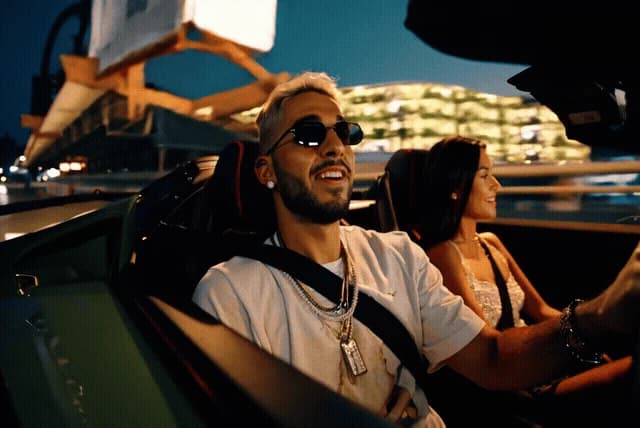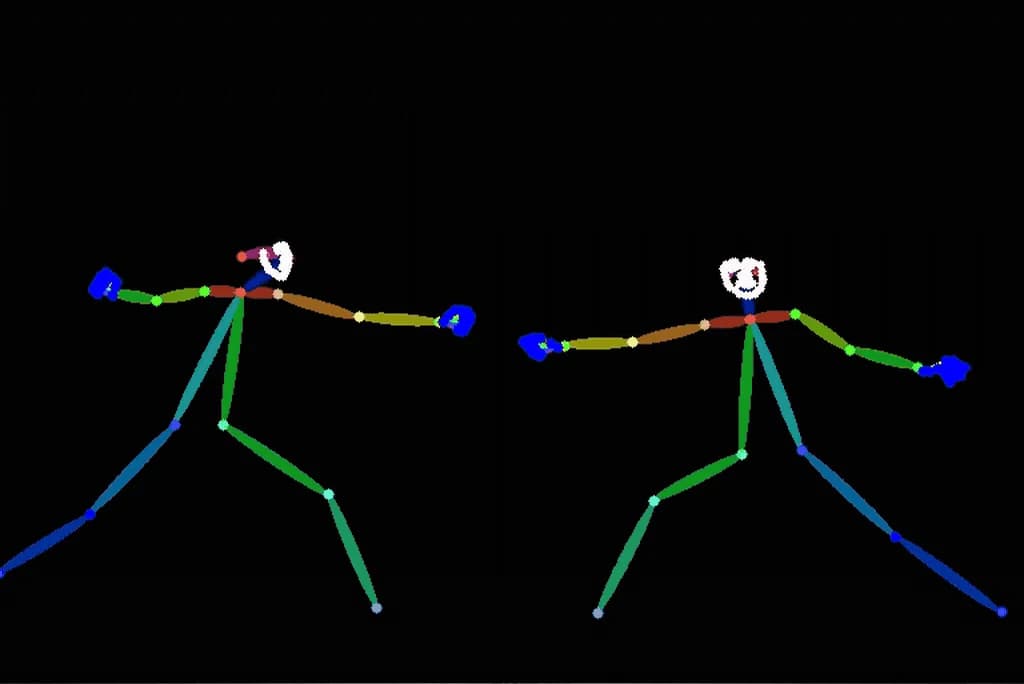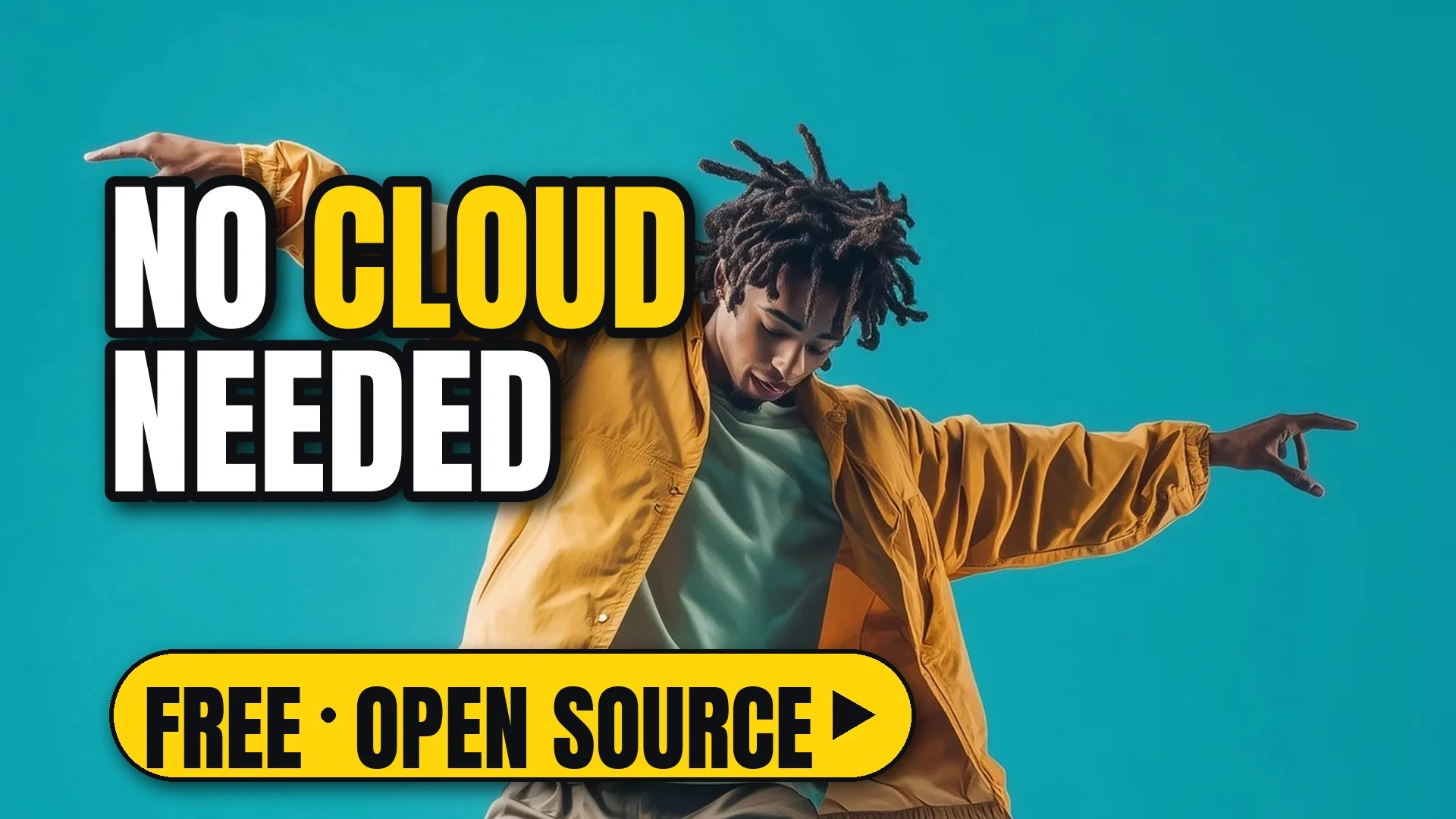

Give FramePack one image and one line describing the motion, and it brings the picture to life on your own computer: a full minute of video with a 13B model on as little as 6 GB of GPU memory. It comes from Lvmin Zhang (lllyasviel), and its research paper was accepted at NeurIPS 2025. Its own tagline: Video diffusion, but feels like image diffusion.
The README's sanity check: one photo plus the prompt The man dances energetically, leaping mid-air with fluid arm swings and quick footwork.
A full 60-second result from the README, made from a single image with the prompt The woman dances elegantly among the blossoms, spinning slowly with flowing sleeves and graceful hand movements.
How it works
FramePack predicts the next section of video from the frames it has already made. It packs that history into a fixed-length context, so making a long video costs no more memory than making a short one.
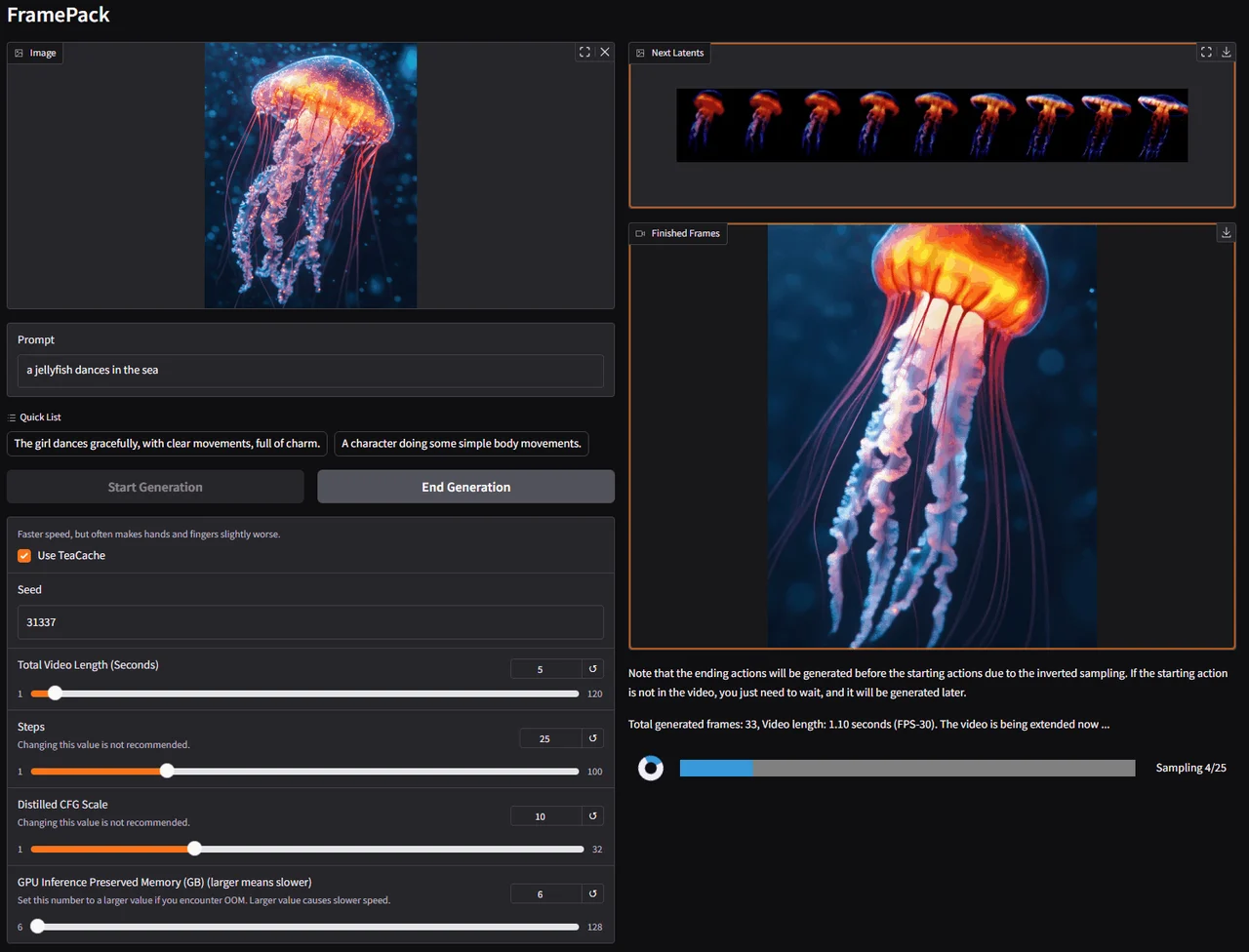
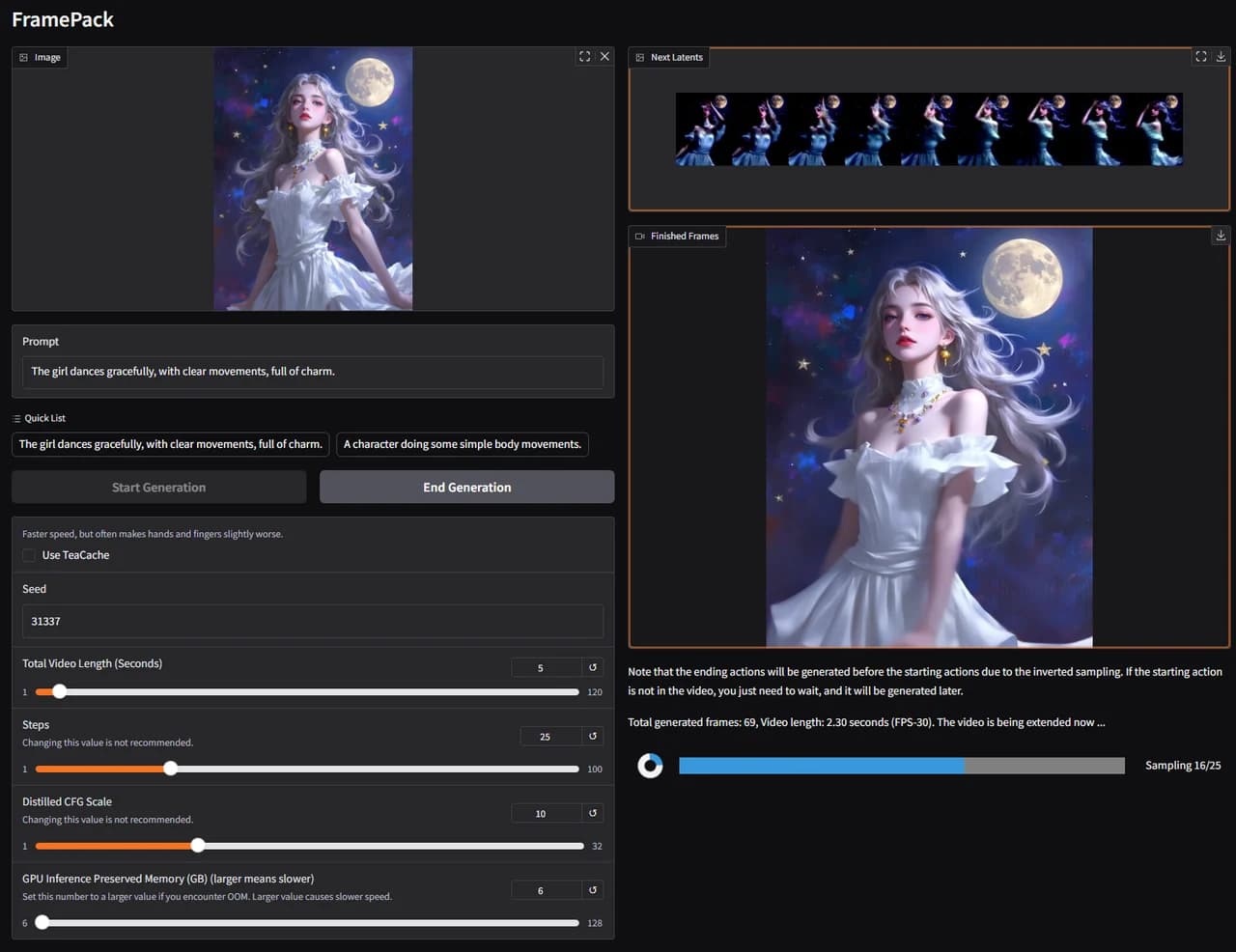
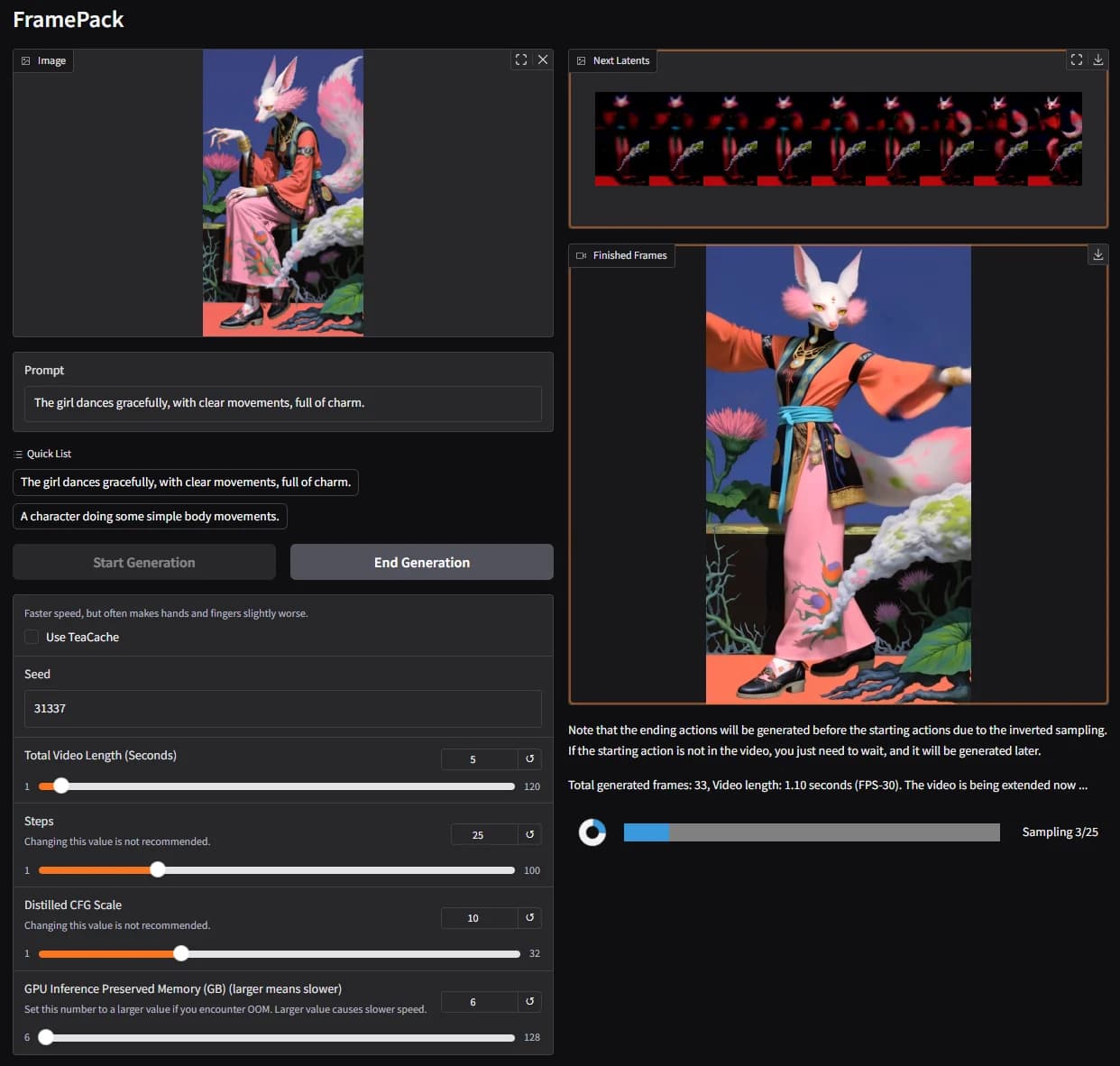
The FramePack desktop app: image and prompt on the left, the growing video and the latent preview on the right.
On the left you upload an image and write a prompt. On the right you see the video so far, a progress bar for each section, and a preview of the next one. The clip gets longer section by section, so a first result only a second long is expected: just wait.
| What | From the README |
|---|---|
| Model | 13B, image to video |
| Length | 60 seconds at 30 fps (1,800 frames) in the README's example; the app's length slider goes to 120 seconds |
| GPU memory | At least 6 GB; laptop GPUs are okay |
| Speed | RTX 4090: 2.5 s per frame, or 1.5 s with TeaCache; 3060/3070 Ti laptops about 4x to 8x slower |
One image in, a moving shot out
Every pair below comes from the README: the input image the author used, and the video FramePack made from it with the prompt shown. Photos, anime art and illustrations all work. Need a starting picture? Make one in ReelMe Image.
A sign appears
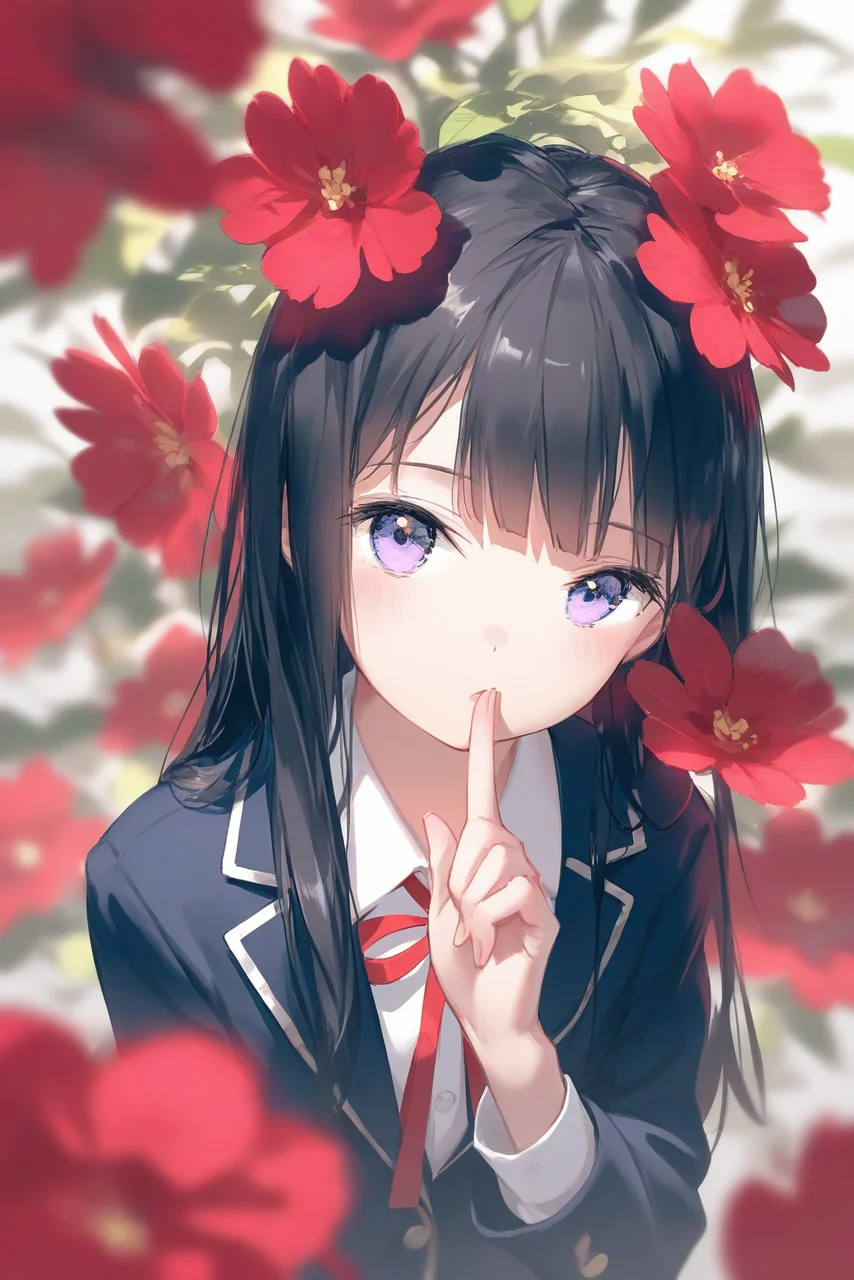 Input image | The girl suddenly took out a sign that said “cute” using right hand |
Tricks on a skateboard
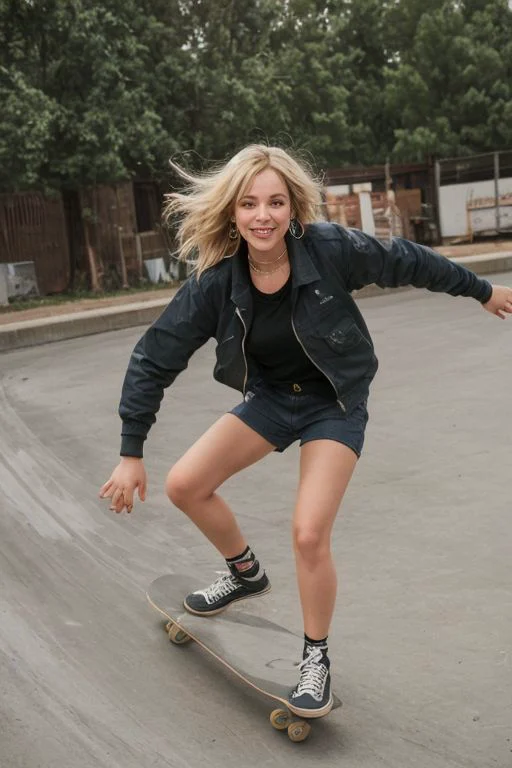 Input image | The girl skateboarding, repeating the endless spinning and dancing and jumping on a skateboard, with clear movements, full of charm. |
An illustration starts to dance
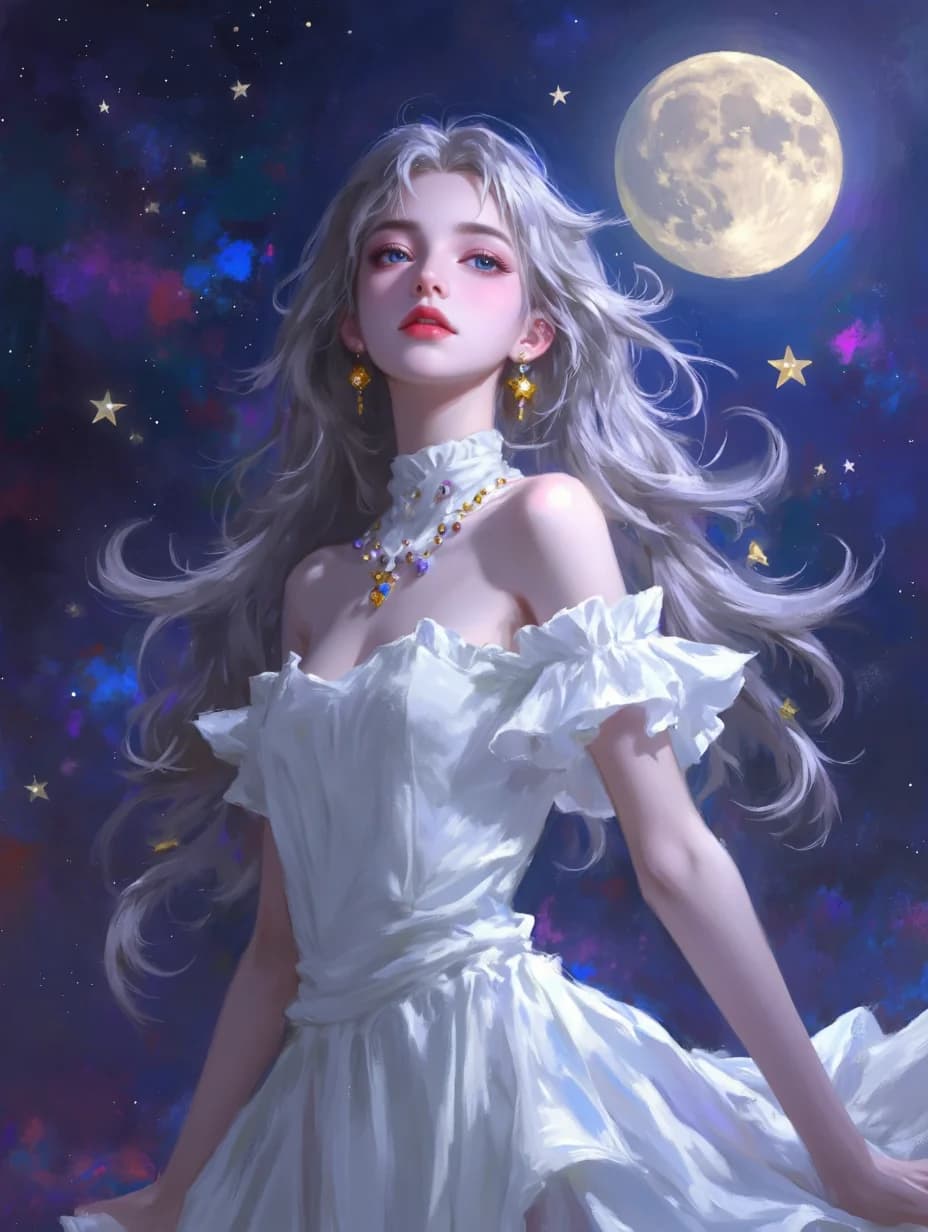
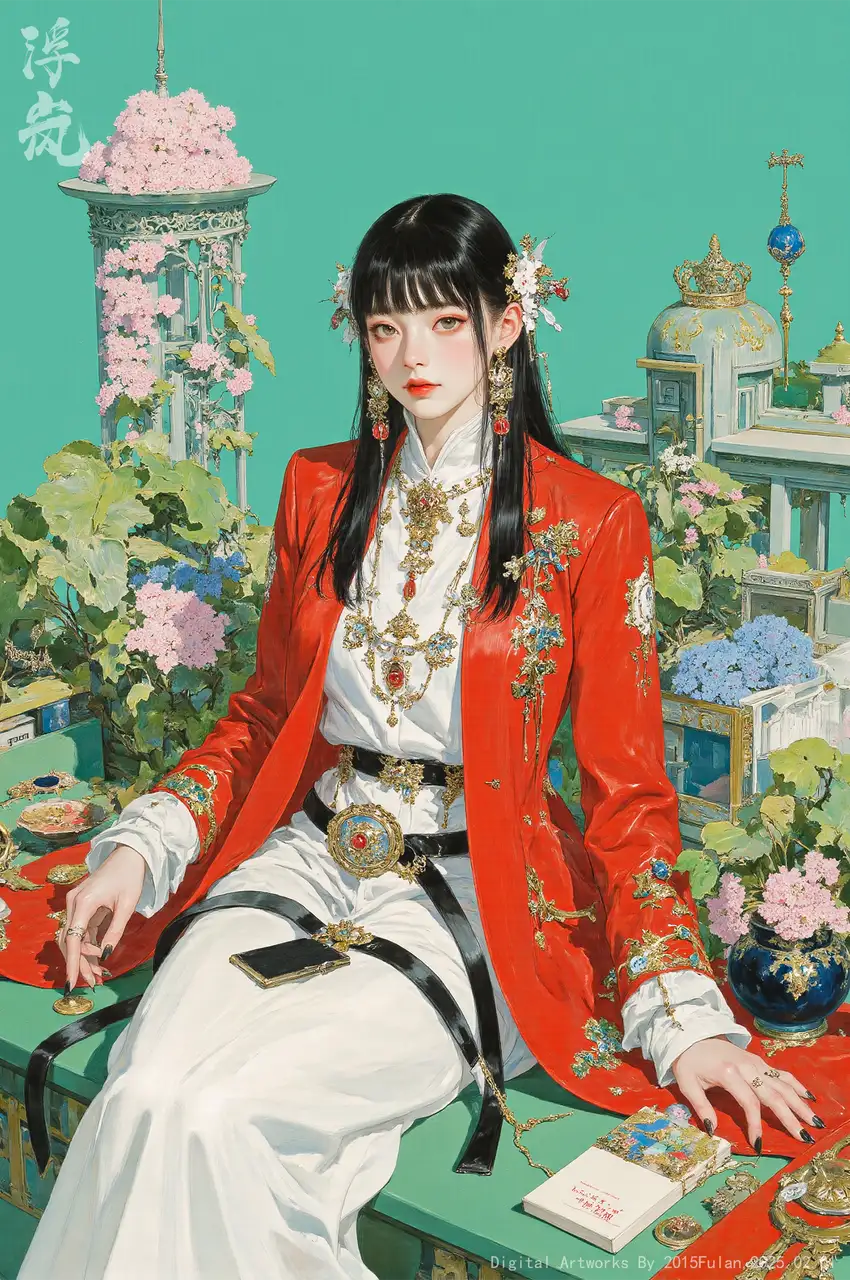 Input image | The girl dances gracefully, with clear movements, full of charm. |
A vintage photo comes alive
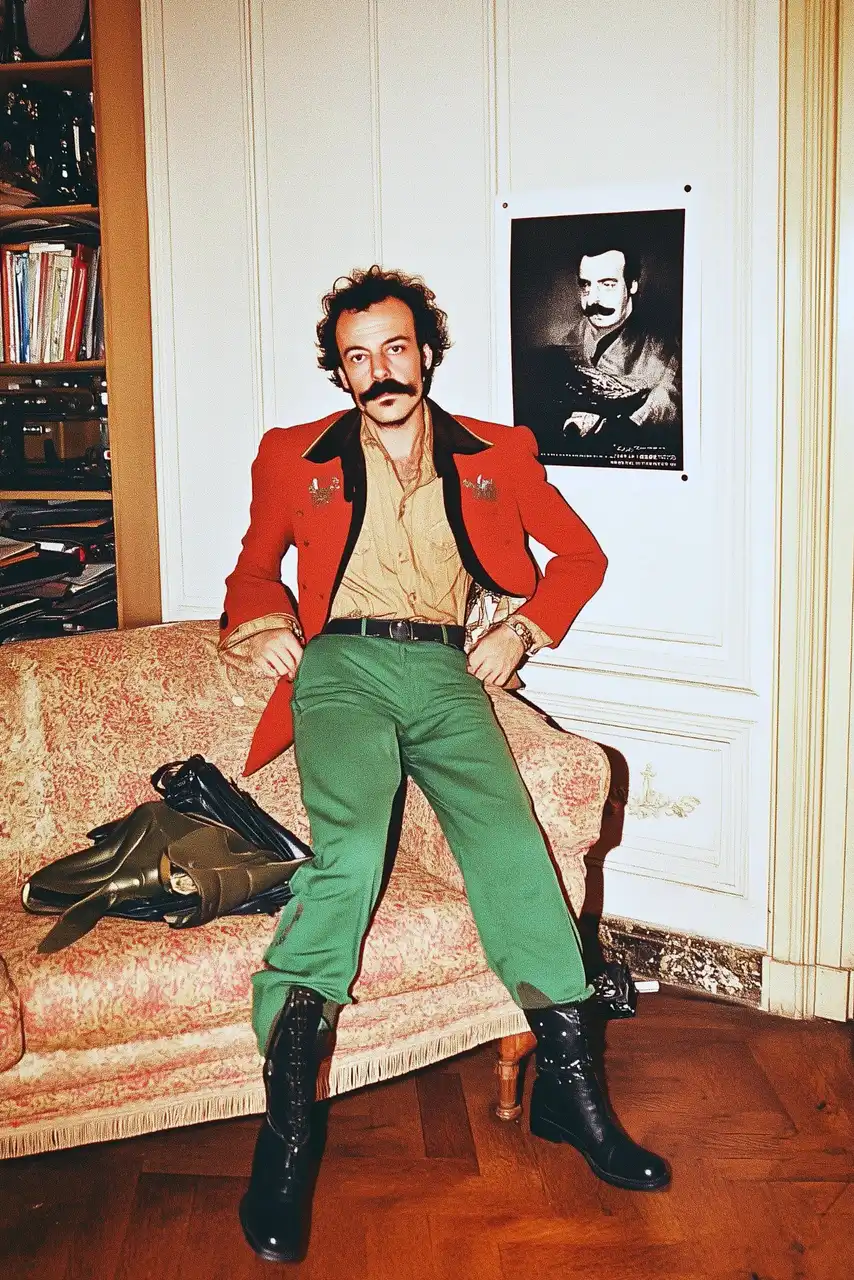 Input image | The man dances flamboyantly, swinging his hips and striking bold poses with dramatic flair. |
A fox spirit moves
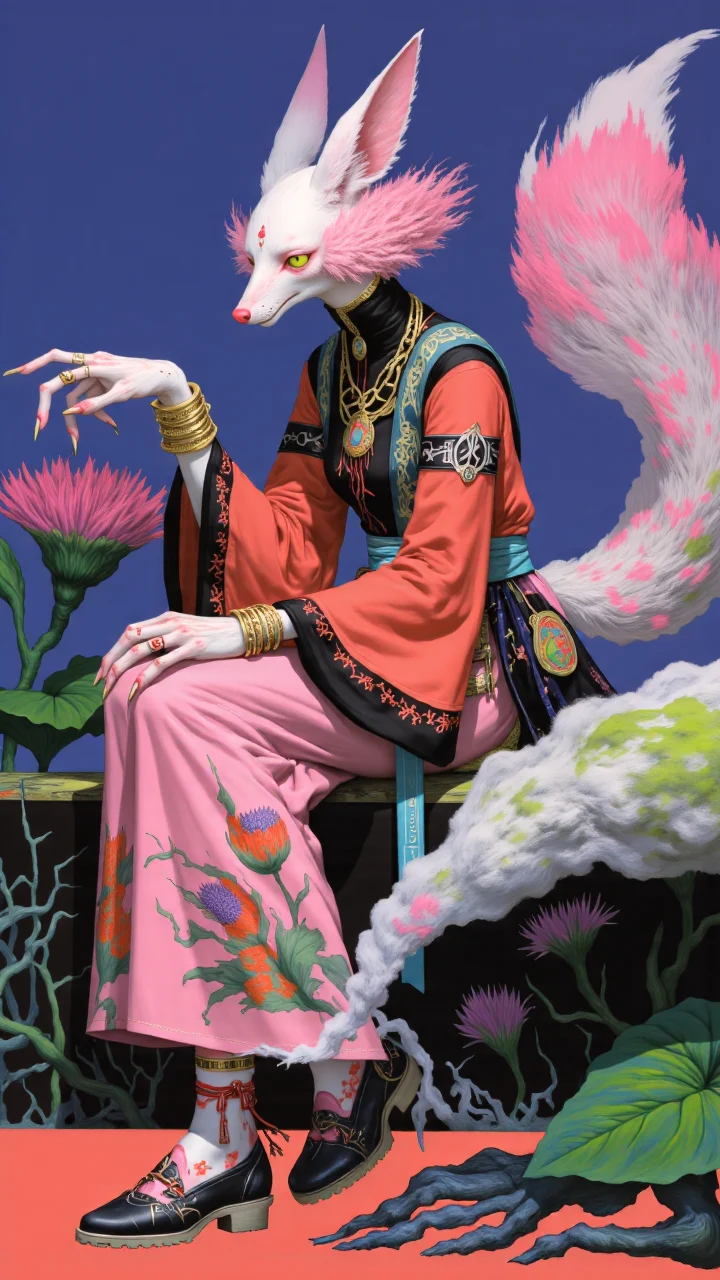 Input image | The girl dances gracefully, with clear movements, full of charm. |
Small, focused motion
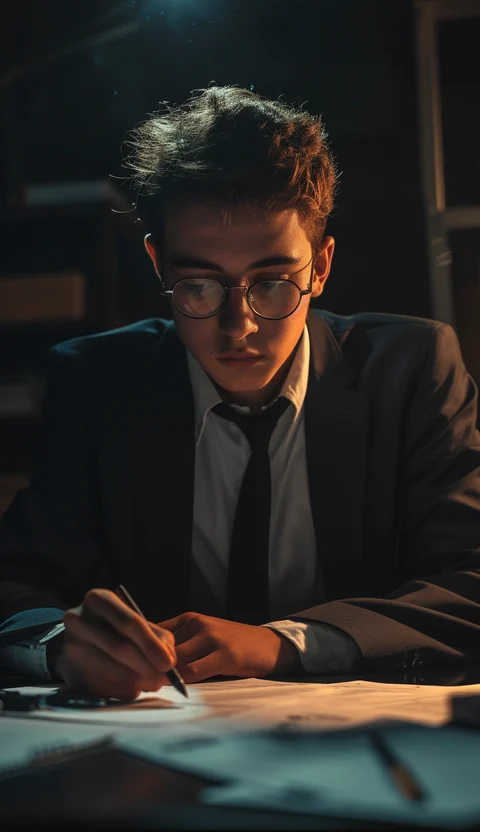 Input image | The young man writes intensely, flipping papers and adjusting his glasses with swift, focused movements. |
Many more examples are on the project page.
A full minute that holds together
Videos made one section at a time tend to drift away from where they started. Drift prevention is in the title of the FramePack paper: it is about keeping long videos consistent. With a 13B model, 60 seconds at 30 fps needs only 6 GB of GPU memory. Yes 6 GB, not a typo.
The work goes on: FramePack-F1 was released on 2025 May 03, and the coming FramePack-P1 adds Planned Anti-Drifting and History Discretization (news on the project page).
Seconds 50 to 58 of the one-minute video at the top of this page: the face, dress and blossoms still match the start.
Watch it render, frame by frame
Because FramePack makes the video section by section, you see real frames long before the whole clip is done. A strip of latent previews shows what comes next, so you can stop a bad take early instead of waiting for the end.
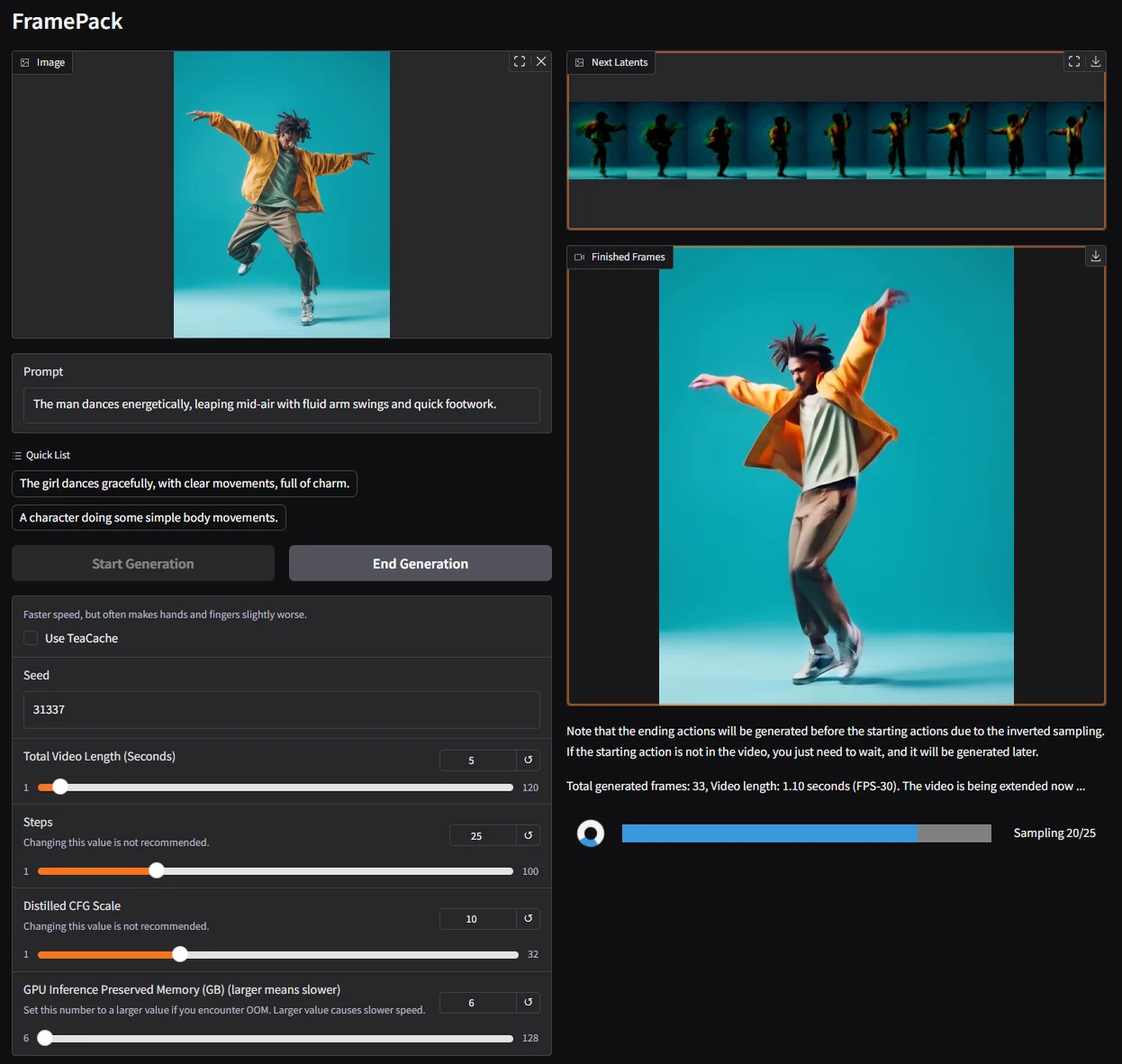 Mid-render: finished frames on the right, the next section previewed above them. | 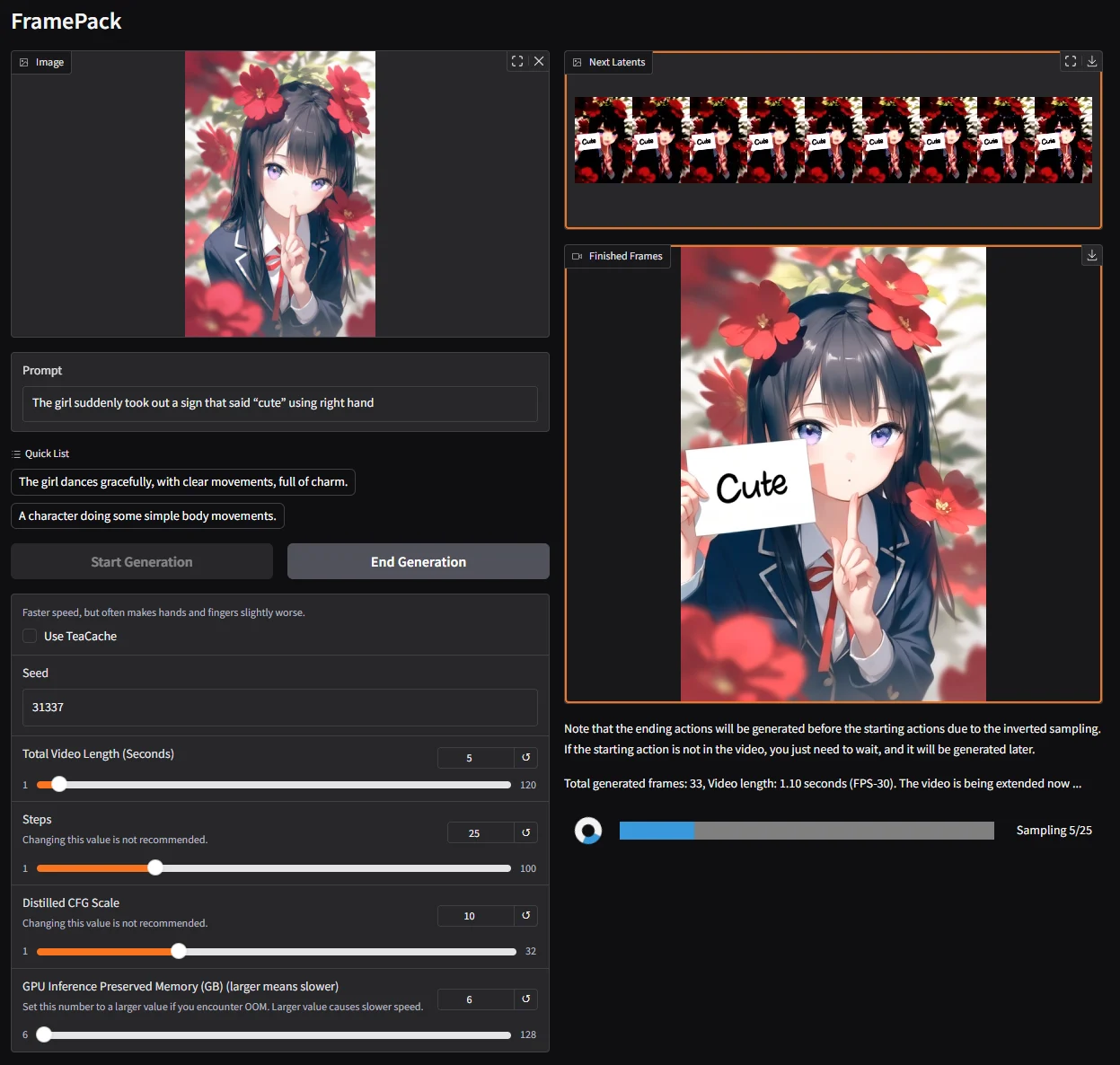 The sign is already in the frames before the clip is finished. |
Draft fast with TeaCache, finish at full quality
TeaCache speeds up rendering, but it is not lossless. The README shows the same image and prompt, The girl dances gracefully, with clear movements, full of charm., rendered both ways. The author's advice: use TeaCache to try ideas, then turn it off for the final. The same goes for sage-attention and quantized models.
| TeaCache off: the reference result. | TeaCache on: what about 30% of users get, which the README calls a typical worse result. |
Prompts that make things move
Short prompts about motion work best: say who, then what they do. Big moves such as dancing, jumping or running are preferred over standing still. The author turns images into prompts with this ChatGPT instruction:
You are an assistant that writes short, motion-focused prompts for animating images.When the user sends an image, respond with a single, concise prompt describing visual motion (such as human activity, moving objects, or camera movements). Focus only on how the scene could come alive and become dynamic using brief phrases.Larger and more dynamic motions (like dancing, jumping, running, etc.) are preferred over smaller or more subtle ones (like standing still, sitting, etc.).Describe subject, then motion, then other things. For example: "The girl dances gracefully, with clear movements, full of charm."If there is something that can dance (like a man, girl, robot, etc.), then prefer to describe it as dancing.Stay in a loop: one image in, one motion prompt out. Do not explain, ask questions, or generate multiple options.
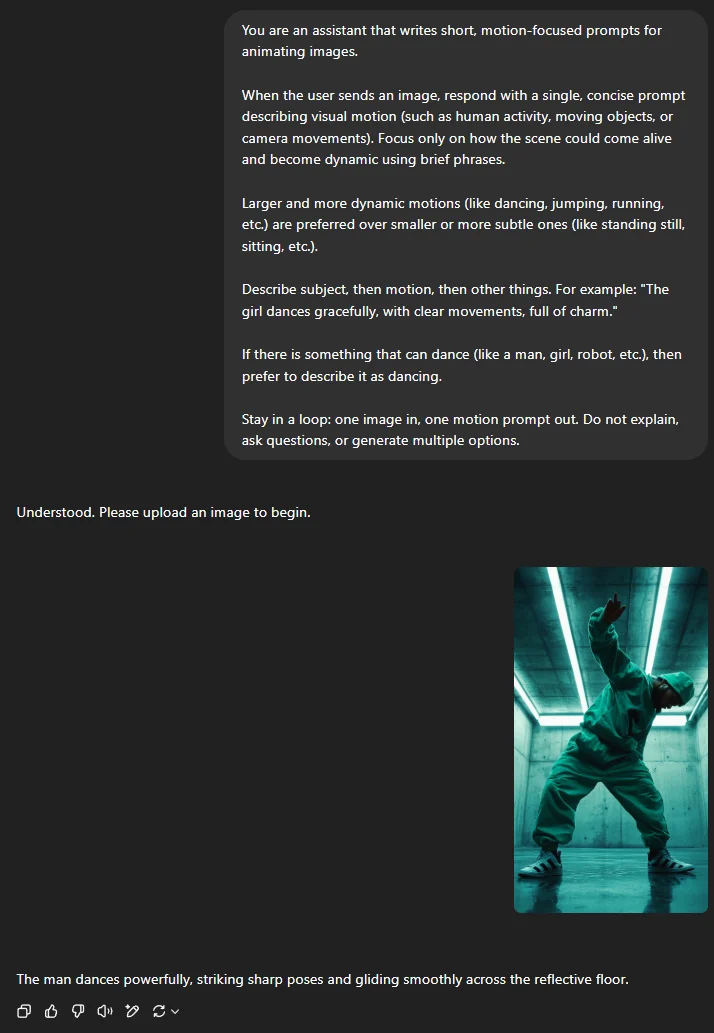
Feed it an image and you get a prompt like: The man dances powerfully, striking sharp poses and gliding smoothly across the reflective floor.
Quick start
Linux: clone the repo (git clone https://github.com/lllyasviel/FramePack) and go into its folder, then, with its own Python 3.10, install PyTorch for CUDA 12.6 (the command under Get it, above), then the rest. Windows: download the one-click package (CUDA 12.6 + PyTorch 2.6), unpack it, run update.bat to update, then run.bat. Models download on first run: more than 30 GB from HuggingFace. This GitHub repo is the only official FramePack website: framepack.ai, framepack.co and similar sites are fake, so do not pay or download anything there.
Then install the requirements and start the app:pip install -r requirements.txtpython demo_gradio.py
Requirements and license
- NVIDIA GPU: RTX 30XX, 40XX or 50XX with fp16 and bf16 support; GTX 10XX/20XX are not tested.
- 6 GB of GPU memory: the minimum, even for a 60-second video. Laptop GPUs are okay.
- Linux or Windows: no macOS build is listed.
- Disk space: more than 30 GB of models, downloaded automatically.
FramePack is open source under the Apache-2.0 license. Results vary slightly between devices, so the README asks you to run its sanity check before your own images.
No NVIDIA GPU? Use ReelMe
FramePack needs an NVIDIA card and a 30 GB download. To do the same job in your browser, open ReelMe Video (reelme.ai/video?mode=i2v), choose Image to Video, add your picture as the First frame and paste a motion prompt like the ones above. The writing tips on this page work there too: subject first, then a big, clear motion.
Credits
Media: FramePack by Lvmin Zhang (lllyasviel) and co-authors (Apache-2.0). The input images, result videos and app screenshots come from the FramePack README; the cover is a 16:9 crop of the README's sanity-check image and one clip is an 8-second excerpt of a 60-second result. Videos are re-encoded and shortened for this page.