Prompt library6 promptsCamera2 min read

Composition

Prompt library · from the ReelMe composer

6 looks with previews: copy a style prompt, add your subject, run it in ReelMe.

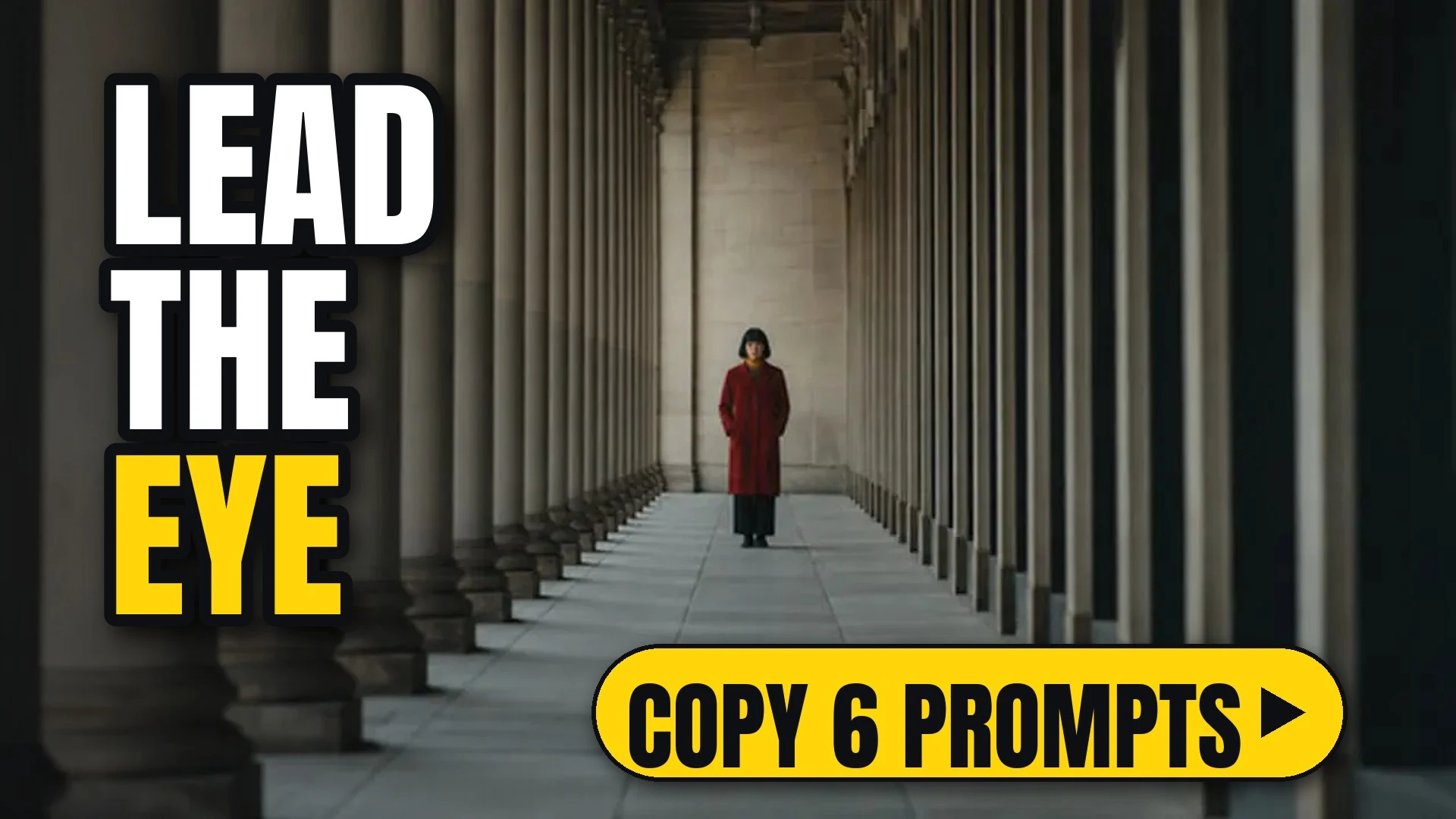
A woman in red walks down a long stone colonnade, the columns leading to her

6 looks. Classic composition rules for a still image.

How to use

Each look comes as a style prompt that starts with [your subject]. Replace it with what you are making (a perfume bottle on marble, a chef plating pasta, your character), keep the rest, and run it.

Make image or Make video opens ReelMe with the style prompt filled in. One camera move per clip; pair it with a shot size, not another move. Check a composition on a still first in ReelMe Image (reelme.ai/image?aspect=16:9).

6 prompts

  • Lead roomLead roomImage

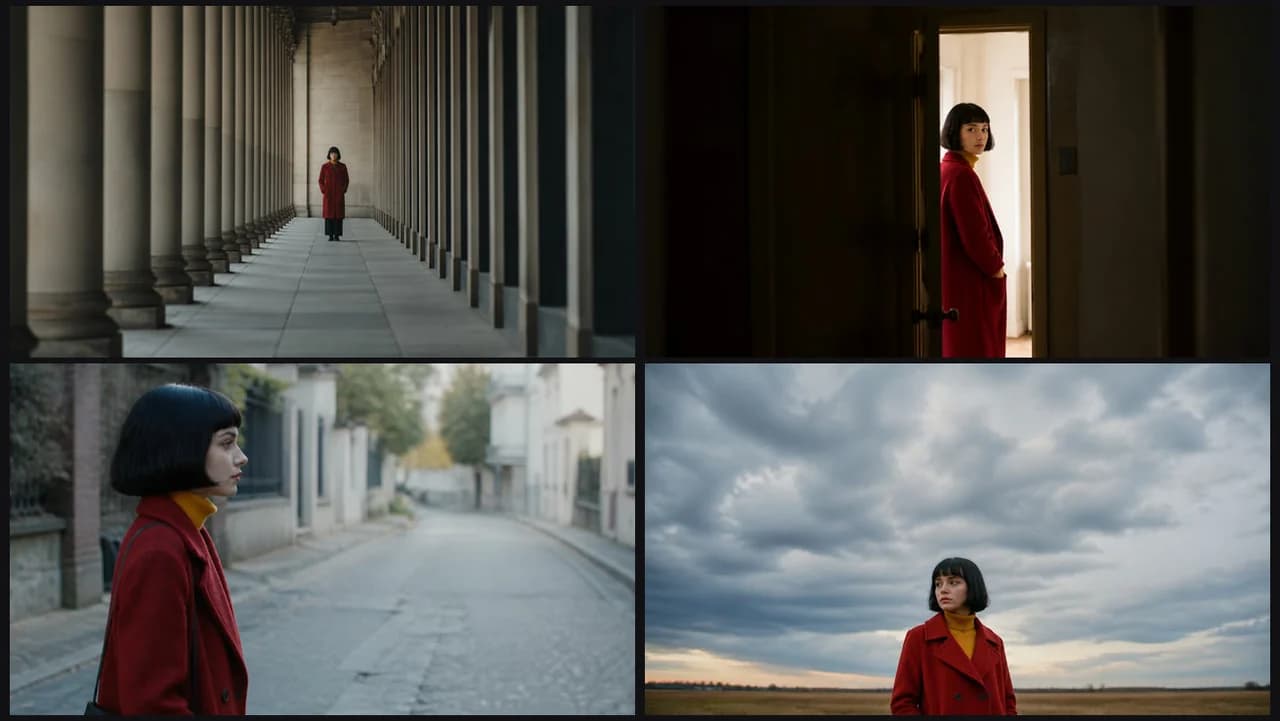
    [your subject], lead room: the subject on the left third facing right, open space ahead of them in the direction they will move. The right two thirds stay clear and readable, the eye pulled across the frame along their gaze. NOT boxed in at the frame edge.

  • Depth layersDepth layersImage

    [your subject], depth layers: three clear depth layers, a soft foreground element, the subject sharp in the midground, the background readable behind. Each layer separated by focus and scale, so the frame reads from front to back. NOT a single flat plane.

  • Negative spaceNegative spaceImage

    [your subject], negative space: the subject small against wide negative space, the empty area deliberately kept clean. The subject sits low or to one side, and the plain area fills most of the frame with even tone. NOT a cluttered frame.

  • Frame in frameFrame in frameImage

    [your subject], frame in frame: the subject framed inside a doorway or window frame. Dark edges of the opening surround them on all sides, and the brighter space inside draws the eye straight to the subject. NOT an open, unframed view.

  • Leading linesLeading linesImage

    [your subject], leading lines: strong lines in the set leading the eye to the subject. Repeating edges converge toward a vanishing point where the subject stands. NOT lines pointing away from the subject.

  • Low horizonLow horizonImage

    [your subject], low horizon: a low horizon, sky filling most of the frame above the subject. The horizon line sits in the lower fifth, the subject rising into the open upper area. NOT a high horizon line.

Make it in ReelMe

Building a set of stills? Keep one rule across every image node in ReelMe Canvas. The set then reads as one series, not a pile of single shots.

Nov 12, 2026

How it works

3 steps

  1. Pick a look

    Choose one of the six composition prompts and copy it.

  2. Add your subject

    Replace [your subject] with what you are making; keep the rest.

  3. Run it in ReelMe

    Paste it into ReelMe Image at reelme.ai/image?aspect=16:9 and generate.

  • Camera · Prompt library · from the ReelMe composer

    73 looks with previews: copy a style prompt, add your subject, run it in ReelMe.

    1. Pick a look: Choose one of the 73 camera and lens looks and copy its prompt.
    2. Add your subject: Replace [your subject] with what you are making; keep the rest.
    3. Run it in ReelMe: Paste it into ReelMe Image at reelme.ai/image?aspect=16:9 and generate.
  • Camera · Prompt library · from the ReelMe composer

    44 looks with previews: copy a style prompt, add your subject, run it in ReelMe.

    1. Pick a look: Choose one of the 44 lens effects and copy its prompt.
    2. Add your subject: Replace [your subject] with what you are making; keep the rest.
    3. Run it in ReelMe: Paste it into ReelMe Video at reelme.ai/video?mode=t2v and generate.
  • Framing

    Prompt library

    Camera · Prompt library · from the ReelMe composer

    60 looks with previews: copy a style prompt, add your subject, run it in ReelMe.

    1. Pick a look: Choose one of the 60 framings and copy its prompt.
    2. Add your subject: Replace [your subject] or [your subjects] with what you are making.
    3. Run it in ReelMe: Paste it into ReelMe Image at reelme.ai/image?aspect=16:9 and generate.

Want it step by step? From Zero to AI Creator