RepoGPL-3.0Open source5 min read

ComfyUI: node-based image and video generation

Repo · picked by ReelMe Academy

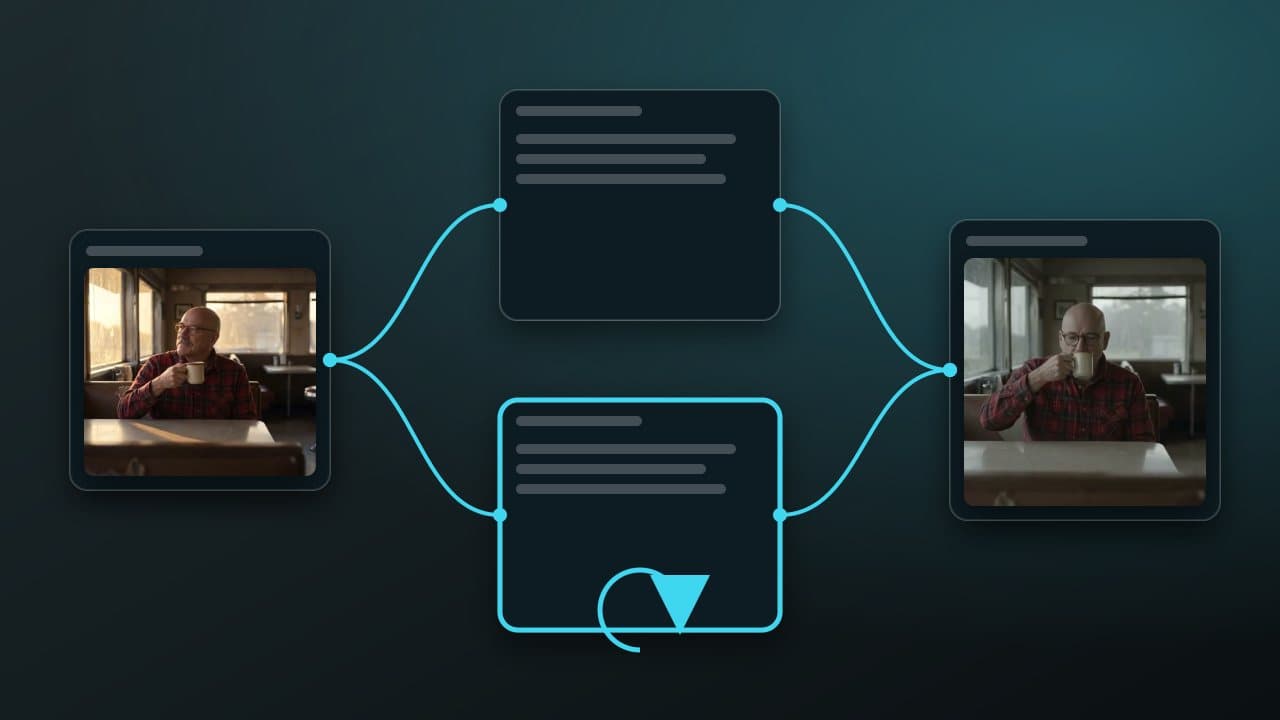
The open-source node editor for diffusion models. Build a pipeline once, then rerun it with new inputs: the same idea as the ReelMe canvas, self-hosted.

A glowing blue and violet node graph on a dark surface, like a ComfyUI workflow
Get it

Run one command.

Paste it in your terminal. That's it.

git clone https://github.com/comfyanonymous/ComfyUI
cd ComfyUI
pip install -r requirements.txt
python main.py
The full write-up

ComfyUI: node-based image and video generation, in detail

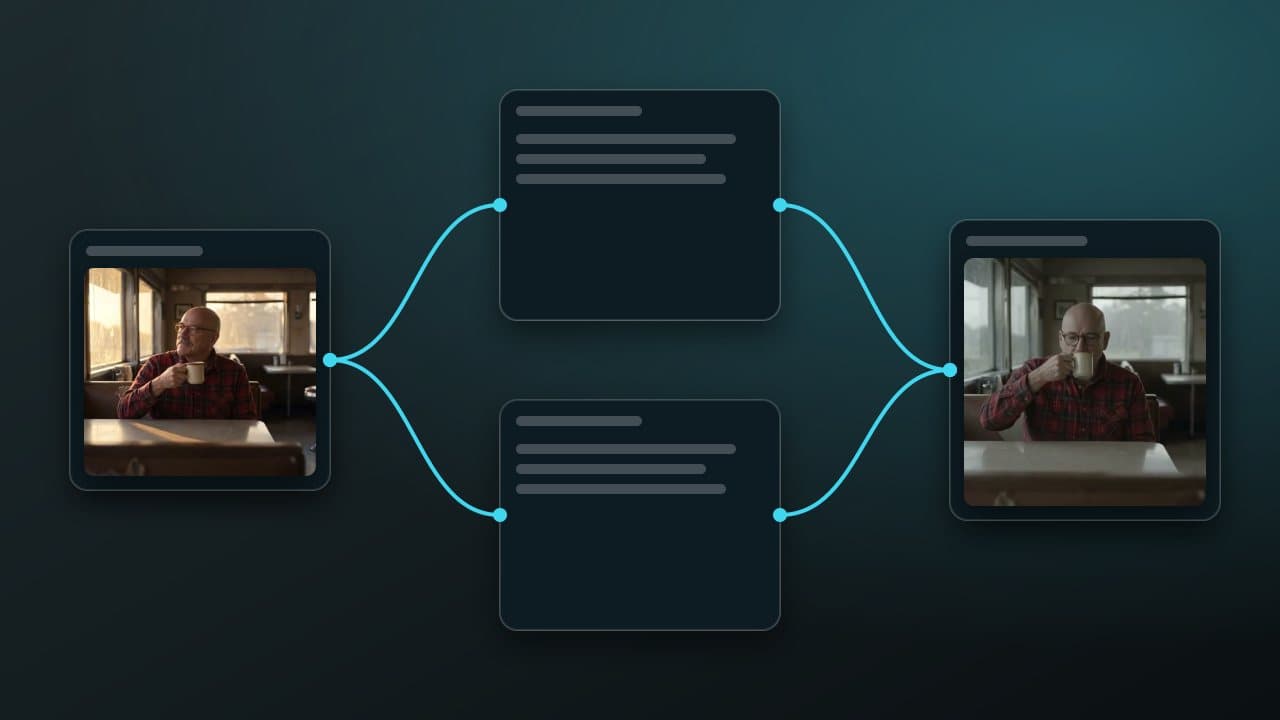
ComfyUI lets you wire a diffusion pipeline as a graph: loaders, samplers, conditioning and outputs are nodes, and the graph is saved as JSON you can share and rerun. If you only need the picture, not the graph, ReelMe Image runs a hosted model from one prompt.

Why it matters

  • Reproducible: a workflow file is the whole recipe: model, seed, steps.
  • Composable: swap one node (a new model, an upscaler) without rewriting anything.
  • Huge ecosystem of community nodes for video, control and upscaling.

Quick start

Then open http://127.0.0.1:8188 and load an example workflow.

When to use ReelMe instead

ComfyUI is ideal when you want full control and your own GPU. When you want the same node idea without installing models (and with video models a click away), a hosted canvas is the faster path. Open ReelMe Canvas (reelme.ai/canvas), drop an image in as a node and wire it into a video node, with nothing to install.
Nov 10, 2026

How it works

4 steps

  1. Install

    Clone and install the requirements.

  2. Load a workflow

    Drag a saved .json onto the canvas.

  3. Swap one node

    A new model or upscaler, nothing else.

  4. No GPU? Use ReelMe

    Wire image and video nodes on a canvas: reelme.ai/canvas

  • Open source · Repo · picked by ReelMe Academy

    Apache-2.0

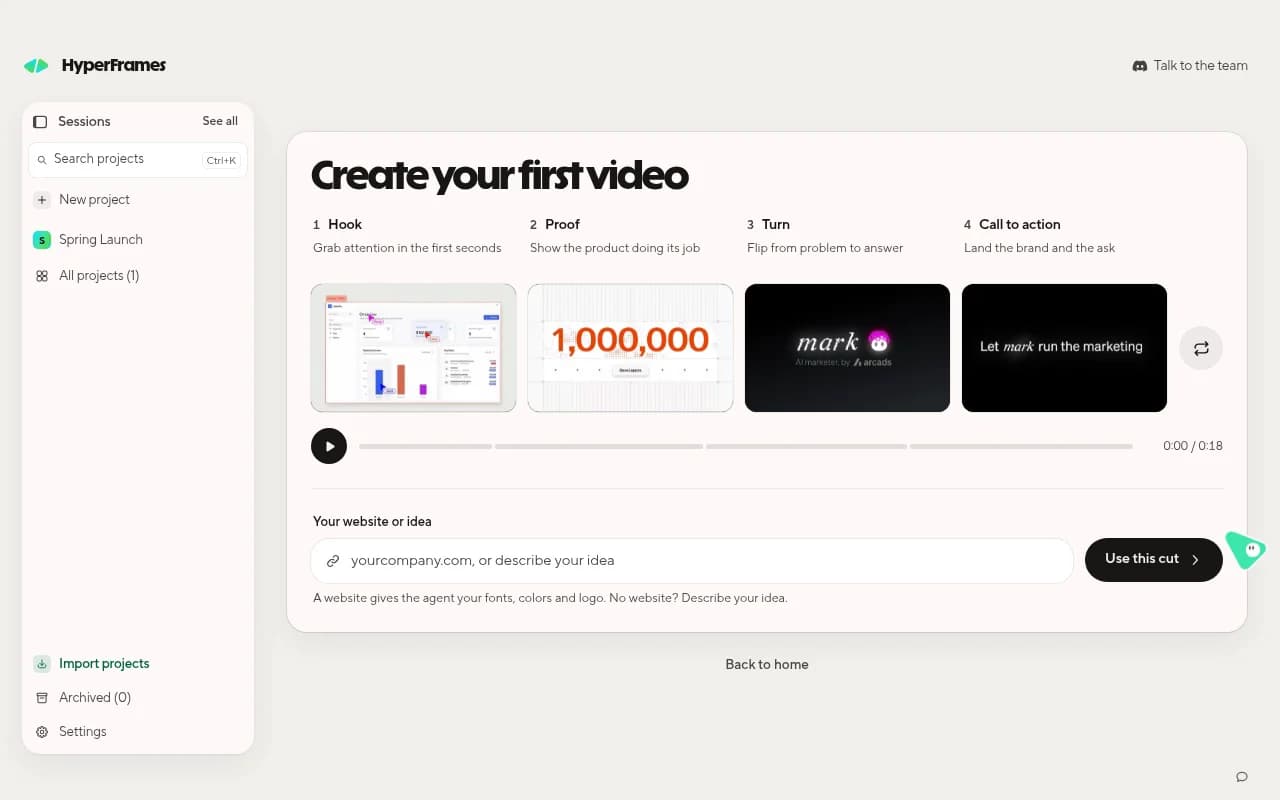
    HeyGen's free, open-source video framework. Your coding agent writes the video as HTML and animation, and HyperFrames renders it to MP4, frame by frame.

    1. Get Studio: Download the free app for Mac, Windows or Linux and sign in with HeyGen.
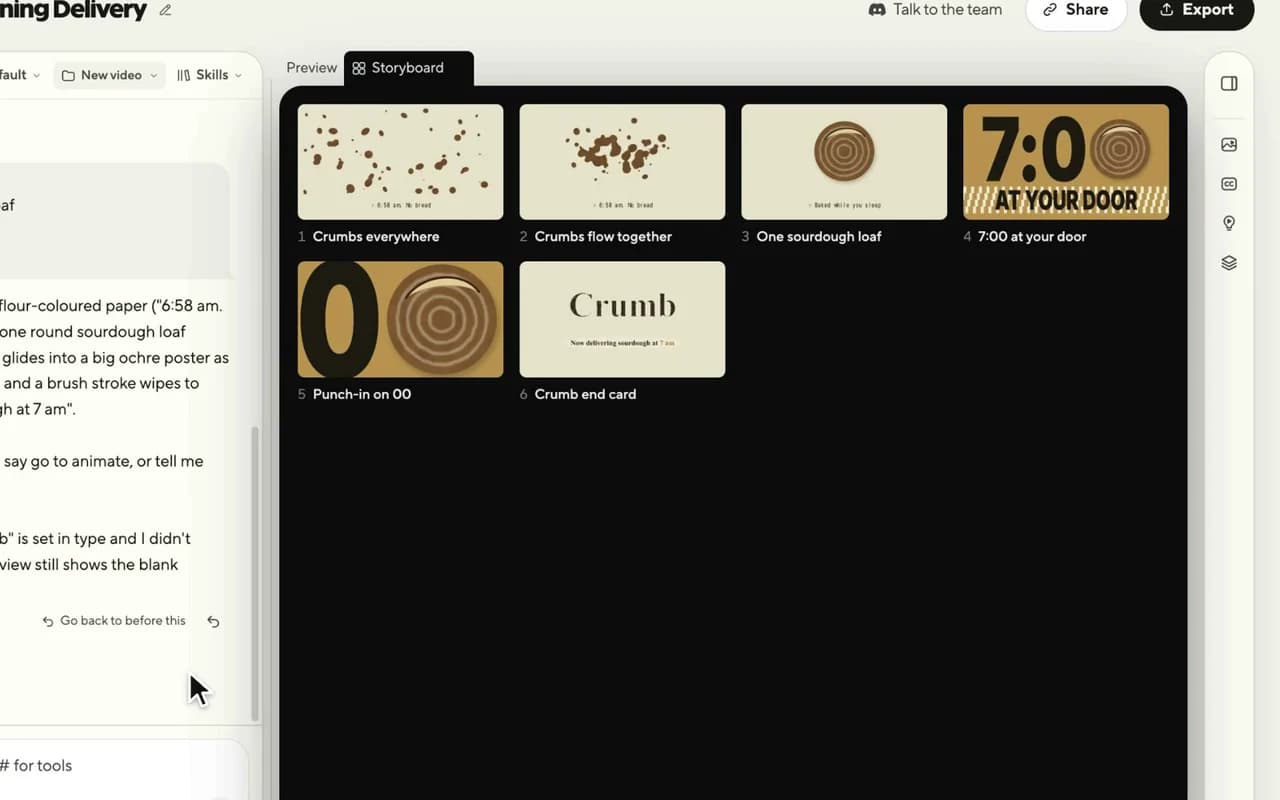
    2. Approve the storyboard: Describe the video in one sentence; check every shot as a still.
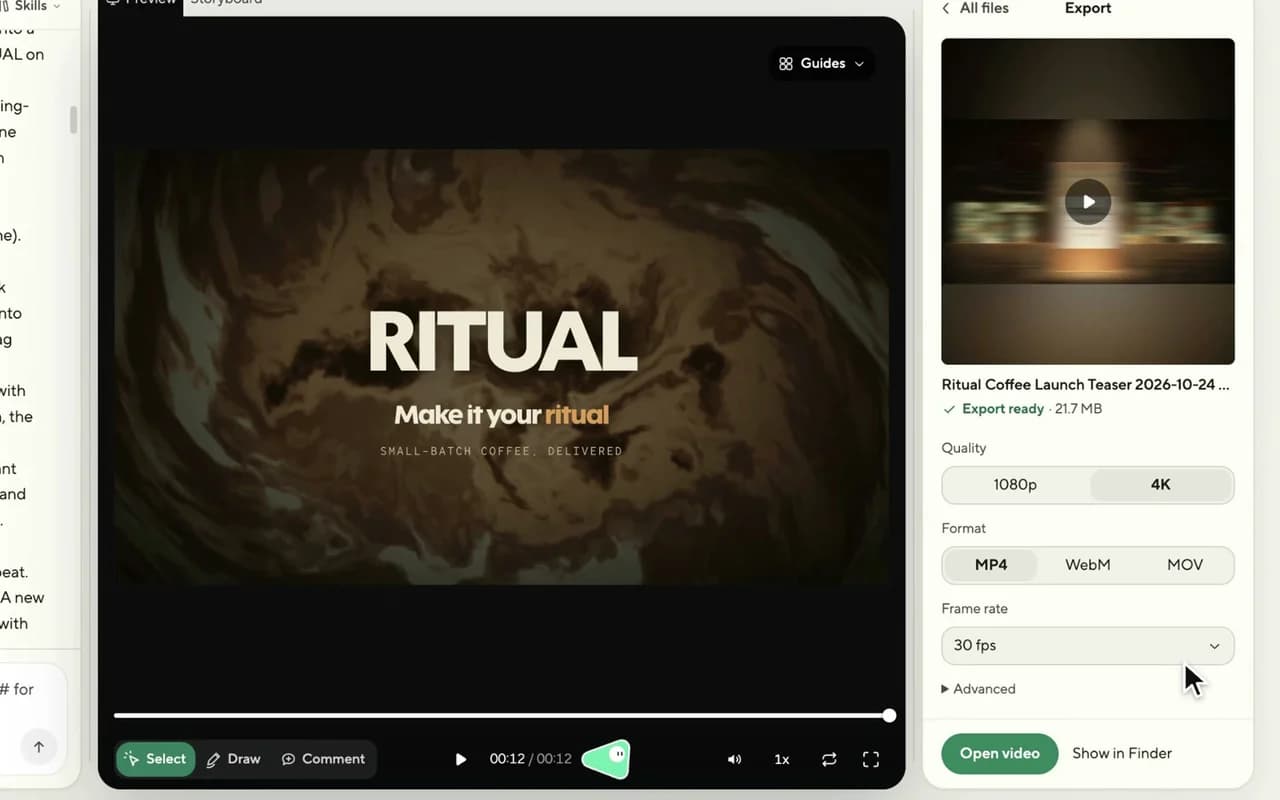
    3. Edit and export: Point, draw or type changes; export MP4. Need footage? Use ReelMe MCP: reelme.ai/mcp
  • Video models · Repo · picked by ReelMe Academy

    MIT (models non-commercial)

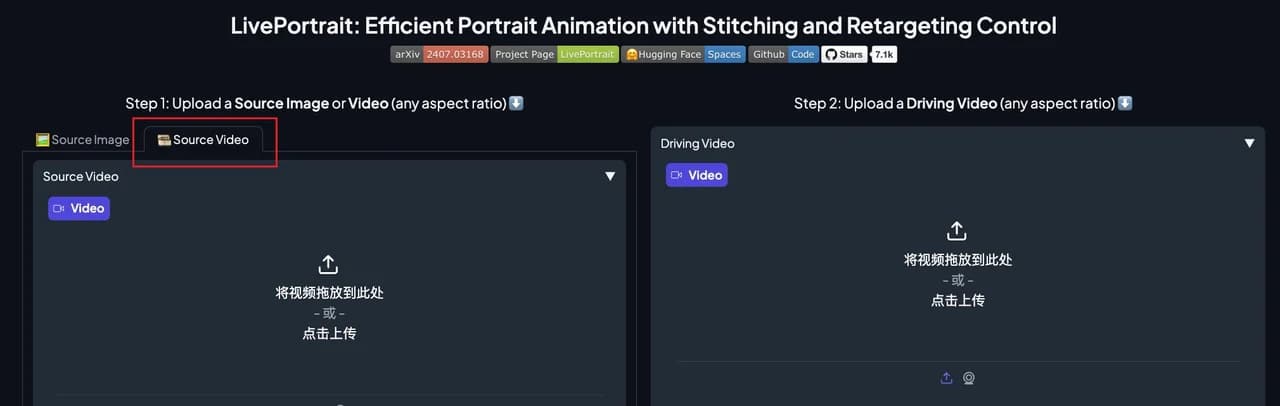
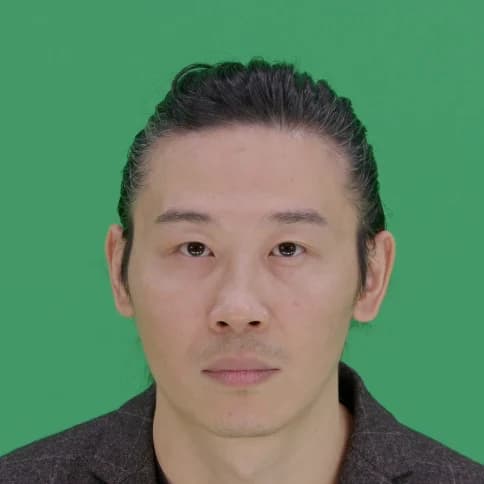
    Open-source portrait animation from Kuaishou: a still picture copies the face in a driving video, every blink, smile and head turn. Works on paintings, 3D characters, cats and dogs.

    1. Install LivePortrait: Clone the repo, pip install the requirements, download the weights.
    2. Pick two inputs: A portrait to animate, and a frontal, neutral-start video of a face.
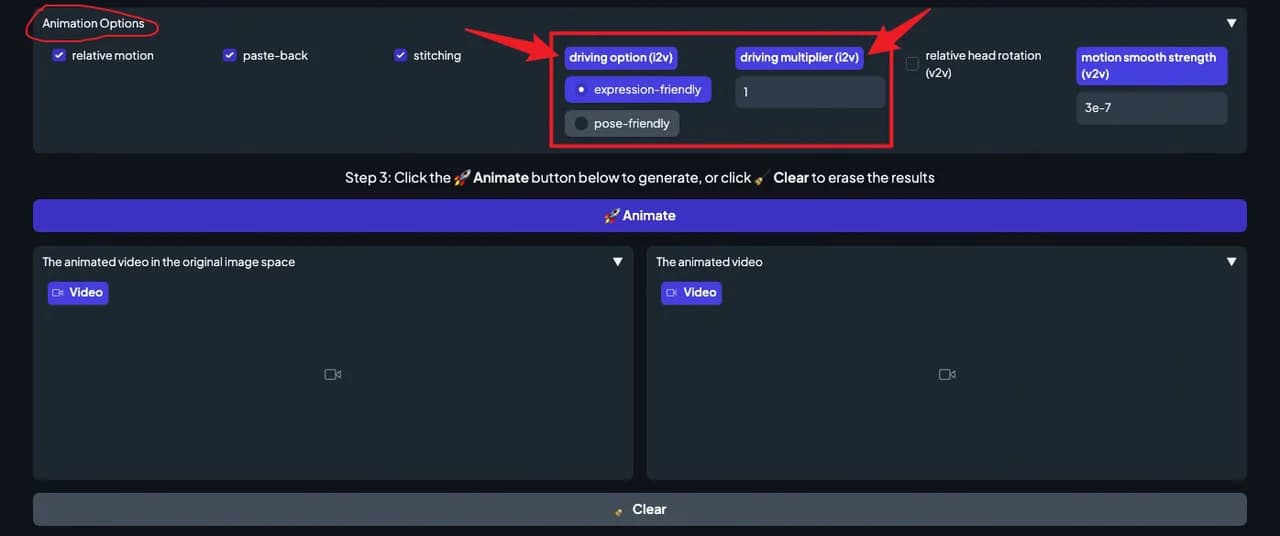
    3. Animate and tune: Press Animate and tune. Whole body? Use ReelMe Motion Control: reelme.ai/video?tab=motion
  • Video models · Repo · picked by ReelMe Academy

    Tencent Hunyuan Community License

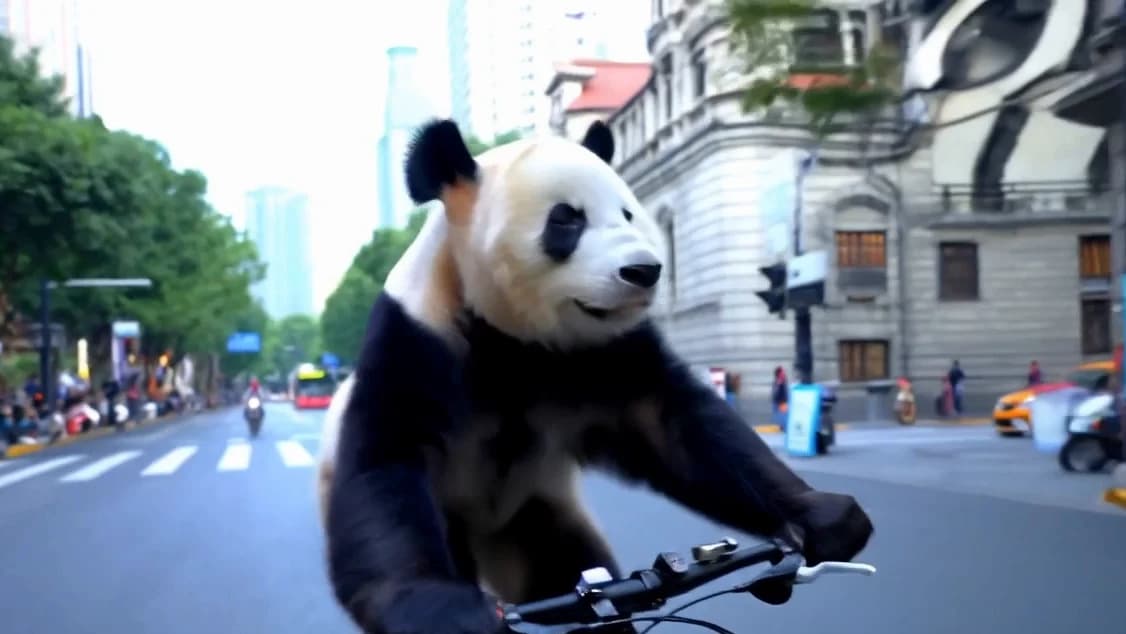
    Tencent's open video model with over 13 billion parameters: write a prompt, get a cinematic 720p clip. It runs on a big NVIDIA GPU (45 to 80 GB) under Tencent's own community license.

    1. Clone and install: Linux, conda, PyTorch for CUDA 12.6 or 11.8, then the requirements.
    2. Download the weights: Follow ckpts/README.md. You need a GPU with 45 GB or more.
    3. Prompt and render: Run sample_video.py. No 80 GB GPU? Try text-to-video in ReelMe: reelme.ai/video?mode=t2v

Want it step by step? From Zero to AI Creator