ToolLGPL-2.1+Editing6 min read

FFmpeg: the command line that edits every video

Tool · picked by ReelMe Academy

Trim, crop to 9:16, stitch and level loudness, one line each. The four commands we use most when preparing AI clips for social.

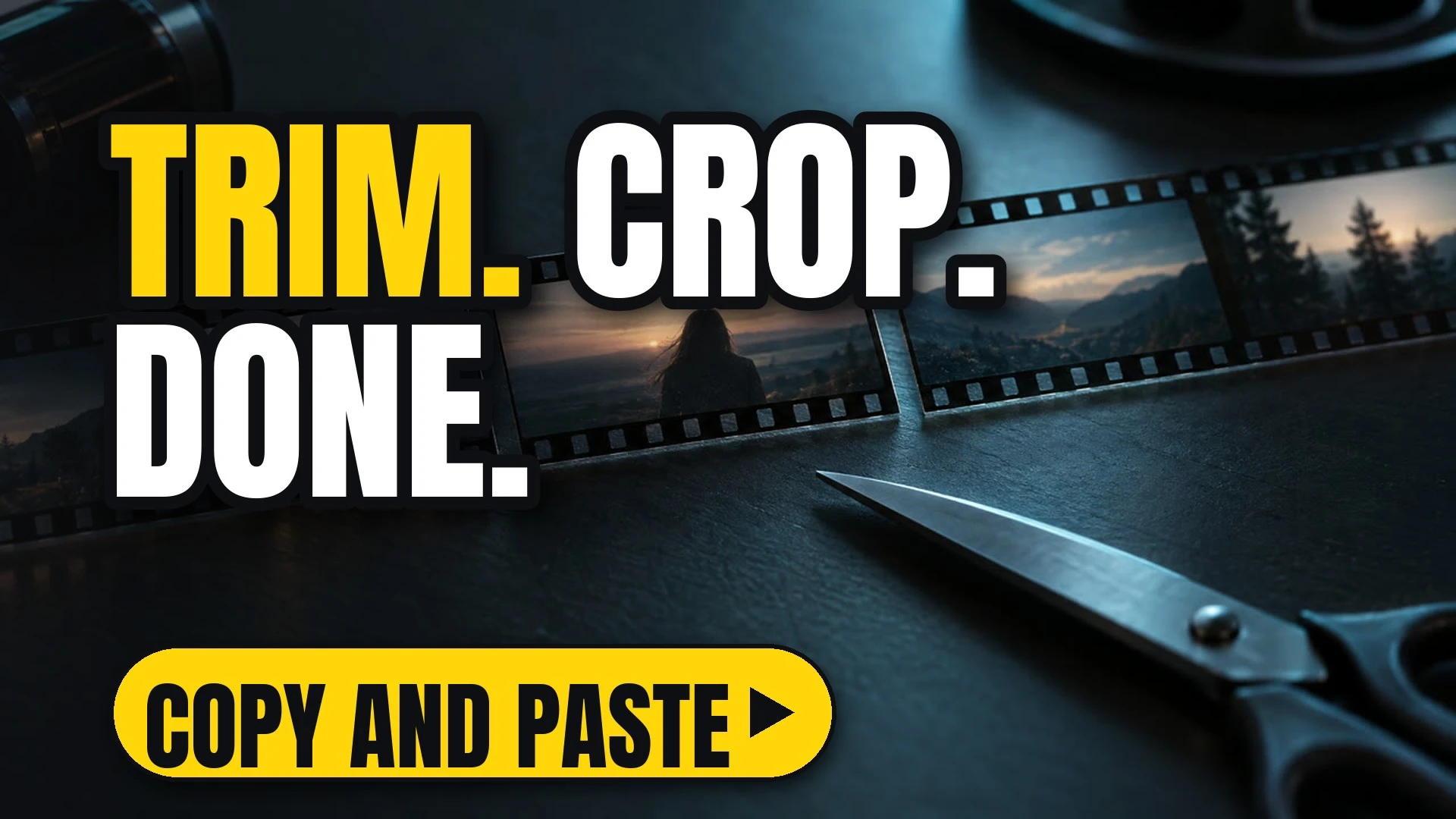
A film strip of landscape frames beside a pair of scissors on a dark desk
Get it

Run one command.

Paste it in your terminal. That's it.

ffmpeg -ss 00:00:02 -to 00:00:12 -i in.mp4 -c copy out.mp4
The full write-up

FFmpeg: the command line that edits every video, in detail

FFmpeg is the tool under almost every video app. A handful of commands cover most of what you need for short-form clips.

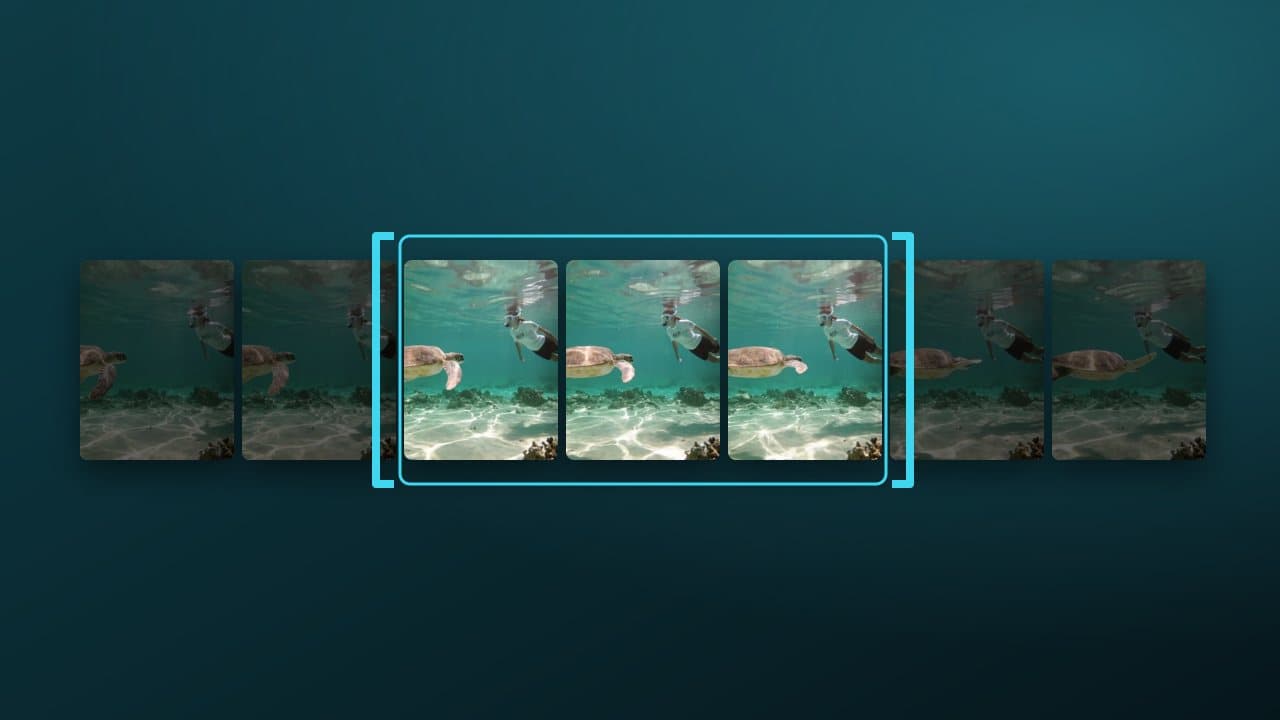
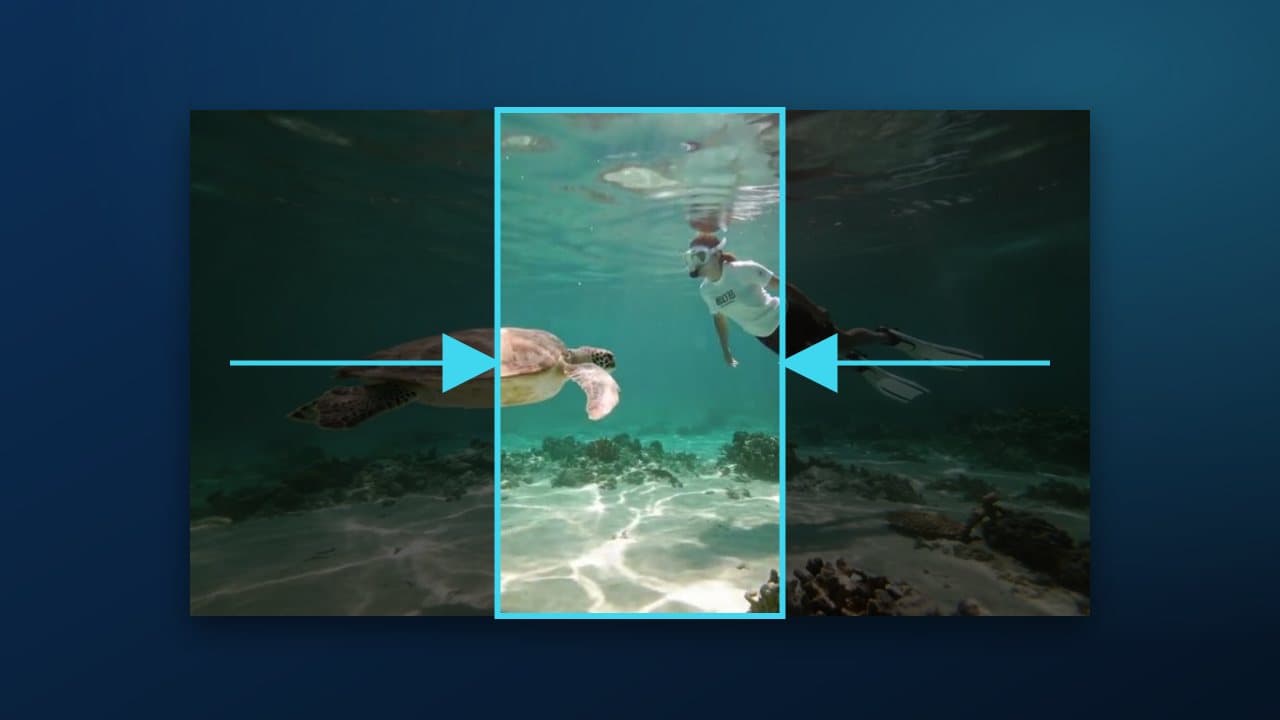
Make it vertical (9:16)

Cropping throws away most of a 16:9 frame. If the clip is generated, ask for 9:16 from the start in ReelMe Video and skip the crop.

Stitch clips

List the files in list.txt (file 'a.mp4' per line), then:

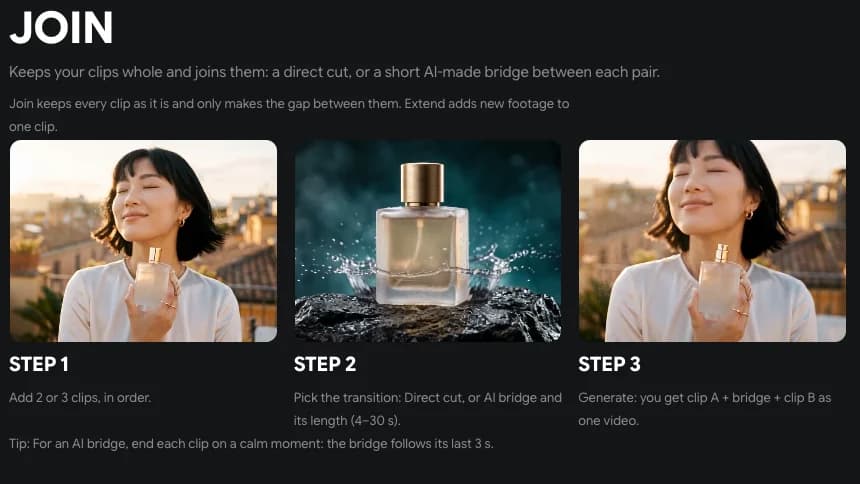
When a hard cut jars, let the Join Clips tab in ReelMe Video (reelme.ai/video?tab=join) generate a short bridge between the two clips.
Nov 10, 2026

How it works

4 steps

  1. Trim without re-encoding

    -ss / -to with -c copy.

  2. Make it vertical

    crop=ih*9/16:ih,scale=1080:1920.

  3. Loudness for social

    loudnorm=I=-14:TP=-1.5.

  4. Join clips in ReelMe

    Bridge a hard cut with Join Clips: reelme.ai/video?tab=join

  • Open source · Repo · picked by ReelMe Academy

    Apache-2.0

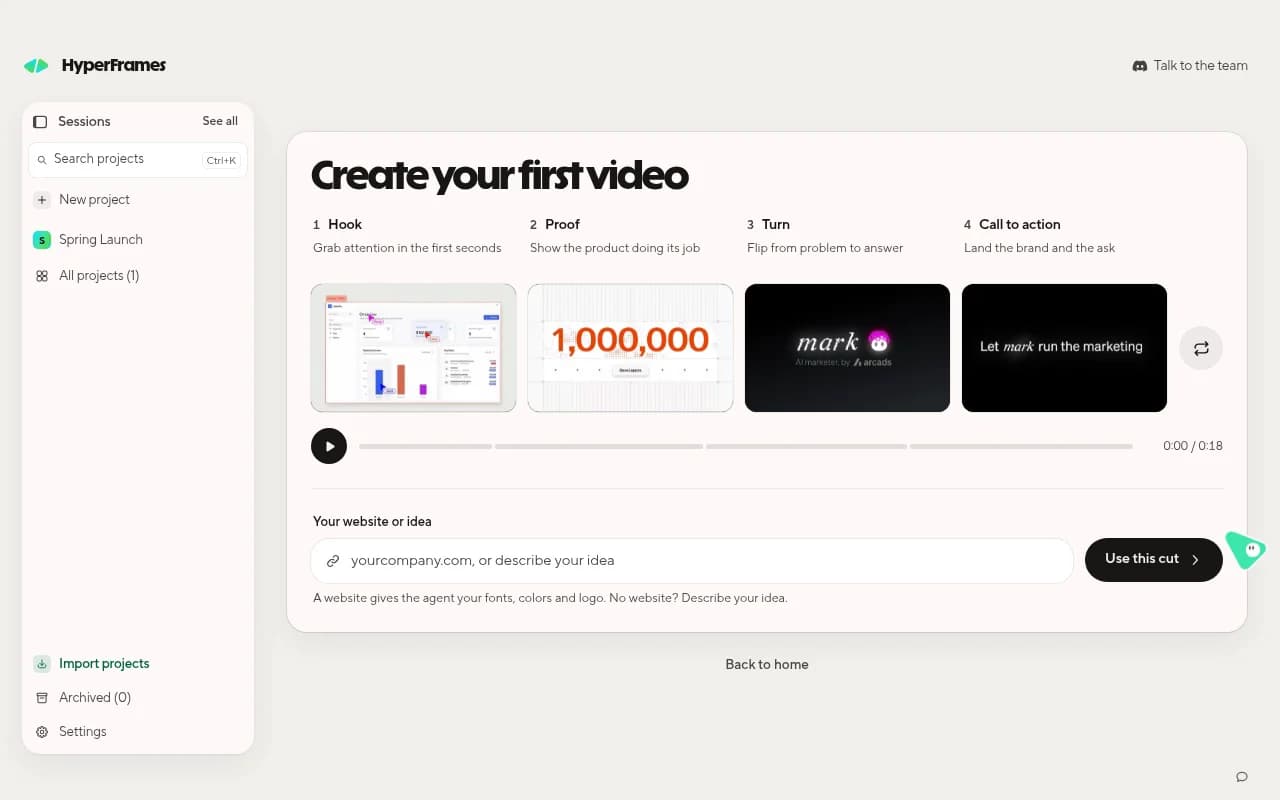
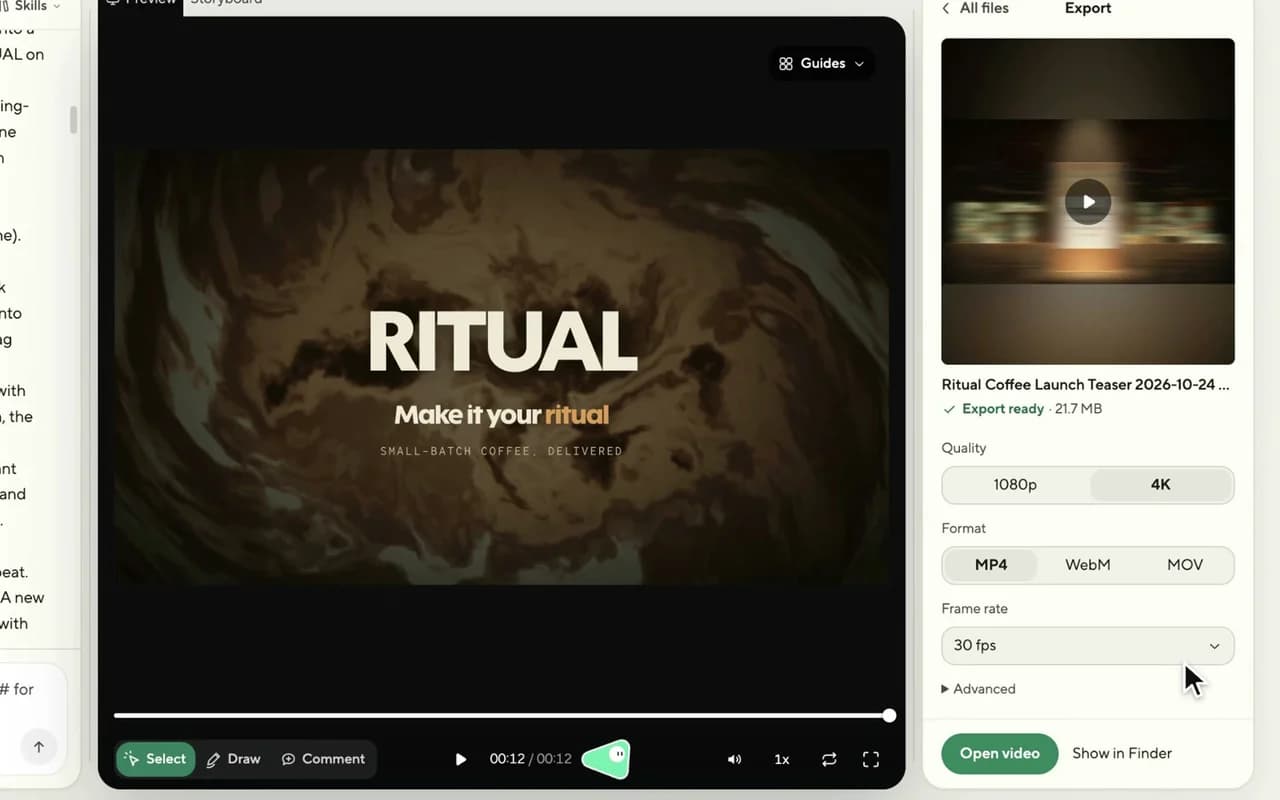
    HeyGen's free, open-source video framework. Your coding agent writes the video as HTML and animation, and HyperFrames renders it to MP4, frame by frame.

    1. Get Studio: Download the free app for Mac, Windows or Linux and sign in with HeyGen.
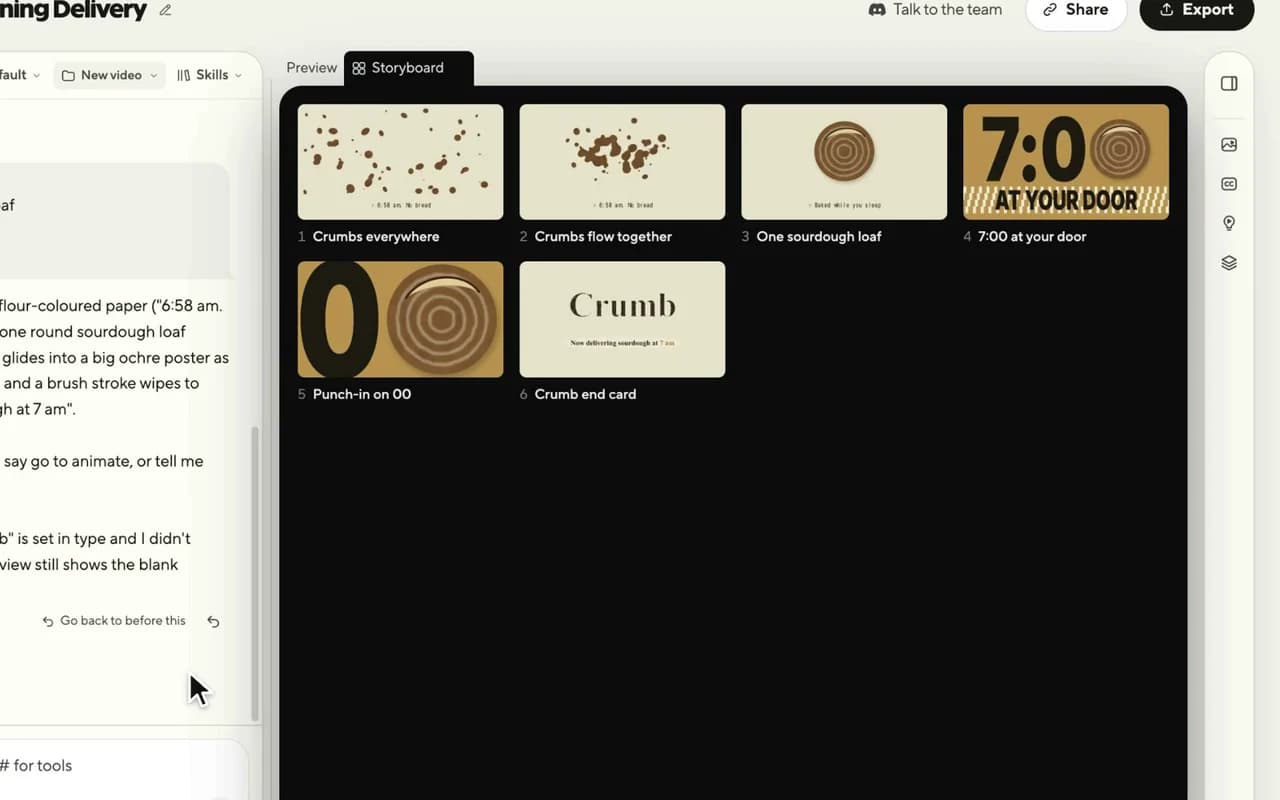
    2. Approve the storyboard: Describe the video in one sentence; check every shot as a still.
    3. Edit and export: Point, draw or type changes; export MP4. Need footage? Use ReelMe MCP: reelme.ai/mcp
  • Video models · Repo · picked by ReelMe Academy

    MIT (models non-commercial)

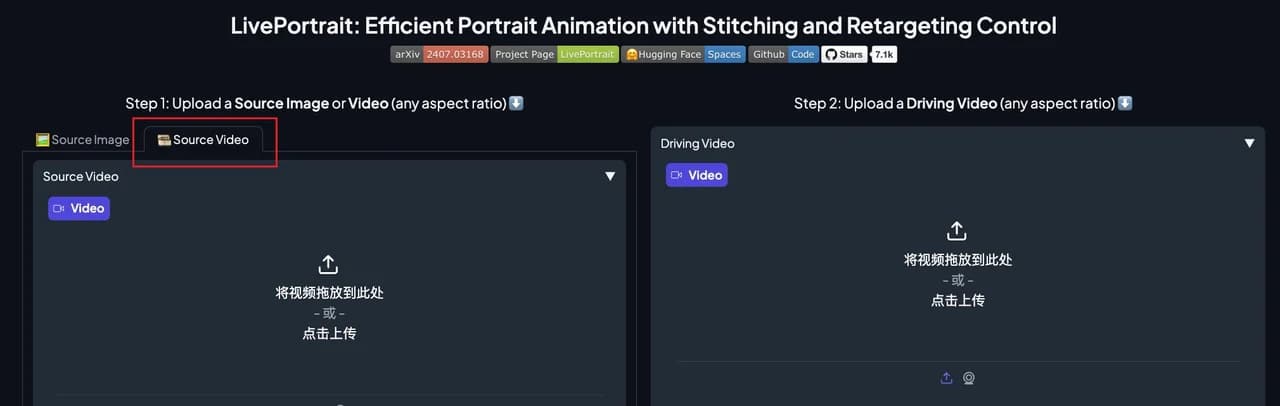
    Open-source portrait animation from Kuaishou: a still picture copies the face in a driving video, every blink, smile and head turn. Works on paintings, 3D characters, cats and dogs.

    1. Install LivePortrait: Clone the repo, pip install the requirements, download the weights.
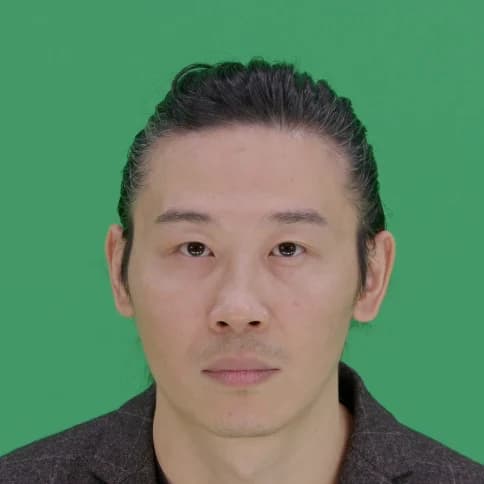
    2. Pick two inputs: A portrait to animate, and a frontal, neutral-start video of a face.
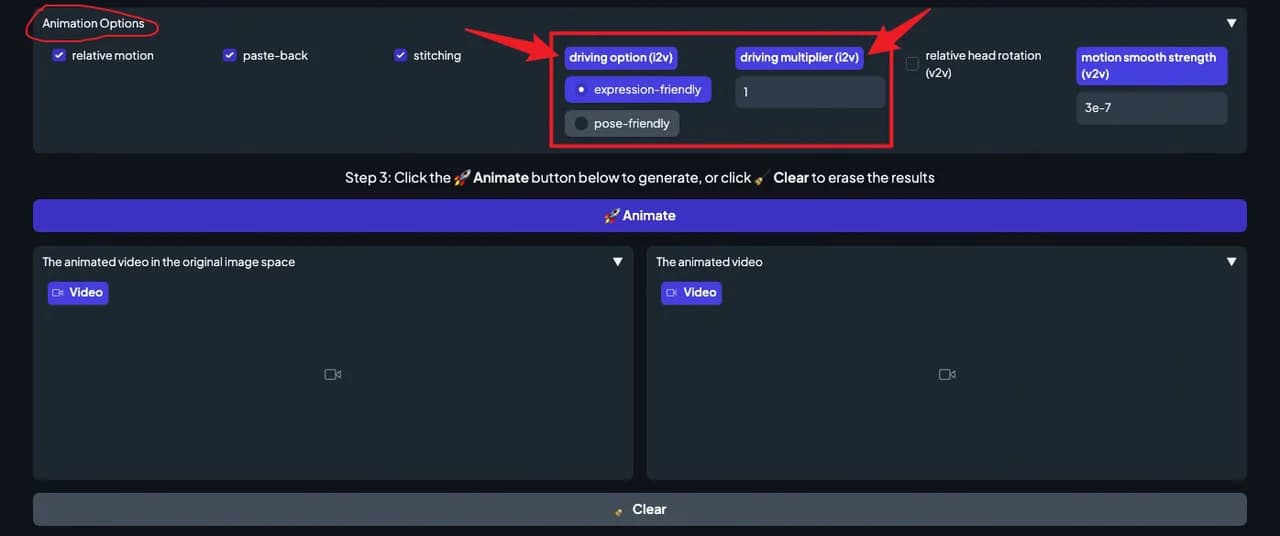
    3. Animate and tune: Press Animate and tune. Whole body? Use ReelMe Motion Control: reelme.ai/video?tab=motion
  • Video models · Repo · picked by ReelMe Academy

    Tencent Hunyuan Community License

    Tencent's open video model with over 13 billion parameters: write a prompt, get a cinematic 720p clip. It runs on a big NVIDIA GPU (45 to 80 GB) under Tencent's own community license.

    1. Clone and install: Linux, conda, PyTorch for CUDA 12.6 or 11.8, then the requirements.
    2. Download the weights: Follow ckpts/README.md. You need a GPU with 45 GB or more.
    3. Prompt and render: Run sample_video.py. No 80 GB GPU? Try text-to-video in ReelMe: reelme.ai/video?mode=t2v

Want it step by step? From Zero to AI Creator