RepoApache-2.0Video modelsWan4 min read

Wan: open video generation models

Repo · picked by ReelMe Academy

Open-weight text-to-video and image-to-video models. What they are good at, what hardware you need, and how they compare with hosted models.

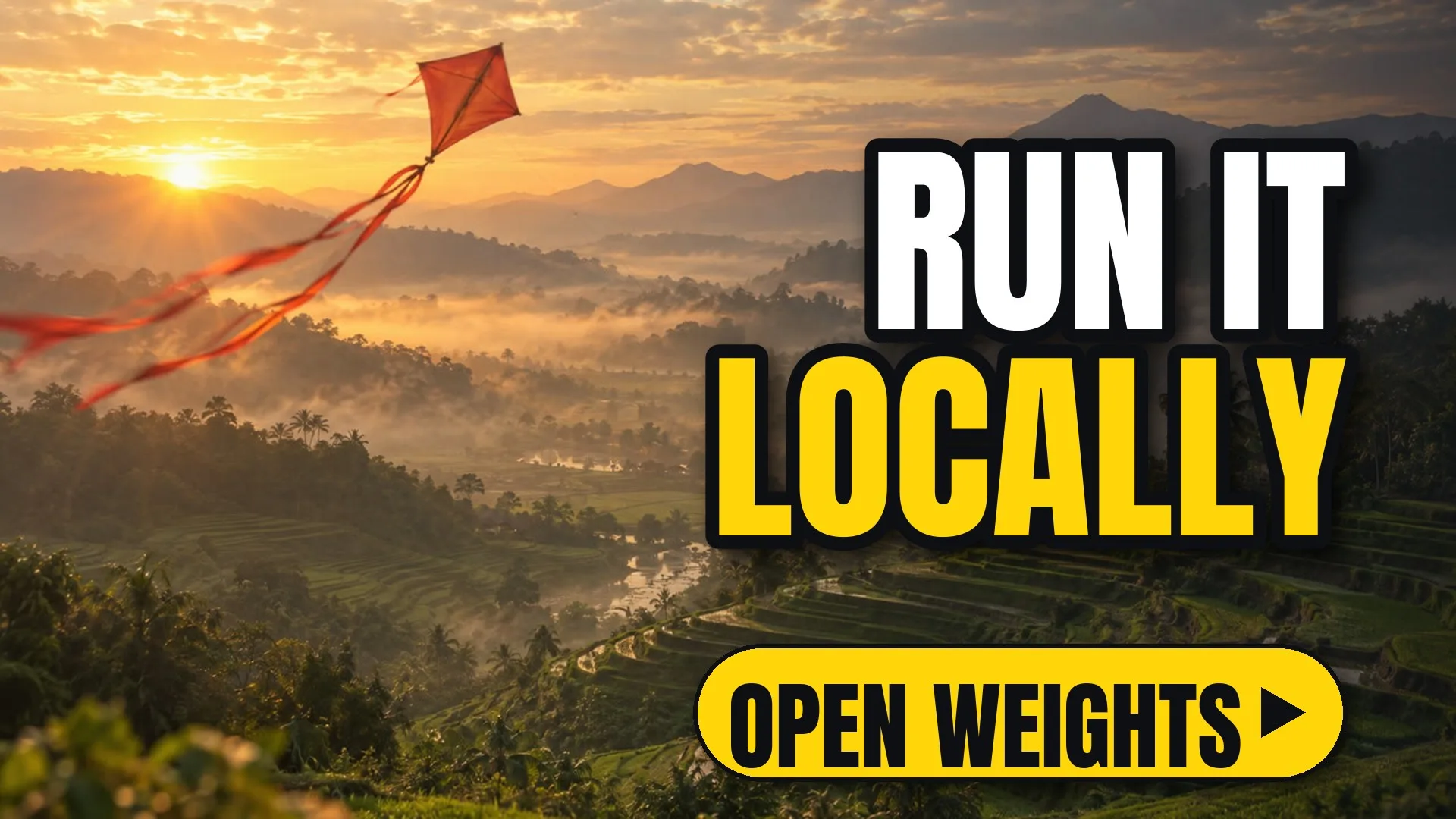
A red kite flying over misty terraced hills at sunrise
Get it

Download the pack.

Everything this resource needs, in one file.

The full write-up

Wan: open video generation models, in detail

Wan is a family of open video generation models with text-to-video and image-to-video variants. The weights are public, so you can run them locally or fine-tune them.

Good at

  • Short clips with coherent motion.
  • Image-to-video from a strong first frame.
  • Running on your own hardware for private projects.

Things to plan for

  • A large GPU for the bigger variants.
  • Longer render times than hosted services.
  • Your own upscaling and frame interpolation.

ReelMe Video runs hosted models such as Seedance and Kling instead: no GPU to buy, no weights to download.

Try the idea in ReelMe

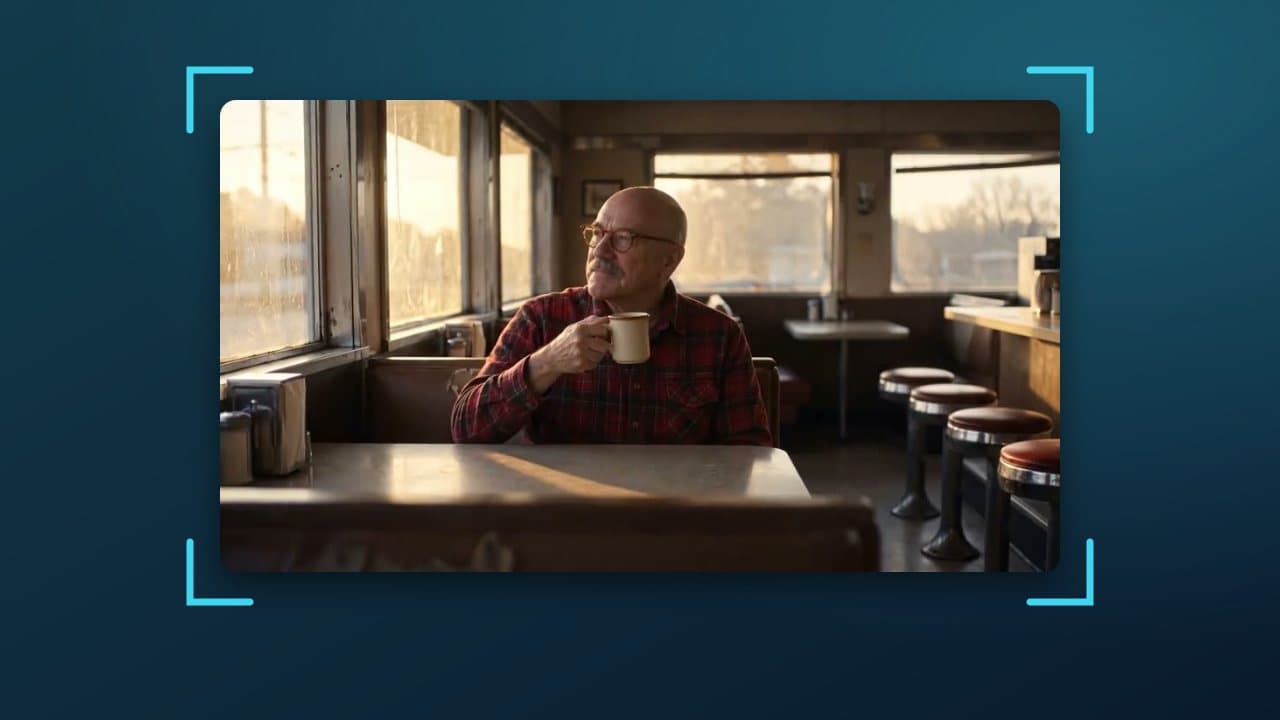
The image-to-video workflow is the same on a canvas (reelme.ai/canvas): a strong first frame, a short motion prompt, then iterate on the camera move. Prefer a single clip without the canvas? Upload the first frame in ReelMe Video (reelme.ai/video?mode=i2v) and describe one camera move.
Nov 10, 2026

How it works

3 steps

  1. Pick a strong first frame

    Sharp subject, clear depth.

  2. One motion per clip

    Push-in, pan or orbit, not all three.

  3. Render it in ReelMe

    Upload the first frame at reelme.ai/video?mode=i2v and describe one move.

  • Open source · Repo · picked by ReelMe Academy

    Apache-2.0

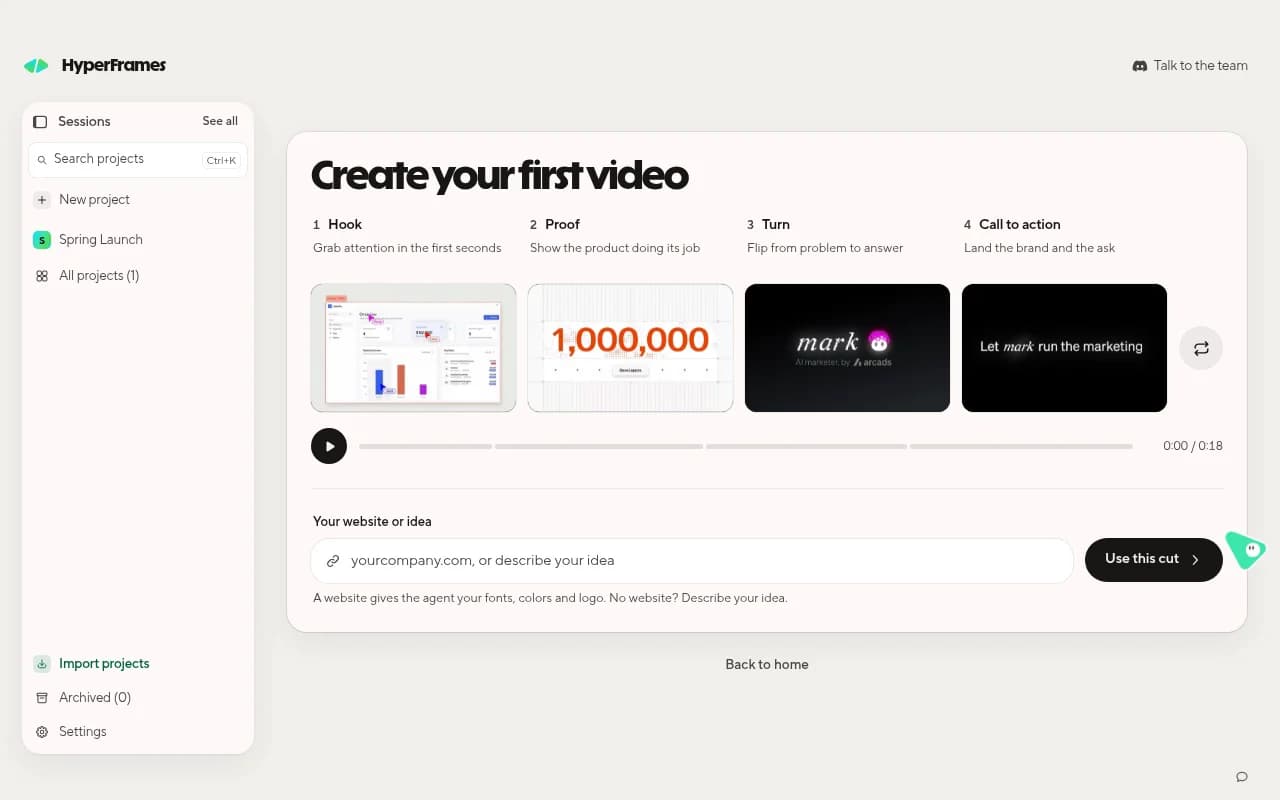
    HeyGen's free, open-source video framework. Your coding agent writes the video as HTML and animation, and HyperFrames renders it to MP4, frame by frame.

    1. Get Studio: Download the free app for Mac, Windows or Linux and sign in with HeyGen.
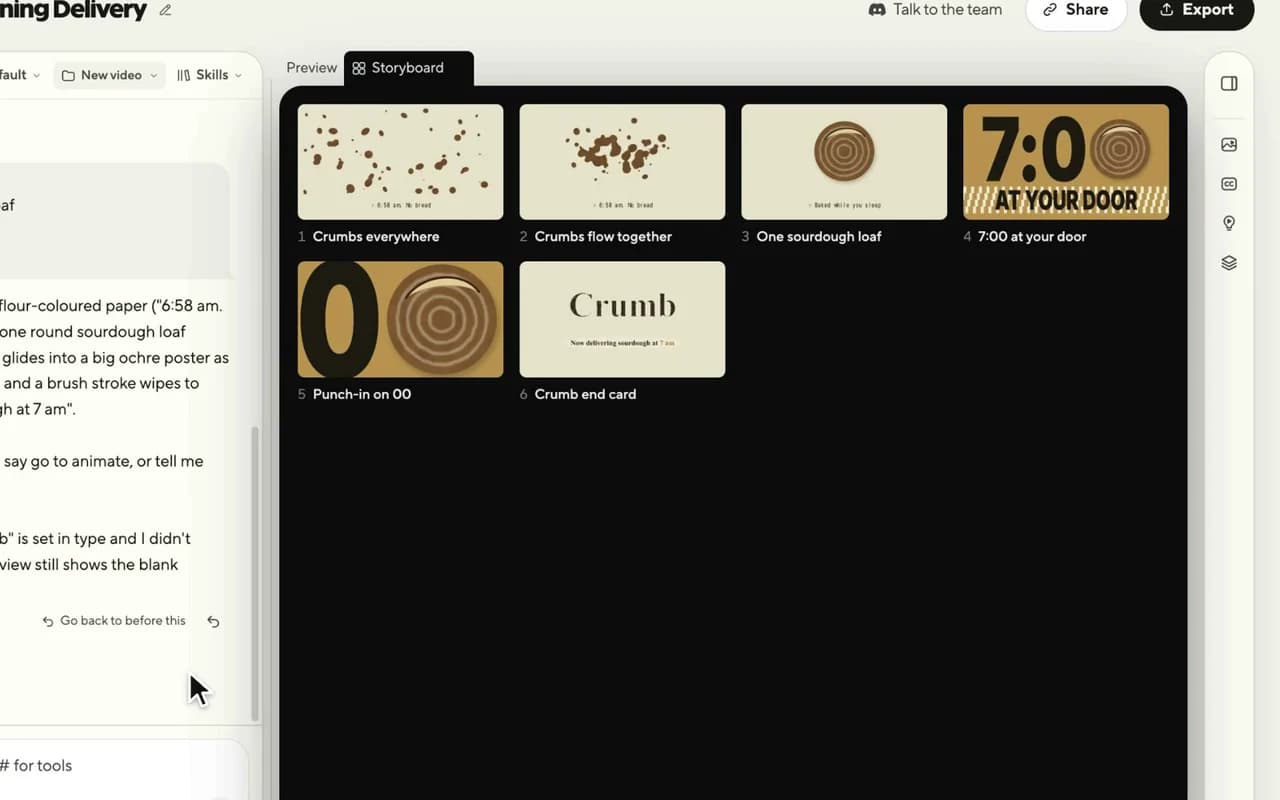
    2. Approve the storyboard: Describe the video in one sentence; check every shot as a still.
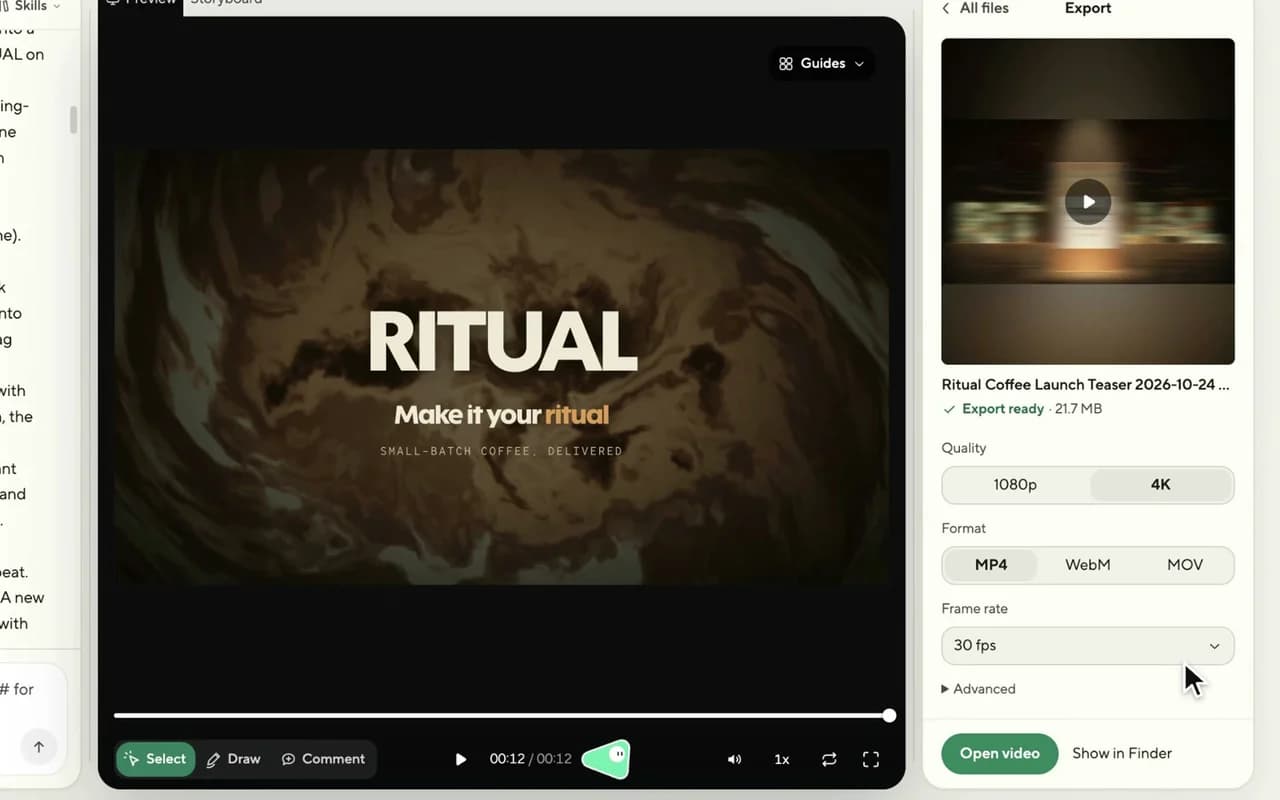
    3. Edit and export: Point, draw or type changes; export MP4. Need footage? Use ReelMe MCP: reelme.ai/mcp
  • Video models · Repo · picked by ReelMe Academy

    MIT (models non-commercial)

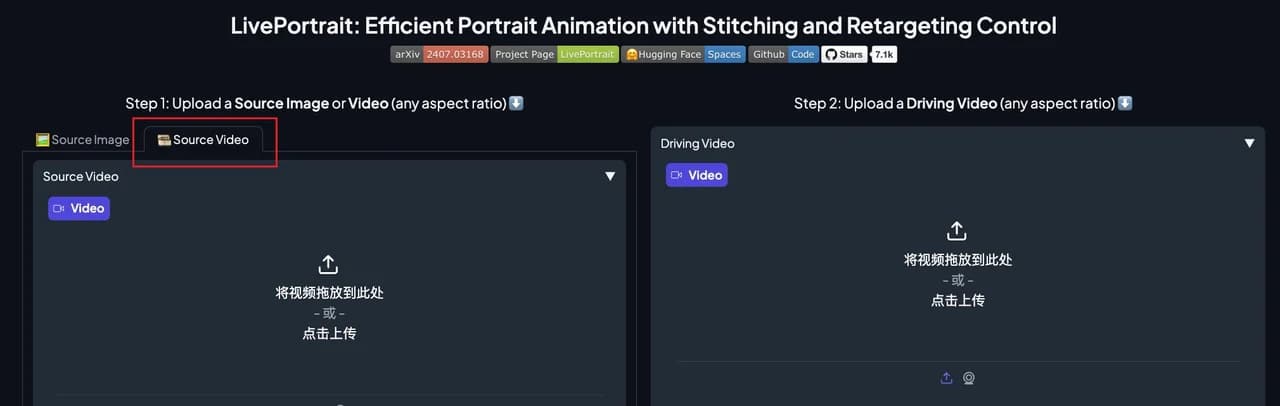
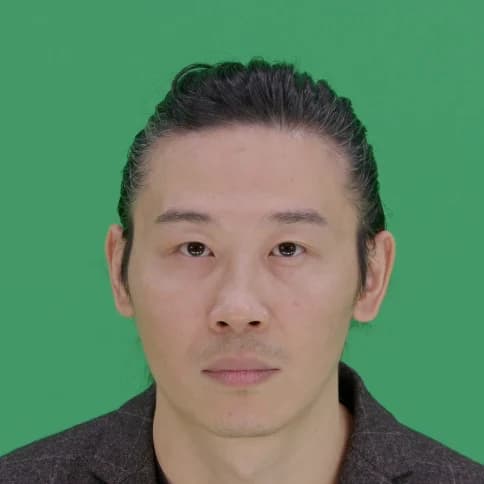
    Open-source portrait animation from Kuaishou: a still picture copies the face in a driving video, every blink, smile and head turn. Works on paintings, 3D characters, cats and dogs.

    1. Install LivePortrait: Clone the repo, pip install the requirements, download the weights.
    2. Pick two inputs: A portrait to animate, and a frontal, neutral-start video of a face.
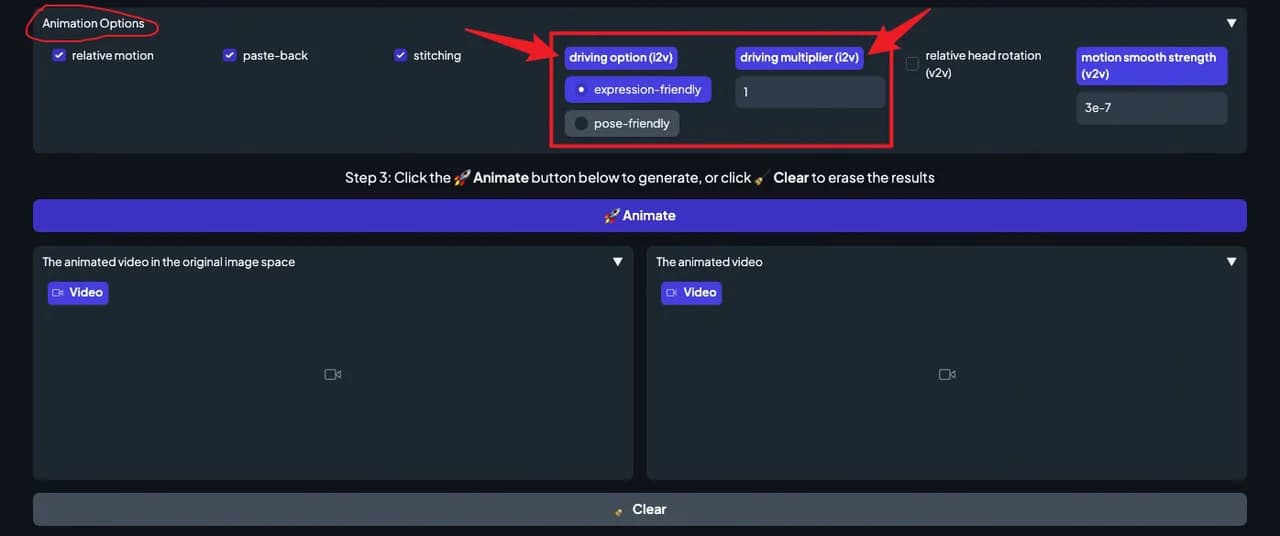
    3. Animate and tune: Press Animate and tune. Whole body? Use ReelMe Motion Control: reelme.ai/video?tab=motion
  • Video models · Repo · picked by ReelMe Academy

    Tencent Hunyuan Community License

    Tencent's open video model with over 13 billion parameters: write a prompt, get a cinematic 720p clip. It runs on a big NVIDIA GPU (45 to 80 GB) under Tencent's own community license.

    1. Clone and install: Linux, conda, PyTorch for CUDA 12.6 or 11.8, then the requirements.
    2. Download the weights: Follow ckpts/README.md. You need a GPU with 45 GB or more.
    3. Prompt and render: Run sample_video.py. No 80 GB GPU? Try text-to-video in ReelMe: reelme.ai/video?mode=t2v

Want it step by step? From Zero to AI Creator