

HotNew
Make UGC Ads That Look Real
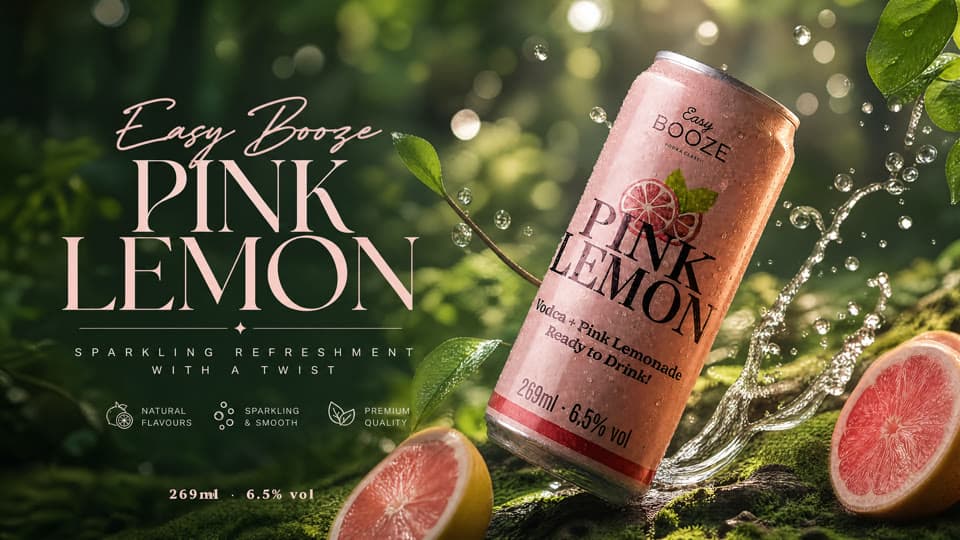
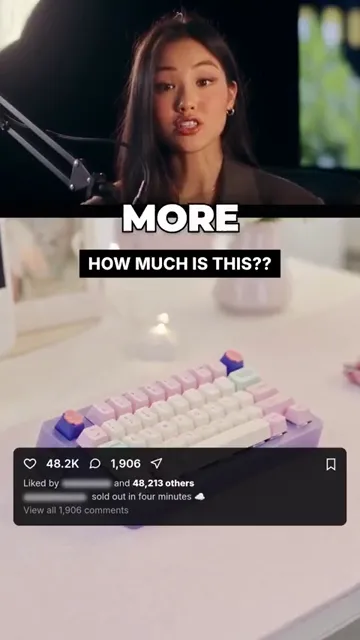
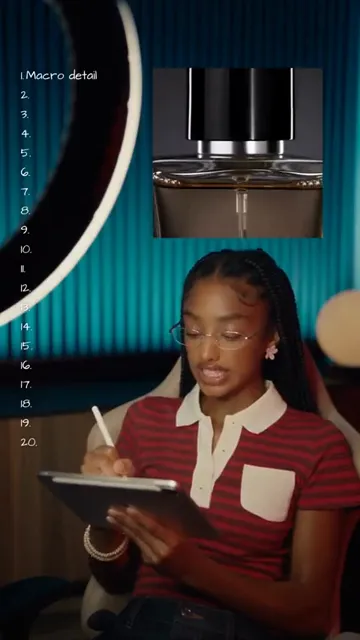
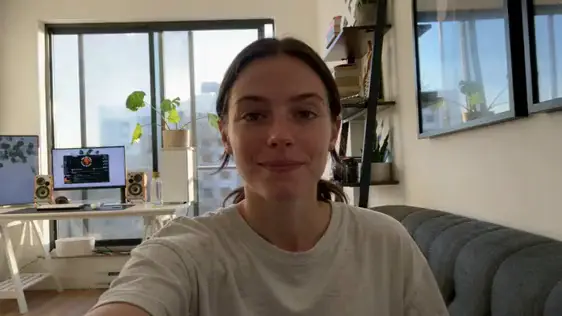
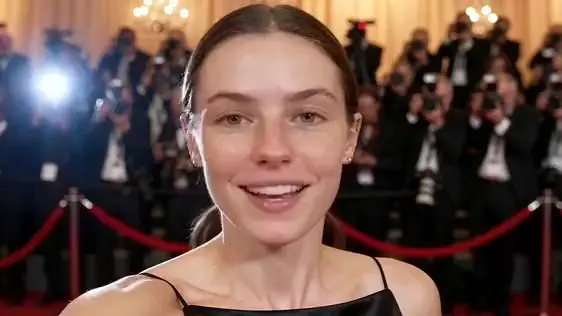
A made me buy it video pulled 18.4M views on YouTube. Make UGC ads like it in ReelMe, no camera.
ReelMe Academy
3 lessons27 minBeginnerFreeLearn free nowCourses, credits and community. All free.
Courses, credits and community. All free.
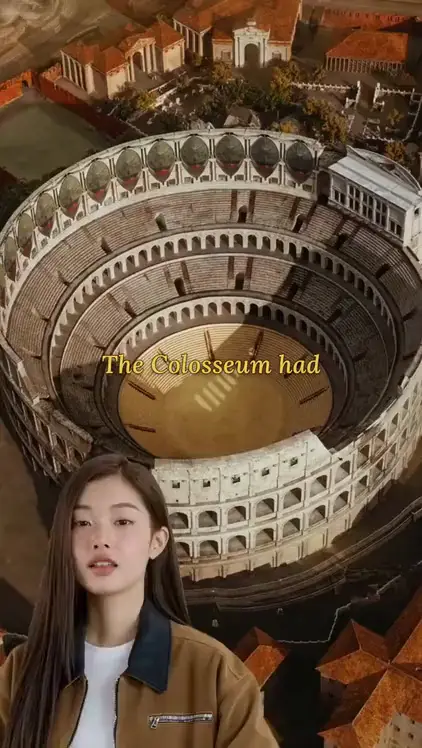
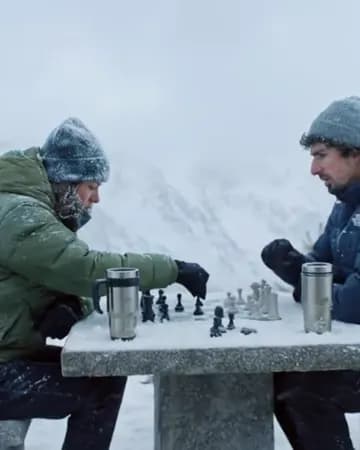
TikTok: Travel story
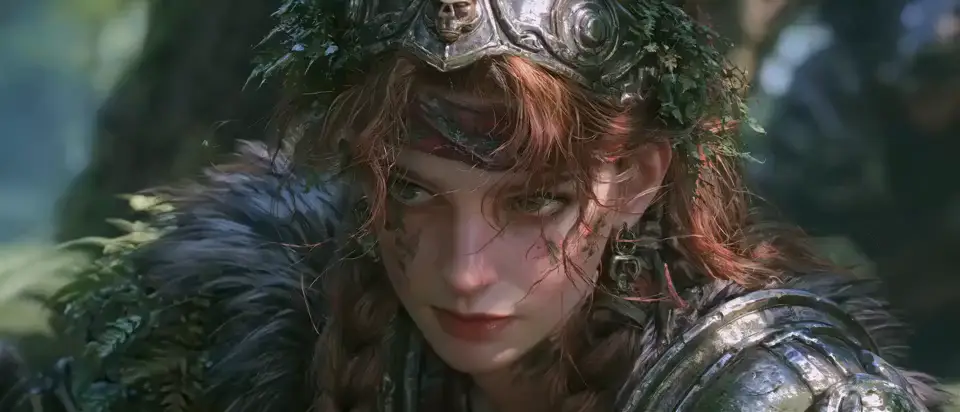
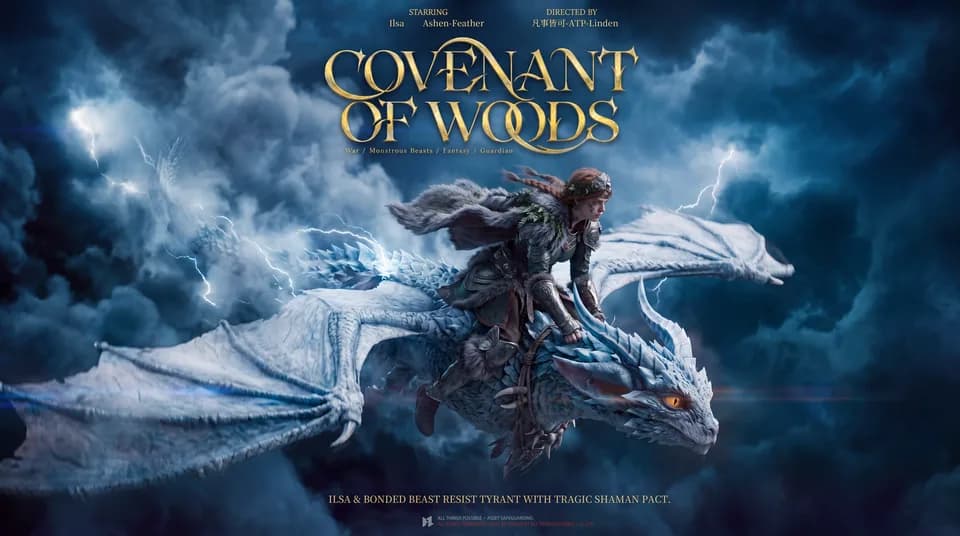
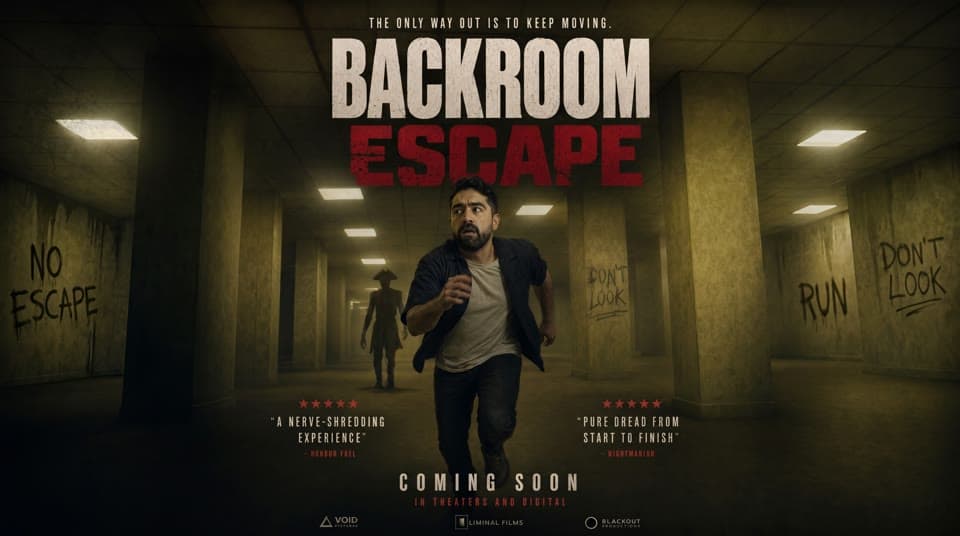
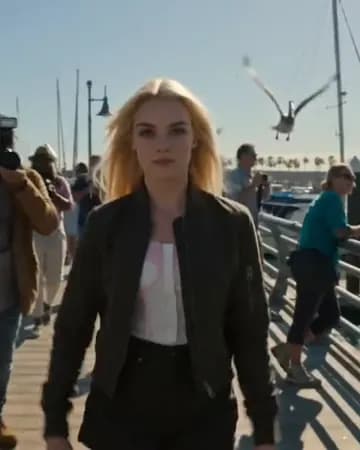
YouTube Shorts: Cinematic film
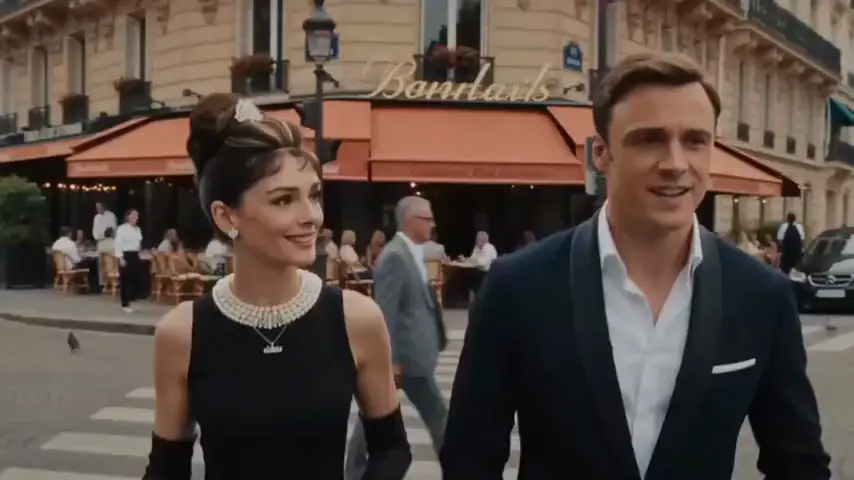
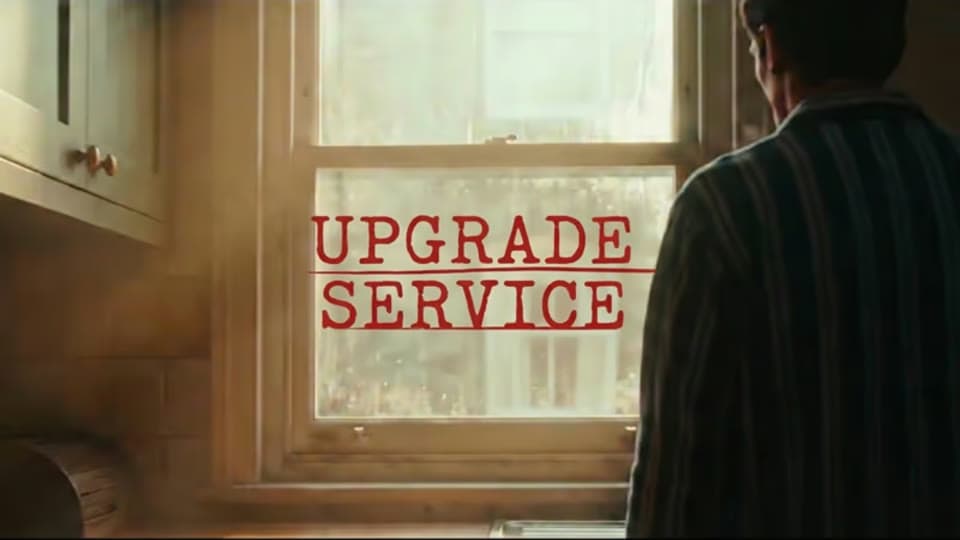
Instagram Reels: AI short drama
TikTok: Travel story
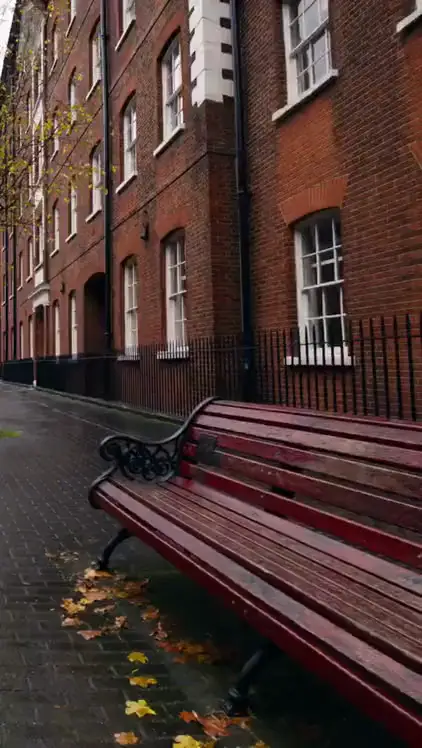
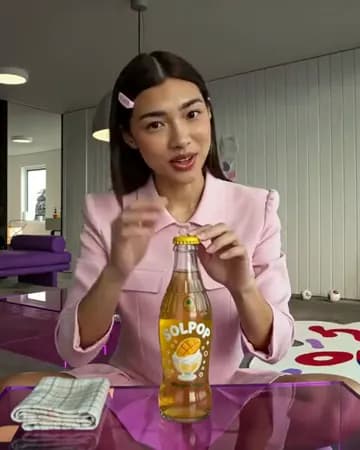
Instagram Reels: UGC selfie
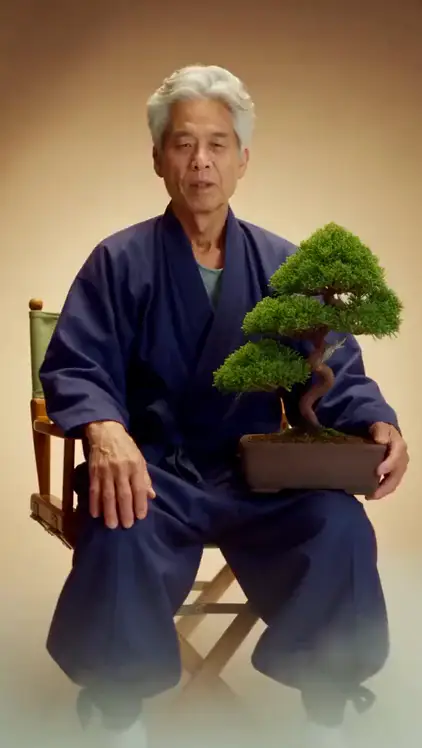
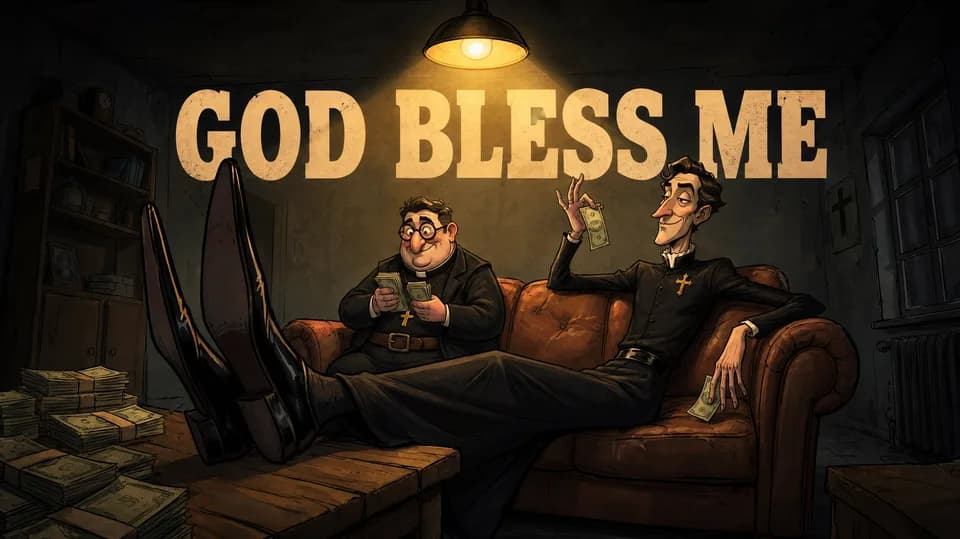
YouTube Shorts: Storytime
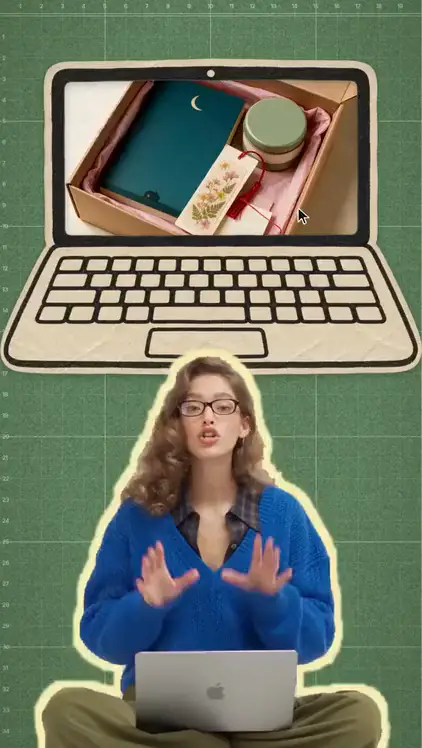
Facebook: Unboxing
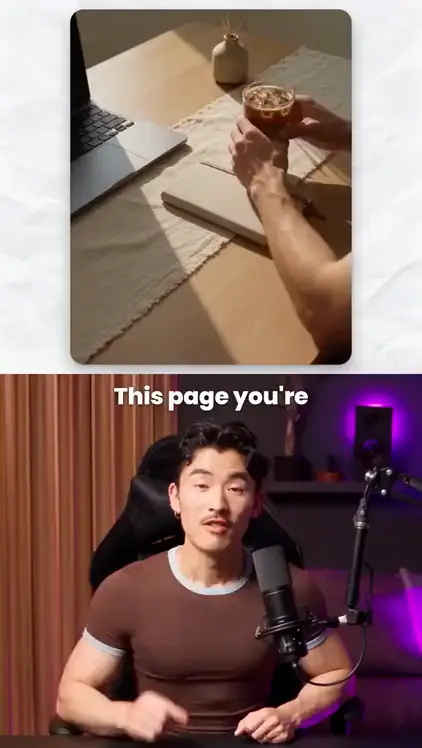
TikTok: Podcast
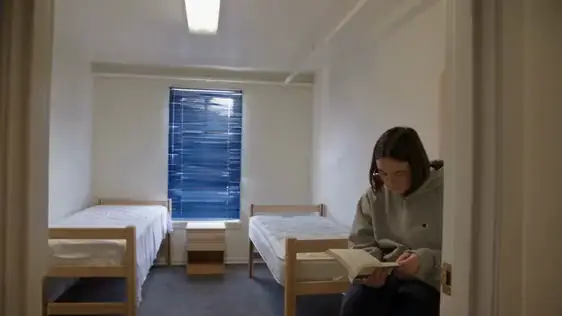
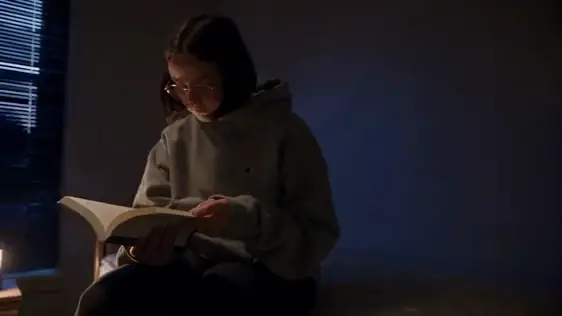
Shot on a phone, finished in ReelMe
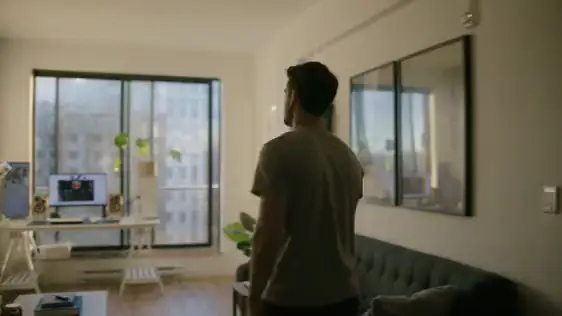
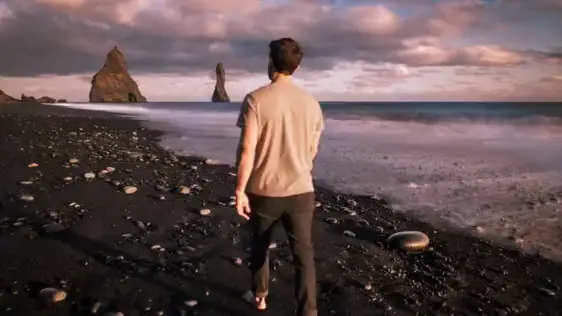
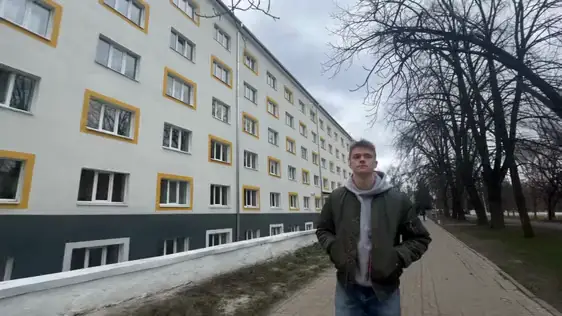
Video to video editing
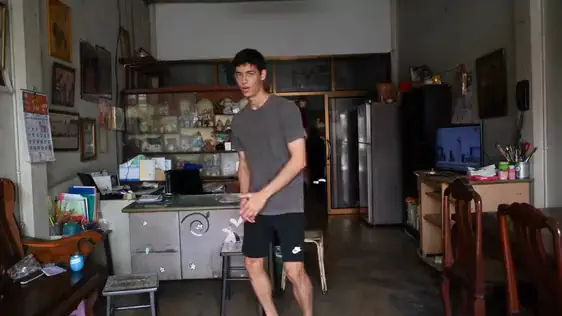
Same take, same moves: the living room becomes a black sand beach at sunset.
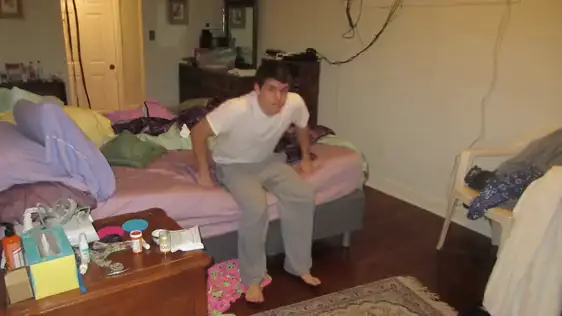
Video to video editing
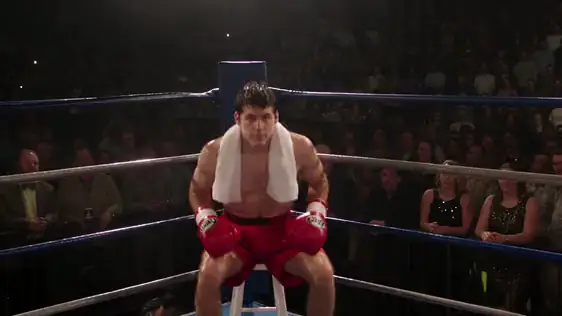
A stretch in a messy bedroom becomes a boxer's win in a packed arena, same moves.
VFX
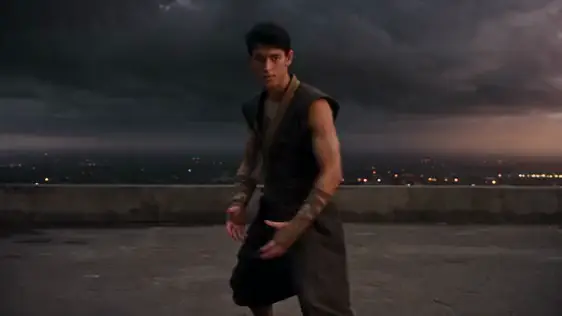
A town-house living room becomes a fighter throwing a blast on a rooftop in a storm.
Motion capture
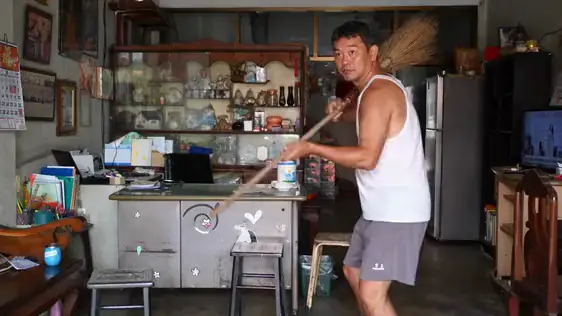
A broom game at home becomes a soldier with a rifle in the ruins, same man, same moves.
Camera angle & relighting
One take, a new shot: the camera moves to a new angle and the light changes to night.
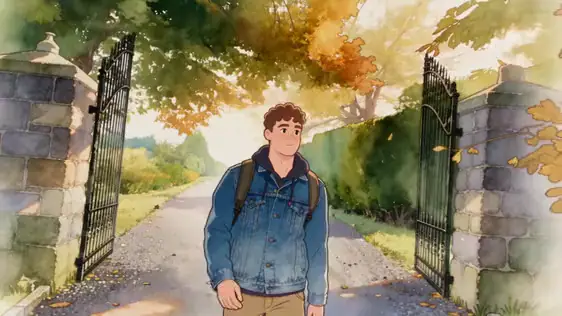
Restyle to anime
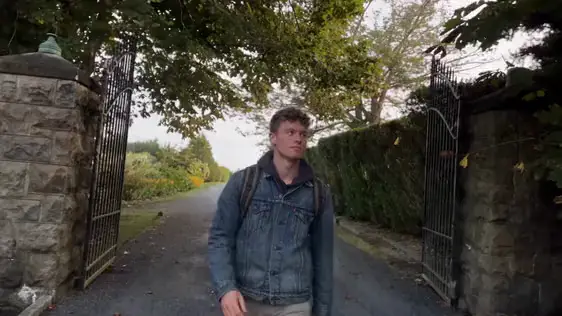
A phone clip of a walk becomes a hand-painted anime shot, every step kept.
Object swap
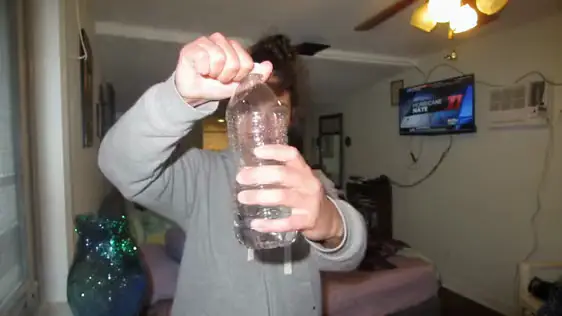
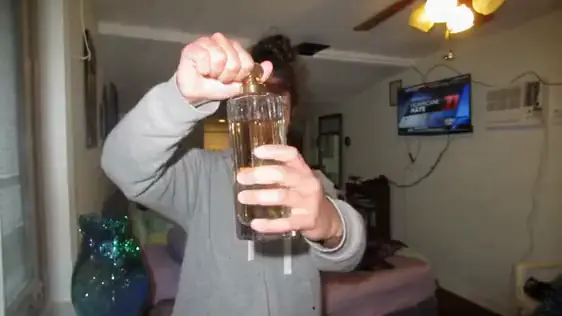
A plastic water bottle becomes a crystal perfume bottle; everything else stays exactly the same.
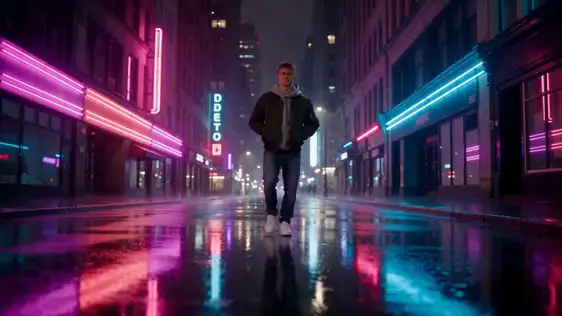
Weather & time of day
A grey daytime street becomes a rainy neon night, same person, same steps.
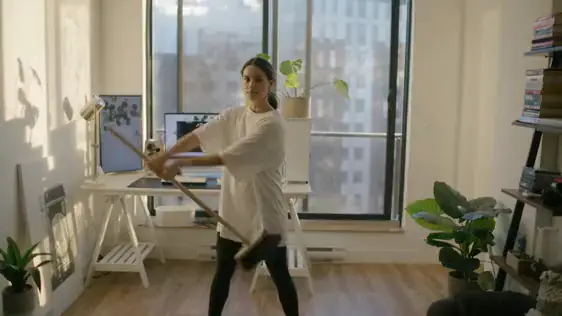
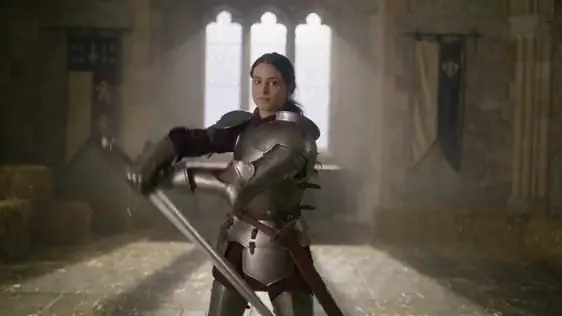
Costume & set change
A girl swinging a broom in her flat becomes a knight in armour in a castle hall.
A made me buy it video pulled 18.4M views on YouTube. Make UGC ads like it in ReelMe, no camera.
ReelMe Academy
3 lessons27 minBeginnerFreeLearn free now
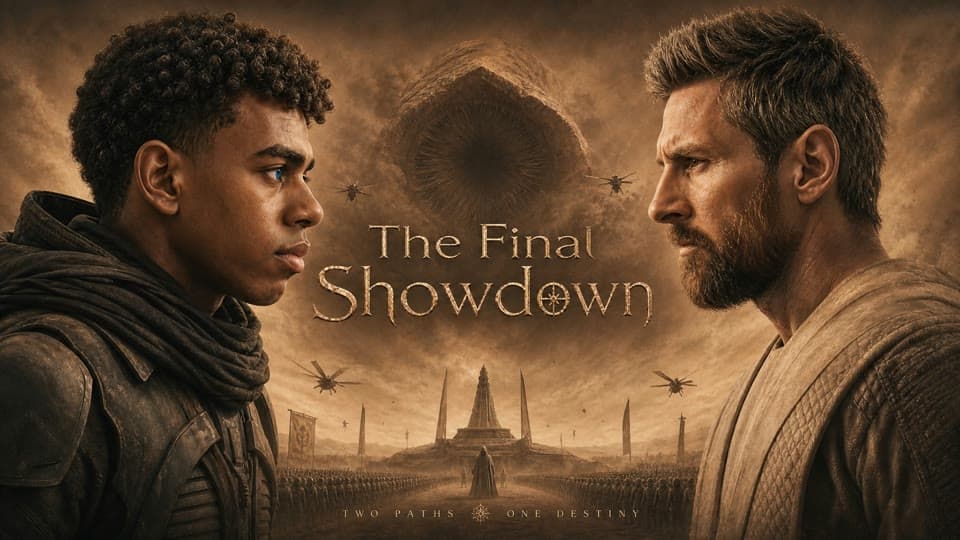
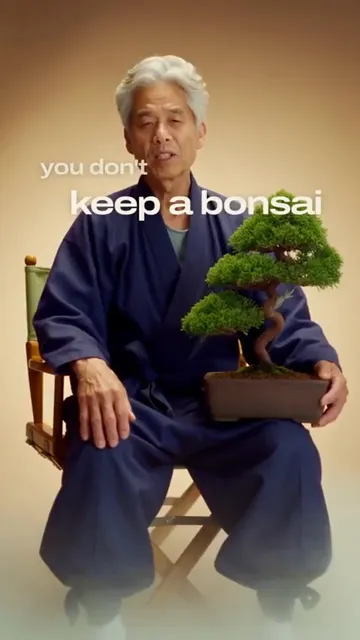
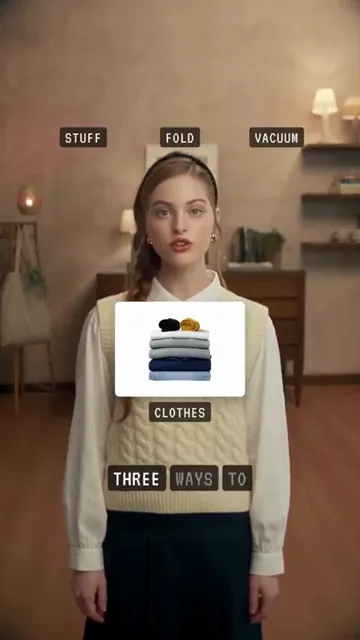
One AI animated cat short hit 248M views on YouTube. Make your own cartoon character, scenes and episode in ReelMe.
ReelMe Academy
3 lessons23 minBeginnerFreeLearn free now
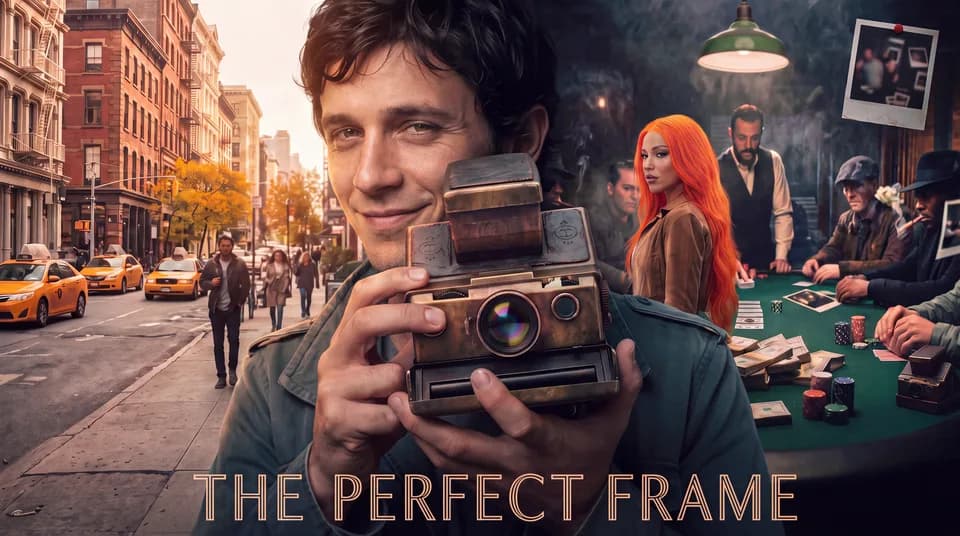
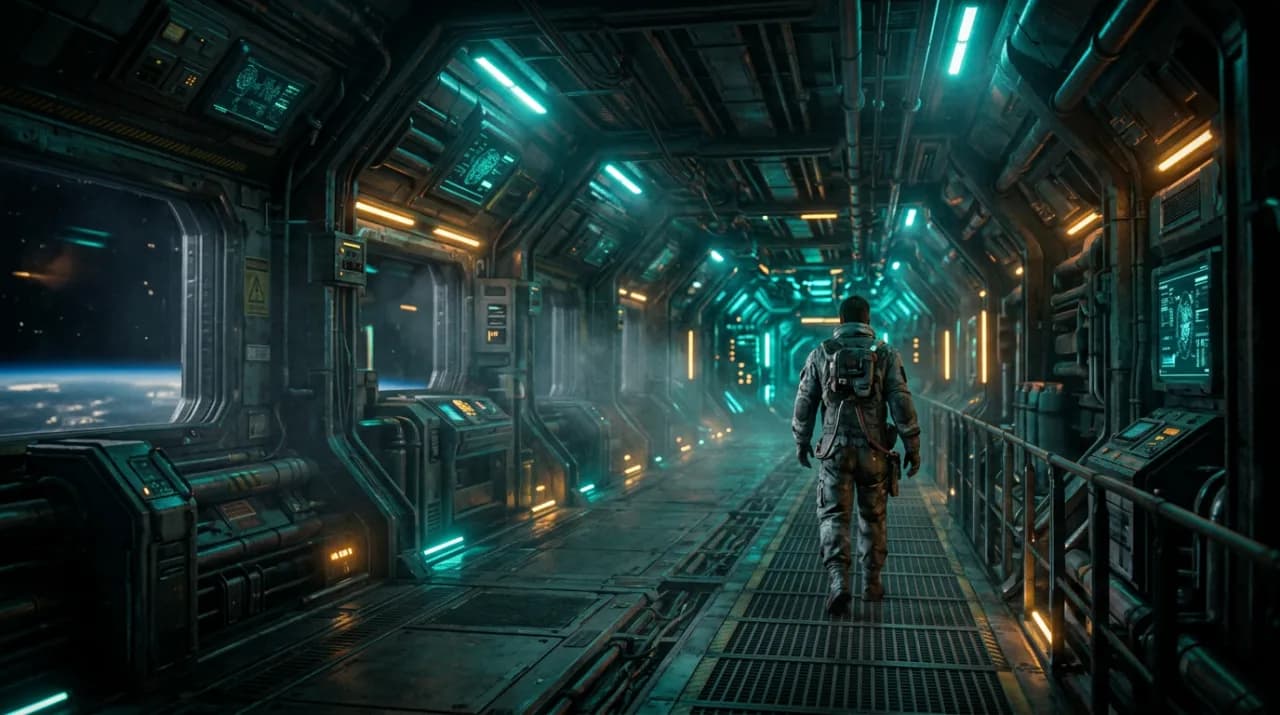
Make a 60 to 90 second cinematic AI short film with a real story, alone, shot by shot on ReelMe Canvas. One AI short film pulled 3.69M views on YouTube (Oct 2026).
ReelMe Academy
3 lessons13 minBeginnerFreeLearn free now
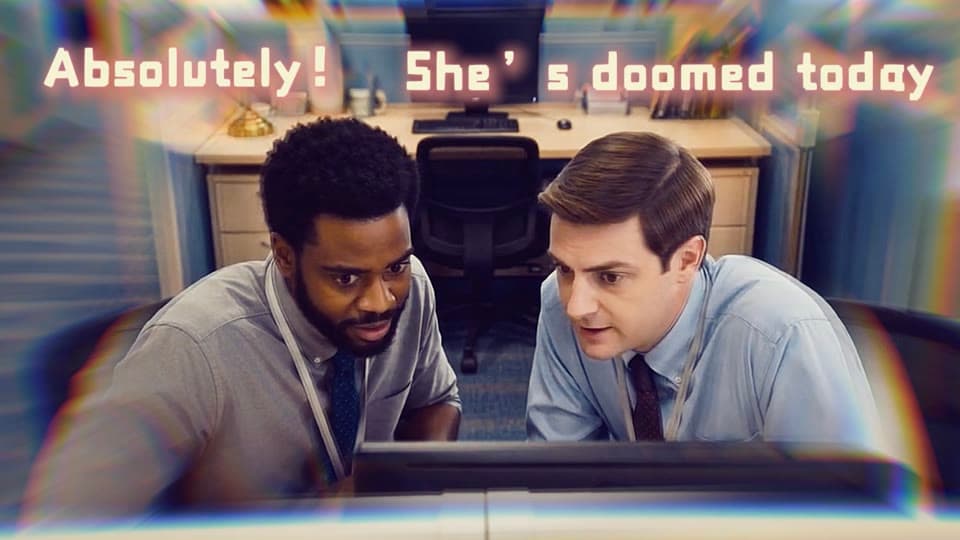
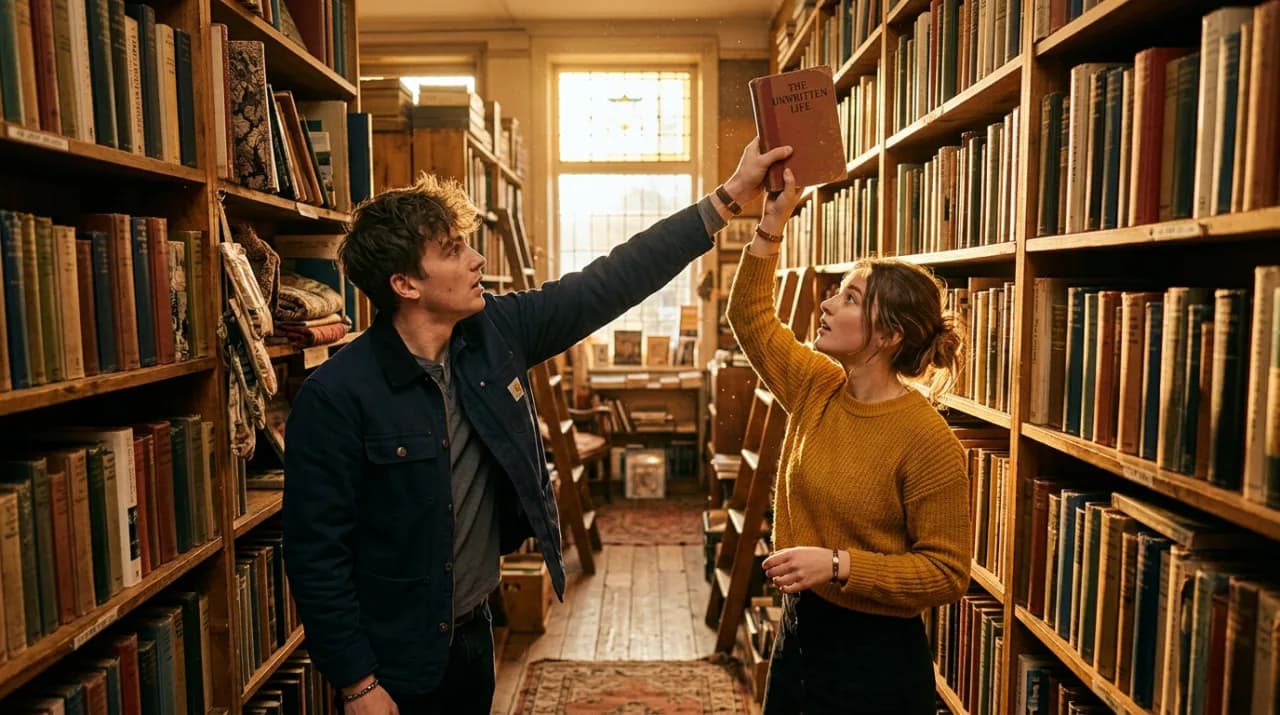
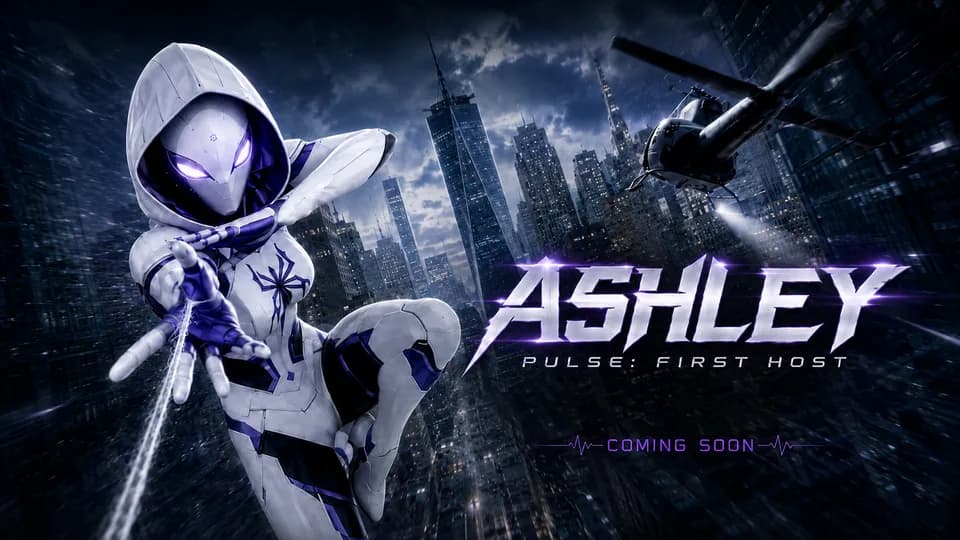
Make episode 1 of your own AI short-drama series tonight with ReelMe Canvas and AI Editor, then let Claude make episode 2: the format drama apps made $2.98B with in 2025.
ReelMe Academy
3 lessons14 minBeginnerFreeLearn free nowFilms made with ReelMe
Ads, films, avatars: use what you learn everywhere.
Lead · cast
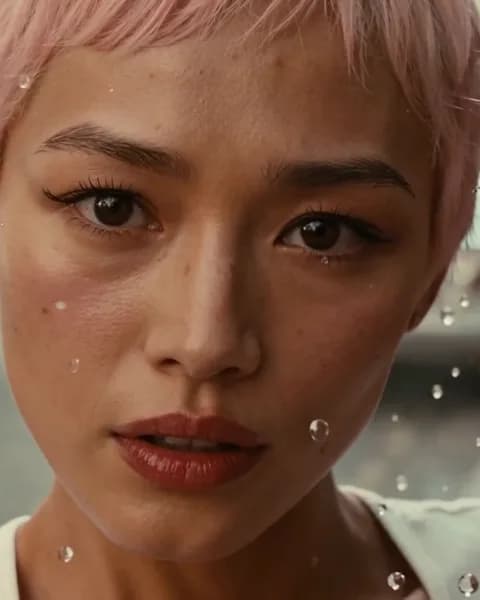
GPT Image 2.5
Paris café · location
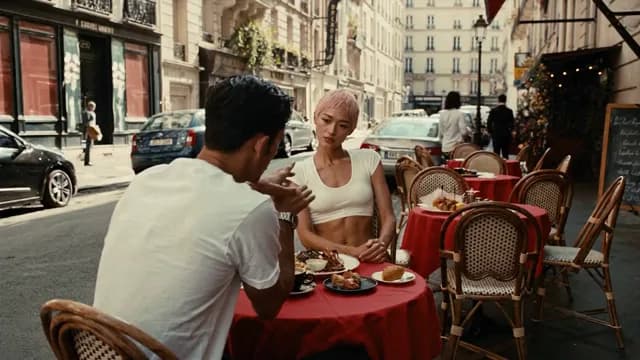
Nano Banana Pro
Scene 2 · start frame
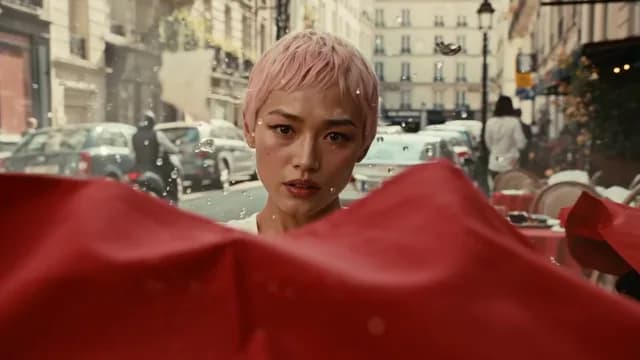
Nano Banana Pro
Scene 2 · 0:12
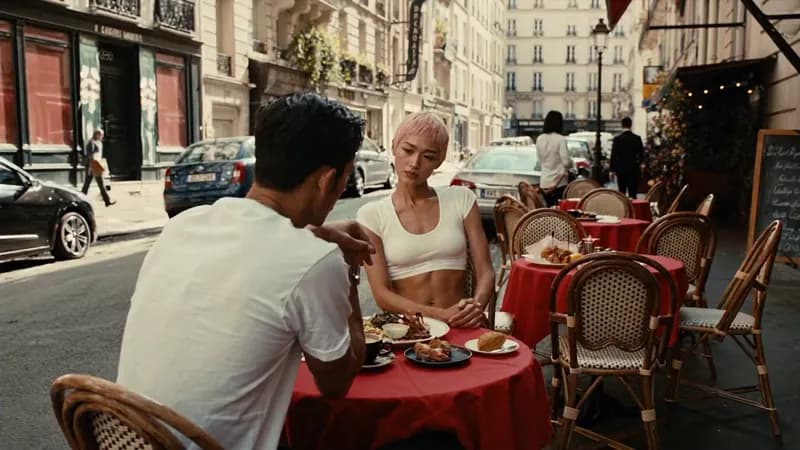
Kling 3.0
4 nodes · 3 models · 0:12 output
A cast portrait and a location still, one start frame for the turn, then the scene. Course: Direct a Film Without a Crew.
You just learn. Submit what you make and we match you with brands hiring. No client hunting.
Partners who send us the work



 Contra
 TikTok



$2,400 a monthMai Tran · UGC ads for brands

$1,150 a monthDaniel Okafor · A faceless channel
What today’s video models can make. Learn to make it in the courses.
Guides, open-source repos and tools we use, explained for creators.
Open source · Repo · picked by ReelMe Academy
npx skills add heygen-com/hyperframes
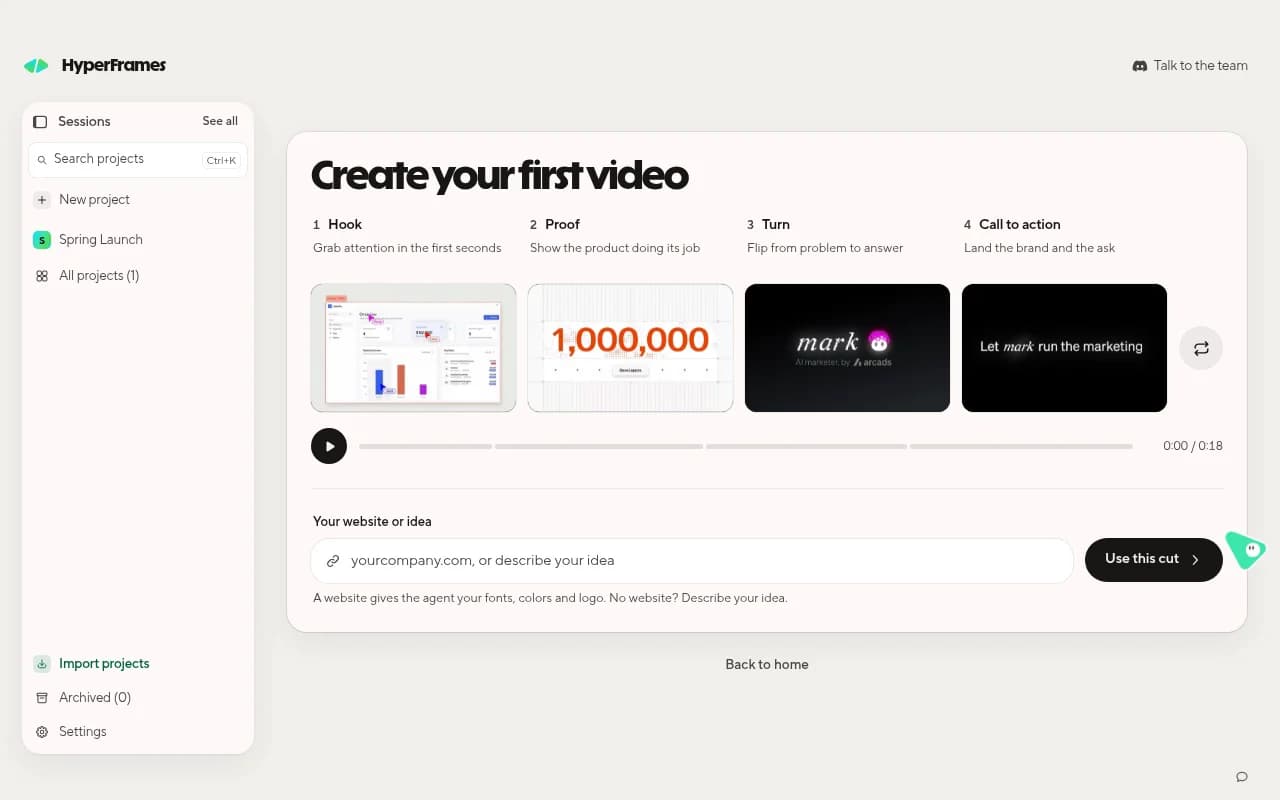
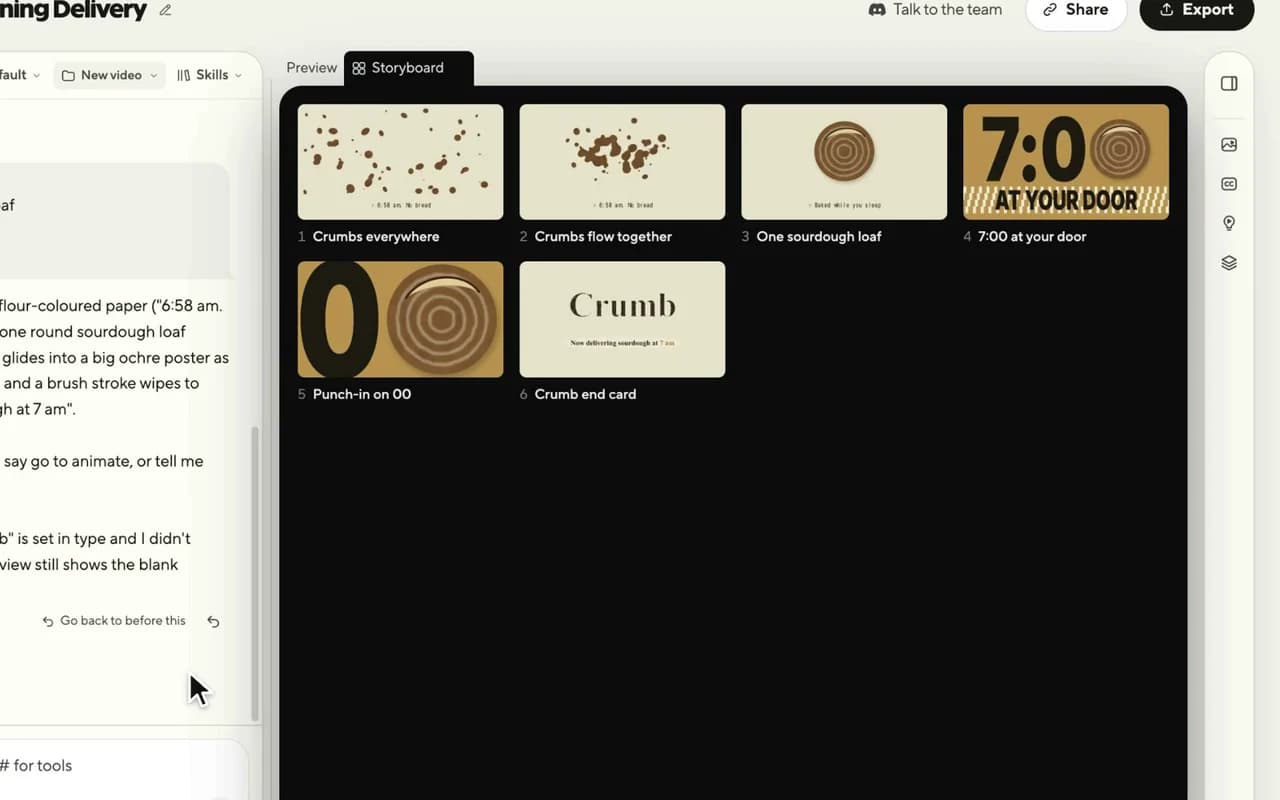
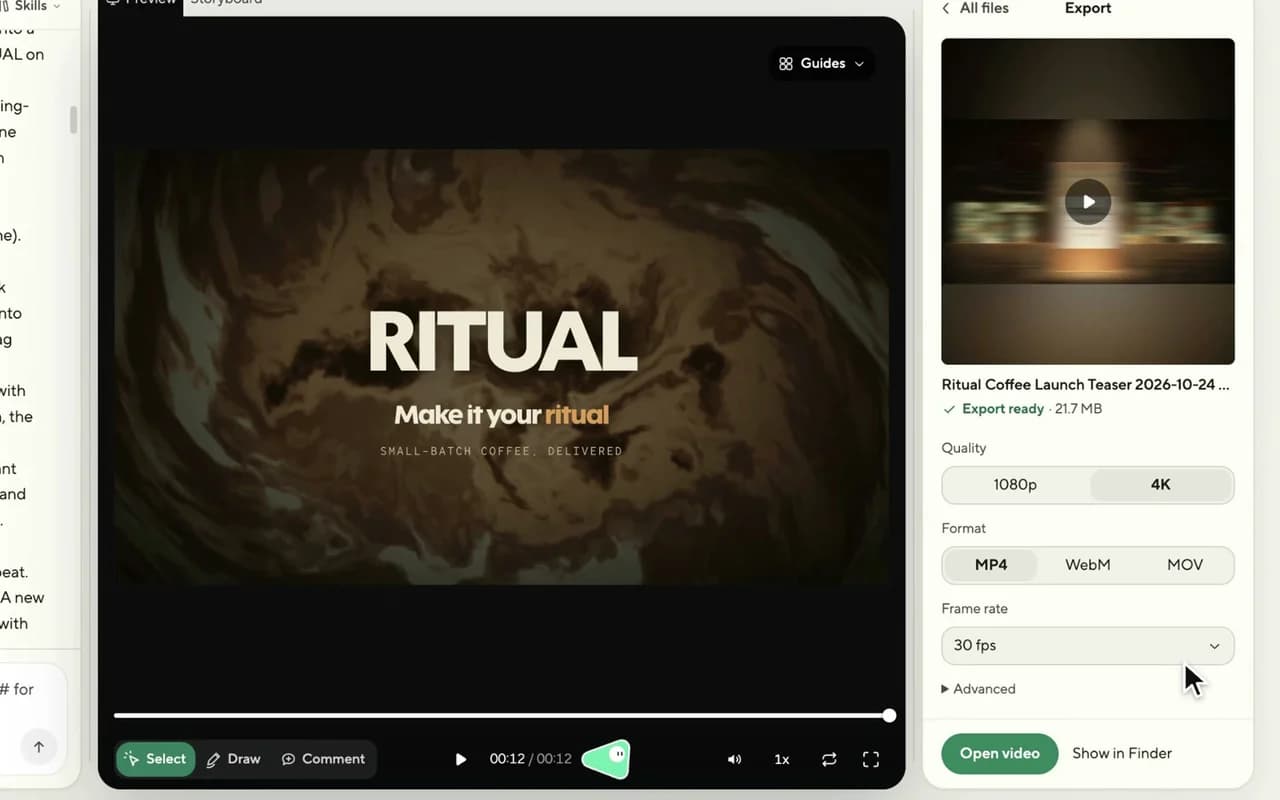
Video models · Repo · picked by ReelMe Academy
pip install -r requirements.txt
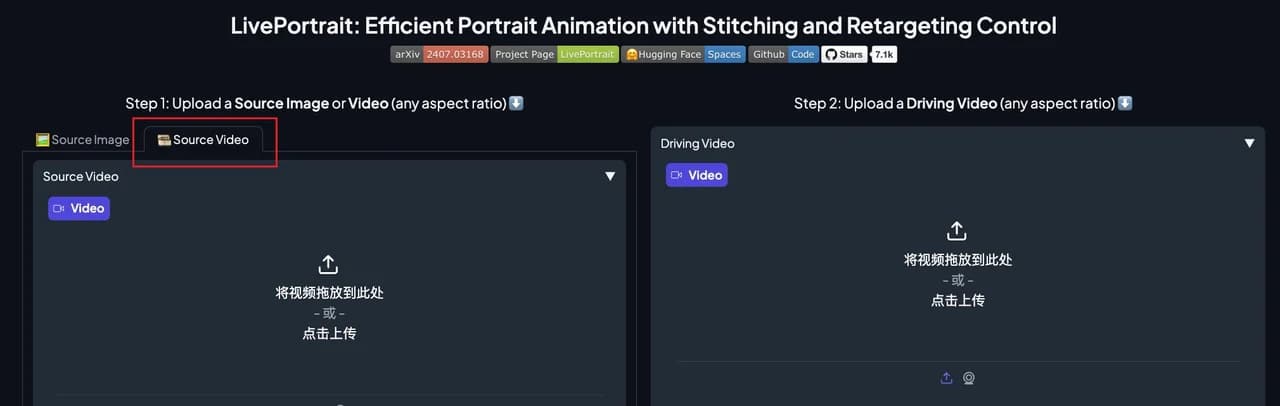
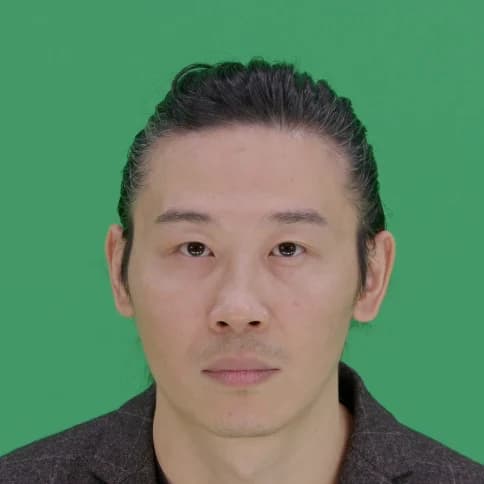
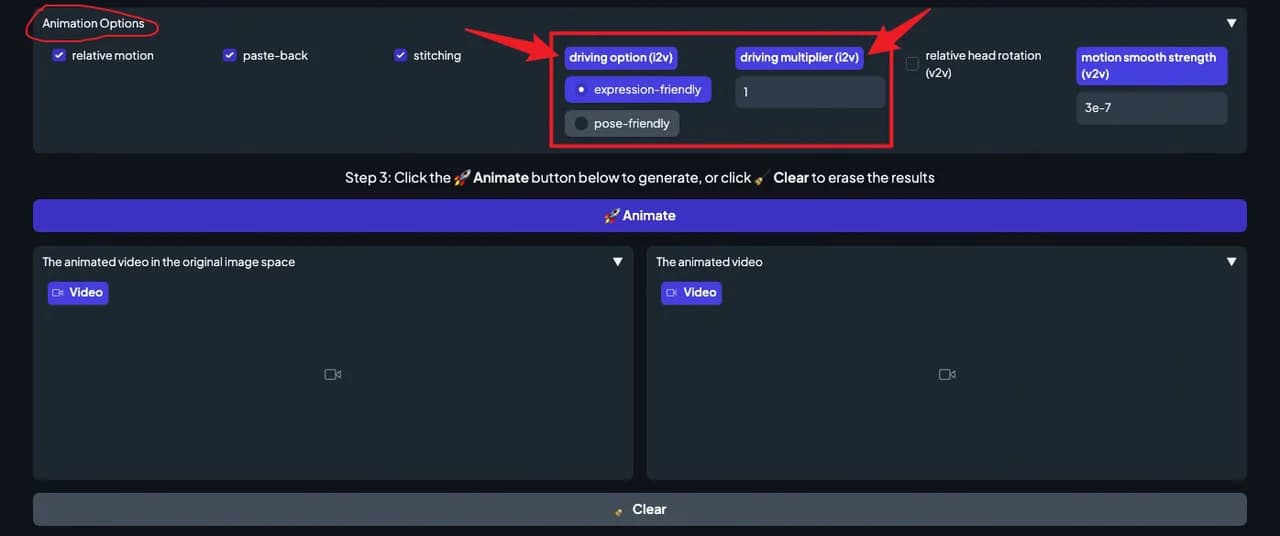
Video models · Repo · picked by ReelMe Academy
git clone https://github.com/Tencent-Hunyuan/HunyuanVideo

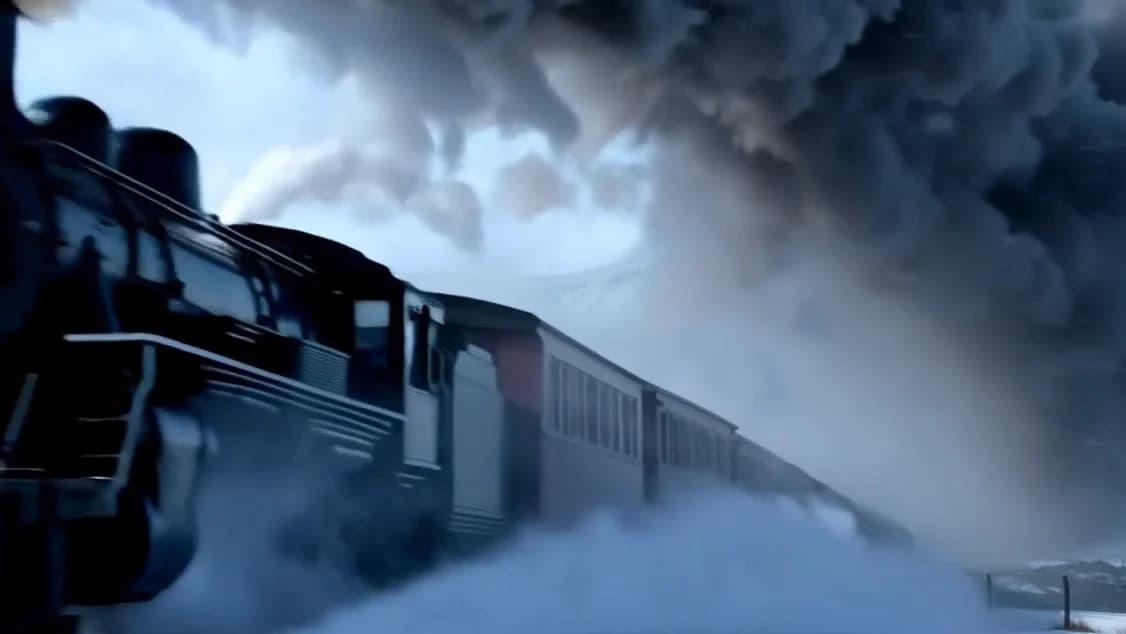
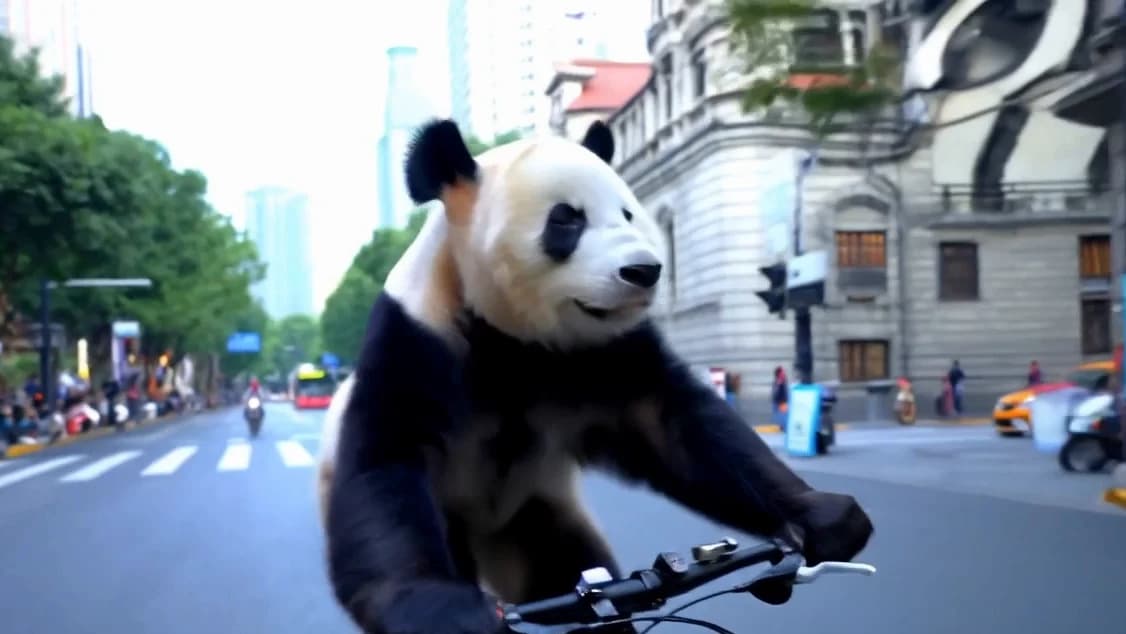
Video models · Repo · picked by ReelMe Academy
git clone https://github.com/Lightricks/LTX-Video.git
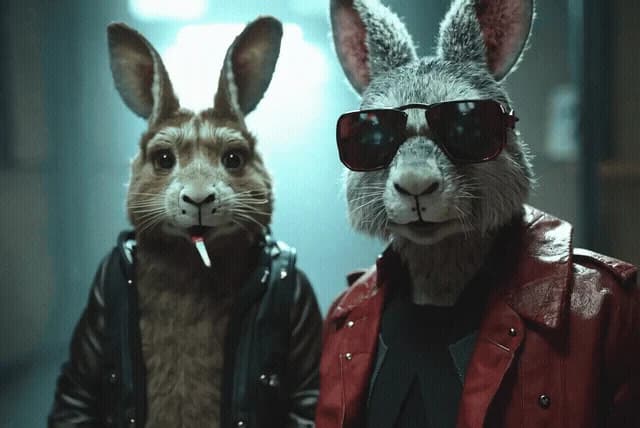
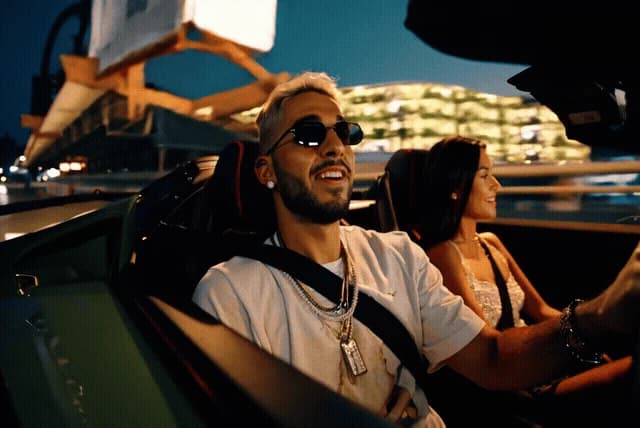
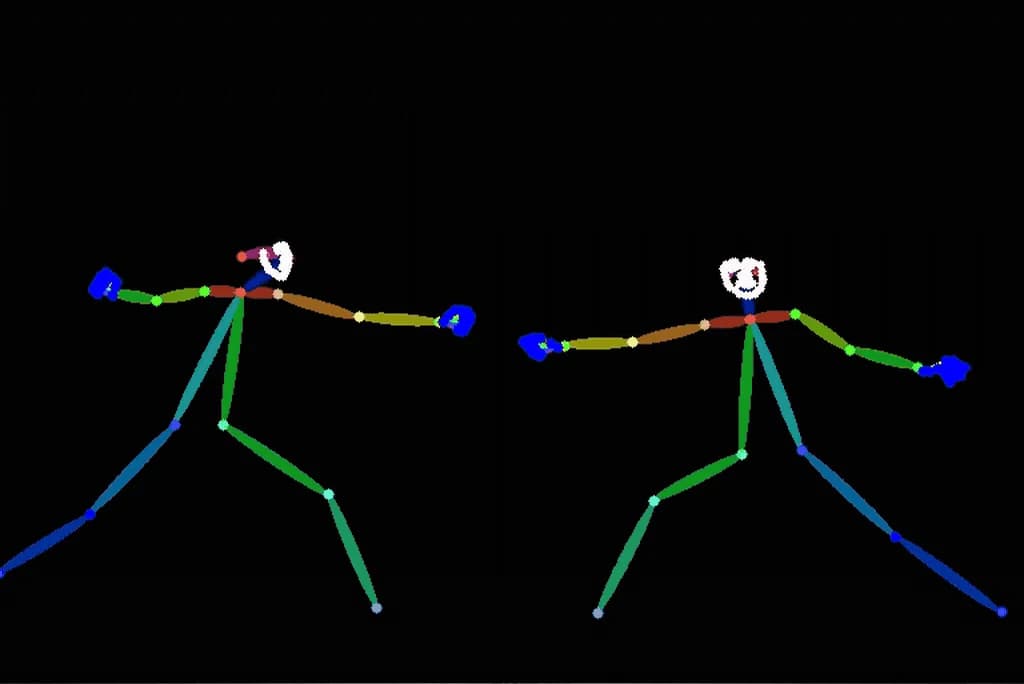
Video models · Repo · picked by ReelMe Academy
pip install torch torchvision torchaudio --index-url https://download.pytorch.org/whl/cu126
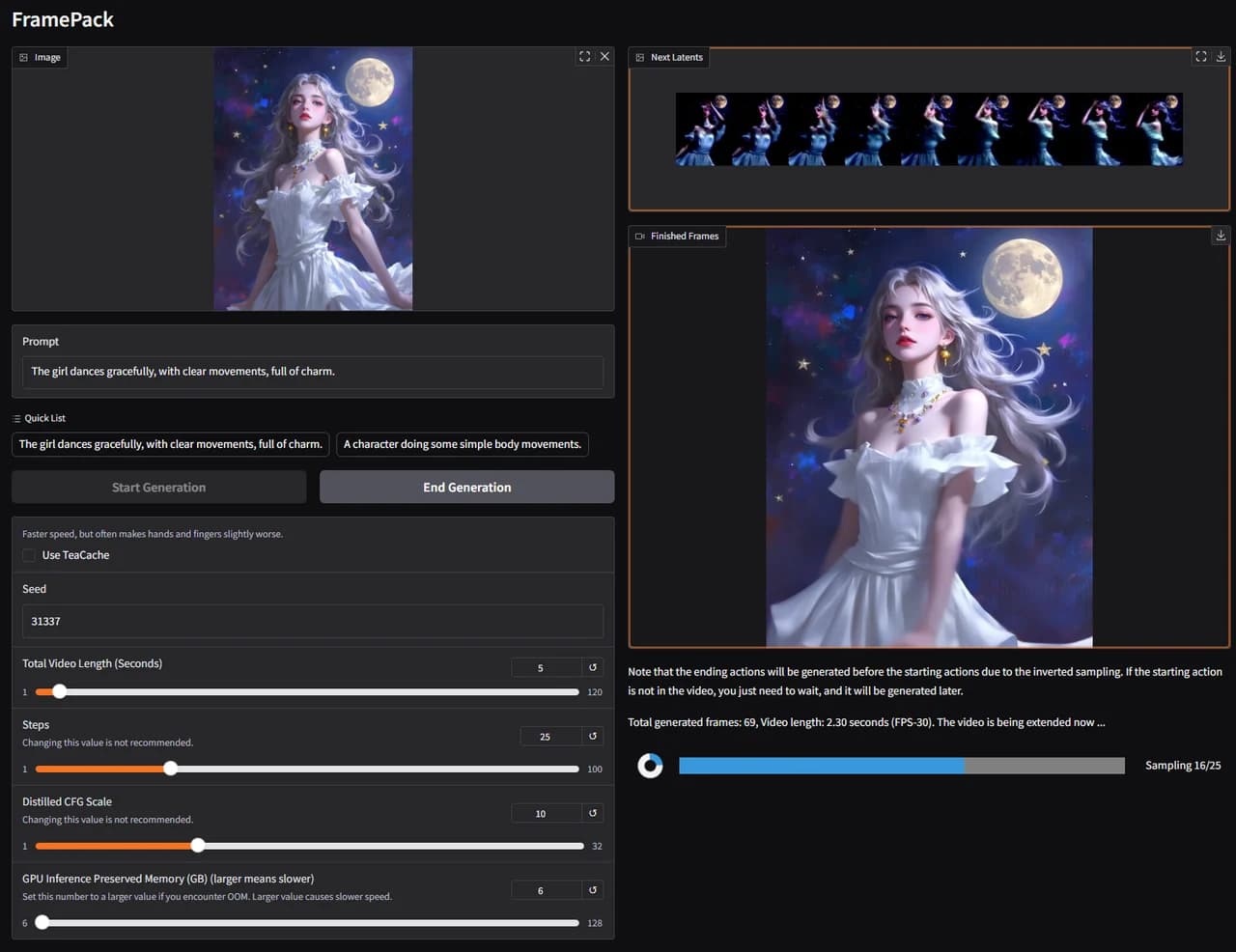

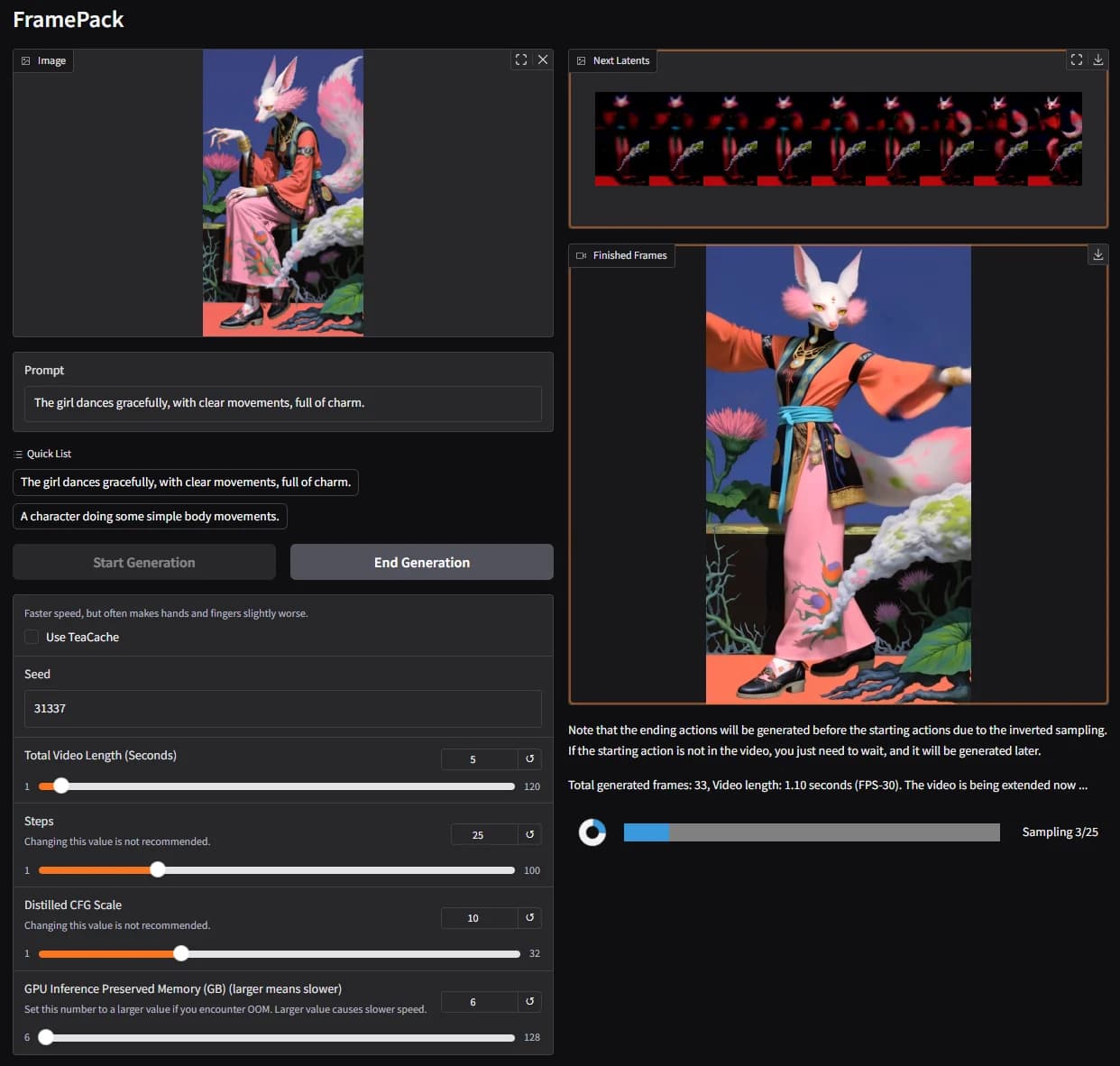
Open source · Repo · picked by ReelMe Academy
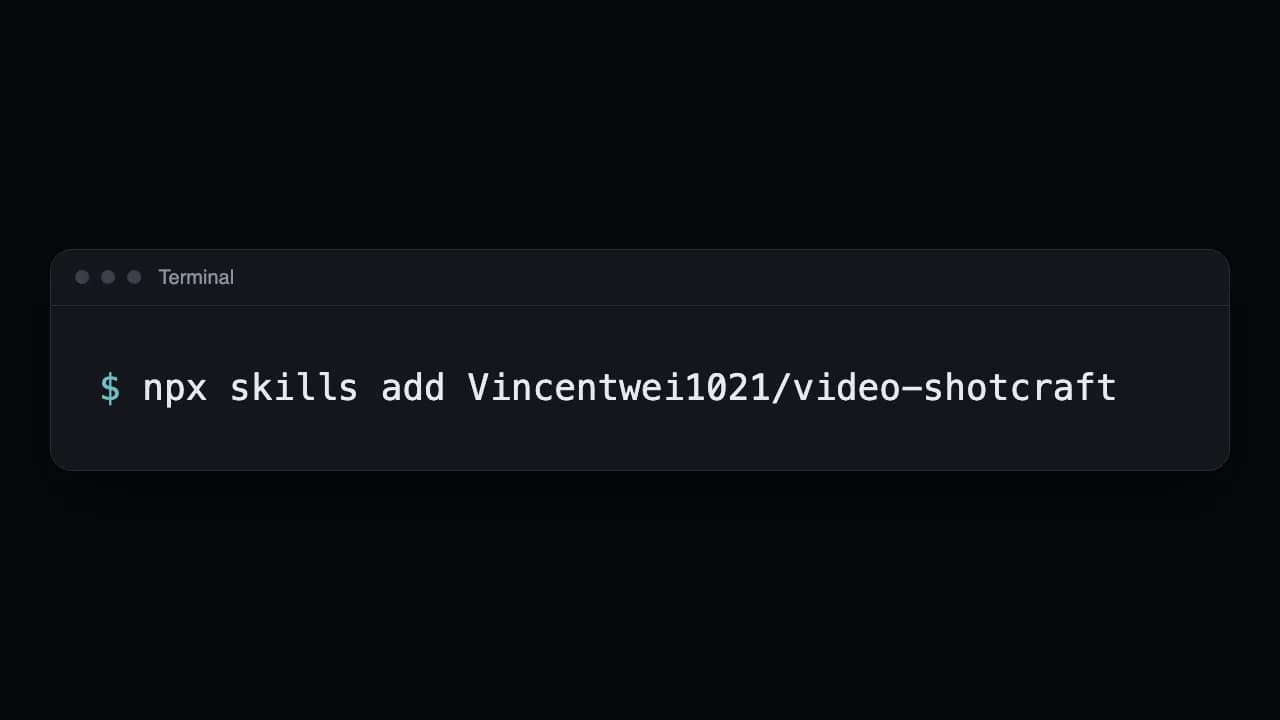
npx skills add Vincentwei1021/video-shotcraft
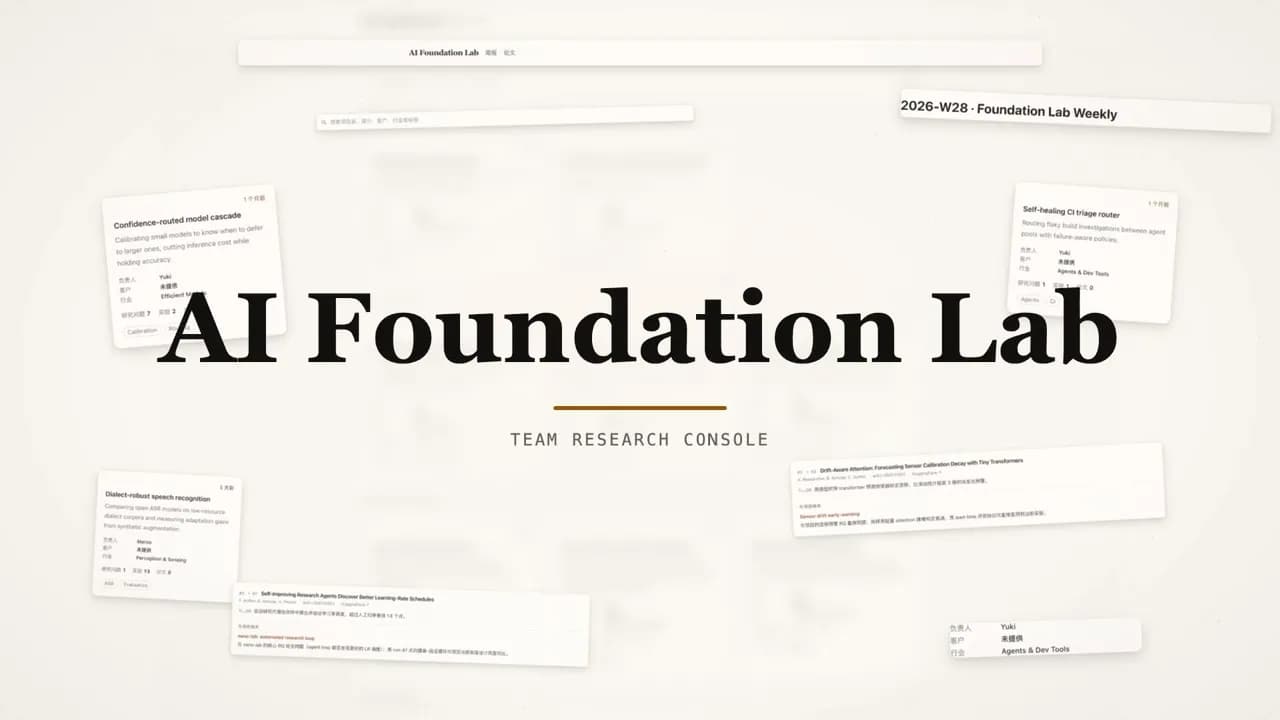
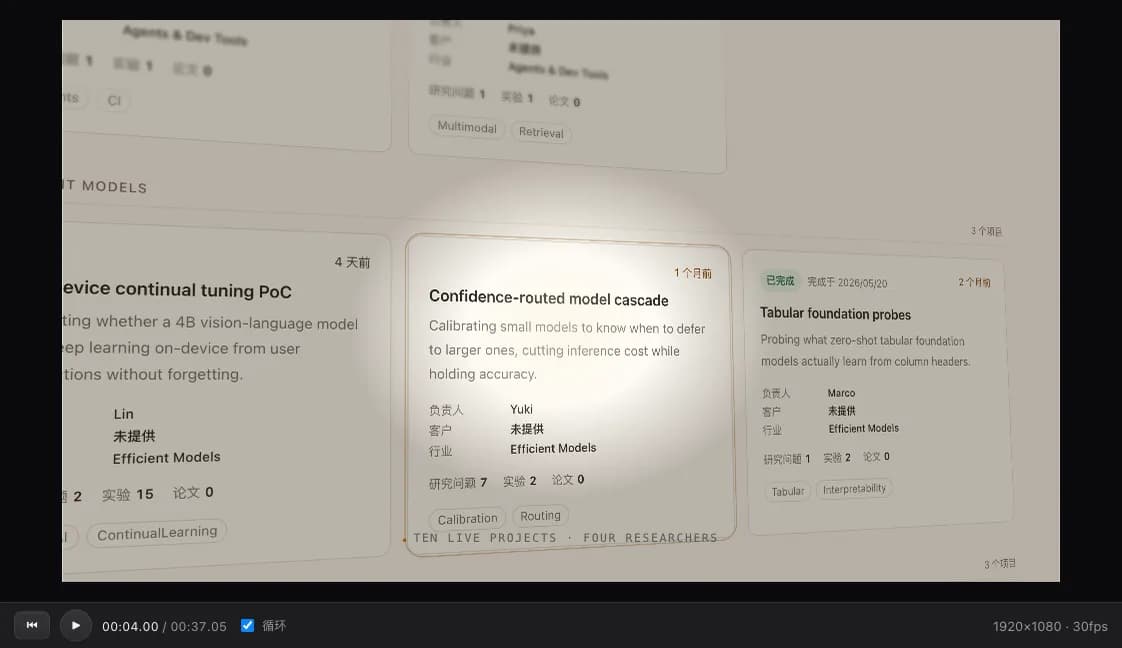
Learn for free, share what you make, and turn your skills into paid work.
Free courses. Free credits.

Make it. Share it.


Your ad,
made in ReelMe
Partners bring the jobs.
Yes. Every course, tutorial and resource is free, and so are the community and the certificate. There are no course fees. Making images and videos in ReelMe uses your ReelMe credits, as it does anywhere in the app.
We show you where creators get paid for AI video (brand deals, freelance gigs and agencies) and how to get there. We can't promise income: your work decides that.
Yes, free. Finish every lesson of a course and you get a certificate with its own link to share.
No. Open any lesson in any order and skip what you already know.
Some lessons ask you to make something. Pick it from your own generations of the last 7 days and submit it; it is posted to the course community.
In the course community: post what you made, and other learners can like it and comment.
Free courses, free resources and a free community. Post what you make and get feedback from other creators.
Every course, prompt, skill and resource for making AI video, in one place. No course fees.